Answer Common Customer Questions on Your Homepage
Use expandable rows to address common shopping questions, while an accompanying image adds visual context and keeps the information section engaging.

Present FAQs, product details, policies, and helpful information alongside a responsive image, using clean, expandable rows that keep content organized and easy to explore.
 Expandable Content Rows
Image & Content Layout
Responsive FAQ Design
Expandable Content Rows
Image & Content Layout
Responsive FAQ Design 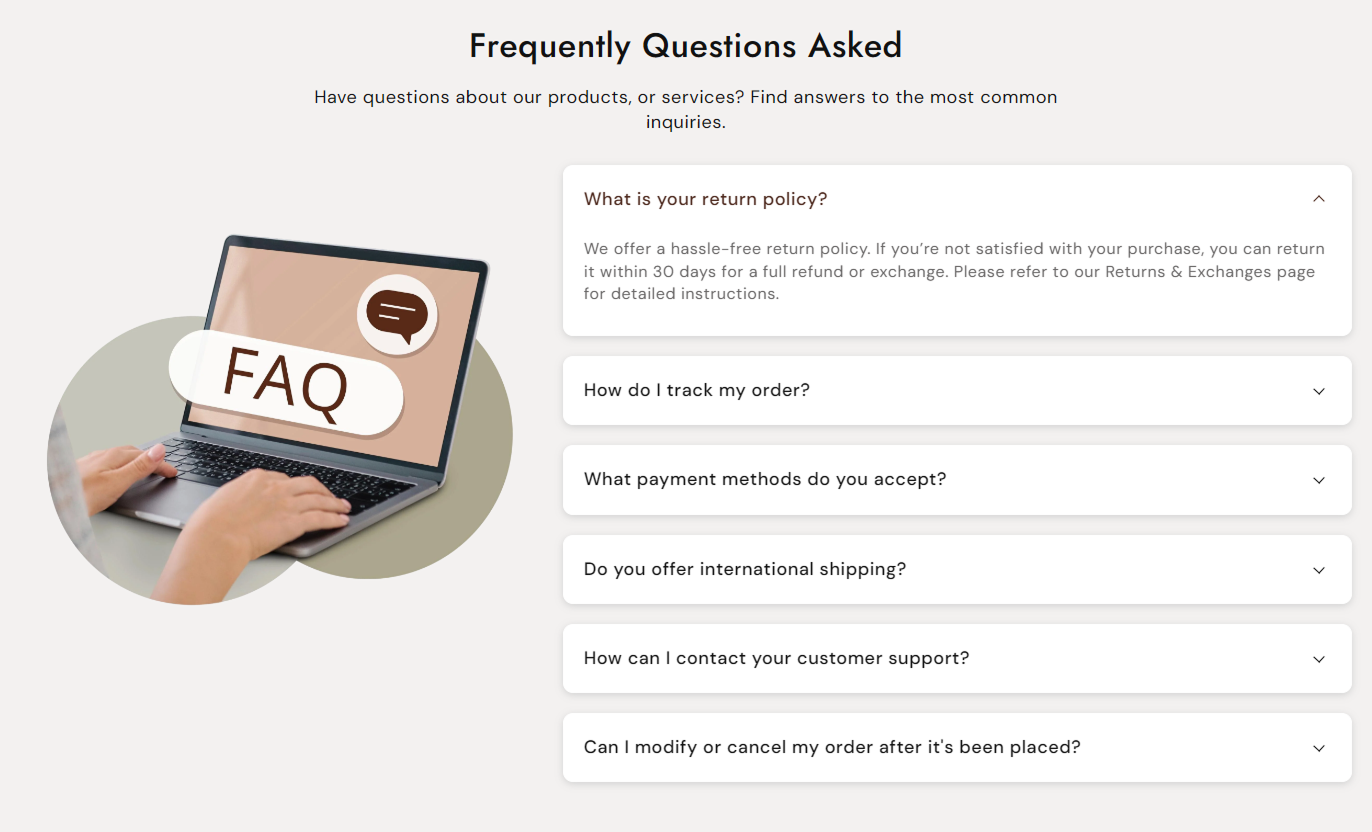
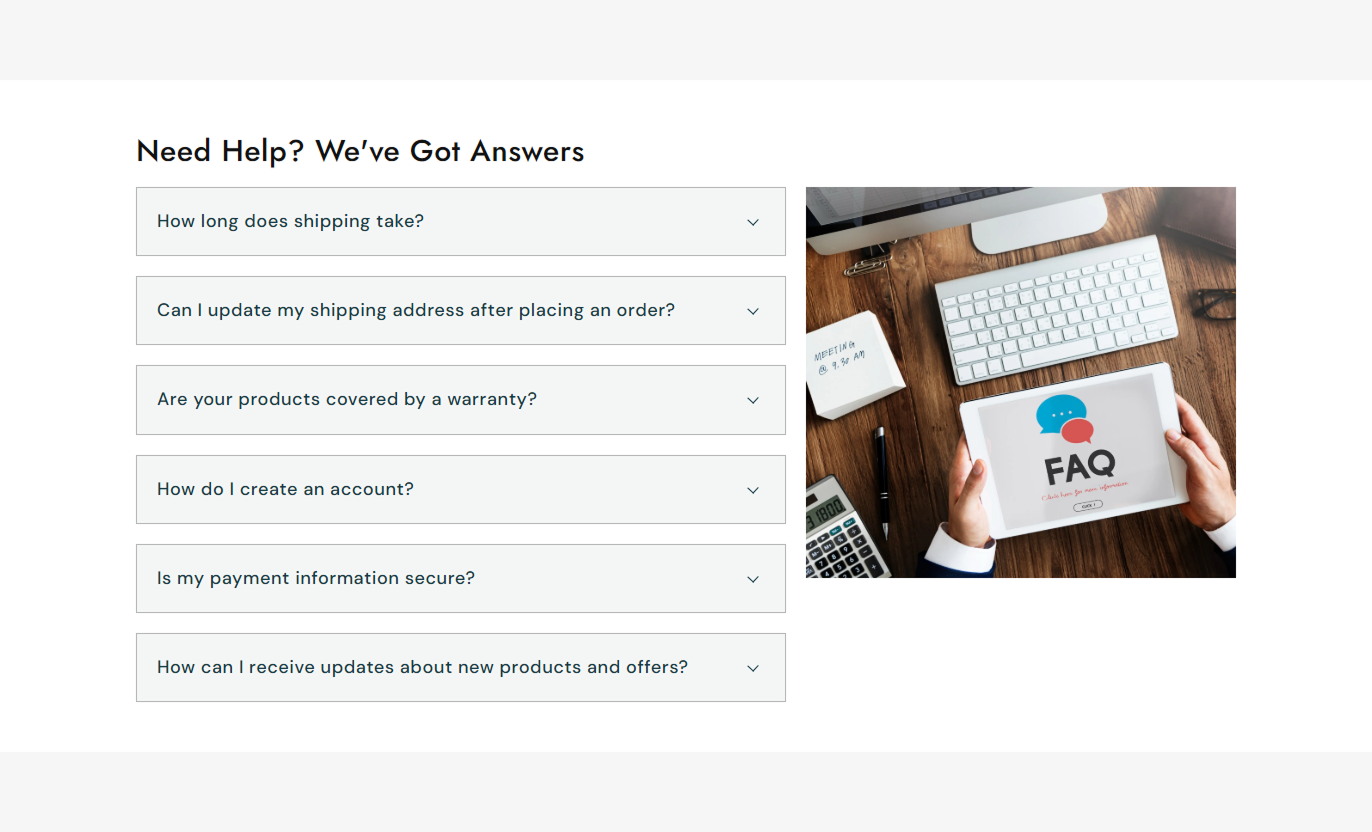


Create a structured information section with an image, heading, rich text, and expandable content rows that let customers reveal answers without overwhelming the page.

Combine a large visual with collapsible information to create a balanced and engaging content section.

Add up to 25 collapsible rows for FAQs, product details, policies, instructions, or other useful information.
Keep the experience focused by automatically closing the previously opened row when another row is selected.

Choose whether the first collapsible row should be expanded automatically when the section loads.

Place the image before or after the content on desktop to match your preferred section layout.

Control the image width and choose Small, Medium, Large, or Auto height options for different layouts.

The image and content automatically stack on mobile for comfortable reading and easy interaction on smaller screens.

Customize typography, colors, borders, shadows, spacing, alignment, and section width to match your storefront design.
Customize the image, content layout, typography, collapsible rows, colors, spacing, and section width to create a polished information area.

Applies to the whole section
Add a main heading above the image and a collapsible content section.
Section HeadingAdd supporting rich text below the main heading.
Section ContentAlign the heading and supporting content left, center, or right.
Content AlignmentChoose whether the first collapsible row opens automatically.
Open First RowSelect the image position on desktop layouts.
Desktop PositionSet the image width to Small, Medium, or Large.
Image WidthChoose Small, Medium, Large, or Auto image height.
Image HeightAdjust the image corner rounding for the visual style.
Image Border RadiusSet the heading and supporting content font sizes.
Font SizesControl the main section background and text colors.
Section ColorsAdjust desktop top and bottom spacing around the section.
Desktop PaddingAdjust mobile top and bottom spacing independently.
Mobile PaddingUse a full-width layout or set a maximum content width.
Section Width
Applies to each collapsible content row
Add a question, title, or information heading to each row.
Row HeadingAdd rich-text content that is revealed when the row is expanded.
Row ContentAdd up to 25 collapsible rows to organize detailed information.
Up to 25 RowsAdjust the font size used for row headings.
Question Font SizeAdjust the font size used for expanded row content.
Answer Font SizeControl the size of the desktop expand/collapse arrow.
Arrow SizeCustomize the row corner radius to make cards softer or sharper.
Row Border RadiusSet row background, border, shadow, and text colors.
Row StylingCustomize the heading color and its hover/active color.
Heading ColorsCustomize the expanded content text color.
Answer ColorUse this flexible image-and-content layout across key storefront pages to organize detailed information, answer common questions, explain products, and guide customers.
Use expandable rows to address common shopping questions, while an accompanying image adds visual context and keeps the information section engaging.
Answer common questions without taking up excessive page spaceHighlight shipping, returns, payment, and support informationKeep detailed answers hidden until customers need themUse the image to support your brand or featured messageCreate a clean information area below key homepage contentPlace collection-specific FAQs, shipping details, buying guidance, or product information next to an image to support customers as they browse products.
Explain collection-specific details in an organized formatAdd guidance without interrupting product discoveryAddress questions about shipping, availability, or usageSupport collection themes with a relevant visualKeep important information accessible below product listingsUse expandable rows to organize product information such as specifications, care instructions, shipping details, warranties, or frequently asked questions.
Present detailed product information in a compact layoutKeep specifications and instructions easy to scanAnswer purchase questions near product contentReduce visible text while keeping details availablePair product-related information with a supporting imageCreate a structured information area for promotions, services, launches, or campaigns where customers need additional details without lengthy blocks of visible text.
Organize campaign information into clear expandable sectionsExplain services, offers, policies, or processes step by stepUse imagery to reinforce the campaign messageKeep landing page content visually clean and focusedGive visitors control over which details they exploreVisual Collapsible Content keeps important information organized in expandable rows while a supporting image creates a balanced layout that works across desktop and mobile screens.
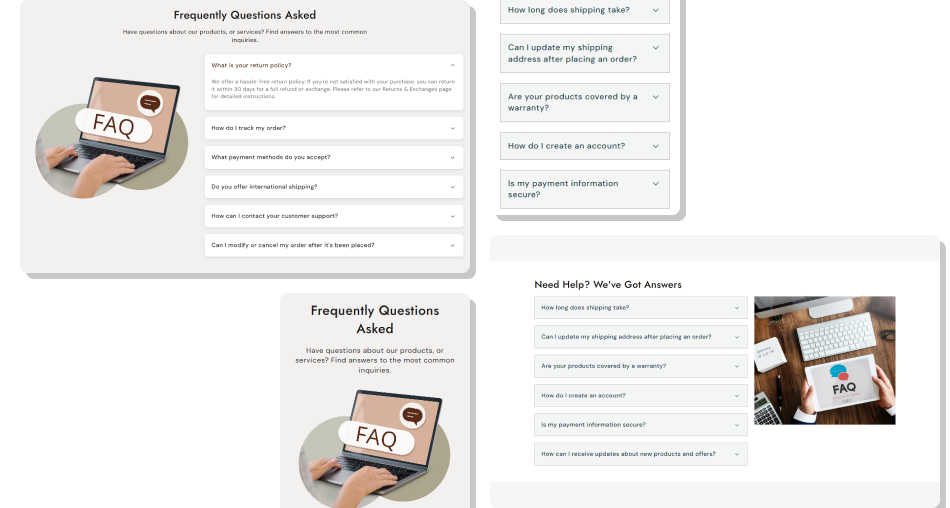
Give customers access to detailed answers and useful information without filling the page with large blocks of text.
Reduce Content ClutterImprove Information DiscoveryCreate a Balanced LayoutSupport Better Mobile BrowsingMatch Your Store DesignHandle Detailed Content EfficientlyKeep Customers Focused Use short, clear row headings that explain the information inside.
Group related FAQs or details into a logical sequence.
Keep expanded answers concise, useful, and easy to scan.
Choose an image that directly supports the surrounding content.
Match row colors, typography, and spacing with your store design.
Use short, clear row headings that explain the information inside.
Group related FAQs or details into a logical sequence.
Keep expanded answers concise, useful, and easy to scan.
Choose an image that directly supports the surrounding content.
Match row colors, typography, and spacing with your store design.  Don't use vague row titles that make the content hard to understand.
Don't place unrelated questions or topics into the same section.
Don't fill every row with unnecessarily long blocks of content.
Don't use decorative images that distract from important information.
Don't overuse colors, shadows, or borders that reduce visual clarity.
Don't use vague row titles that make the content hard to understand.
Don't place unrelated questions or topics into the same section.
Don't fill every row with unnecessarily long blocks of content.
Don't use decorative images that distract from important information.
Don't overuse colors, shadows, or borders that reduce visual clarity. You can add up to 25 collapsible rows. Each row can have its own heading and rich text content, making the section suitable for detailed FAQs and information.
Yes. You can enable the Open First Row option to automatically expand the first available collapsible row when the section is displayed.
Yes. On the desktop, you can position the image on the left or right. On mobile, the layout automatically stacks the image and collapsible content vertically.
Yes. You can choose a Small, Medium, or Large image width, and select a Small, Medium, Large, or Auto image height to fit your layout.
Yes. You can customize row colors, heading colors, active or hover colors, answer text, borders, shadows, border radius, and typography.
Yes. The image and collapsible content stack vertically on smaller screens, with mobile-specific spacing and readable typography for easier browsing.
Yes. Each row uses a rich text content field, allowing you to format detailed answers and include links where needed.
For Support or any Questions Email Us: [email protected]
Install SectionHub and add the Visual Collapsible Content section to your theme in minutes - no coding required.
