Feature Products Through Video
Use a promotional or brand video to introduce products and highlight items shoppers can explore.

Showcase a Shopify video with selected products in a sliding product bar. Display product images, prices, sale pricing, and product links directly below your video.
 2.0 Compatible
Video & Product Slider
Responsive Layout
2.0 Compatible
Video & Product Slider
Responsive Layout 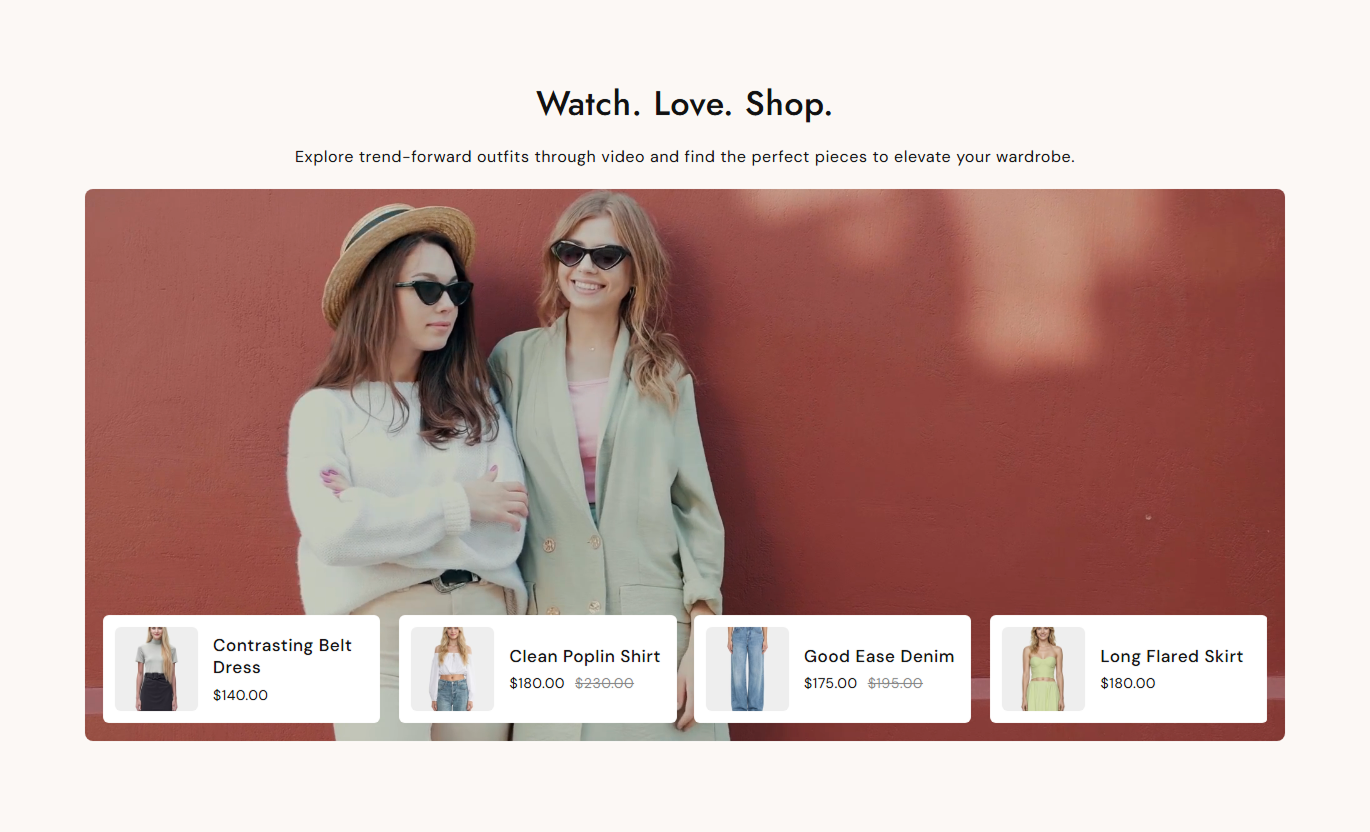
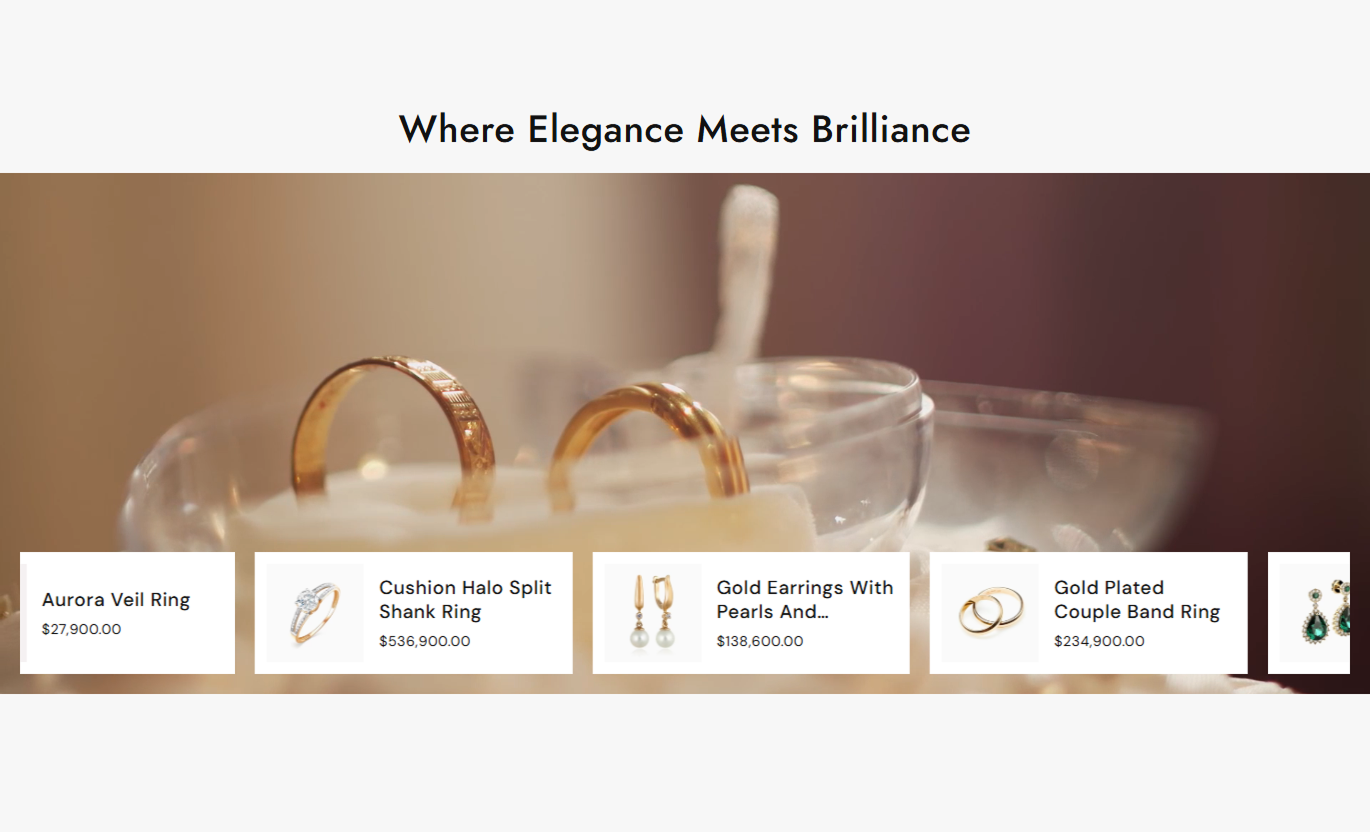


Combine video content with a product slider to help shoppers discover featured products and move from watching to browsing with less effort.

Place a product slider directly over the bottom of your video.

Use a Shopify-hosted video with an optional poster image.

Show selected products in a horizontal sliding layout.

Display current prices and, when available, compare-at prices.

Show a product's second image when shoppers hover over it.

Enable autoplay, loop, mute, and an optional play or pause button.

Choose 3 or 4 product columns on the desktop and adjust the spacing.

The video and product slider adapt to smaller screens for mobile shoppers.
Control video playback, product slides, typography, colors, spacing, and section width from the Shopify editor.

Applies to the whole section
Add a heading and supporting rich text above the video.
Heading & ContentSet the alignment of the section heading and content.
Text AlignmentUpload the main Shopify-hosted video.
VideoAdd an optional image shown with the video.
Poster ImageChoose Small, Medium, Large, or Auto video height.
Video HeightTurn video autoplay, looping, and mute on or off.
Video PlaybackShow a custom play/pause control on the video.
Play/Pause ButtonSelect products to display in the product slider.
Select ProductsEnable automatic product slide changes.
Product AutoplaySet the product slider delay from 1-5 seconds.
Slide Change DelayChoose 3 or 4 product columns on the desktop.
Desktop ColumnsAdjust the space between product cards.
Product SpacingShow the second product image on hover.
Second Image on HoverAdjust video corner rounding.
Video Border RadiusControl product card and image corner rounding.
Product Border RadiusAdjust heading and description font sizes.
Heading & Content SizeSet product title and price font sizes.
Product Text SizeCustomize section and product slider colors.
Section & Product ColorsStyle slider arrow background, color, border, and size.
Arrow StylingAdjust desktop and mobile section spacing.
Section PaddingEnable full-width display or set a custom maximum width.
Section Width
Applies to selected products
Select products to feature below the video.
Product SelectionDisplay the product's featured image.
Product ImageShow a second image when hovering over the product image.
Hover ImageDisplay the selected or first available variant price.
Product PriceShow the compare-at price when a product is discounted.
Compare-at PriceLink product images and titles directly to their product pages.
Product LinksUse video to introduce products visually, then place selected products nearby so shoppers can discover and open them quickly.
Use a promotional or brand video to introduce products and highlight items shoppers can explore.
Showcase featured products visuallyAdd products directly below the videoCreate a stronger shopping-focused sectionMake product discovery more engagingUse video to introduce a collection theme while displaying selected products underneath for quick browsing.
Introduce the collection visuallyHighlight selected productsKeep product discovery close to the videoAdd more visual content to collection pagesUse the section to introduce related products, complementary items, or a wider product range through video content.
Feature related productsShow products in a visual formatAdd product links below the videoEncourage further product explorationCreate a focused section that combines video storytelling with a selected group of products for campaigns and promotional pages.
Combine storytelling and shoppingHighlight campaign productsKeep product information visibleCreate a clear path to product pagesGive shoppers product context through video while keeping featured products available in the same section.
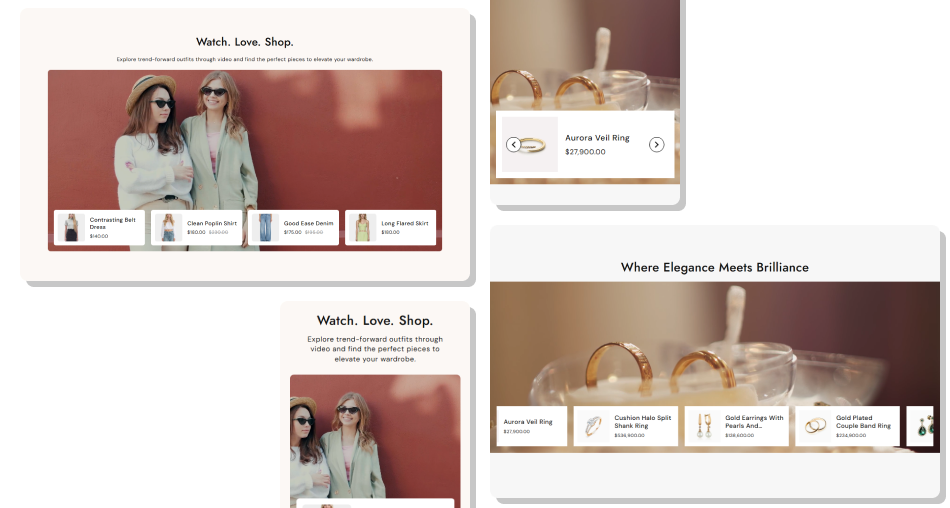
A product slider keeps selected items close to the video, making it easier for shoppers to browse and open products.
Combine video content and product discoveryFeature a selected group of Shopify productsDisplay product images, titles, and pricesShow compare-at pricing for discounted productsAdd a second product image on hoverUse autoplay, loop, and mute settings for the videoLet shoppers navigate products with slider arrowsAdjust the layout and styling to match your storefront Use a clear video that supports the products you feature.
Select products that are directly related to the video content.
Keep product titles short enough to scan easily.
Use a poster image when you want a specific video preview.
Choose spacing and colors that keep product information easy to read.
Use a clear video that supports the products you feature.
Select products that are directly related to the video content.
Keep product titles short enough to scan easily.
Use a poster image when you want a specific video preview.
Choose spacing and colors that keep product information easy to read.  Don't feature unrelated products below the video.
Don't select too many products without a clear reason.
Don't use a video that makes product details difficult to notice.
Don't use colors that reduce the visibility of product titles or prices.
Don't rely only on autoplay; make sure the section still works with playback controls.
Don't feature unrelated products below the video.
Don't select too many products without a clear reason.
Don't use a video that makes product details difficult to notice.
Don't use colors that reduce the visibility of product titles or prices.
Don't rely only on autoplay; make sure the section still works with playback controls. Yes. The section includes a Shopify video setting where you can select the video for the showcase.
Yes. You can optionally upload a poster image to display with the video.
Yes. You can enable or disable autoplay from the Shopify editor.
Yes. The Loop setting lets you control whether the video repeats.
Yes. You can enable the Show play / pause button option for custom video controls.
The section uses Shopify's product list setting, which lets you select the products you want to showcase. The slider automatically displays them across the available layout.
Yes. You can turn product slider autoplay on or off and set the slide change delay from 1 to 5 seconds.
Yes. Enable Show second image on hover to display the second product image when available.
Yes. The video and product slider adjust for smaller screens, with product slides adapting to the available mobile width.
For Support or any Questions Email Us: [email protected]
Install SectionHub and add the Video with Products section to your theme in minutes - no coding required.
