Tell Your Brand Story Visually
Use video to introduce your brand, highlight products, share campaigns, or create a strong visual section on your homepage.

Add a responsive video to your Shopify store to showcase products, brand stories, promotions, tutorials, or other visual content in a focused section.
 2.0 Compatible
Responsive Design
Video Content
2.0 Compatible
Responsive Design
Video Content 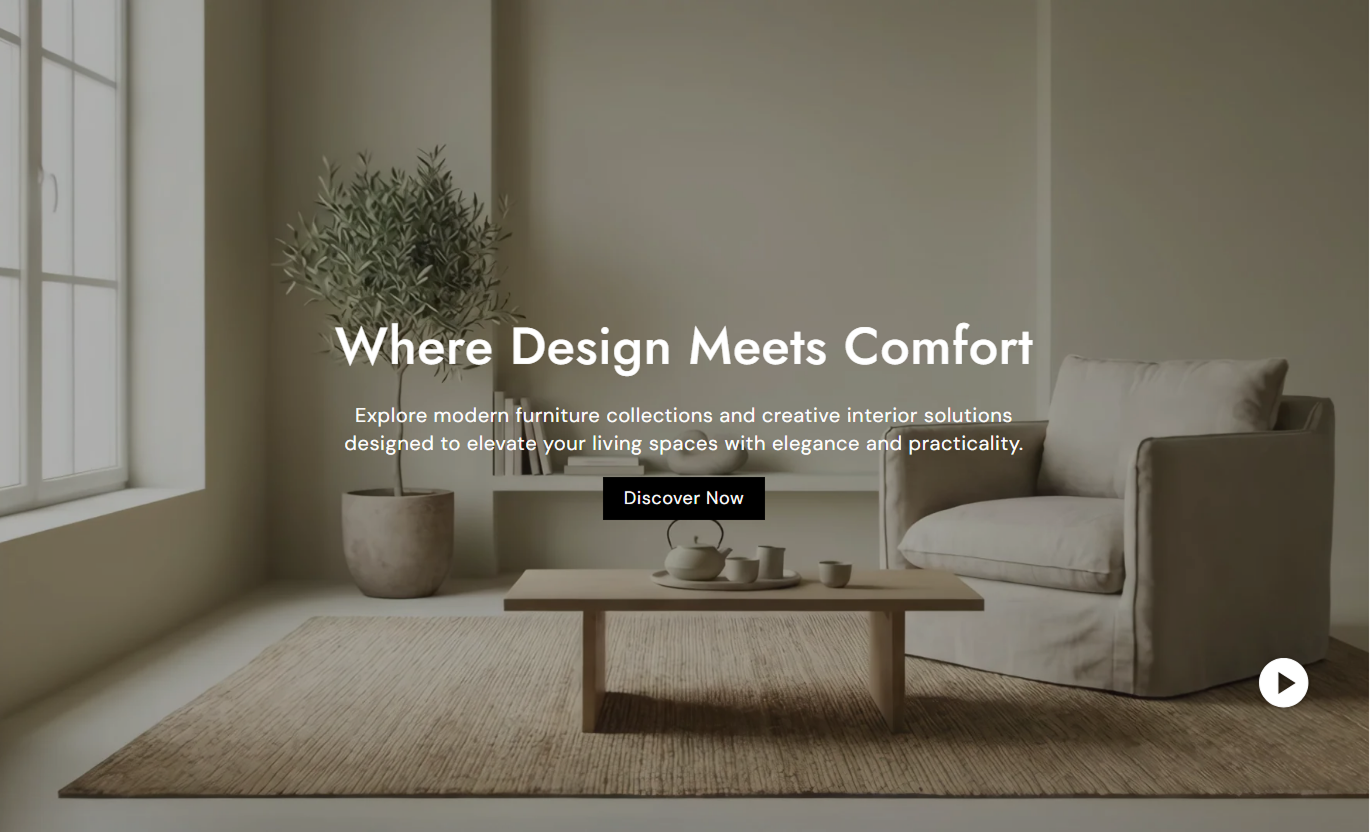
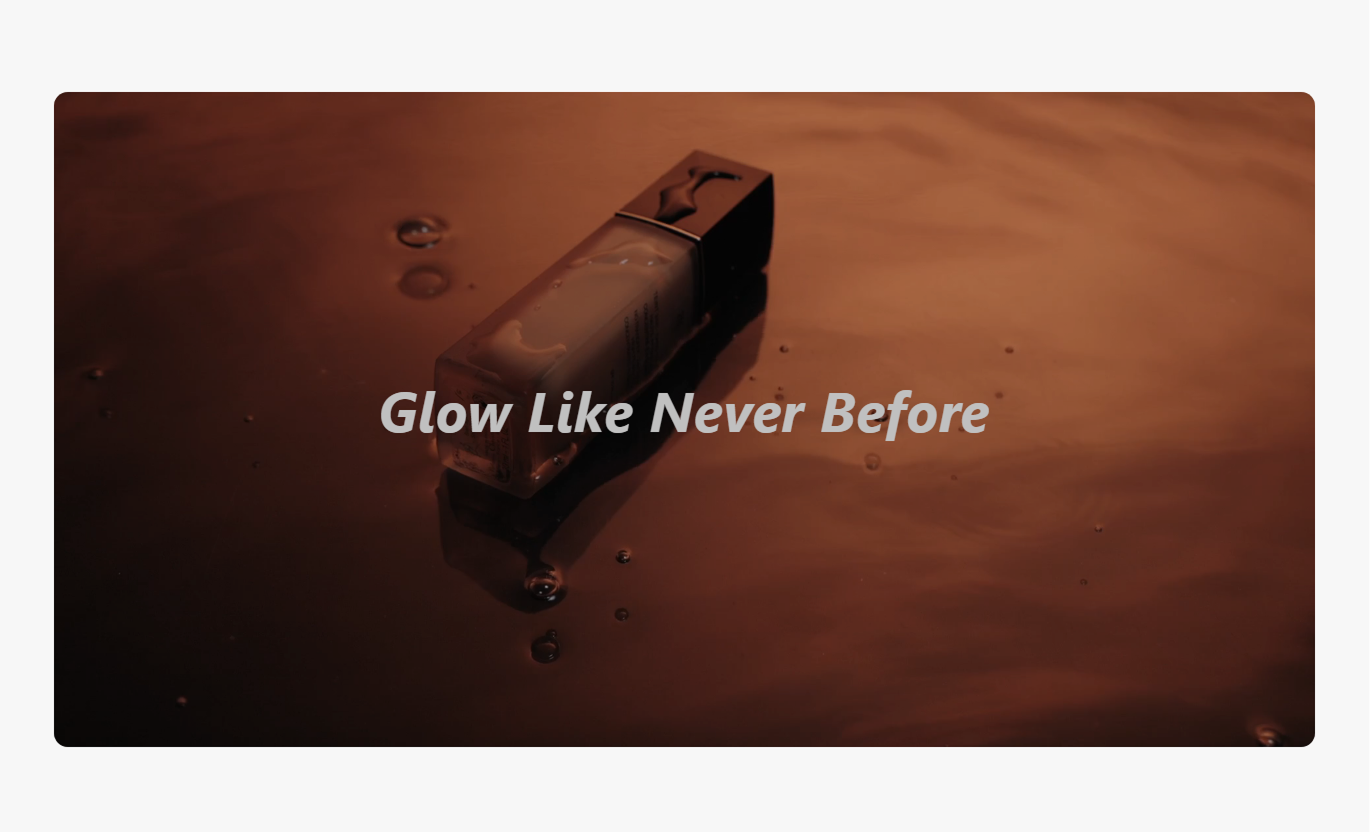


Add video content with playback controls, custom text, responsive settings, and styling options to create a focused visual experience.

Add a Shopify-hosted video directly to your section.

Control how the video starts and repeats on your storefront.

Choose whether the video starts automatically and continues playing.

Control whether the video plays without sound.

Add a poster image to display before the video starts.

Add a heading and description alongside your video.

Create a video section that works across desktop and mobile screens.

Adjust spacing, colors, alignment, and section width to match your store.
Control video playback, content, layout, and section styling directly from the Shopify theme editor.

Applies to the whole section
Video displayed in the section.
VideoImage shown before the video starts.
Poster ImageStart the video automatically when displayed.
AutoplayRepeat the video continuously.
LoopPlay the video without sound.
MuteMain heading displayed with the video.
HeadingSupporting text displayed with the video.
ContentChoose how the section content is aligned.
Text Alignment
Applies to each video content item
Video content added to the section.
VideoImage displayed before playback begins.
Poster ImageText shown with the video.
ContentLink added to the video content.
LinkUse video to explain your products, introduce your brand, showcase promotions, or add visual storytelling throughout your Shopify store.
Use video to introduce your brand, highlight products, share campaigns, or create a strong visual section on your homepage.
Introduce your brandShowcase featured productsHighlight promotionsShare brand storiesUse video to demonstrate products, explain features, show how to use them, or give shoppers more visual context before purchase.
Demonstrate product usageHighlight product featuresShow products in actionSupport purchase decisionsUse video to introduce a collection, highlight its theme, or showcase products with engaging visuals.
Introduce collectionsHighlight collection themesShowcase featured productsAdd visual storytellingUse video to support product launches, promotions, campaigns, and other focused landing page experiences.
Capture attention quicklySupport campaign messagingShowcase launchesAdd visual storytellingUse video to explain products, showcase your brand, and give shoppers a more visual way to understand your products and store content.
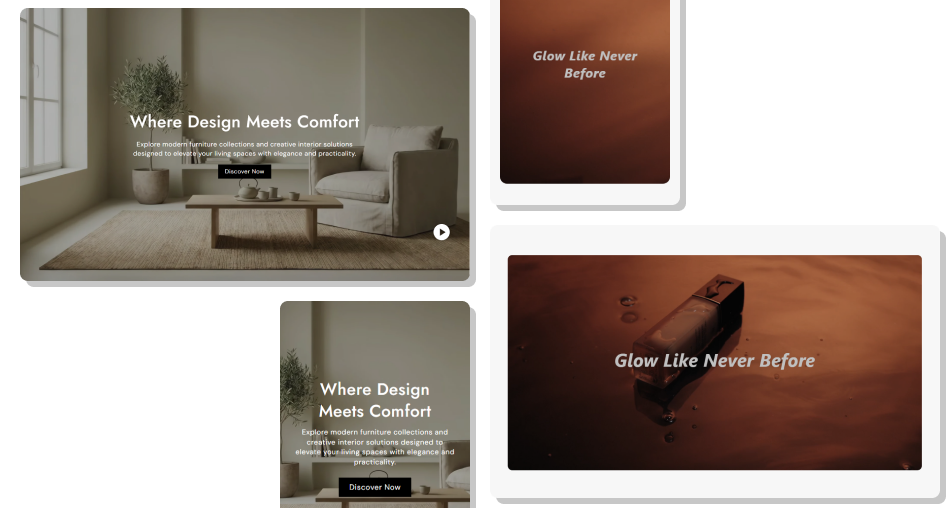
Add focused video content to your storefront while controlling playback, supporting text, poster images, and responsive presentation.
Showcase products through videoTell your brand story visuallyDemonstrate product featuresSupport product educationHighlight promotions and campaignsControl video playback settingsAdd supporting headings and contentUse custom poster imagesCreate responsive video layoutsMatch the section with your store design Use high-quality relevant videos
Keep videos focused on one message
Use clear supporting content
Choose a useful poster image
Keep video content short and engaging
Check the video experience on mobile
Use high-quality relevant videos
Keep videos focused on one message
Use clear supporting content
Choose a useful poster image
Keep video content short and engaging
Check the video experience on mobile  Use unrelated videos
Upload unnecessarily long content
Add too much supporting text
Use poor-quality visuals
Ignore mobile presentation
Make the video distract from the main message
Use unrelated videos
Upload unnecessarily long content
Add too much supporting text
Use poor-quality visuals
Ignore mobile presentation
Make the video distract from the main message Yes. Add a video to showcase products, brand content, promotions, or other visual information.
Yes. You can enable Autoplay from the available video settings.
Yes. Enable Loop to repeat the video automatically.
Yes. The Mute setting lets you control whether the video plays without sound.
Yes. You can add a poster image that appears before the video starts.
Yes. Add a heading and supporting content to provide context for the video.
Yes. The section adapts to different screen sizes for a better mobile experience.
Yes. You can adjust available colors, spacing, alignment, and width settings from the theme editor.
For Support or any Questions Email Us: [email protected]
Install SectionHub and add the Video section to your theme in minutes - no coding required.
