Highlight Your Store's Key Benefits
Use the USP icon bar to quickly communicate shipping benefits, customer support, secure payments, product quality, or other important store advantages.

Showcase your store's key benefits, services, features, or trust points with visual icon cards arranged around a central image.
 Visual USP Cards
Flexible Icon Options
Responsive Layout
Visual USP Cards
Flexible Icon Options
Responsive Layout 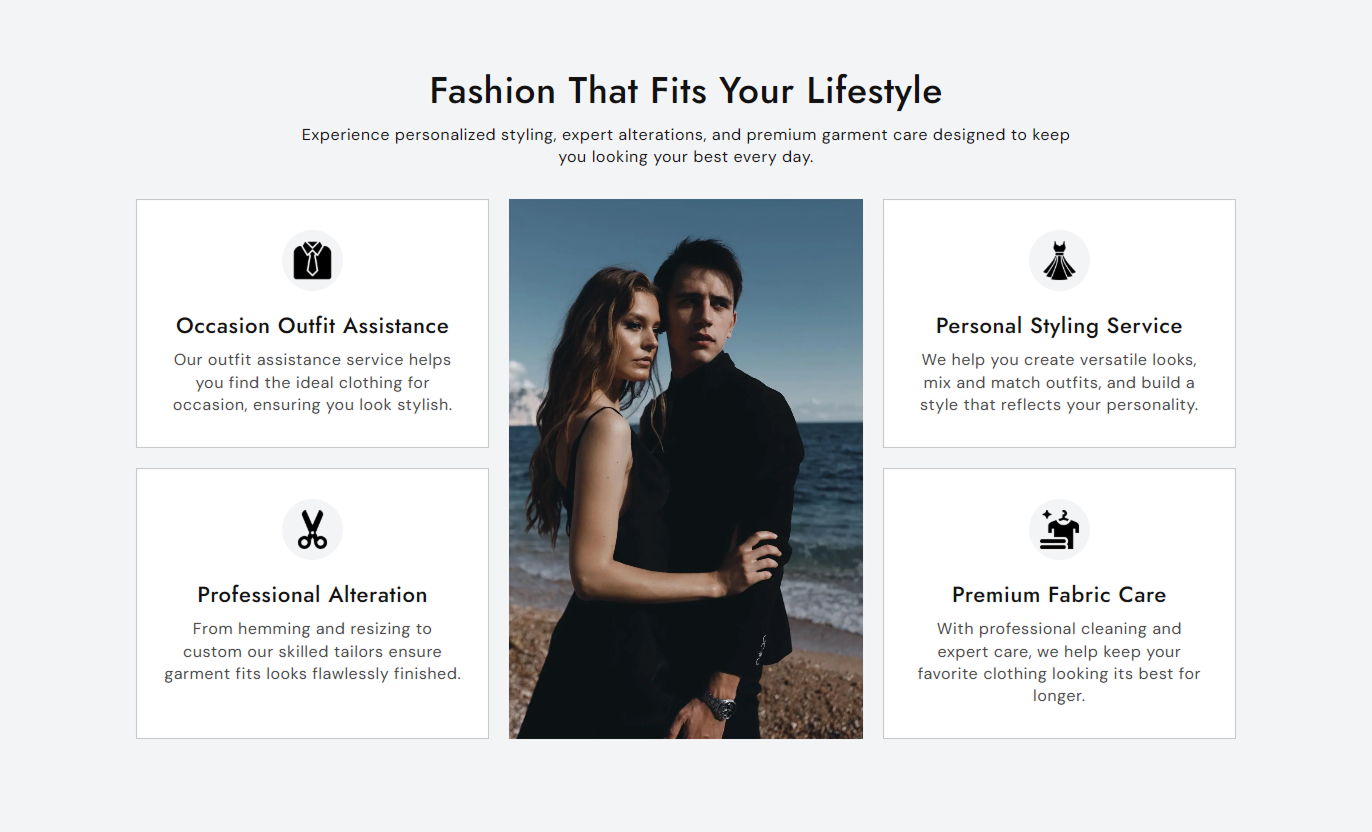
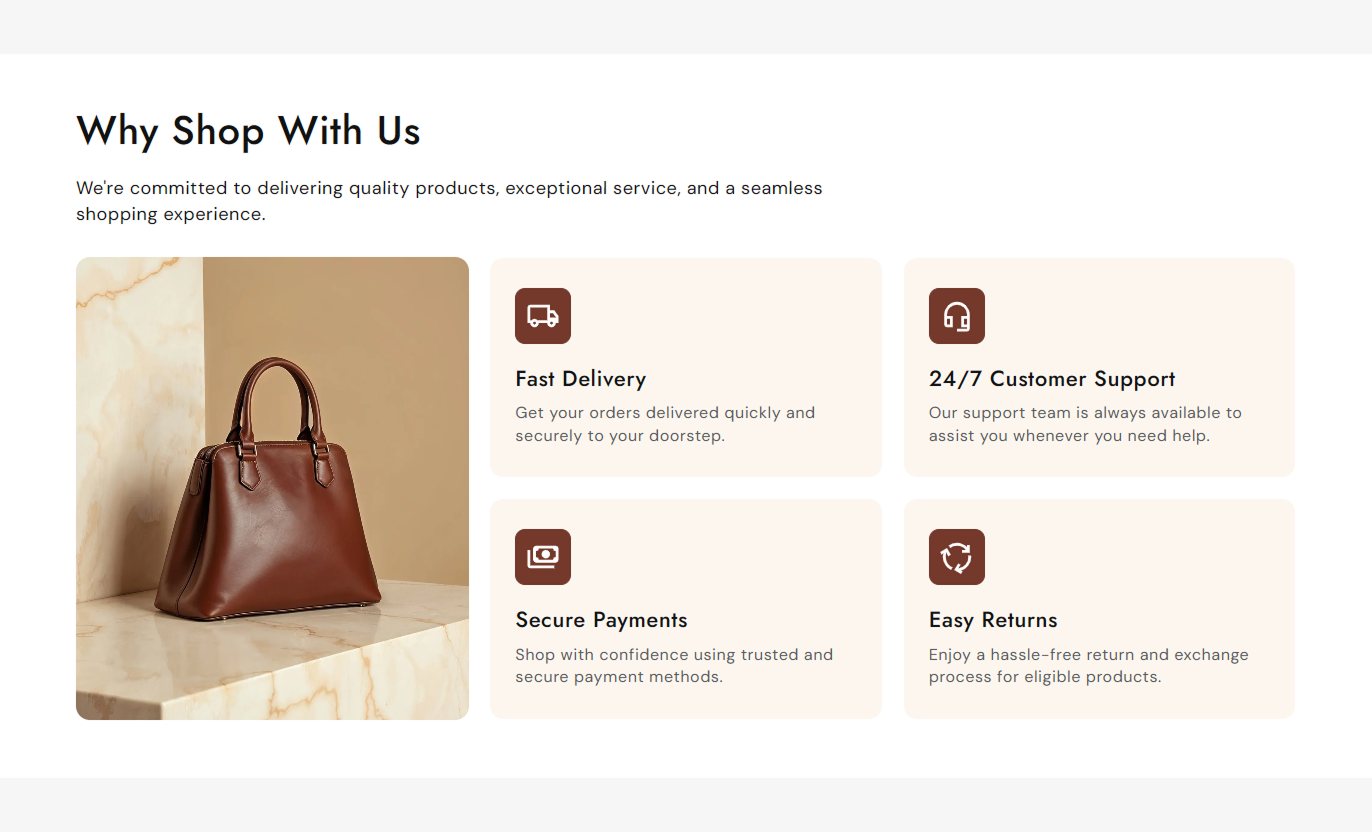
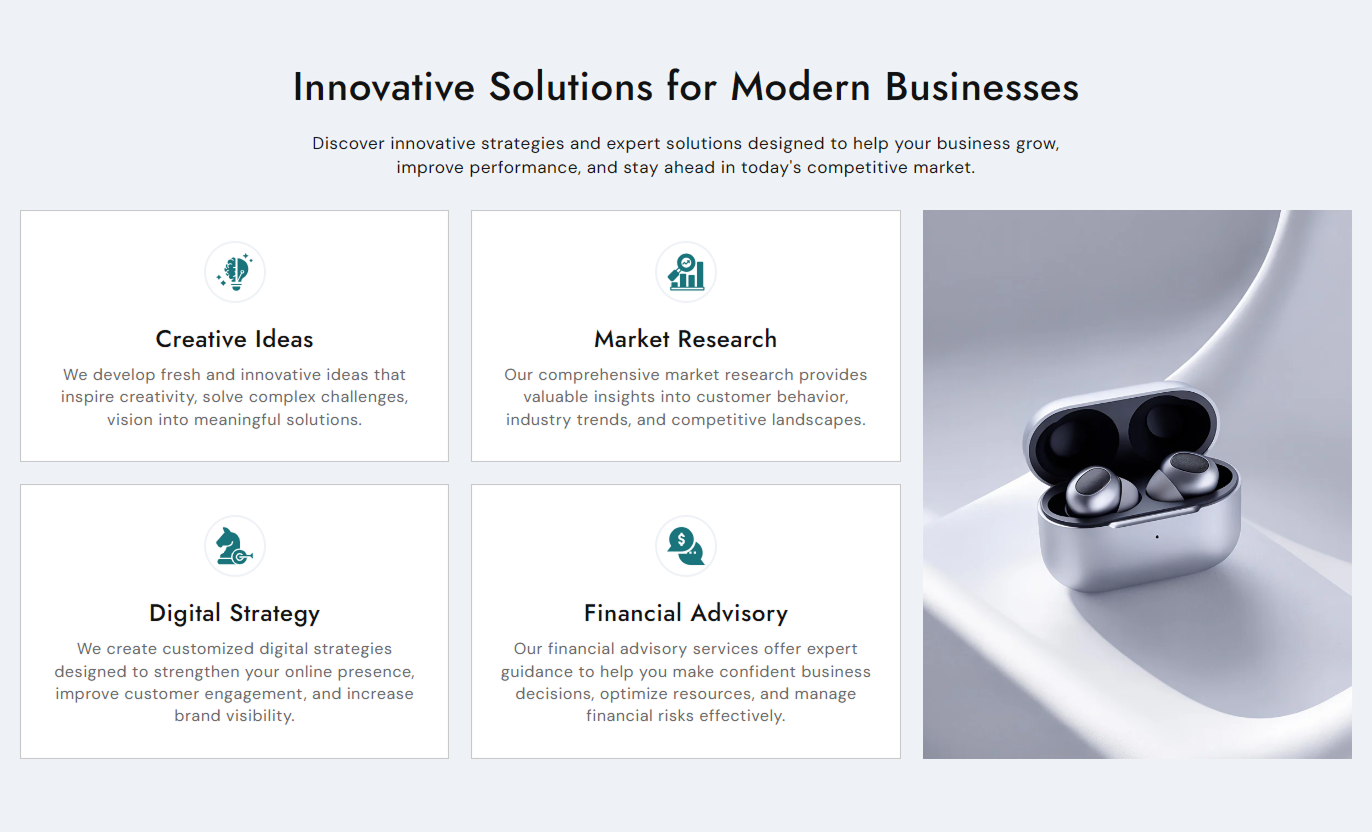


Create a structured benefits section with customizable icons, images, content cards, central imagery, alignment controls, and responsive styling.

Add a main image to the center of the USP grid for a balanced and engaging visual presentation.

Add up to 4 USP blocks to highlight important store benefits, services, features, or trust points.

Choose from a wide range of built-in icons or use a custom image for each USP block.

Display icons in square, rounded, or circular containers to match your store's visual style.

Adjust icon size, border thickness, icon color, background color, and border color.

Add a heading and a rich-text description to clearly explain each benefit or feature.

Control the alignment of USP content to create a layout that fits your store design.

Customize card backgrounds, borders, radius, typography, spacing, and overall section colors.
Control the section layout, central image, USP cards, icons, typography, colors, spacing, and responsive behavior from the theme editor.
Applies to the whole section
Main heading displayed above the USP grid.
HeadingSupporting rich-text content displayed below the heading.
ContentChoose the alignment of the section heading and supporting content.
Content AlignmentAdd the main image displayed within the USP layout.
ImageChoose whether the main image appears on the left, center, or right side.
Image PositionChoose whether the main image is displayed on mobile devices.
Show Image on MobileAdjust the corner rounding of the main image.
Image Border RadiusSet the spacing between USP cards on the desktop.
Space Between ColumnsChoose the alignment of content inside the USP cards.
Content AlignmentSet the main section heading font size.
Heading Font SizeSet the main section content font size.
Content Font SizeSet the background color of the entire section.
Background ColorSet the main heading color.
Heading ColorSet the main section content color.
Content ColorSet the USP card background color.
Card Background ColorSet the USP card border color.
Card Border ColorSet the USP card heading color.
Card Heading ColorSet the USP card content color.
Card Content ColorSet the top and bottom spacing for desktop screens.
Desktop Section PaddingSet the top and bottom spacing for mobile screens.
Mobile Section Padding
Applies to each USP icon block
Choose a built-in icon for the USP block.
IconUpload a custom image to use instead of the selected icon.
ImageAdd the title displayed for the USP benefit or feature.
HeadingAdd supporting rich-text content below the USP heading.
ContentAdjust the size of the icon displayed in the USP block.
Icon SizeChoose a square, rounded, or circular container for the icon.
Icon ShapeSet the color of the selected built-in icon.
Icon ColorCustomize the background color of the icon container.
Icon Background ColorSet the border color around the icon container.
Icon Border ColorAdjust the thickness of the icon container border.
Icon Border ThicknessUse visual USP cards to communicate key store benefits, services, product advantages, trust points, or shopping information in a clear, engaging layout.
Use the USP icon bar to quickly communicate shipping benefits, customer support, secure payments, product quality, or other important store advantages.
Highlight key store benefitsBuild trust with shoppersCommunicate services quicklySupport a stronger first impressionPlace the USP section alongside collection content to explain shipping, service, product quality, payment, or other store-wide benefits.
Support collection browsingHighlight store advantagesCommunicate important servicesImprove content visibilityUse USP cards to highlight product advantages, delivery information, return policies, payment options, or other details that support purchase decisions.
Highlight product benefitsCommunicate shipping informationReinforce return policiesSupport customer confidenceUse the central image and icon cards to introduce campaign benefits, services, features, or key reasons for visitors to explore your offer.
Create a structured visual sectionHighlight campaign benefitsCombine imagery with key informationGuide visitors toward important detailsCombine a central image with customizable USP cards to present important store benefits, services, features, or trust points in an easy-to-scan layout.
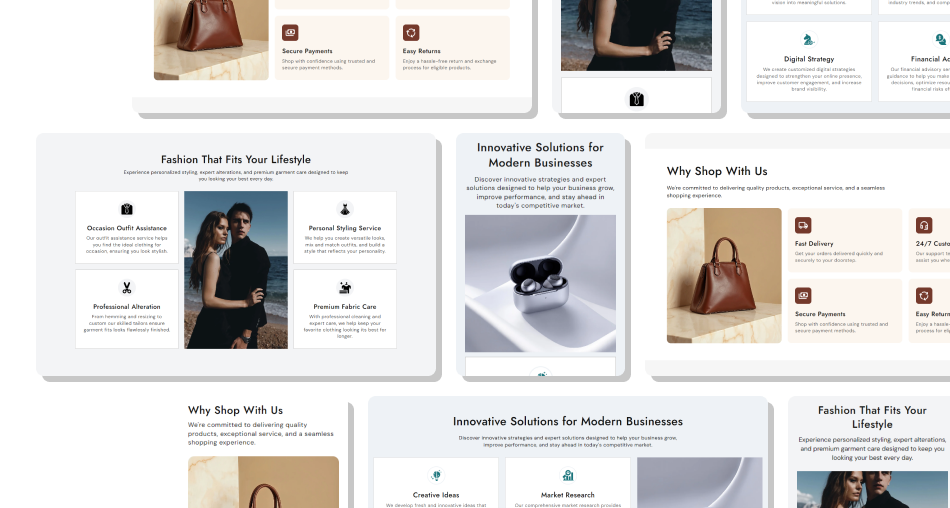
Use built-in icons or custom images, flexible card styling, rich-text content, and responsive settings to create a benefit-focused section that fits your store design.
Highlight multiple store benefitsCombine icons with a central imageAdd custom images to USP cardsChoose from multiple built-in iconsSelect square, rounded, or circular iconsCustomize icon colors and bordersAdd headings and rich-text descriptionsControl card and section stylingAdjust desktop and mobile spacingCreate responsive USP layouts Use relevant icons for each store benefit.
Keep USP headings short and easy to scan.
Use clear images that support the section message.
Highlight different benefits in each card.
Keep descriptions concise and informative.
Use relevant icons for each store benefit.
Keep USP headings short and easy to scan.
Use clear images that support the section message.
Highlight different benefits in each card.
Keep descriptions concise and informative.  Don't use unrelated icons for your USP content.
Don't add long or confusing USP headings.
Don't use low-quality or irrelevant images.
Don't repeat the same benefit across multiple cards.
Don't overload cards with unnecessary content.
Don't use unrelated icons for your USP content.
Don't add long or confusing USP headings.
Don't use low-quality or irrelevant images.
Don't repeat the same benefit across multiple cards.
Don't overload cards with unnecessary content. Yes. You can upload a main image and position it on the left, center, or right of the USP layout.
You can add up to 4 USP icon blocks, with each block having its own icon or image, heading, and content.
Yes. Each USP block can use a custom image instead of one of the available built-in icons.
Yes. You can adjust the icon size from the Icon settings in the theme editor.
Yes. You can choose a Square, Rounded, or Circle shape for the icon container.
Yes. You can customize the icon's color, background color, and border color.
Yes. You can customize the card background color, border color, border radius, heading color, and content color.
Yes. You can choose the content alignment for the USP blocks to match your preferred layout.
Yes. You can choose whether the main image is displayed on mobile devices using the Show Image on Mobile setting.
Yes. Each USP block supports rich-text content below its heading, allowing you to add formatted supporting information.
For Support or any Questions Email Us: [email protected]
Install SectionHub and add the USP Icon Bar With Image section to your Shopify theme to showcase key benefits with customizable icons, images, and responsive cards.
