Highlight Your Store's Key Benefits
Place the USP bar on your homepage to quickly communicate why shoppers should choose your store.

Showcase important store benefits, features, or selling points in clean icon cards. Add custom icons, headings, and descriptions in a flexible, responsive grid layout.
 2.0 Compatible
Flexible Icon Cards
Responsive Layout
2.0 Compatible
Flexible Icon Cards
Responsive Layout 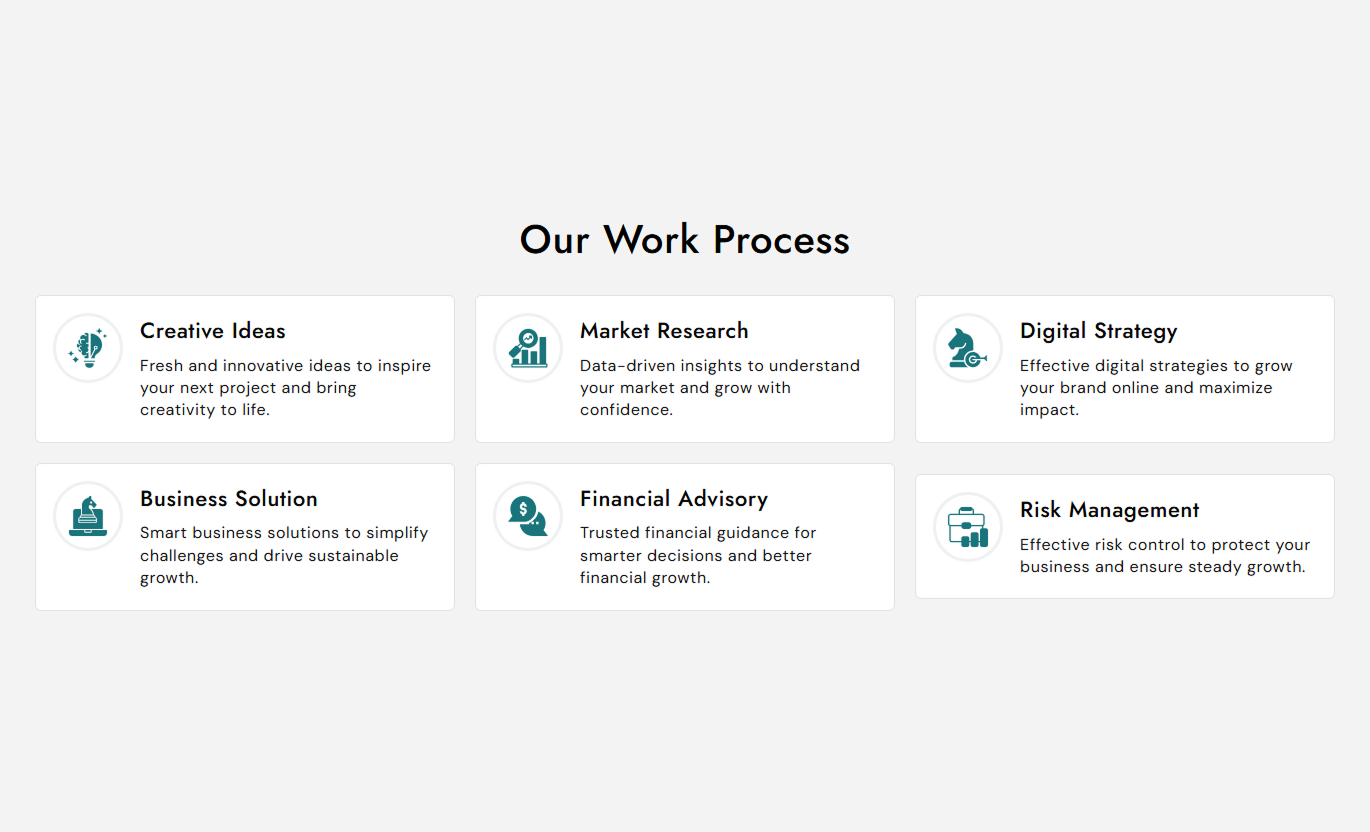
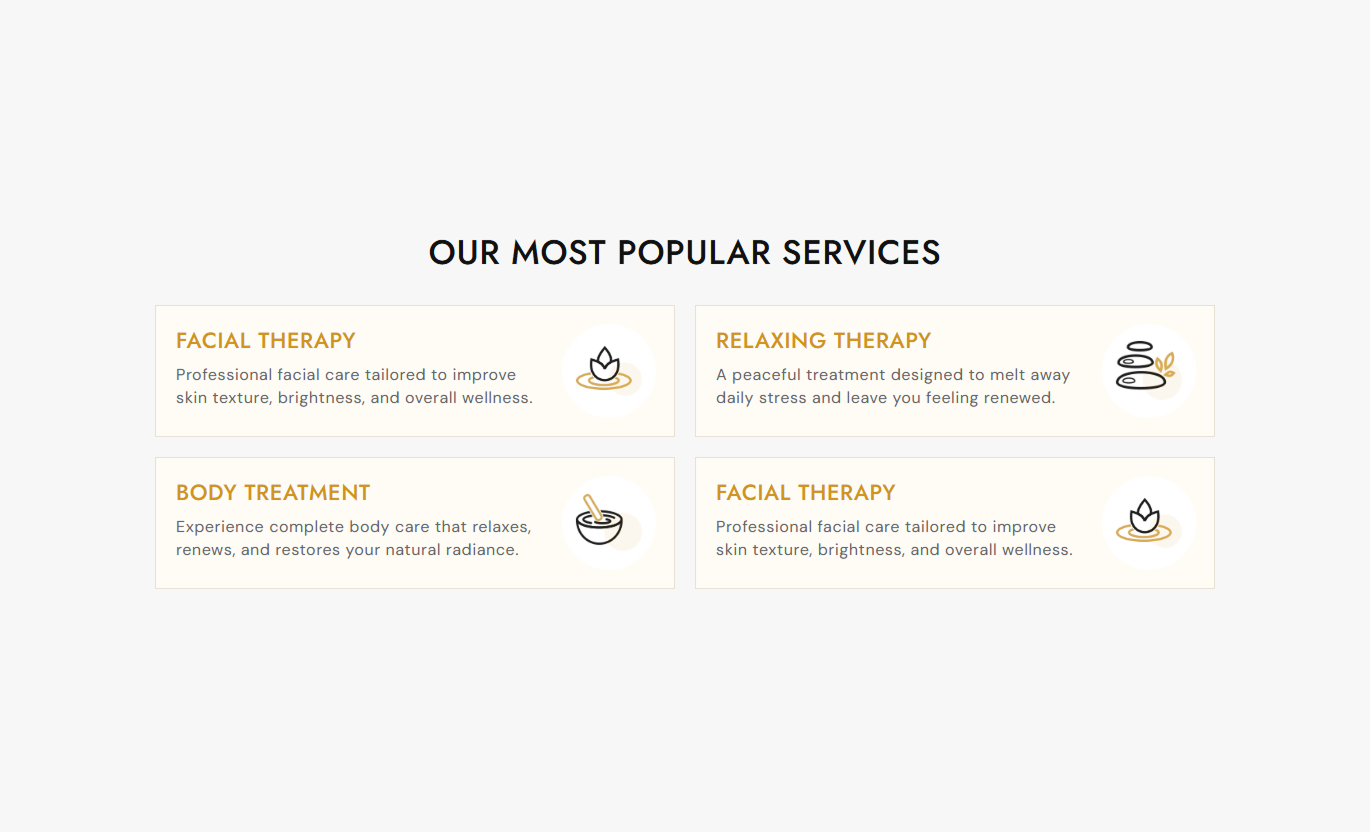


Highlight your store's benefits with custom icons, concise copy, flexible card layouts, adjustable styling, and responsive settings for desktop and mobile shoppers.

Add an image for each card to visually represent your store benefit or feature.

Display your USP cards in two or three columns on the desktop for a clean grid layout.

Choose whether the icon appears on the left or right side of each card.

Add a heading and rich text description to explain each USP clearly.

Control card padding, border radius, background color, and border color to match your store design.

Adjust icon size, border radius, border thickness, background, and border colors.

Cards automatically stack into a single-column layout on smaller screens for easier reading.

Control the alignment of the section heading and individual card content to create the layout you want.
Customize your section content, USP cards, icon layout, typography, colors, spacing, and section width directly from the Shopify theme editor.

Applies to the whole section
Add the main heading displayed above the USP cards.
Section HeadingAdd supporting text below the main section heading.
Section ContentChoose how the section heading and content are aligned.
Text AlignmentChoose two or three USP cards per desktop row.
Cards Per RowSet the position of icons inside each USP card.
Icon PositionAdjust card spacing, padding, and rounded corners.
Card Spacing & RadiusCustomize section, card, and icon colors.
Section & Card ColorsAdjust heading and content font sizes.
Typography SettingsSet desktop and mobile section top and bottom spacing.
Section PaddingControl full-width display and maximum section width.
Section Width
Applies to each USP icon card
Add an image or icon for the USP card.
USP Icon ImageAdd a short heading for the USP card.
USP Card HeadingAdd supporting rich text below the card heading.
USP Card ContentUse different content and icons for each USP card.
Card ContentUse USP icon cards to highlight important benefits, features, services, or store information across key Shopify pages.
Place the USP bar on your homepage to quickly communicate why shoppers should choose your store.
Highlight key store benefitsShowcase important featuresBuild quick trust with shoppersMake benefits easy to scanAdd useful store or collection benefits near product listings to give shoppers more context while they browse.
Highlight shopping benefitsExplain useful store featuresSupport product discoveryKeep key information visibleUse icon cards to present important product-related benefits or store information alongside your product content.
Highlight important benefitsExplain key selling pointsReinforce shopper confidenceKeep supporting information organizedUse the USP layout to organize the main benefits or features of a campaign, offer, service, or focused landing page.
Highlight campaign benefitsExplain key featuresOrganize supporting informationCreate a clear visual sectionPresent multiple USPs in structured icon cards so shoppers can quickly understand your store's key benefits and important selling points.
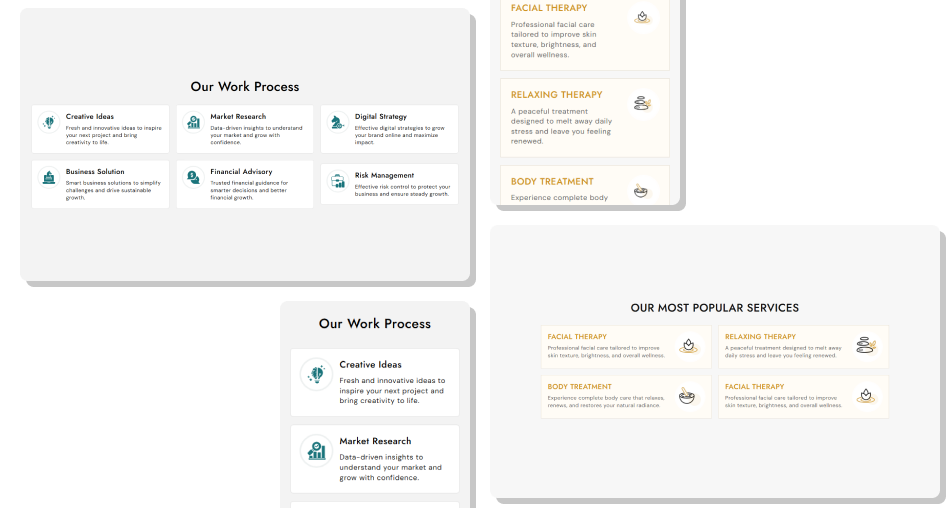
Use custom icons, card styling, flexible icon placement, and responsive layouts to create a USP section that fits your Shopify store.
Highlight multiple store benefitsAdd custom icons to each USPUse headings and rich text descriptionsChoose two or three cards per desktop rowPosition icons on the left or rightCustomize card and icon stylingKeep cards responsive on mobileMatch the section with your store design Use simple icons that match each USP
Keep card headings short and clear
Focus each card on one key benefit
Keep descriptions easy to scan
Use consistent icon and card styling
Use simple icons that match each USP
Keep card headings short and clear
Focus each card on one key benefit
Keep descriptions easy to scan
Use consistent icon and card styling  Use unrelated or confusing icons
Add long paragraphs inside cards
Repeat the same benefit across multiple cards
Overload cards with too much information
Use inconsistent headings or descriptions
Use unrelated or confusing icons
Add long paragraphs inside cards
Repeat the same benefit across multiple cards
Overload cards with too much information
Use inconsistent headings or descriptions You can add multiple USP icon blocks. The section layout supports two or three cards per row on the desktop.
Yes. Each USP block includes an image setting where you can add a custom icon or image.
Yes. Each USP block has its own heading and rich-text content settings.
Yes. You can position the icon on either the left or right side of the card content.
Yes. On the desktop, you can choose between two or three USP cards per row.
Yes. You can adjust card padding, border radius, background color, and border color.
Yes. You can control icon size, border radius, border thickness, background color, and border color.
Yes. On mobile, the USP cards automatically display in a single-column layout for better readability.
For Support or any Questions Email Us: [email protected]
Install SectionHub and add the USP Icon Bar Cards section to your theme in minutes - no coding required.
