Tell Your Brand Journey Through Key Milestones
Use the timeline on your homepage to highlight important years, achievements, launches, or growth stages in an interactive format that invites visitors to explore.

Show key milestones in an interactive circular timeline with clickable years, active descriptions, responsive sizing, custom colors, and up to ten timeline items.
 Interactive Timeline Wheel
Clickable Milestone Years
Responsive Story Layout
Interactive Timeline Wheel
Clickable Milestone Years
Responsive Story Layout 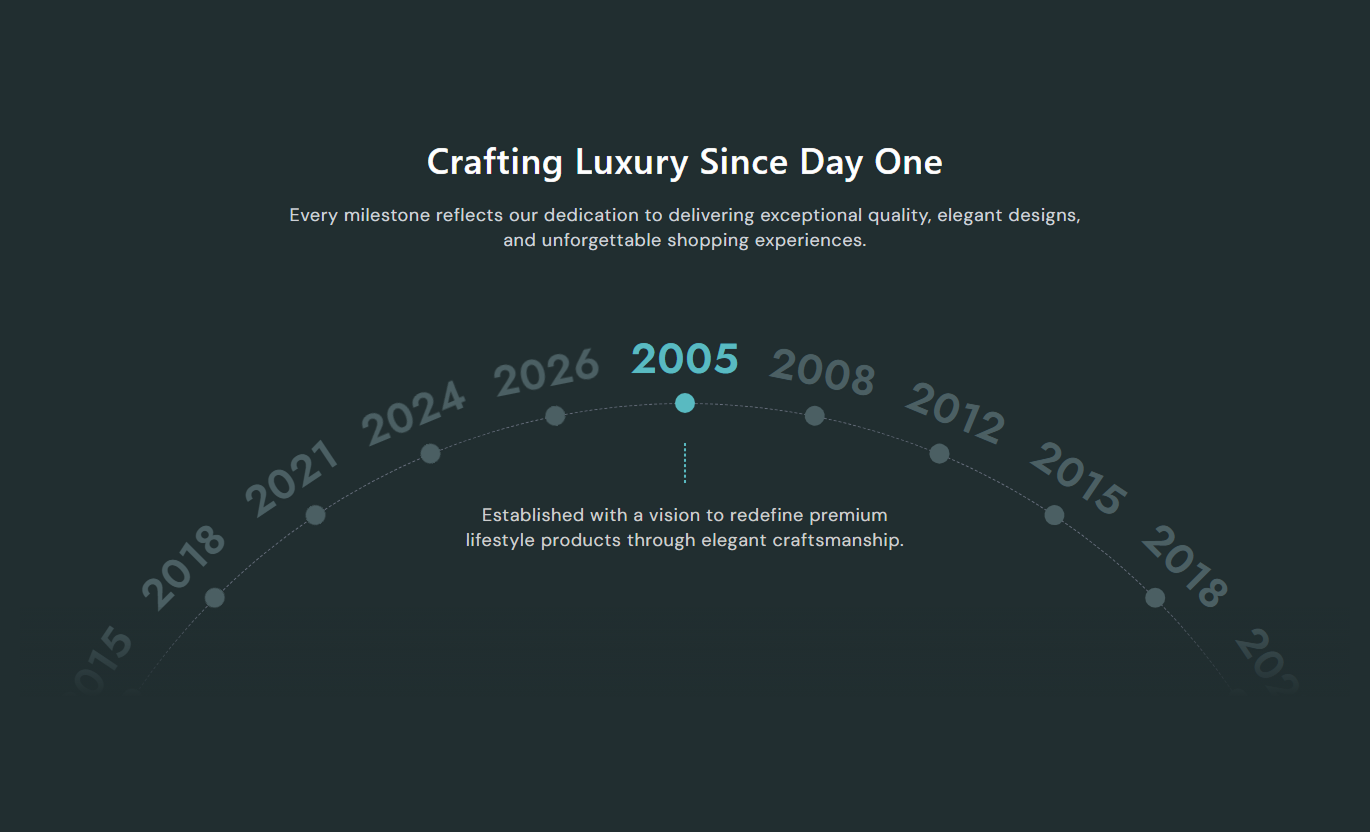
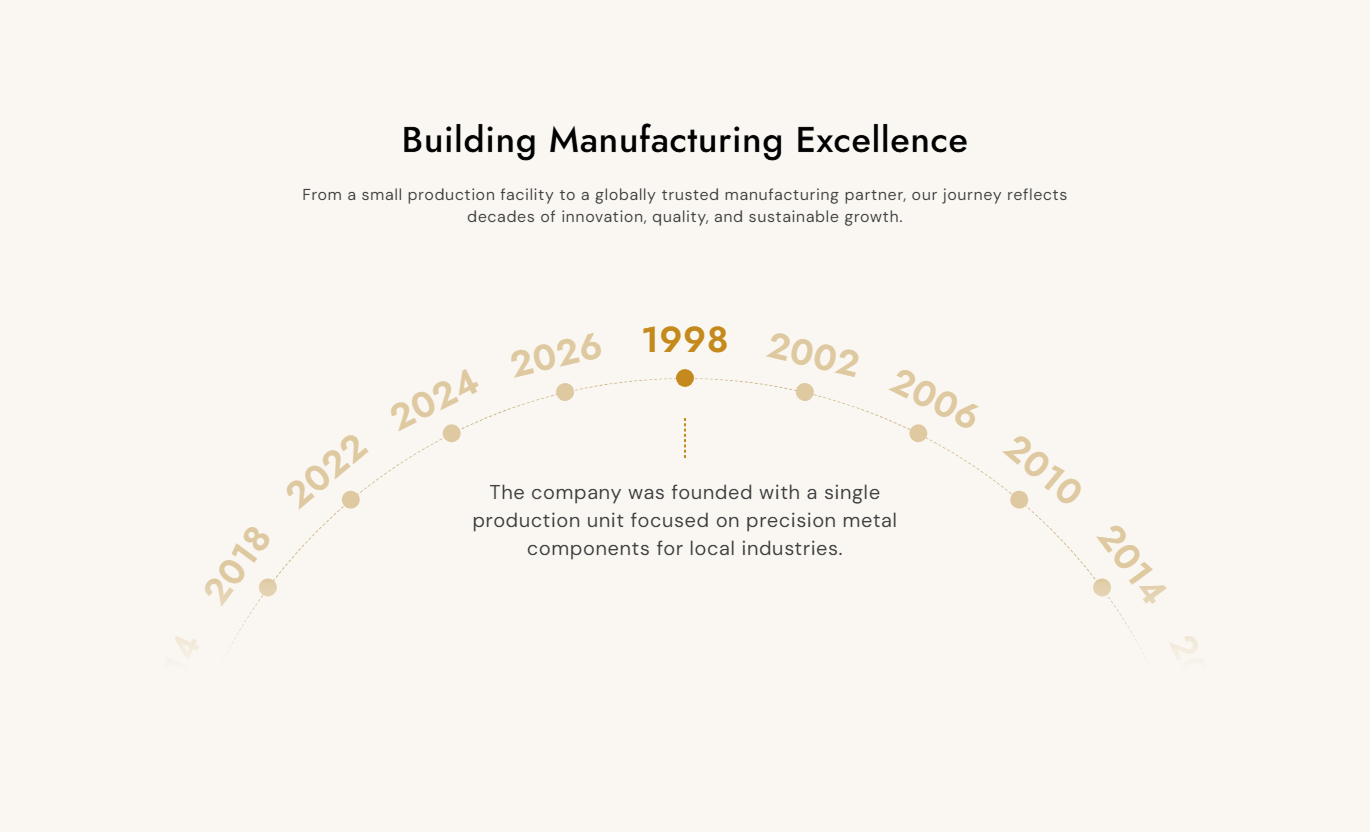


Present milestones in a circular timeline with clickable years, active descriptions, smooth rotation, responsive behavior, custom colors, and up to ten items.

Arrange milestone years around a large circular track that rotates smoothly when shoppers select different timeline points.

Let visitors click any visible year marker to rotate the wheel and bring that milestone into the active position.

Show the selected milestone description beneath its year while inactive items stay visually muted around the circle.

Add as many as ten timeline blocks, each with its own year heading and short description for structured storytelling.

Valid timeline items are repeated around the circle so the wheel stays visually filled even when only a few blocks are added.

Adjust year, description, dot, active, inactive, circle, heading, and background colors to match the storefront.

Scale year text, descriptions, dots, track width, spacing, and section height for tablet and mobile screens.

Use an animated 0.8-second rotation with shortest-path movement so selected milestones transition naturally around the wheel.
Control timeline content, typography, colors, dot sizing, responsive spacing, and maximum section width.

Applies to the whole section
Edit the main heading, rich text, and content alignment.
Heading & IntroAdjust heading, intro, year, and milestone text sizes.
Typography ControlsSet the timeline dot size for desktop presentation.
Timeline Dot SizeCustomize section, heading, intro, and timeline colors.
Color Style ControlsSet active and inactive year and dot colors separately.
Active State ColorsChoose the dashed circular track border color.
Timeline Circle ColorSet separate desktop top and bottom section spacing.
Desktop PaddingSet separate mobile top and bottom section spacing.
Mobile Section SpacingDefine the maximum contained width for the section.
Section Max Width
Applies to each timeline block
Add the year or short label for this milestone.
Milestone YearAdd the short description shown for this milestone.
Milestone ContentUse this interactive timeline across key Shopify pages to visually present brand history, product evolution, campaign stages, or milestone stories.
Use the timeline on your homepage to highlight important years, achievements, launches, or growth stages in an interactive format that invites visitors to explore.
Turn brand history into an engaging visual storyHighlight major milestones without long text sectionsLet visitors select years that interest them mostUse active descriptions to explain each key momentKeep the experience responsive across screen sizesUse Timeline Milestones near collection content to show how a range developed, when major updates happened, or which milestones shaped the category shoppers are viewing.
Add historical context around a featured collectionShow important launch or improvement milestones clearlyConnect category development with a visual timelineKeep supporting content separate from the product gridUse concise milestones to aid collection storytellingUse the section on product pages to explain the development stages, design updates, testing milestones, or key dates for the featured product or technology.
Explain product development in a structured sequenceHighlight design changes or innovation milestonesGive technical stories a more visual presentationLet shoppers explore milestones in any chosen orderKeep milestone descriptions concise and easy to scanUse Timeline Milestones on landing pages to present campaign phases, company growth, project history, anniversaries, or event milestones in a focused visual experience.
Structure campaign history around memorable milestonesSupport anniversary pages with interactive year markersShow project phases without adding many separate sectionsUse custom colors to match campaign visual brandingKeep timeline navigation simple with clickable milestonesTurn dates and milestones into an interactive circular experience that helps shoppers explore key moments without reading a long chronological text.
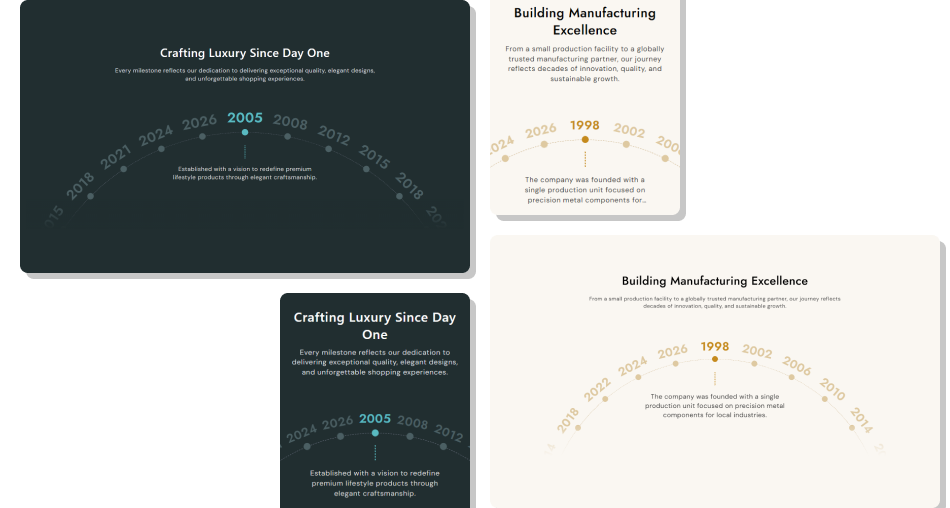
Use clickable year markers and active descriptions to visually present brand history, product progress, or campaign stages.
Turn chronological information into a more interactive experienceLet visitors jump directly to milestones that interest themKeep the selected milestone visually distinct from inactive pointsPresent up to ten unique events without building separate sectionsUse repeated items to keep the circular wheel visually populatedCustomize timeline colors and typography to suit your brandingMaintain a purpose-built responsive presentation for smaller screens Use short year labels that are easy to scan around the circle
Keep each milestone description focused on one important event
Arrange milestones in a clear chronological or logical order
Test every timeline point on desktop, tablet, and mobile
Use strong active and inactive colors for clear state contrast
Use short year labels that are easy to scan around the circle
Keep each milestone description focused on one important event
Arrange milestones in a clear chronological or logical order
Test every timeline point on desktop, tablet, and mobile
Use strong active and inactive colors for clear state contrast  Do not overload one milestone with several unrelated events
Do not use very long labels that crowd the circular layout
Do not rely on color alone if descriptions are unclear
Do not add empty year or description fields to live content
Do not make milestone copy so long that key details get clipped
Do not overload one milestone with several unrelated events
Do not use very long labels that crowd the circular layout
Do not rely on color alone if descriptions are unclear
Do not add empty year or description fields to live content
Do not make milestone copy so long that key details get clipped You can add up to ten Timeline blocks. Each block includes a year or short heading plus one description for that milestone.
Visitors click a year marker on the circular wheel. The script rotates the track and activates the selected milestone and description.
The code repeats valid blocks until the wheel has at least about twenty-six rendered items, helping keep the circular track visually populated.
A block is valid only when both its year and description are filled in. Incomplete blocks are skipped from the timeline wheel.
Yes. Separate controls are provided for active timeline color, inactive year color, inactive dot color, description color, and circle border.
On mobile, the track widens, year and description text become smaller, dots are fixed at 14px, spacing changes, and the bottom fade is removed.
Yes. The section includes a maximum-width text setting that controls the width of the centered page container.
For Support or any Questions Email Us: [email protected]
Install SectionHub and add the Timeline Milestones section to your theme in minutes - no coding required.
