Tell Your Brand Story Through Milestones
Show visitors how your brand started, evolved, and reached important milestones with a chronological story supported by images, videos, and meaningful content.

Showcase your brand journey, important milestones, launches, achievements, and memorable moments with a visual timeline that combines images, videos, text, and links.
 Image & Video Support
Interactive Timeline
Responsive Design
Image & Video Support
Interactive Timeline
Responsive Design 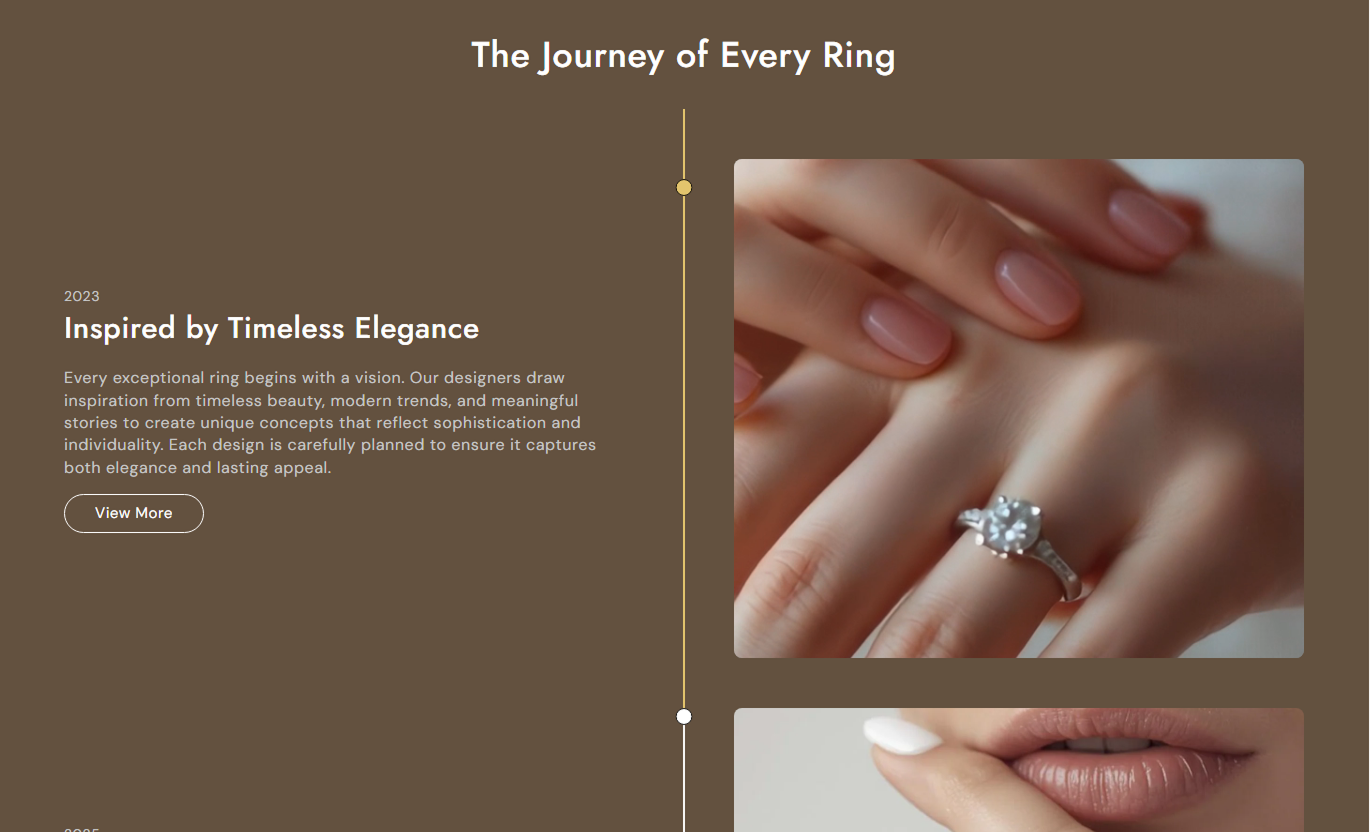
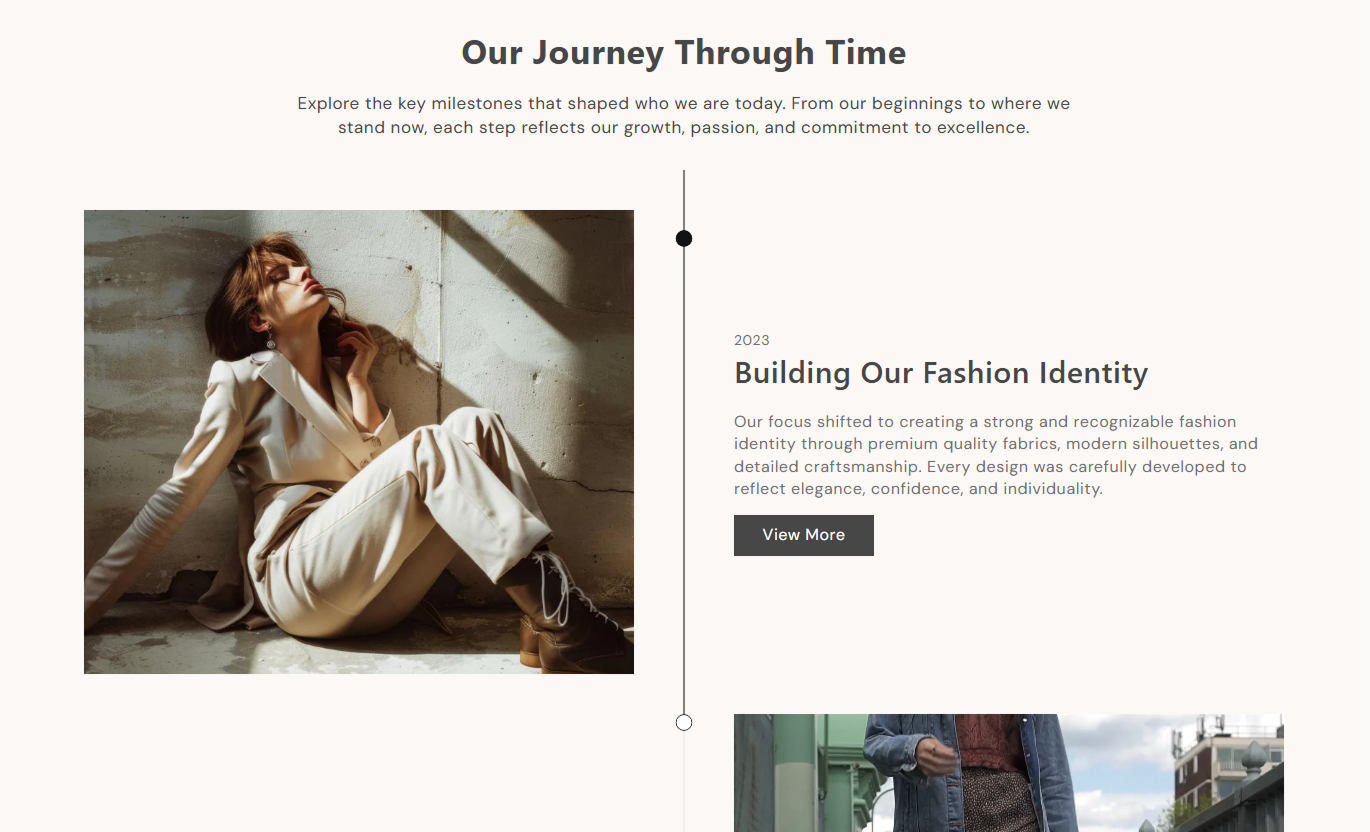
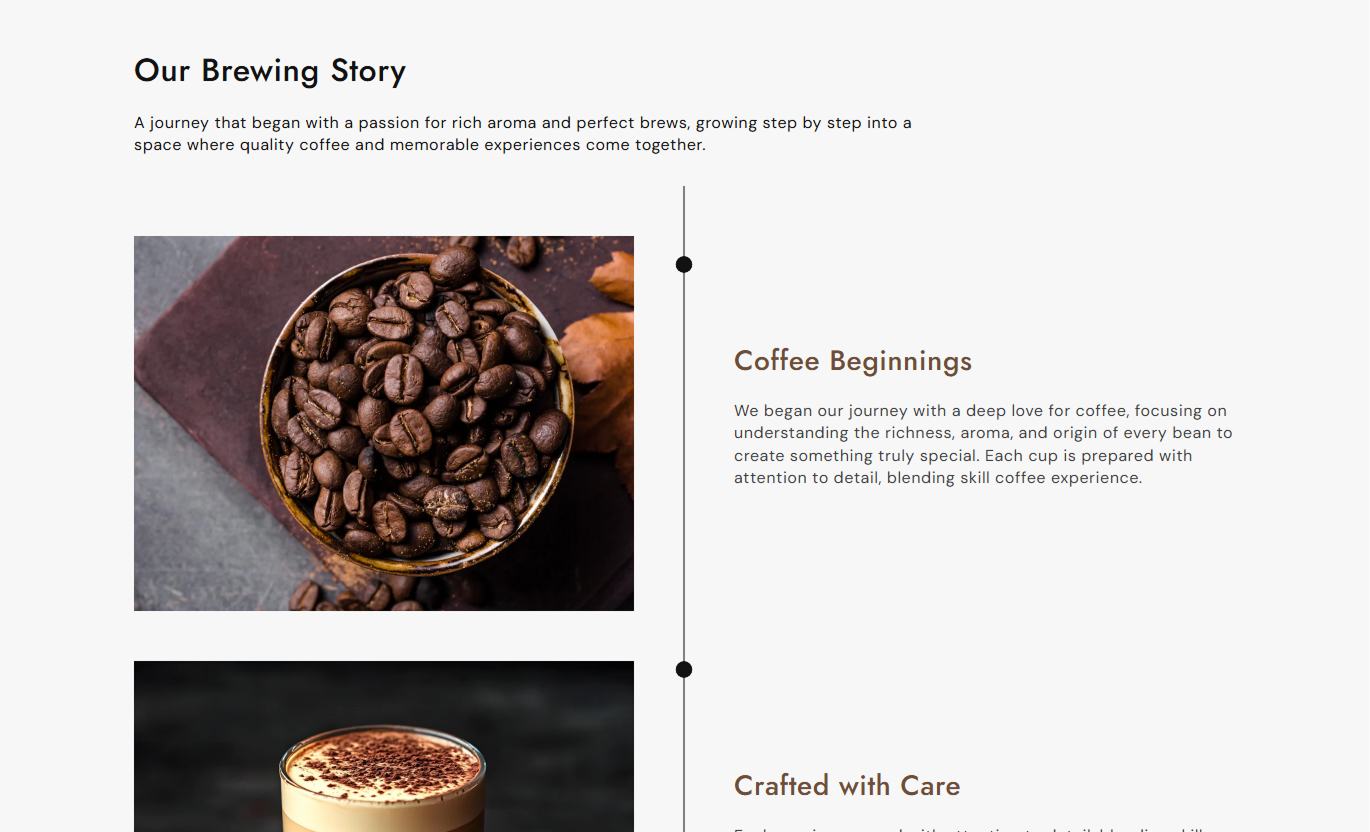


Present important milestones in a structured timeline with flexible media, content alignment, buttons, and customizable timeline styling.

Display your milestones in a clear timeline layout with connected points that guide visitors through your story.

Add images or videos to each timeline milestone to make your brand story more visual and engaging.

Place milestone media on the left or right to create an alternating timeline layout.

Add a subheading, heading, description, and button to explain each important moment.

Use connected timeline lines and milestone dots to show progress through your story visually.

Highlight timeline milestones and the connecting line as visitors scroll through the section.

Automatically adapt the timeline structure, media, content, and spacing for mobile screens.

Customize the timeline directly from the Shopify theme editor without additional coding.
Control the timeline content, media, layout, colors, buttons, spacing, and section width from one place.

Applies to the whole section
Add the main heading above the timeline.
HeadingAdd supporting text below the main heading.
ContentChoose the alignment of the section heading and content.
Text AlignmentChoose the media height for timeline items.
Media HeightSet the corner radius for timeline media.
Media Border RadiusSet the timeline heading font size.
Timeline Heading SizeSet the timeline content font size.
Timeline Content SizeSet the timeline line and milestone colors.
Timeline ColorsCustomize the timeline button appearance and style.
Button SettingsAdjust the spacing above and below the section.
Section PaddingChoose full width or a maximum section width.
Section Width
Applies to each timeline item
Add an image for the timeline item.
ImageAdd a video for the timeline item.
VideoAdd a poster image for the video.
Poster ImageChoose whether the video starts automatically.
AutoplayChoose whether the video repeats continuously.
Loop VideoChoose whether the image appears on the left or right.
Image PositionAdd a date, year, or short label.
SubheadingAdd the main title for the timeline item.
HeadingAdd supporting text for the timeline item.
ContentAdd text and a link for the timeline button.
Button SettingsChoose the vertical position of the content.
Content PositionChoose the alignment of the timeline text.
Text AlignmentUse the Timeline section wherever you want to present a journey, sequence of events, milestones, launches, achievements, or important brand moments in a visual format.
Show visitors how your brand started, evolved, and reached important milestones with a chronological story supported by images, videos, and meaningful content.
Share your brand journey visuallyHighlight important milestonesBuild a stronger brand connectionShow how your business has evolvedCreate a more engaging About Us pageIntroduce key moments from your brand story directly on the homepage with a visual timeline that encourages visitors to explore your history and achievements.
Capture visitor attentionHighlight major achievementsIntroduce your brand storyCreate engaging visual contentBuild trust through your journeyUse a timeline to explain product development, design evolution, manufacturing milestones, or important improvements that help customers understand your product better.
Explain product developmentHighlight product improvementsShare design milestonesBuild product credibilityGive customers more contextShow how a collection has developed over time, from its initial concept to new releases, design updates, or important product milestones.
Showcase collection historyHighlight new releasesExplain design evolutionSupport product discoveryAdd storytelling to collectionsUse a timeline to present campaign milestones, launches, events, achievements, or project stages in an engaging format that keeps visitors moving through your story.
Present campaign milestonesHighlight important eventsExplain project stagesCreate engaging storytellingGuide visitors toward relevant actionsTurn important moments into a visual journey with a flexible timeline that combines media, content, buttons, and animated milestone indicators.
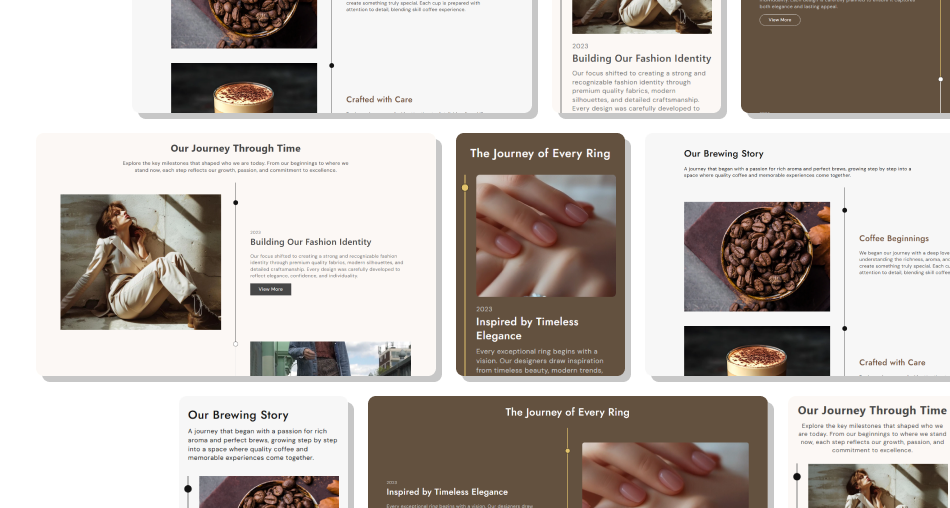
Make your brand history, product journey, or important milestones easier to follow with a structured and responsive timeline designed for Shopify stores.
Tell your brand story visuallyHighlight important milestonesCombine images and videosCreate a clear chronological journeyAdd descriptions and supporting contentLink milestones to relevant pagesHighlight progress with animated indicatorsCustomize colors and typographyCreate responsive experiences across devicesMatch the timeline with your store branding Use important milestones that add real value.
Keep your timeline in a clear chronological order.
Use high-quality images and videos.
Keep milestone descriptions concise and meaningful.
Use consistent visual styles across timeline items.
Add relevant buttons when visitors need more information.
Use dates or short labels to make milestones easy to follow.
Use important milestones that add real value.
Keep your timeline in a clear chronological order.
Use high-quality images and videos.
Keep milestone descriptions concise and meaningful.
Use consistent visual styles across timeline items.
Add relevant buttons when visitors need more information.
Use dates or short labels to make milestones easy to follow.  Don't add too many unnecessary milestones.
Don't use unrelated images or videos.
Don't write overly long milestone descriptions.
Don't mix inconsistent visual styles.
Don't add buttons without a clear destination.
Don't make every milestone overly detailed.
Don't use low-quality or distracting media.
Don't add too many unnecessary milestones.
Don't use unrelated images or videos.
Don't write overly long milestone descriptions.
Don't mix inconsistent visual styles.
Don't add buttons without a clear destination.
Don't make every milestone overly detailed.
Don't use low-quality or distracting media. Yes. Each timeline item supports an image or video, allowing you to combine different types of media.
Yes. You can set the image position to either Left or Right for each timeline item.
Yes. Use the Subheading field to add a date, year, or other short milestone label.
Yes. Each timeline item can include a button label and link to another page or destination.
Yes. You can position the content at the Top, Middle, or Bottom of the media.
Yes. The video block includes separate Autoplay and Loop Video settings.
Yes. The timeline changes to a mobile-friendly layout, with media and content arranged vertically on smaller screens.
Yes. You can enable Full Width or set a maximum Section Width for the timeline.
For Support or any Questions Email Us: [email protected]
Install SectionHub and add the Timeline section to your theme in minutes - no coding required.
