Create a Strong Visual Brand Introduction
Combine product or lifestyle images with a clear message to introduce your brand, highlight an offer, or guide visitors toward an important store page.

Combine engaging images with text and a clear CTA to showcase products, highlight features, share brand stories, and guide shoppers to take action.
 2.0 Compatible
Flexible Image Layout
No Coding Needed
2.0 Compatible
Flexible Image Layout
No Coding Needed 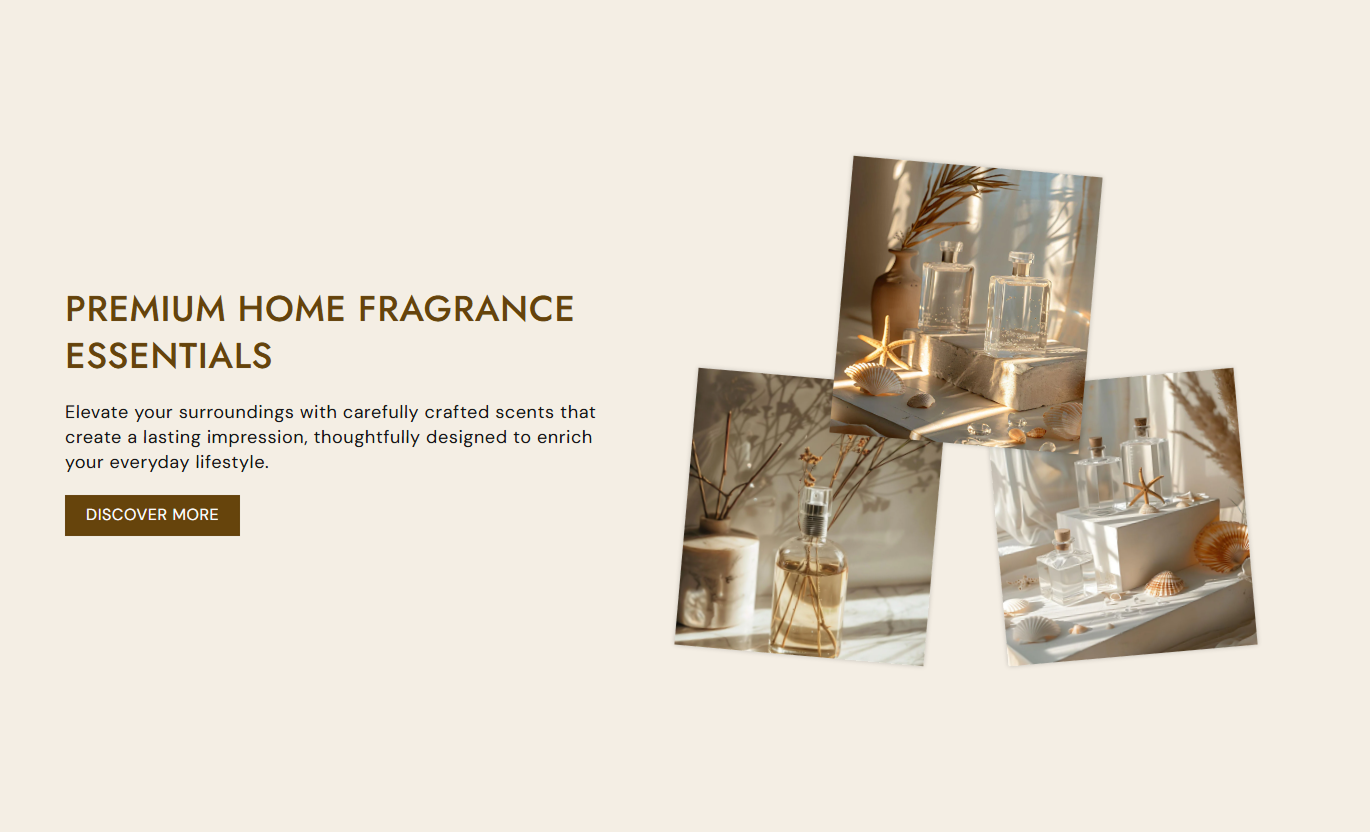
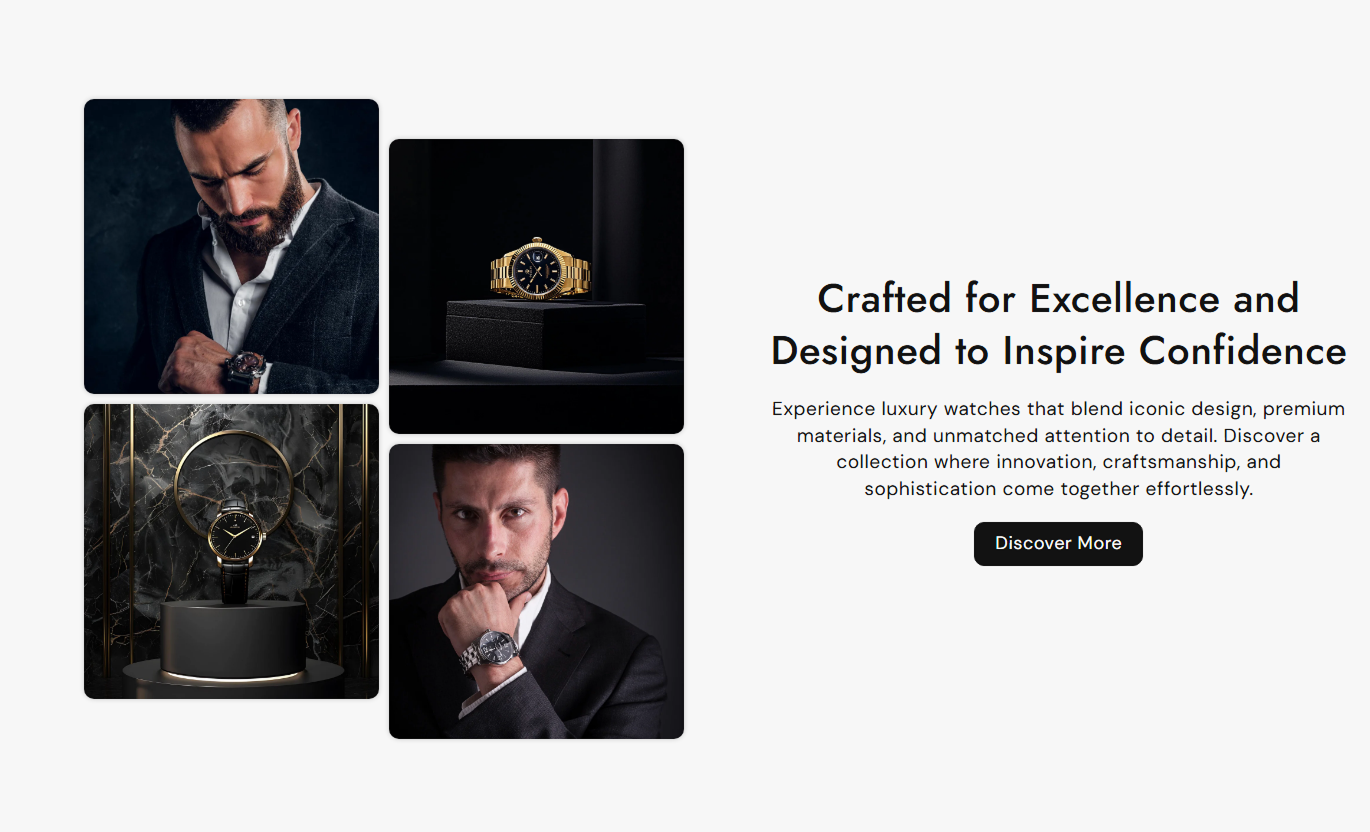
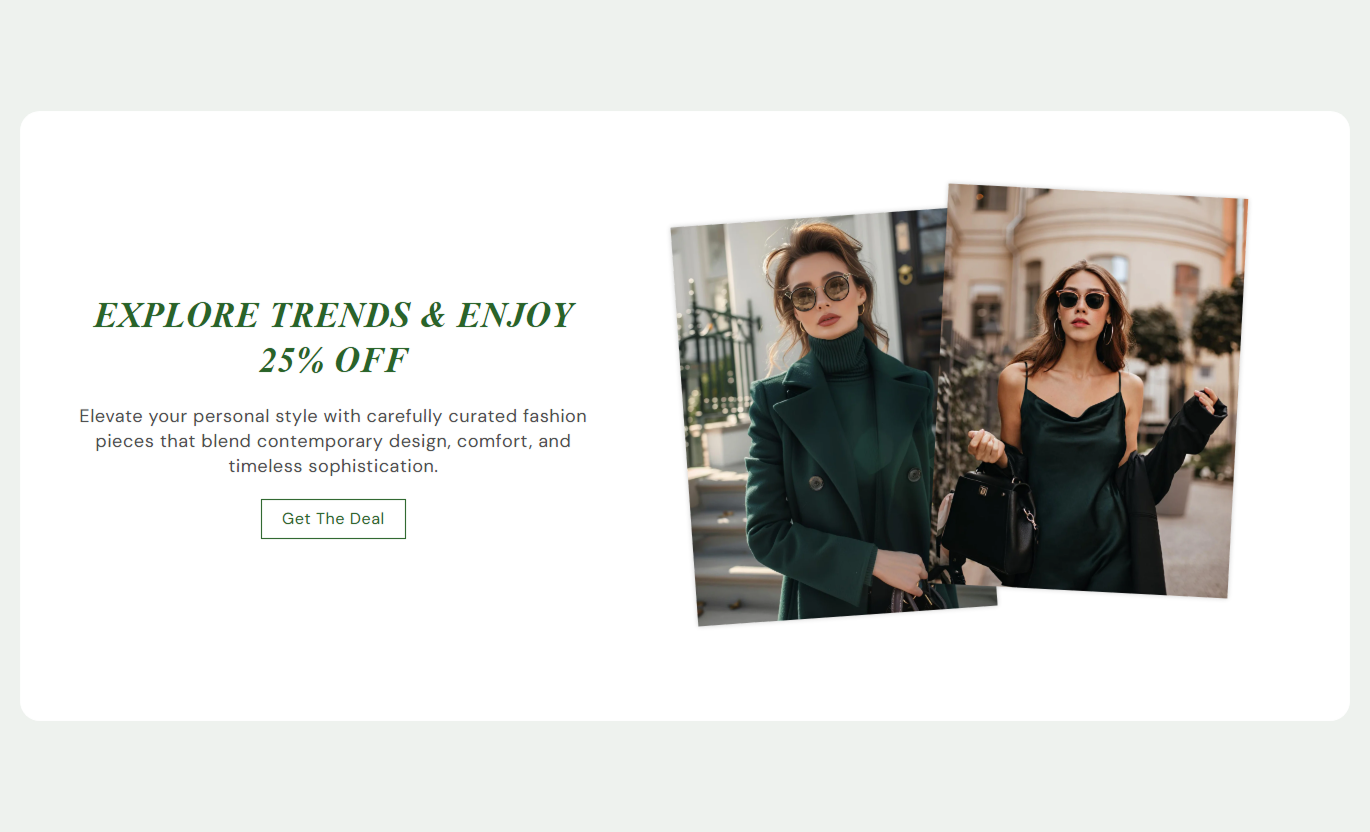


Combine multiple product images with text and a CTA to create a balanced Shopify section that looks polished across desktop and mobile storefronts.

Show up to four images in one section to highlight products, details, collections, or different views.

Choose from layouts designed for two, three, or four images to create a more dynamic visual presentation.

Place the image group on the left or right of the text to suit your page structure and design.

Add a clear heading that introduces your products, collection, promotion, or brand message.

Add supporting content below the heading to explain your products, features, or promotional message.

Add a button label and link to guide shoppers toward products, collections, or other store pages.

Adjust text alignment and section spacing separately to create a better experience on different screens.

Control backgrounds, text, buttons, image corners, and section padding to match your Shopify theme.
Control the content, image layout, colors, sizing, buttons, spacing, and section width directly from the Shopify theme editor.

Applies to the whole section
Add the main heading for the image section.
Section HeadingAdd supporting text below the heading.
Section ContentChoose how the heading and content are aligned.
Text AlignmentChoose whether images appear on the left or right.
Image PositionChoose how many images appear in the section.
Total ImagesChoose the image height for the desktop layout.
Image HeightSet the section background color.
Background ColorSet the content area background color.
Content BackgroundAdjust the spacing above and below the section.
Section PaddingChoose full width or a custom section width.
Section Width
Applies to each image
Add an image to display in the image layout.
ImageSet how rounded the image corners should appear.
Image Border RadiusAdd the text shown on the section button.
Button LabelChoose the page shoppers visit after clicking the button.
Button LinkChoose between filled and outline button styles.
Button StyleCustomize the button colors and hover appearance.
Button ColorsAdd multiple product images beside useful content to introduce products, highlight collections, explain features, or create stronger visual stories across key Shopify pages.
Combine product or lifestyle images with a clear message to introduce your brand, highlight an offer, or guide visitors toward an important store page.
Make your homepage more visually engagingIntroduce key products with multiple viewsHighlight important brand messagesGuide visitors toward featured productsBreak up long homepage contentUse multiple images and supporting text to introduce a collection, explain its theme, or showcase selected products before shoppers browse the product grid.
Introduce the collection with visual contextShowcase several products togetherExplain the collection theme clearlyAdd variety around product gridsDirect shoppers to featured itemsDisplay different product views, details, or lifestyle images beside supporting content to help shoppers understand what makes the product worth considering.
Show different product anglesHighlight important product detailsSupport product descriptions visuallyBuild a clearer product presentationHelp shoppers explore product featuresPair multiple campaign or product images with focused messaging and a CTA to create a visually engaging section for promotions, launches, and targeted campaigns.
Present campaign visuals togetherSupport promotional messagingHighlight products for specific campaignsCreate clear visual storytellingLead visitors toward a focused CTAGive shoppers a balanced mix of images, text, and calls to action while keeping the section flexible enough to fit different Shopify store designs.
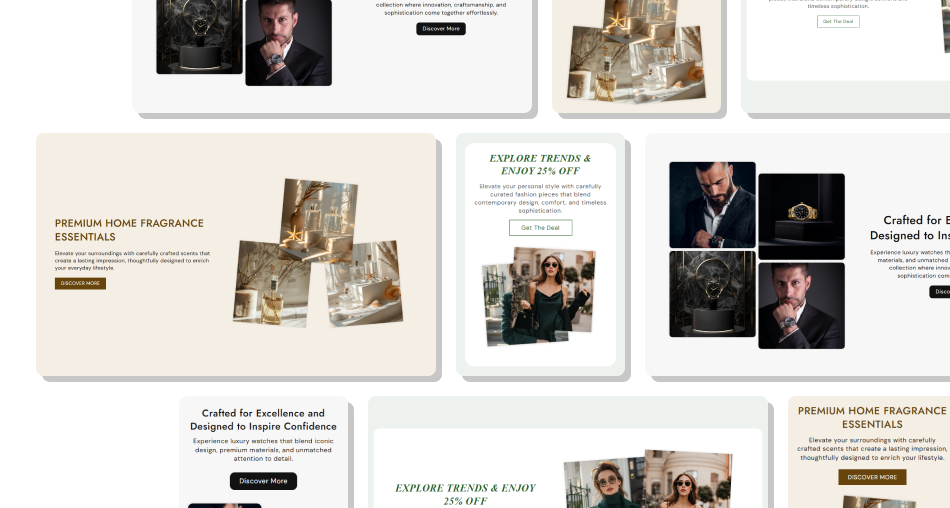
Showcase products with engaging visuals, useful content, and clear CTAs that help shoppers explore your store with confidence.
Showcase More Product ViewsCreate Stronger Visual StoriesGuide Shoppers With CTAsMatch Your Store BrandingImprove Content FlexibilitySupport Mobile Storefronts Use high-quality images that showcase products clearly
Keep related images consistent in style
Use a short heading that explains the section
Choose images that support your content and CTA
Adjust spacing to suit your store layout
Use high-quality images that showcase products clearly
Keep related images consistent in style
Use a short heading that explains the section
Choose images that support your content and CTA
Adjust spacing to suit your store layout  Don't mix unrelated images in the section
Don't use blurry or poorly cropped images
Don't add too much text around the images
Don't overcrowd the section with too many elements
Don't use unclear or generic button text
Don't mix unrelated images in the section
Don't use blurry or poorly cropped images
Don't add too much text around the images
Don't overcrowd the section with too many elements
Don't use unclear or generic button text Yes. You can display between one and four images and choose the layout that best fits your content.
Yes. Use the Image Position setting to place the image group on either side of the text on the desktop.
Yes. Add a custom button label and link to guide shoppers to a product, collection, or other store page.
Yes. Choose Small, Medium, or Large to control the image height for the desktop layout.
Yes. You can customize the background, heading, content, and button colors to match your store.
Yes. The layout adapts to mobile screens, with separate controls for mobile text alignment and section spacing.
Yes. Enable Full Width to use the available screen width, or set a custom maximum section width.
Yes. Add the section wherever your Shopify theme supports sections, such as the homepage, product pages, and landing pages.
For Support or any Questions Email Us: [email protected]
Install SectionHub and add the Text with Multi Image section to your theme in minutes - no coding required.
