Highlight Key Store Messages
Use scrolling rows near the top or between content sections to communicate promotions, benefits, announcements, and brand messages without taking up much space.

Create eye-catching scrolling text bands with custom icons, colors, gradients, speeds, directions, and responsive spacing to highlight key store messages.
 Smooth Scrolling Text
Custom Icon Support
Responsive Marquee Design
Smooth Scrolling Text
Custom Icon Support
Responsive Marquee Design 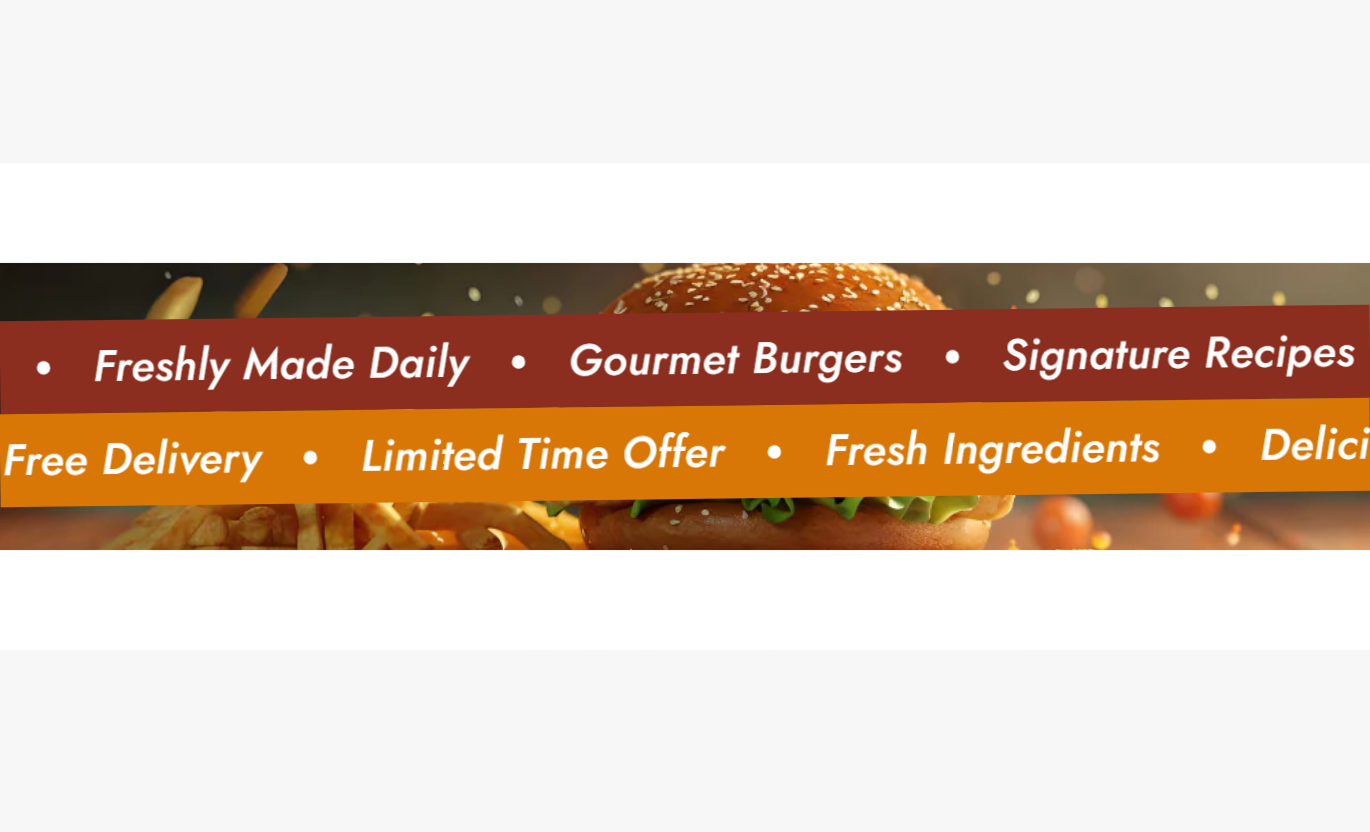
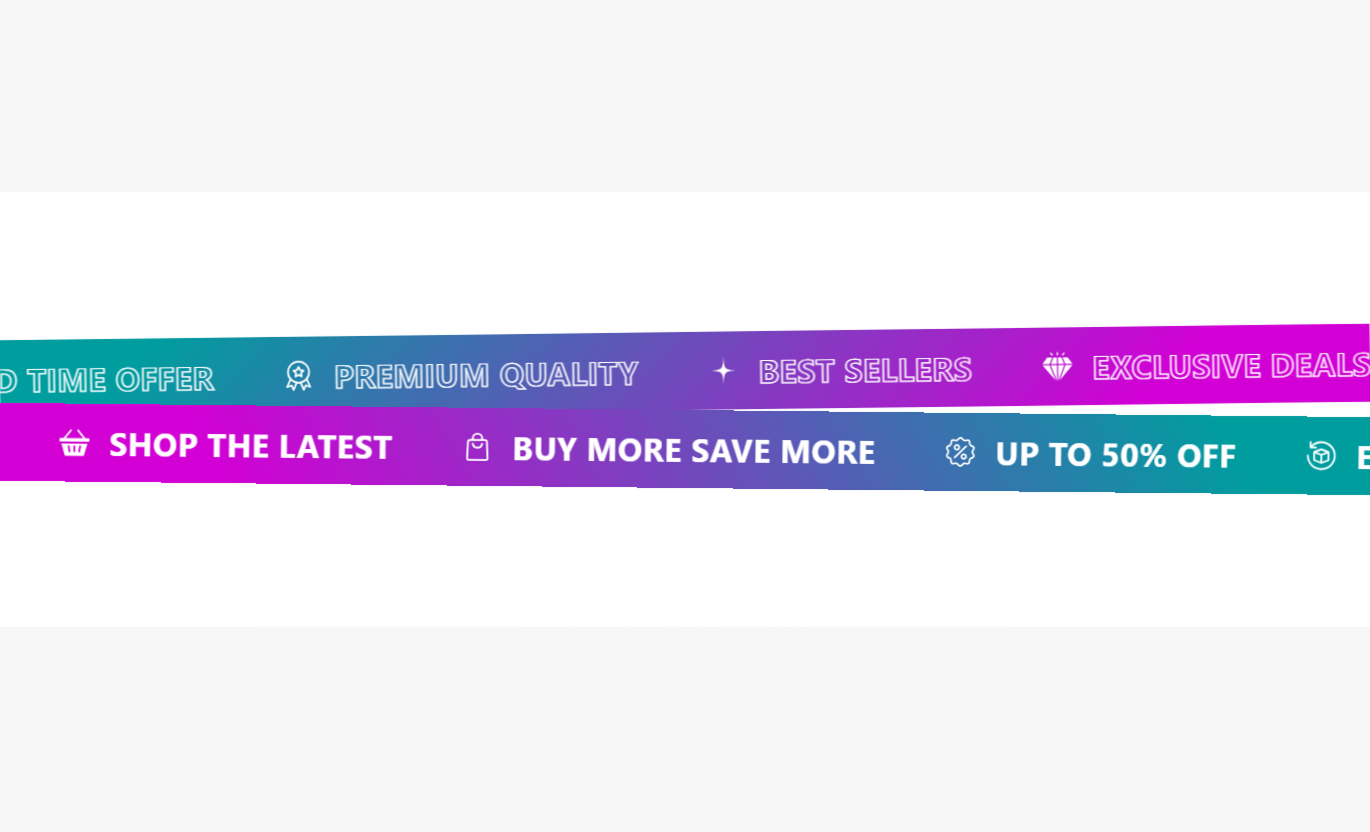
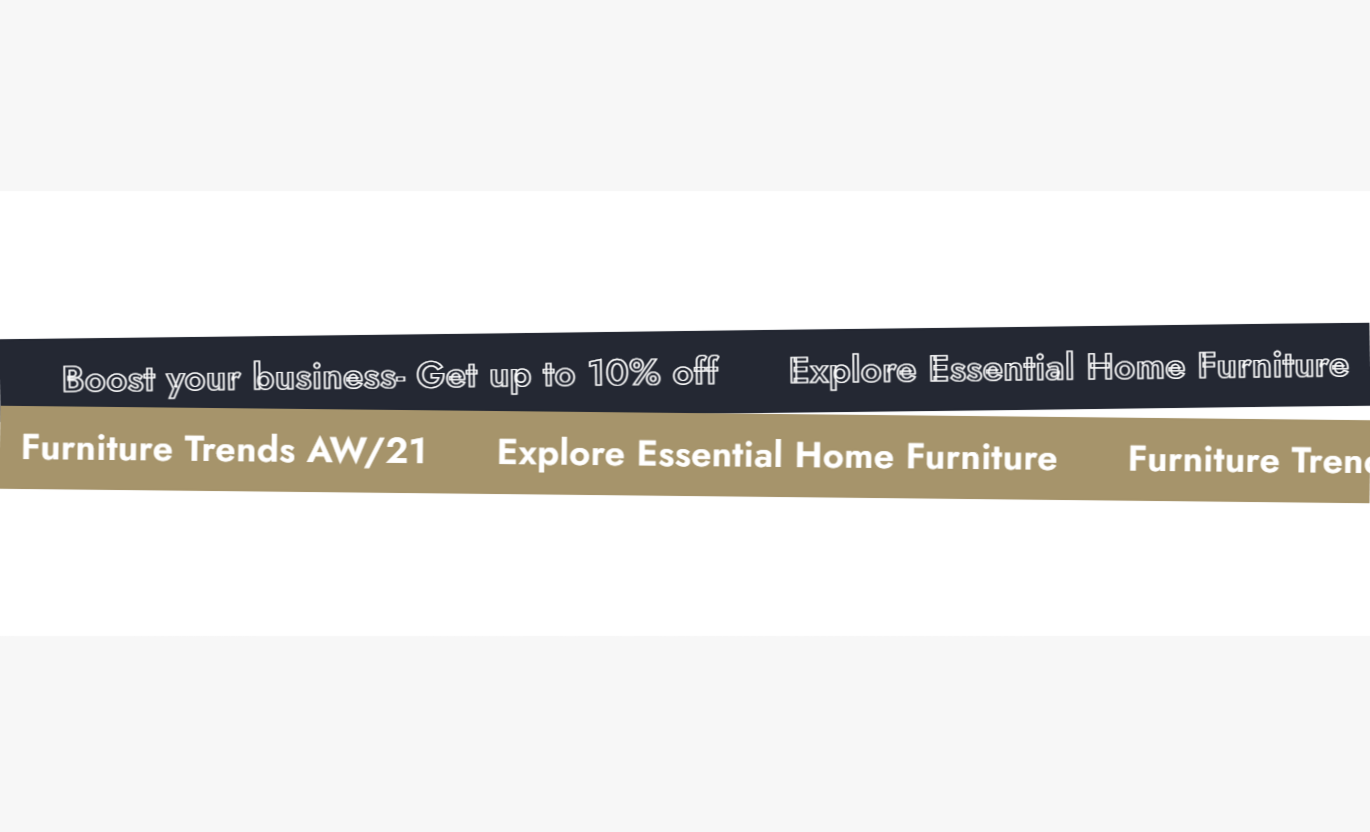


Build engaging marquee banners with flexible text, icon, animation, colors, rotation, hover controls, and responsive settings for modern Shopify stores.

Create smooth, continuously moving text banners that keep important store messages visible.

Add up to two separate marquee rows with different content, colors, speeds, and directions.

Use uploaded images or inline SVG code to add icons next to your marquee messages.

Switch the direction of movement for each marquee block to create contrasting scrolling effects.

Allow visitors to pause the marquee animation when they hover over a scrolling row.

Choose normal colors or gradient backgrounds to create distinct visual styles for each marquee.

Display marquee messages with an outlined text effect for a bolder, more creative appearance.

Adjust icon spacing, marquee spacing, and section padding separately for desktop and mobile.
Control icons, typography, spacing, colors, animation, text content, and responsive layout from the section settings.

Applies to the whole section
Optional image displayed as the section background.
Background ImageChoose whether icons appear before or after the marquee text.
Icon PositionSet the maximum icon display size.
Icon SizeChoose the font weight used for marquee text.
Font WeightSet desktop spacing between icons and text.
Desktop Icon SpacingSet mobile spacing between icons and text.
Mobile Icon SpacingSet desktop spacing between marquee messages.
Desktop Marquee SpacingSet mobile spacing between marquee messages.
Mobile Marquee SpacingSet the main marquee text size.
Heading Font SizeChoose the section background color.
Background Color
Applies to each marquee row
Reverse the scrolling direction of the marquee row.
Reverse ScrollPause the animation when visitors hover over it.
Pause on HoverControl how quickly the marquee moves across the screen.
SpeedAdd a slight rotation to the marquee row.
Rotation DegreeChoose a solid or gradient background style.
Background Color TypeSet the marquee row background color.
Background ColorSet a gradient background for the marquee row.
Gradient BackgroundChoose the text color used in the marquee.
Text ColorDisplay text normally or with an outline effect.
Text StyleAdd the scrolling message and its icon.
Marquee TextChoose an image or SVG for the icon.
Icon TypeUse scrolling marquee rows to highlight promotions, store messages, product benefits, service highlights, shipping information, or brand statements across key pages.
Use scrolling rows near the top or between content sections to communicate promotions, benefits, announcements, and brand messages without taking up much space.
Highlight important store messages quicklyAdd movement between static sectionsPromote offers and announcementsReinforce key brand benefitsCreate a more dynamic homepageAdd scrolling messages around collection content to communicate shipping details, quality claims, special offers, or shopping benefits while visitors browse products.
Communicate collection benefitsHighlight limited-time offersPromote shipping informationReinforce quality messagingAdd visual movement to collection pagesPlace marquee content around product details to highlight benefits, materials, delivery information, guarantees, or other supporting messages.
Highlight product benefitsReinforce quality informationShare shipping messagesPromote special product offersKeep supporting details visibleUse one or two marquee rows on landing pages to emphasize campaign messages, promotional statements, service benefits, or strong brand positioning.
Create a visual campaign movementEmphasize promotional messagesSeparate major landing sectionsReinforce campaign positioningBuild a more engaging layoutTurn important announcements, benefits, promotions, and brand messages into continuously moving visual content that adds energy without requiring a large content area.
Create flexible scrolling banners with custom icons, animation controls, colors, typography, and responsive spacing that fit your store design.
Keep important messages constantly visibleAdd movement without complex layoutsCombine text with custom iconsCreate distinct marquee rowsMatch your store colors and typographyControl animation speed and directionOptimize spacing for mobile Use short and easy-to-read marquee messages.
Choose icons that clearly support the message.
Keep scrolling speed comfortable for visitors.
Use colors that match your store branding.
Check spacing and readability on mobile.
Use short and easy-to-read marquee messages.
Choose icons that clearly support the message.
Keep scrolling speed comfortable for visitors.
Use colors that match your store branding.
Check spacing and readability on mobile.  Avoid filling every item with too much text.
Don't use unrelated or confusing icons.
Avoid making the animation unnecessarily fast.
Don't combine too many competing colors.
Don't ignore mobile spacing and readability.
Avoid filling every item with too much text.
Don't use unrelated or confusing icons.
Avoid making the animation unnecessarily fast.
Don't combine too many competing colors.
Don't ignore mobile spacing and readability. You can add up to two marquee blocks. Each block can have its own speed, direction, rotation, colors, and text content.
Yes. Each marquee block includes a reverse scroll option, allowing different rows to move in opposite directions.
Yes. Enable Pause on Hover for a marquee block to stop its scrolling animation while visitors hover over the row.
Yes. Each marquee item supports either an uploaded image icon or an inline SVG code for more flexible icon styling.
Each marquee block supports up to 8 individual text items, with separate icon options for each.
Yes. Set the background color type to Gradient and configure the gradient background for the selected marquee block.
Yes. The Text Style setting lets you choose between Normal and Outline text styling for each marquee block.
Yes. Icon-to-text spacing, marquee spacing, and section padding can be configured separately for desktop and mobile.
For Support or any Questions Email Us: [email protected]
Install SectionHub and add the Text Marquee With Dual Row section to your theme in minutes - no coding required.
