Keep Your Homepage Clean and Informative
Group shipping, returns, brand details, and shopping guidance into compact tabs so your homepage stays focused while keeping useful information easy to access.

Keep important store information organized with clean, clickable tabs for product details, policies, FAQs, shipping notes, and other useful content.
 Easy Content Organization
Mobile Friendly
Theme Editor Ready
Easy Content Organization
Mobile Friendly
Theme Editor Ready 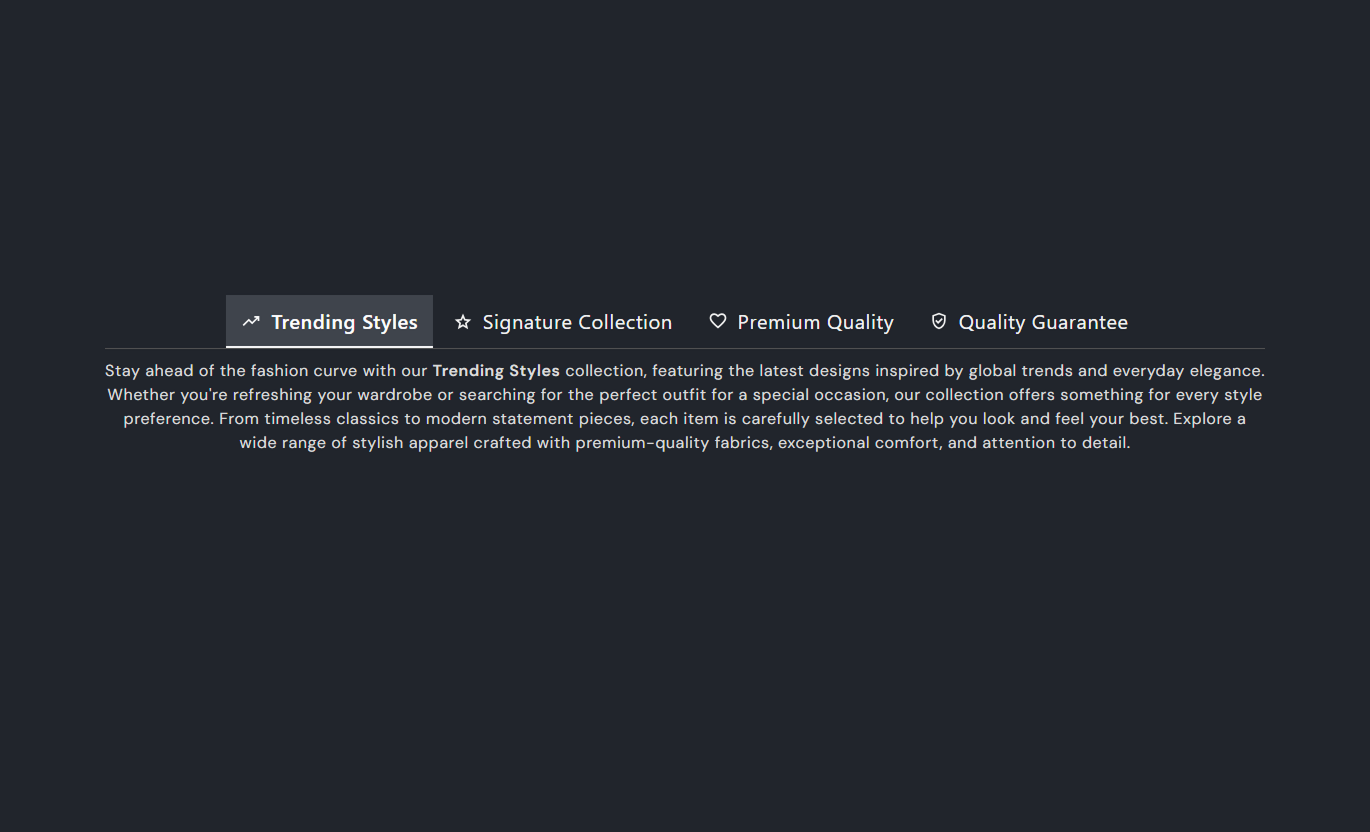


Keep important store information organized with clickable tabs, rich text content, icons, responsive mobile accordions, and flexible styling controls.

Let shoppers switch between content areas quickly, rather than scrolling through a single long block of store information.

Add formatted text inside each tab to present detailed information in a clear, readable format.

Use your own tab names so shoppers can quickly understand what information each content area contains.

Add a supported icon to a tab heading when a visual cue helps shoppers recognize the content.

On mobile, tabs become expandable content rows making longer information easier to browse.

Choose left, center, or right alignment for desktop tab headings to suit your store layout.

Adjust tab, active tab, content, background, and border colors plus tab and content font sizes.

Set separate desktop and mobile top and bottom padding to fit the section neatly into your page.
Control tab layout, typography, colors, spacing, width, and individual tab content from the Shopify theme editor.

Applies to the whole section
Choose how desktop tab headings are aligned.
Tab PositionAlign the content inside each tab panel.
Content AlignmentSet the size of tab headings in pixels.
Tab Heading SizeSet the size of tab content text.
Content Font SizeChoose the section background color.
Background ColorSet the active tab heading color.
Active Tab ColorSet the tab content text color.
Content ColorAdjust spacing above and below the section on the desktop.
Desktop PaddingAdjust spacing above and below the section on mobile.
Mobile PaddingSet the section width or use the available page width.
Section Width
Applies to each slide
Choose an icon for the tab heading.
Tab Icon StyleEnter the name shown on the tab.
Tab HeadingAdd formatted content inside the tab.
Tab ContentKeep detailed information easy to scan by grouping related content into tabs on key storefront pages, while saving space and keeping layouts clean.
Group shipping, returns, brand details, and shopping guidance into compact tabs so your homepage stays focused while keeping useful information easy to access.
 Keep supporting information away from the main hero areaOrganize policies without adding long content sectionsGive shoppers quick access to useful store detailsMaintain a cleaner and more focused homepage layoutMake important information easier to find
Use tabs to add collection guidance, sizing notes, buying tips, or category details without pushing product grids too far down the page.
Add useful category information without long page sectionsExplain collection details before shoppers browse productsKeep buying guidance close to relevant productsReduce visual clutter around product gridsHelp shoppers find supporting information fasterKeep product details, care notes, delivery information, and extra buying guidance organized beside the main product content for easier scanning.
Separate product information into clear content groupsKeep delivery and care details easy to accessAdd supporting information without lengthy scrollingMake product pages easier to scan before purchaseKeep detailed content close to the productStructure campaign details, service information, FAQs, and supporting copy in tabs so the landing page stays focused on its main message and action.
Keep campaign messaging clear and focusedPlace supporting information below the main messageOrganize FAQs without creating a long pageAdd detailed copy without distracting from the goalGive visitors control over the information they exploreOrganize detailed store information into clean, easy-to-navigate tabs so shoppers can quickly find the content they need without scrolling through long sections.

Give shoppers a simple way to explore product details, policies, FAQs, shipping information, and other supporting content while keeping your Shopify store layout clean and organized.
Organize detailed information into clear tabsHelp shoppers find relevant content fasterReduce long scrolling sections on your pagesKeep product, shipping, and policy information organizedUse custom tab headings for easy navigationAdd rich text content to each tabImprove content readability on desktop and mobileUse optional icons to make tabs easier to recognizeCustomize colors, typography, and spacingKeep your storefront clean while providing detailed information Use clear, short tab labels.
Group related information together.
Keep tab content short and easy to scan.
Use icons only when helpful.
Check the mobile accordion view.
Use clear, short tab labels.
Group related information together.
Keep tab content short and easy to scan.
Use icons only when helpful.
Check the mobile accordion view.  Avoid unclear tab names.
Don't mix unrelated topics.
Don't add long text blocks.
Don't use unnecessary icons.
Don't ignore mobile readability.
Avoid unclear tab names.
Don't mix unrelated topics.
Don't add long text blocks.
Don't use unnecessary icons.
Don't ignore mobile readability. Yes. The section is built around blocks, so you can add separate tab headings and content areas for the information you want to organize.
Yes. Each block has its own Heading and Content fields, allowing every tab to carry different information.
Yes. Each tab block includes an icon selector with several supported icon options, or you can leave the icon set to none.
Yes. On smaller screens, the desktop tab bar is replaced by expandable content rows, making the information easier to browse on mobile.
Yes. You can control the tab, active tab, content, background, and border colors, as well as tab and content font sizes.
Yes. The desktop Tab Position setting supports left, center, and right alignment for the tab navigation.
Yes. Separate desktop and mobile padding controls let you adjust the space above and below the section.
Yes. The section includes a Full Width option and a width setting to control how much page space the tabs use.
For Support or any Questions Email Us: [email protected]
Install SectionHub and add the Tabs Wise Text section to your theme in minutes- no coding required.
