Create an Engaging Homepage Story Section
Combine powerful imagery with short content blocks to introduce products, brand values, collections, or important store features as visitors scroll.

Create an immersive scroll-based tab experience that combines large images, headings, descriptions, counters, and progress indicators in a responsive layout.
 Scroll-Driven Experience
Interactive Content Tabs
Responsive Image Layout
Scroll-Driven Experience
Interactive Content Tabs
Responsive Image Layout 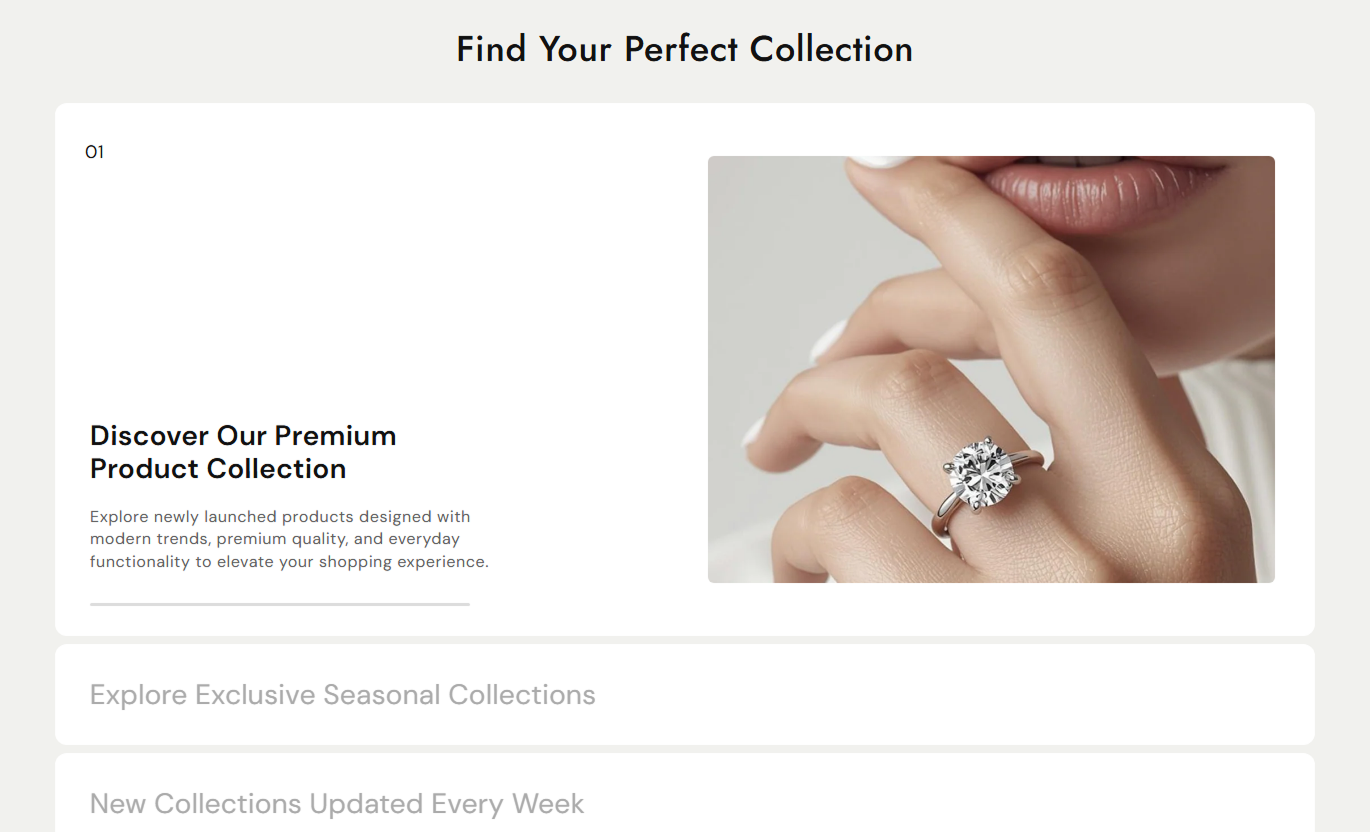
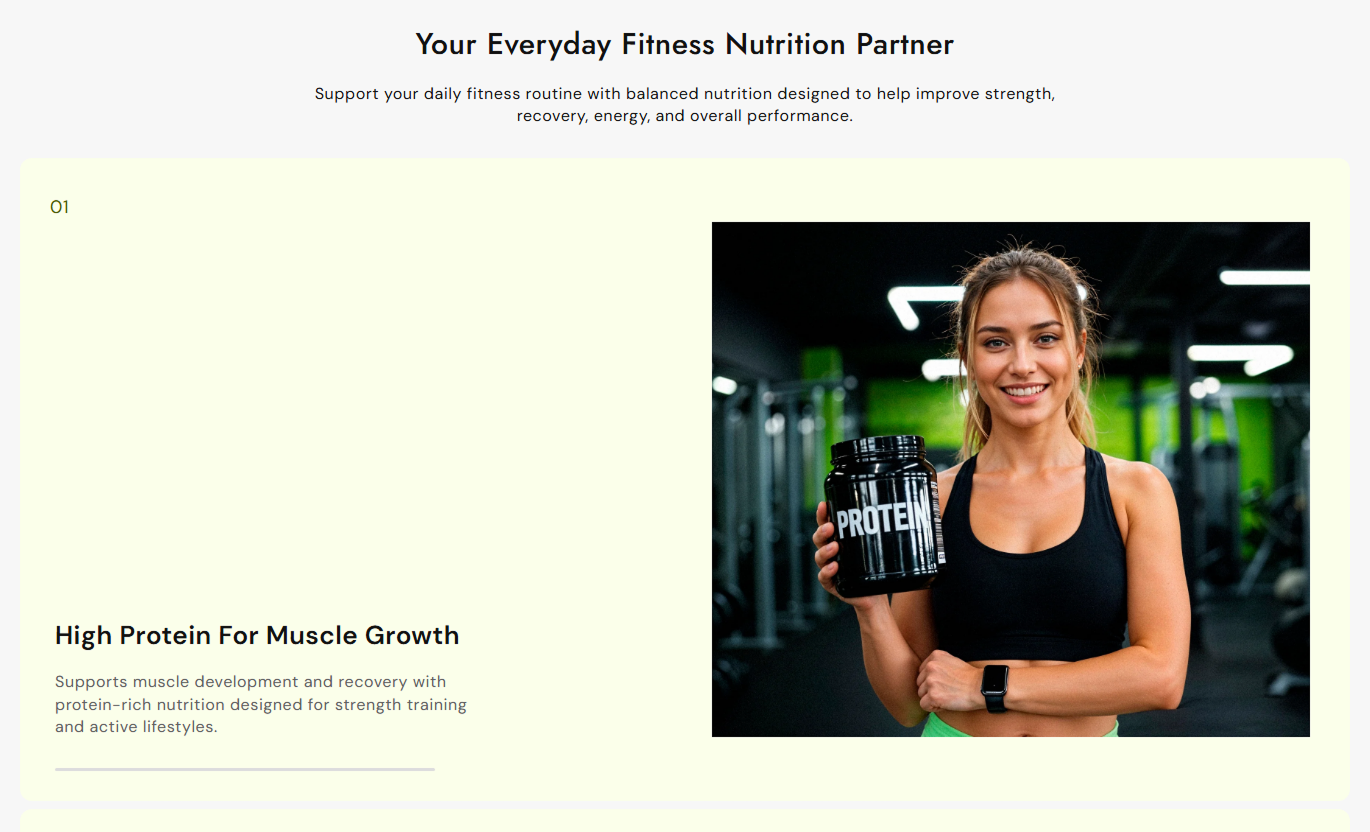


Build engaging storytelling sections with scroll-based tabs, large imagery, expandable content, progress indicators, flexible styling, and responsive layouts.

Activate each content tab automatically as visitors scroll through the dedicated section for a smooth storytelling experience.

Display a prominent image alongside active content to visually support each heading and create a stronger section impact.

Active tabs expand vertically to reveal their description while inactive tabs remain compact and easy to scan.

Show progress within the active tab using a visual progress bar that updates as visitors move through the section.

Display numbered counters for each tab to give the section a structured sequence and improve content navigation.

Control the alignment of tab content to match your store layout, design style, and overall visual hierarchy.

Customize backgrounds, headings, content, counters, progress bars, and other visual elements to match your branding.

Automatically adapt images, typography, spacing, tab heights, and content layouts for a cleaner mobile browsing experience.
Customize content, typography, colors, spacing, section width, tab styling, and responsive settings directly from the theme editor.

Applies to the whole section
Add a main heading above the interactive tab section.
Section HeadingAdd supporting rich text below the main heading.
Section ContentAlign the section heading and content left, center, or right.
Content AlignmentControl the alignment of text inside each tab.
Tab Text AlignmentAdjust the corner roundness of tab content blocks.
Tab Border RadiusCustomize the corners of displayed tab images.
Media Border RadiusSet the overall background color of the section.
Section BackgroundControl top and bottom padding for desktop screens.
Desktop SpacingSet separate top and bottom padding for mobile devices.
Mobile SpacingUse full width or define a custom maximum section width.
Section Width
Applies to each tab
Add a featured image displayed with the active tab.
Tab ImageAdd a clear title for each tab content block.
Tab HeadingAdd supporting rich text for the selected tab.
Tab ContentCreate up to four content blocks for the section.
Multiple TabsUse scroll-based tabs to present products, brand stories, services, features, or campaigns in a structured visual format across important store pages.
Combine powerful imagery with short content blocks to introduce products, brand values, collections, or important store features as visitors scroll.
Turn important homepage content into an interactive storyKeep multiple messages organized in one sectionUse imagery to make key information more visualGuide visitors through content in a natural sequenceCreate a memorable scrolling experienceUse individual tabs to explain collection themes, product benefits, materials, or shopping highlights while supporting each message with relevant imagery.
Explain collection highlights without overcrowding the pageSupport category messaging with strong visual contentPresent multiple collection benefits in sequenceMake important shopping information easier to exploreCreate a polished collection page experienceShowcase product features, materials, benefits, or usage details through scroll-based content blocks that pair descriptive text with supporting product imagery.
Present key product information more visuallyHighlight important product features step by stepSupport descriptions with relevant product imagesKeep detailed information organized and readableImprove product storytelling across devicesCreate focused landing page sections for campaigns, launches, services, or promotions using sequential content, large imagery, and smooth scroll interactions.
Create a stronger visual introduction for campaignsPresent multiple messages in a structured sequenceCombine promotional copy with supporting imageryKeep landing page storytelling focused and engagingBuild a modern interactive page experienceTurn standard content sections into interactive visual stories with expanding tabs, featured imagery, progress indicators, and responsive layouts.
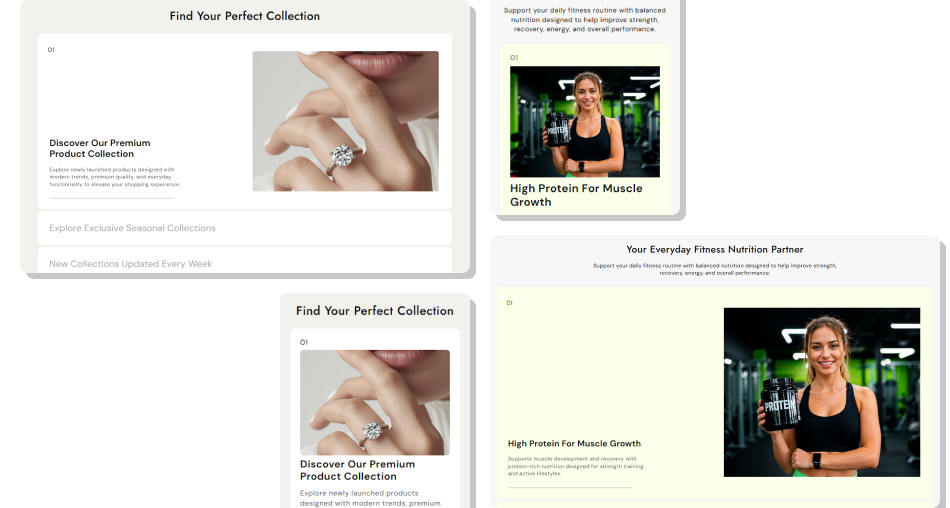
Make important content easier to explore with a scroll-driven layout that combines imagery, structured tabs, progressive content, and visual feedback.
Create immersive scroll-based storytellingCombine images with important contentOrganize multiple messages clearlyHighlight content in a natural sequenceAdd visual progress to scrollingImprove engagement across devicesMatch the section to your store design Use short and easy-to-read tab content.
Choose clear images that support each message.
Keep tab headings concise and meaningful.
Use consistent images across all content blocks.
Check the scrolling experience carefully on mobile.
Use short and easy-to-read tab content.
Choose clear images that support each message.
Keep tab headings concise and meaningful.
Use consistent images across all content blocks.
Check the scrolling experience carefully on mobile.  Avoid adding overly long content to each tab.
Don’t use unrelated or low-quality images.
Avoid creating too many content blocks.
Don’t overload the section with decorative elements.
Don’t ignore spacing and readability on mobile.
Avoid adding overly long content to each tab.
Don’t use unrelated or low-quality images.
Avoid creating too many content blocks.
Don’t overload the section with decorative elements.
Don’t ignore spacing and readability on mobile. The section uses scrolling to automatically activate different content blocks. Each active block expands and displays its image, content, counter, and progress indicator.
You can add up to four tab blocks. Each block can contain its own image, heading, and rich text content.
Yes. Each tab block includes an image picker, allowing you to add a unique image that appears when that tab becomes active.
Yes. You can customize the section background, tab background, headings, content, counters, progress bar, and active progress bar colors.
Yes. The section provides text alignment controls to adjust how tab content is positioned within the section.
Yes. The layout includes mobile-specific typography, spacing, image sizing, and content behavior to provide a better experience on smaller screens.
Yes. You can enable full-width mode or enter a custom section width when full-width mode is disabled.
Yes. You can independently control the border radius for the tab blocks and the featured media images.
For Support or any Questions Email Us: [email protected]
Install SectionHub and add the Tab Wise Image Text Sticky Scroll section to your theme in minutes - no coding required.
