Highlight Your Store Features on the Homepage
Use interactive tabs to introduce important store highlights, featured collections, services, or brand benefits without taking up excessive vertical space.

Present different features, services, collections, or highlights with clickable tabs, responsive images, rich content, flexible layouts, autoplay, and progress indicators.
 Interactive Tab Navigation
Image and Content Layout
Responsive Store Design
Interactive Tab Navigation
Image and Content Layout
Responsive Store Design 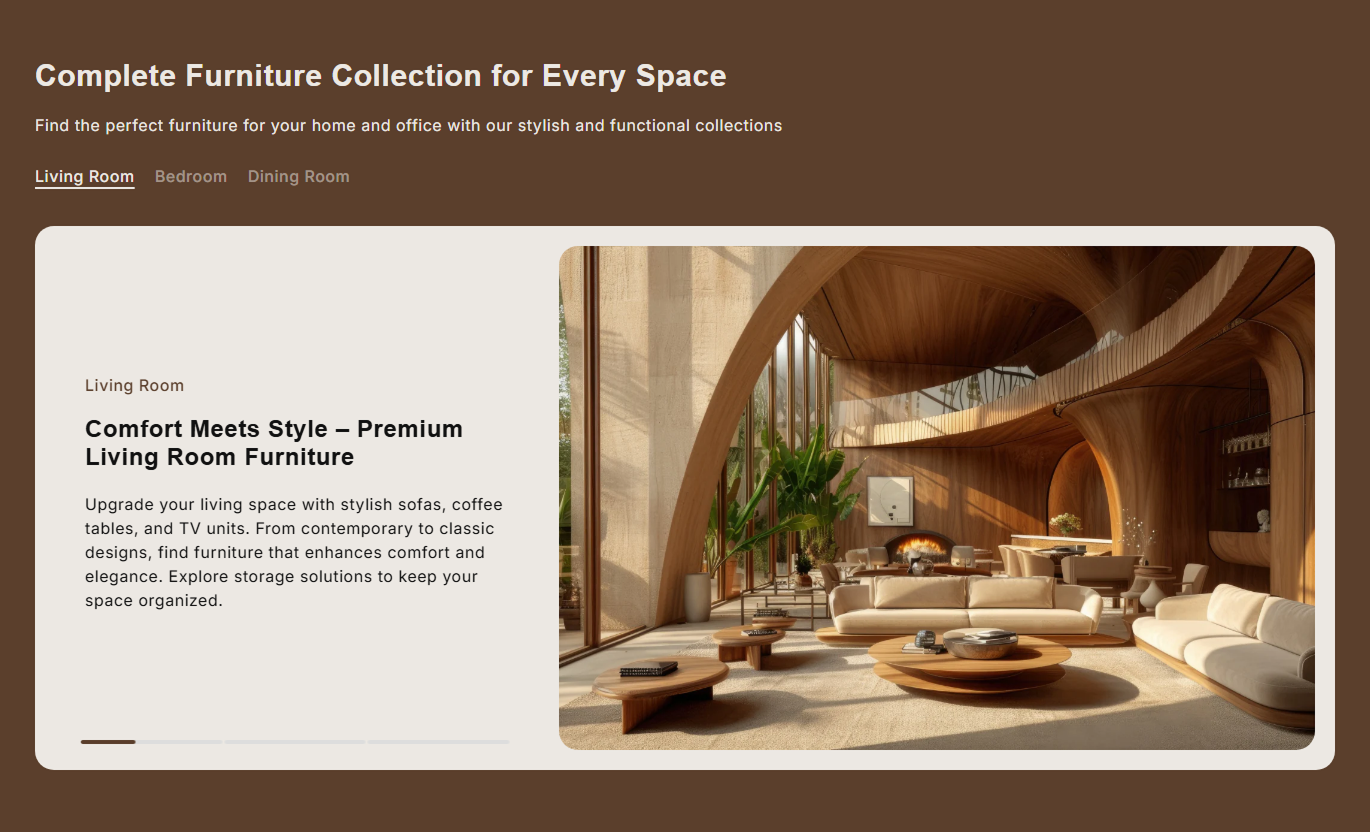
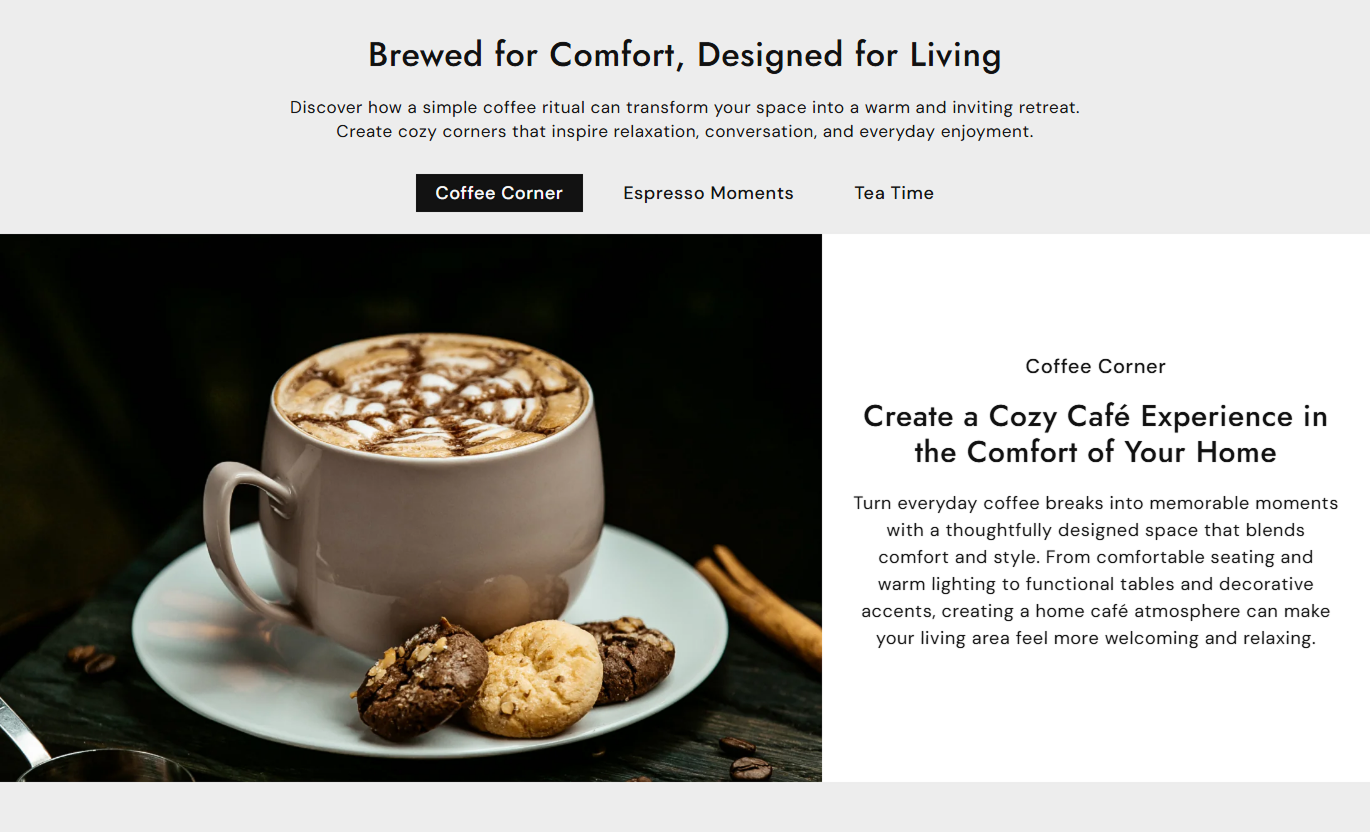


Build engaging content sections with tab navigation, flexible image layouts, rich text, autoplay, progress bars, responsive controls, and customizable styling.

Let customers switch between multiple content slides with clear, clickable tab titles.

Combine a large visual with supporting subheading, heading, and rich text content in every tab.

Place the image on the left or right side of the content to create different visual layouts.

Choose auto, small, medium, or large image heights to match your store's design.

Automatically move between tabs and control how frequently each content slide changes.

Display a visual progress indicator that shows the timing of the active autoplay slide.

Control text alignment and vertical positioning to create a balanced content presentation.

Keep tabs and content easy to browse with responsive layouts, scrolling navigation, and mobile spacing.
Control tab behavior, image layout, typography, colors, autoplay, spacing, progress indicators, and responsive section dimensions.

Applies to the whole section
Add the primary heading for the section.
Main HeadingAdd supporting rich text below the heading.
Section ContentAlign the main section content as needed.
Text AlignmentChoose standard tabs or link-style tab navigation.
Tab TypeSet tab titles to left, center, or right.
Tab AlignmentAdjust the shape of tab navigation buttons.
Tab Border RadiusSelect auto, small, medium, or large image sizing.
Image HeightPlace images on the left or right side.
Image PositionAlign tab text horizontally within its area.
Content AlignmentPosition content at the top, center, or bottom.
Vertical Position
Applies to each tab
Add the label displayed in the tab navigation.
Tab TitleUpload the main visual for each tab.
Tab ImageAdd a short supporting label above the heading.
SubheadingAdd the main heading for the selected tab.
Tab HeadingAdd rich text describing the tab topic.
Tab ContentUse interactive tabs to introduce key store highlights, featured collections, services, or brand benefits without occupying excessive vertical space.
Use interactive tabs to introduce important store highlights, featured collections, services, or brand benefits without taking up excessive vertical space.
Present multiple highlights in one compact section.Make important content easier to explore.Combine strong visuals with supporting information.Keep homepage storytelling organized and engaging.Give visitors a simple way to switch topics.Add tabs to collection pages to explain product categories, materials, features, design choices, or other information that helps shoppers understand the collection.
Explain different collection themes clearly.Support product browsing with useful information.Organize multiple topics without long page sections.Use images to strengthen collection storytelling.Help shoppers discover relevant details quickly.Use individual tabs to present product benefits, materials, design details, services, or other supporting information alongside strong visuals and readable content.
Organize detailed product information.Highlight important product features visually.Reduce long blocks of product-page content.Make supporting information easier to browse.Create a more engaging product experience.Create interactive landing page sections for campaigns, services, launches, or brand stories by combining tabbed topics with images and structured supporting content.
Present campaign information in clear sections.Build stronger visual storytelling experiences.Highlight multiple topics within one layout.Keep landing pages clean and organized.Guide visitors through important information.Give customers an interactive way to explore multiple topics with tab navigation, supporting imagery, structured content, autoplay, and responsive layouts.
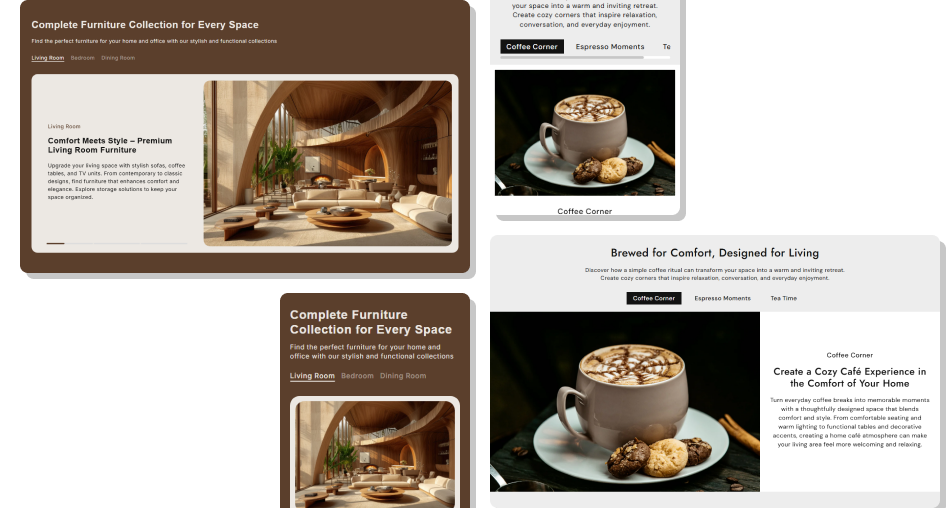
Create an organized content experience that combines visual storytelling, tabbed navigation, flexible layouts, and responsive presentation across devices.
Organize multiple topics in one sectionMake content discovery more interactiveCombine visuals with meaningful informationPresent complex information in a cleaner layoutGuide customers through key store highlightsCreate engaging experiences across devicesMatch tabs and content to your store branding Use short and meaningful tab titles.
Choose images that support each tab topic.
Keep tab content clear and easy to scan.
Use consistent images across all tabs.
Check tab navigation carefully on mobile.
Use short and meaningful tab titles.
Choose images that support each tab topic.
Keep tab content clear and easy to scan.
Use consistent images across all tabs.
Check tab navigation carefully on mobile.  Avoid using vague or confusing tab titles.
Don’t add unrelated images to your content.
Avoid placing too much text inside one tab.
Don’t use inconsistent visual styles between tabs.
Don’t ignore mobile tab scrolling and spacing.
Avoid using vague or confusing tab titles.
Don’t add unrelated images to your content.
Avoid placing too much text inside one tab.
Don’t use inconsistent visual styles between tabs.
Don’t ignore mobile tab scrolling and spacing. The section supports up to four tab blocks, allowing you to organize several related topics within one interactive content area.
Yes. The image position can be set to either the left or right side of the tab content on desktop layouts.
Yes. You can select Auto, Small, Medium, or Large image height options to suit your content and visual design.
Yes. Autoplay can be enabled to cycle through tab slides, and you can set the slide change delay.
Yes. When multiple tabs and autoplay are enabled, a progress bar indicates the timing of the active slide.
Yes. You can choose standard tab navigation or a link-style appearance and customize alignment, colors, and border radius.
Yes. Each tab can include an image, subheading, heading, and rich text content for detailed presentations.
Yes. The layout adapts for mobile screens, stacking the image and content while keeping tab navigation horizontally scrollable.
For Support or any Questions Email Us: [email protected]
Install SectionHub and add the Tab Wise Image Text Slider section to your theme in minutes - no coding required.
