Make Your Homepage Sales More Engaging
Display a countdown alongside featured products and collection sliders to introduce storewide promotions, highlight seasonal deals, and help visitors find products included in your current sale.

Promote limited-time offers with a live countdown timer and product collections. Highlight featured deals, display product prices, and help shoppers discover products before the sale ends.
 Limited-Time Sale Offers
Interactive Product Collections
Customizable Countdown Timer
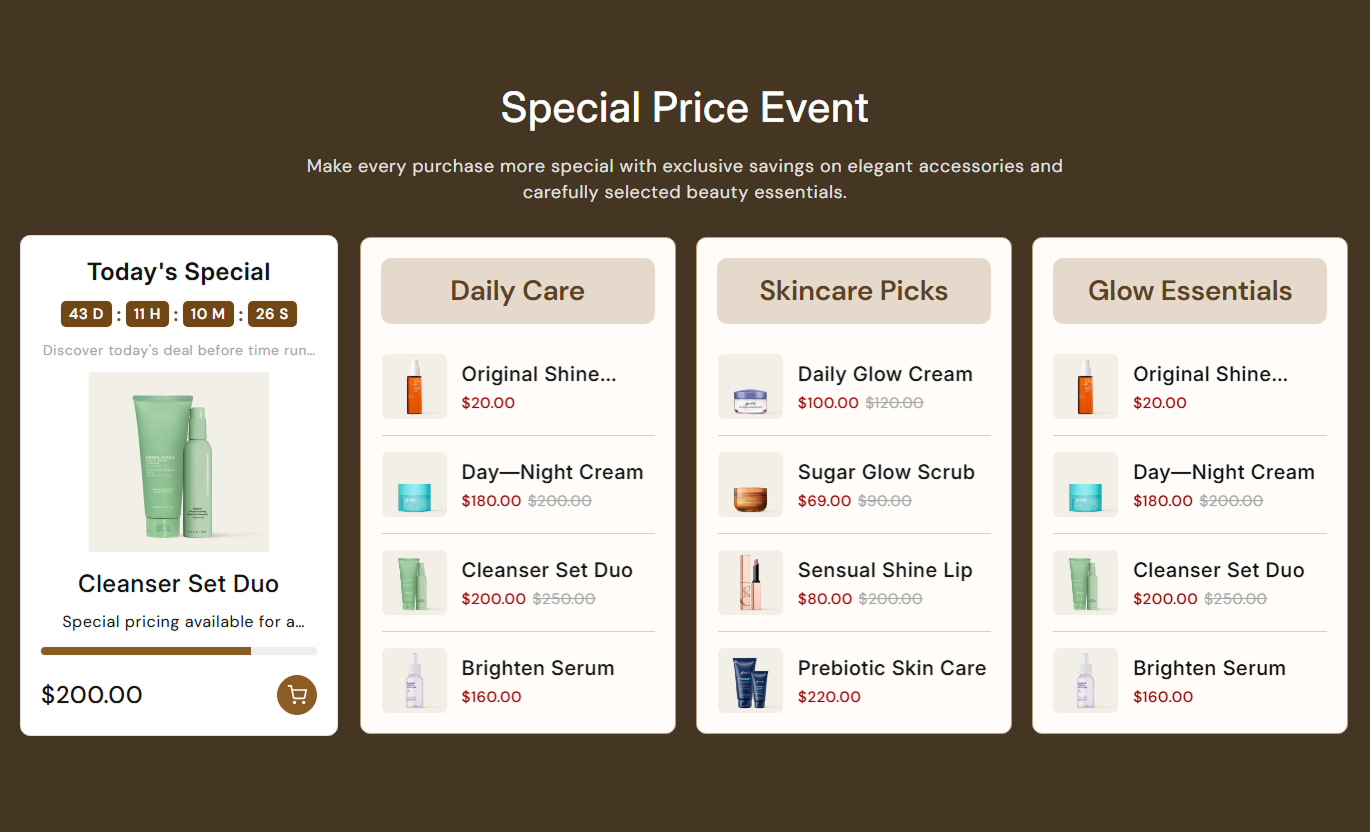
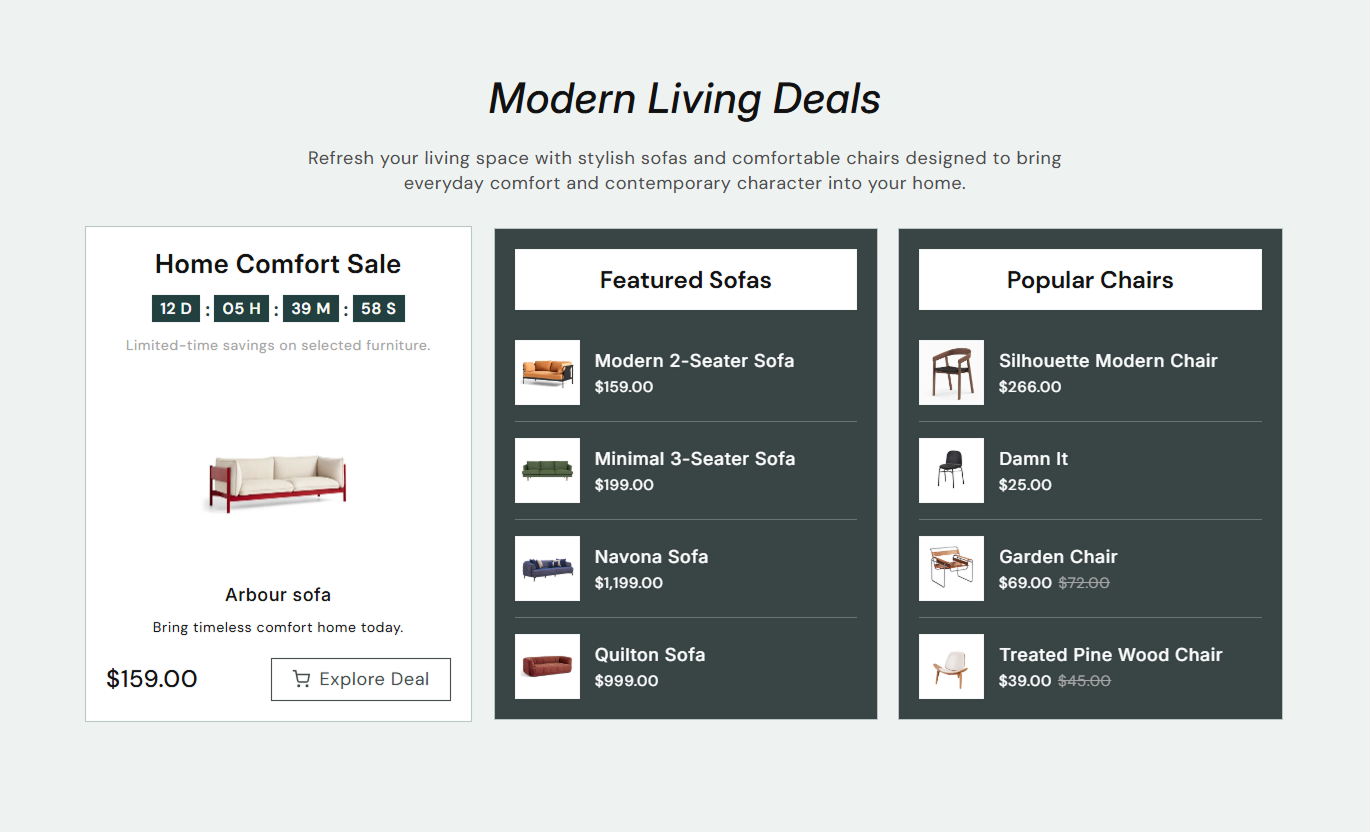
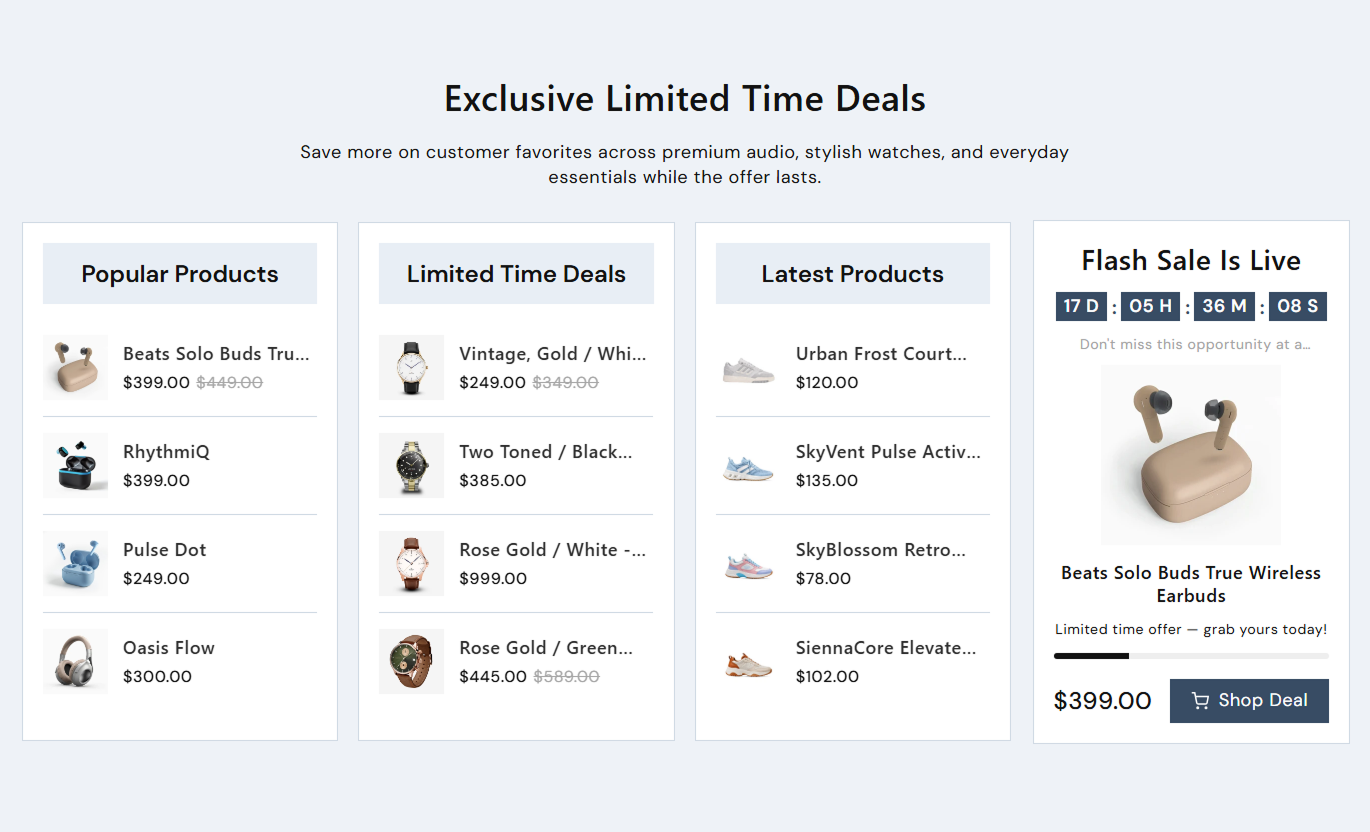


Create engaging sale promotions with a countdown timer, featured products, and collection sliders. Customize offer details, timer settings, product displays, and navigation.

Display a countdown with days, hours, minutes, and seconds to show shoppers how much time remains before an offer ends.

Set the start and end date and time for your promotion to control when the countdown begins and finishes.

Select a Shopify product to display its image, title, price, and product link alongside the countdown timer.

Add a timer heading, promotional message, and supporting stock text to explain your offer and encourage shoppers to explore it.

Display a progress bar that fills as time passes between the scheduled start and end dates.

Add collection blocks with custom headings and selected Shopify collections to showcase multiple product groups.

Enable autoplay for product lists and choose how often the slides change. Pause autoplay when shoppers hover over the slider.

Adjust countdown placement, collection appearance, colors, spacing, product images, and mobile navigation to match your store.
Control the countdown timer, product collections, content, and section styling from one place.

Applies to the whole section
Section heading displayed above the countdown and collections.
HeadingSupporting text displayed below the section heading.
ContentChoose the alignment of the section text.
Text AlignmentSet the countdown position on the left or right.
Countdown PositionDisplay a second product image when hovering over a product.
Show Hover ImageAutomatically slide through the collection products.
Enable AutoplaySet the autoplay interval for the product slider.
Slider SpeedChoose arrow or dot navigation on mobile devices.
Mobile Navigation
Applies to each block
Add a heading above the countdown timer.
Timer HeadingSet the date and time when the countdown starts.
Start Date & TimeSet the date and time when the countdown ends.
End Date & TimeAdd promotional text for the countdown offer.
Offer TextChoose the product displayed with the countdown.
Select ProductDisplay a progress bar for the countdown duration.
Show Progress BarCustomize the countdown button label.
Button TextUse a sale countdown and product collections across your Shopify store to promote limited-time offers, highlight featured products, organize sale categories, and encourage shoppers to explore your deals.
Display a countdown alongside featured products and collection sliders to introduce storewide promotions, highlight seasonal deals, and help visitors find products included in your current sale.
Highlight important promotions as soon as visitors arrive.Feature products from your latest sales campaign.Display multiple collections within a single promotional section.Show shoppers how much time remains on an offer.Guide homepage visitors toward featured product pages.Add a countdown with related product collections to promote seasonal discounts, category-specific offers, or special product events while helping shoppers browse more items within your store.
Promote limited-time offers within relevant categories.Showcase products from selected Shopify collections.Highlight featured deals alongside related products.Help shoppers discover more items in a collection.Create a clear visual focus for sale categories.Display a sale countdown with a featured product and related collection sliders to highlight promotional pricing, introduce complementary products, and help shoppers explore more options.
Highlight a featured product during a special offer.Show a countdown beside the selected product.Introduce related products through collection sliders.Display product prices for easier browsing.Encourage shoppers to explore complementary products.Use the countdown and product collections to create dedicated promotional pages for seasonal sales, product launches, clearance events, and limited-time campaigns.
Create a dedicated space for promotional campaigns.Set a clear start and end time for sale events.Group campaign products into separate collections.Feature selected products with direct product links.Keep promotional content organized in one section.Bring sale promotions and product discovery together in one section. Highlight featured deals, display remaining offer time, and organize multiple collections to make shopping more engaging.
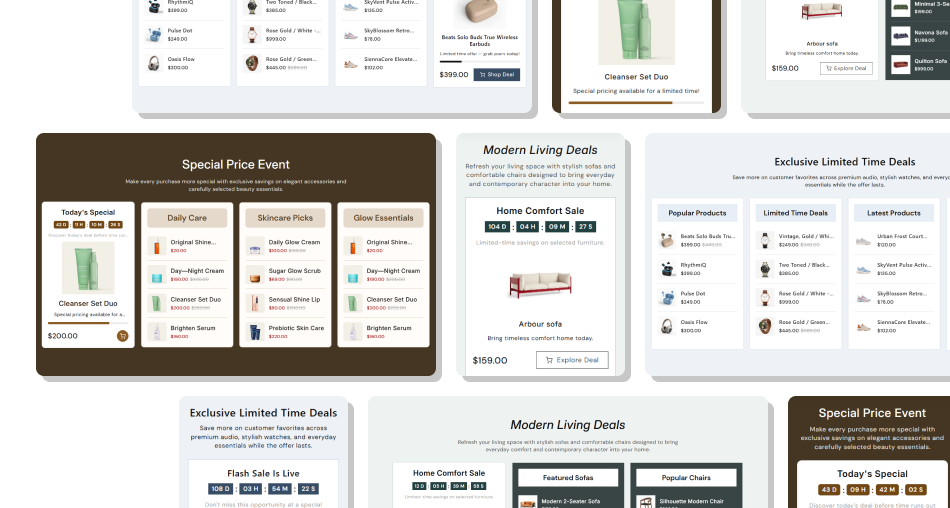
Give shoppers a clear view of your promotions with a countdown, featured products, and organized collections. Customize the layout to suit your store.
Create a Sense of UrgencyHighlight Featured ProductsPromote Multiple CollectionsKeep Sale Promotions OrganizedControl Your Promotion ScheduleImprove Product DiscoveryMatch Your Store Design Set accurate start and end dates for every sale promotion.
Choose a featured product that matches your current offer.
Use clear timer headings and promotional messages.
Select relevant collections to support product discovery.
Check the countdown and product sliders on mobile devices.
 Set incorrect countdown dates or forget to update expired offers.
Select products that are unrelated to the promotion.
Use long promotional messages that are difficult to read.
Add unrelated collections that distract from the sale.
Enable autoplay with an unnecessarily fast slide interval.
Yes. You can choose the start and end dates, including hours and minutes, to schedule when your sale countdown begins and finishes.
Yes. Select a Shopify product in the Countdown block to display its product image, title, price, and a link to its product page.
Yes. You can add up to three Collection blocks alongside one Countdown block, each with a separate heading and collection selection.
Yes. The countdown displays all four time units and updates every second while the scheduled promotion is active.
Yes. Enable Show Progress Bar in the Countdown block. The bar fills based on the elapsed time between the scheduled start and end dates.
Yes. Use the Countdown Position setting to place the countdown on the left or right side of the product collection area.
Yes. Enable autoplay and choose a slide interval between 1 and 10 seconds. The slider also pauses automatic movement when shoppers hover over it.
Yes. The section adjusts its layout for smaller screens and provides arrow or dot navigation for browsing product collections on mobile devices.
For Support or any Questions Email Us: [email protected]
Install SectionHub and add the Sale Countdown with Deal Showcase section to your theme in minutes - no coding required.