Turn Homepage Offers Into Timed Promotions
Place the countdown near the top or between homepage sections to highlight seasonal sales, limited-time discounts, or promotional campaigns.

Promote limited-time sales with a countdown timer, eye-catching image, offer content, and CTA button. Help shoppers see when your deal ends and shop before time runs out.
 2.0 Compatible
Live Countdown Timer
Responsive Design
2.0 Compatible
Live Countdown Timer
Responsive Design 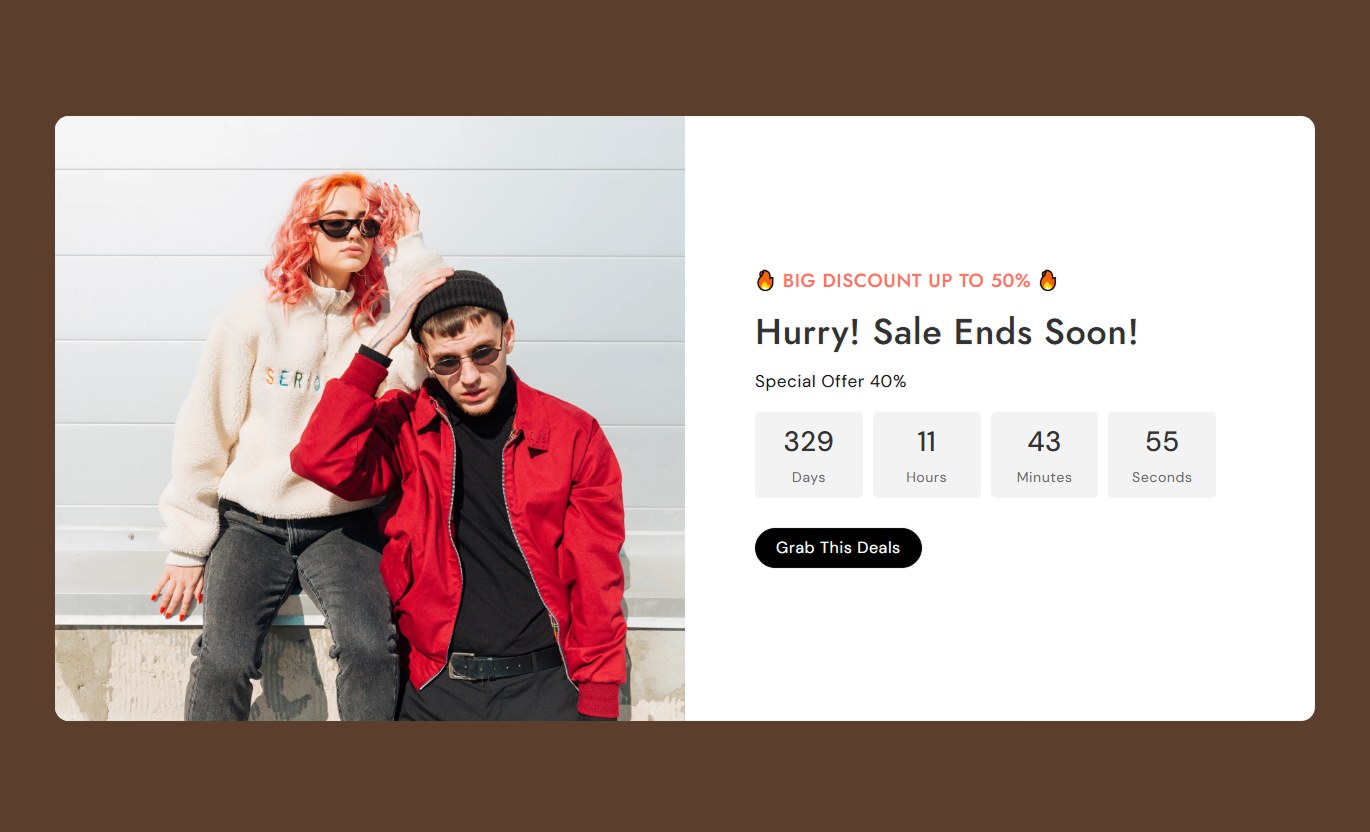
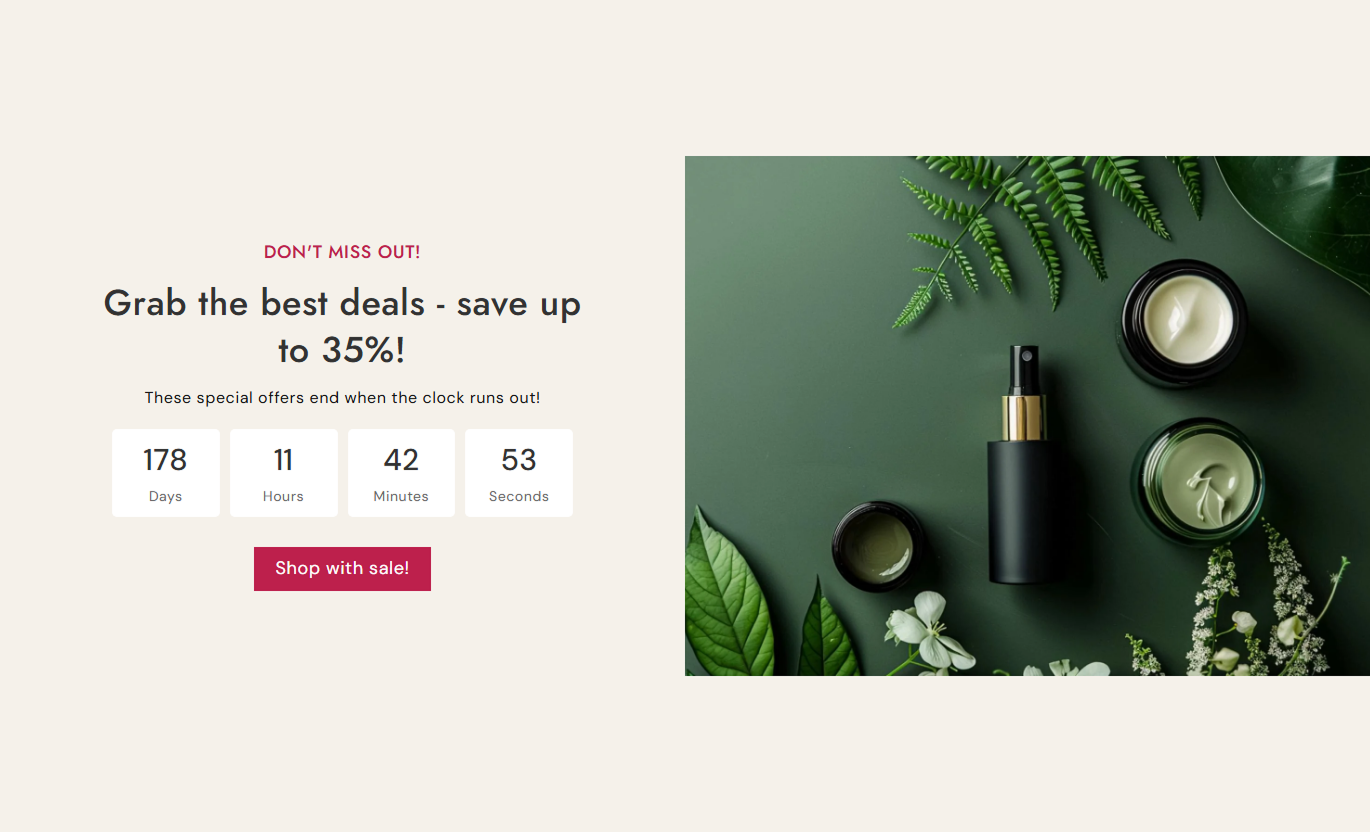


Create promotional sections with a live countdown, sale messaging, flexible image placement, custom timer labels, CTA styling, and responsive layouts.

Display remaining days, hours, minutes, and seconds until your selected sale end date and time.

Add a subheading, main heading, and rich text to clearly explain your promotion.

Add an image beside your offer content to make the sale section more visual and engaging.

Place the promotional image on the left or right of the countdown content.

Change the labels for days, hours, minutes, and seconds to suit your store or campaign.

Add a button with your own label and link to direct shoppers toward the offer.

Customize timer backgrounds, number colors, label colors, and font sizes.

The image and content stack on mobile, with adjusted typography and spacing for smaller screens.
Customize the sale image, countdown date, content, timer, button, colors, spacing, and section width from the Shopify theme editor.

Applies to the whole section
Add the main promotional image for the sale section.
Sale ImageChoose whether the image appears on the left or right.
Image PositionSelect Small, Medium, Large, or Auto image height.
Image HeightAdd a short message above the main sale heading.
SubheadingAdd the main heading for your promotion.
Sale HeadingAdd rich text to explain the offer or campaign.
Sale ContentChoose left, center, or right alignment for the content.
Text AlignmentSet the date when the countdown should end.
Timer End DateSet the exact hour and minute when the countdown ends.
Timer End TimeCustomize the labels for days, hours, minutes, and seconds.
Timer LabelsChoose whether the CTA uses a filled or outline style.
Button StyleAdjust button corner radius and desktop text size.
Button StylingCustomize heading, content, timer, and button typography.
Font SizesSet backgrounds, text, timer, and button colors.
Color SettingsControl the corner radius of the complete sale section.
Section Border RadiusSet desktop and mobile top and bottom spacing.
Section PaddingMake the section span the full available width.
Full WidthSet a maximum width when full width is disabled.
Section WidthUse Sale Countdown Spilt Banner wherever you want to promote a time-sensitive offer and give shoppers a clear visual reminder of when the campaign ends.
Place the countdown near the top or between homepage sections to highlight seasonal sales, limited-time discounts, or promotional campaigns.
Highlight current promotionsCreate a clear campaign deadlineCombine offers with visualsGuide shoppers to the saleUse the countdown above or around a promoted collection to show shoppers that a special offer is available for a limited time.
Promote collection discountsShow the campaign deadlineEncourage faster browsingLink directly to the offerAdd the countdown to product-focused pages to promote a limited-time deal and direct shoppers to the featured offer.
Highlight limited-time dealsShow remaining campaign timeSupport promotional messagingAdd a direct CTAUse the section on promotional landing pages to combine campaign messaging, a visual, a countdown timer, and a CTA into a single focused layout.
Create a clear campaign deadlineFocus attention on the offerCombine visuals with urgencyDrive visitors toward the CTAGive shoppers a visual countdown alongside your promotional message so they can quickly understand that an offer has a defined end time.
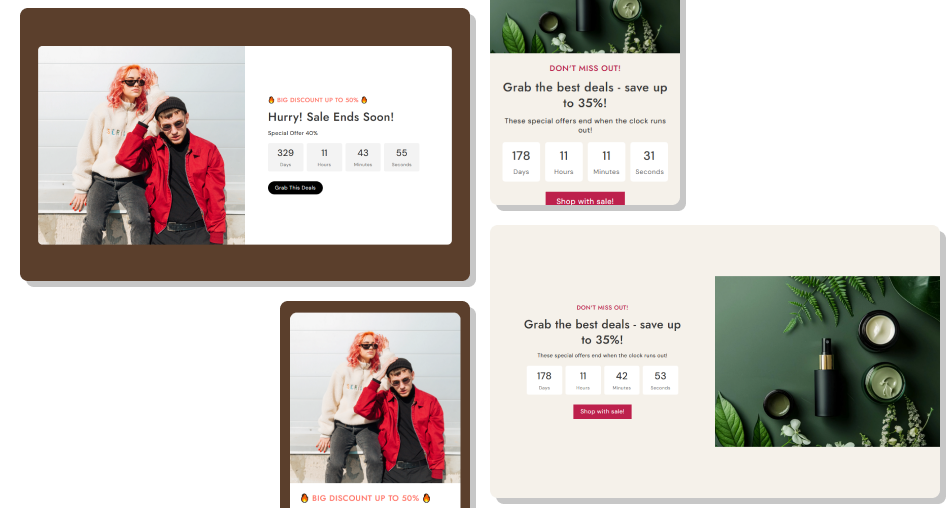
Use an image, sales content, a countdown timer, and a customizable button together in a single flexible promotional section.
Display a live countdown to your campaign endShow days, hours, minutes, and secondsAdd a promotional imagePosition the image on either sideCustomize timer labels and stylingAdd a direct CTA buttonUse filled or outline button stylingCreate a responsive mobile layout Set the countdown to the actual campaign end date and time.
Use a clear copy that explains what the promotion offers.
Choose an image that supports the sale message.
Make the CTA label direct and action-focused.
Use timer colors that are easy to read.
Set the countdown to the actual campaign end date and time.
Use a clear copy that explains what the promotion offers.
Choose an image that supports the sale message.
Make the CTA label direct and action-focused.
Use timer colors that are easy to read.  Set an incorrect or outdated campaign deadline.
Leave shoppers unsure about what the offer includes.
Use unrelated promotional images.
Use vague button labels that do not explain the action.
Make timer numbers or labels difficult to read.
Set an incorrect or outdated campaign deadline.
Leave shoppers unsure about what the offer includes.
Use unrelated promotional images.
Use vague button labels that do not explain the action.
Make timer numbers or labels difficult to read. Yes. The timer continuously calculates the remaining time and displays days, hours, minutes, and seconds until the selected end date and time.
Yes. You can set the year, month, and date through the Timer End Date settings.
Yes. You can select the ending hour from 0–23 and minutes from 0–59.
Yes. Separate text settings let you customize all four timer labels.
Yes. You can place the image on either the left or right side of the content.
Yes. The section supports Small, Medium, Large, and Auto image height options.
Yes. You can add a custom button label and link. You can also choose an outline button style.
Yes. You can customize the timer background, number box background, number color, and timer label color.
Yes. You can adjust the subheading, heading, content, timer number, and timer label font sizes.
Yes. On mobile, the image and content use a stacked layout with adjusted font sizes, button sizing, timer sizing, and spacing.
Yes. You can enable full width or set a custom maximum width when full width is disabled.
For Support or any Questions Email Us: [email protected]
Give shoppers a visual countdown alongside your promotional message so they can quickly understand that an offer has a defined end time.
