Create Urgency From the First Visit
Place the countdown on your homepage to highlight important sales, seasonal offers, new launches, or limited-time promotions.

Create urgency with a live countdown timer for sales, promotions, launches, and seasonal offers. Add a custom message and CTA to encourage shoppers to act before the offer ends.
 2.0 Compatible
Live Countdown
Responsive Design
2.0 Compatible
Live Countdown
Responsive Design 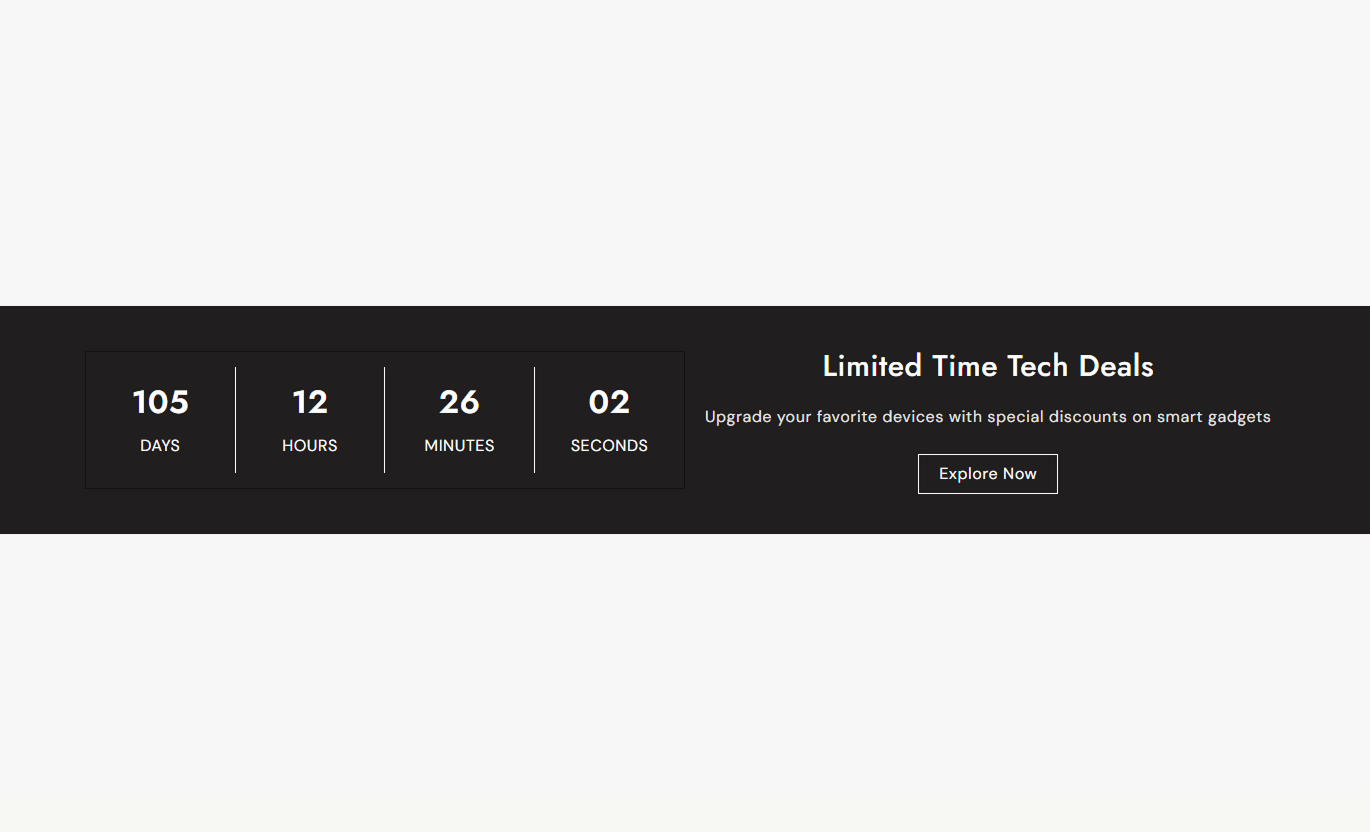
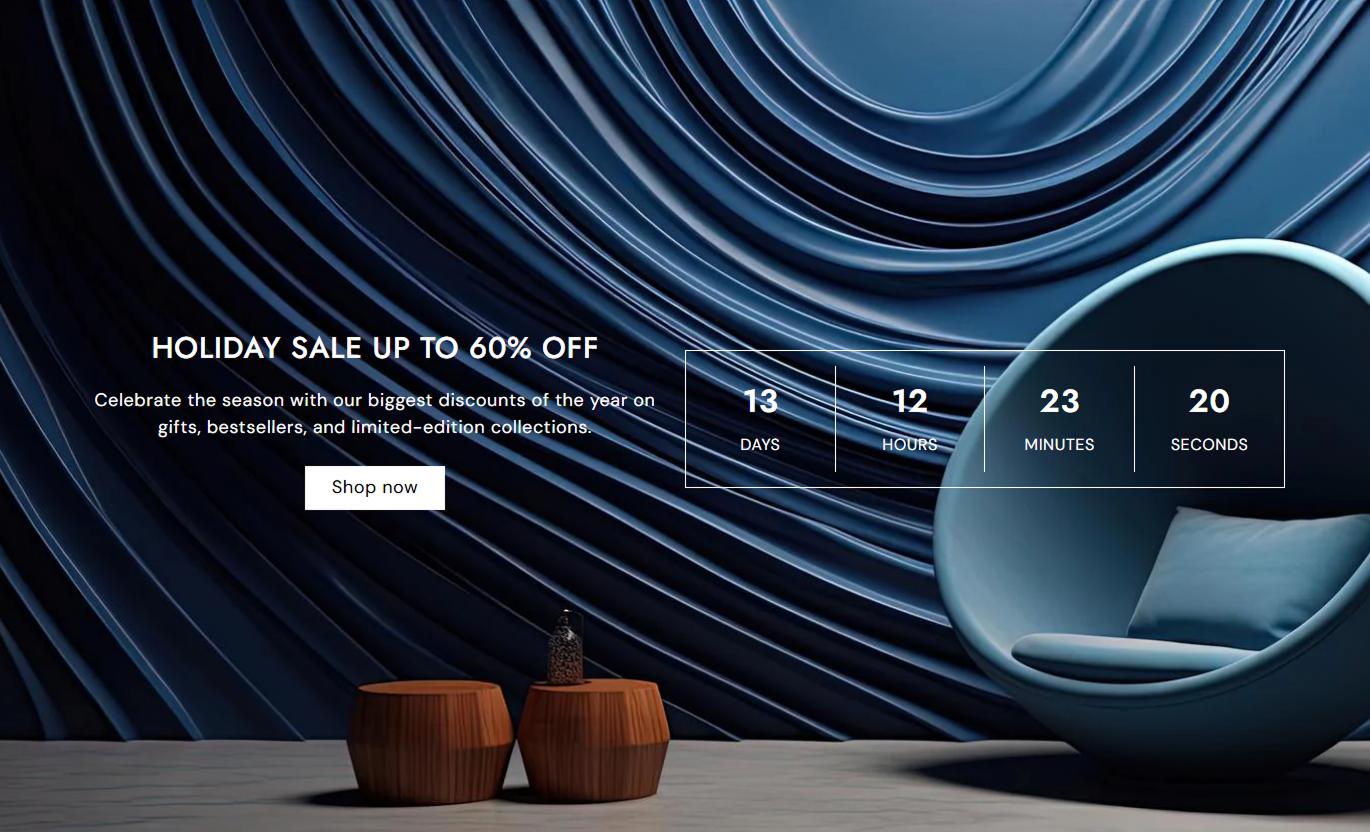
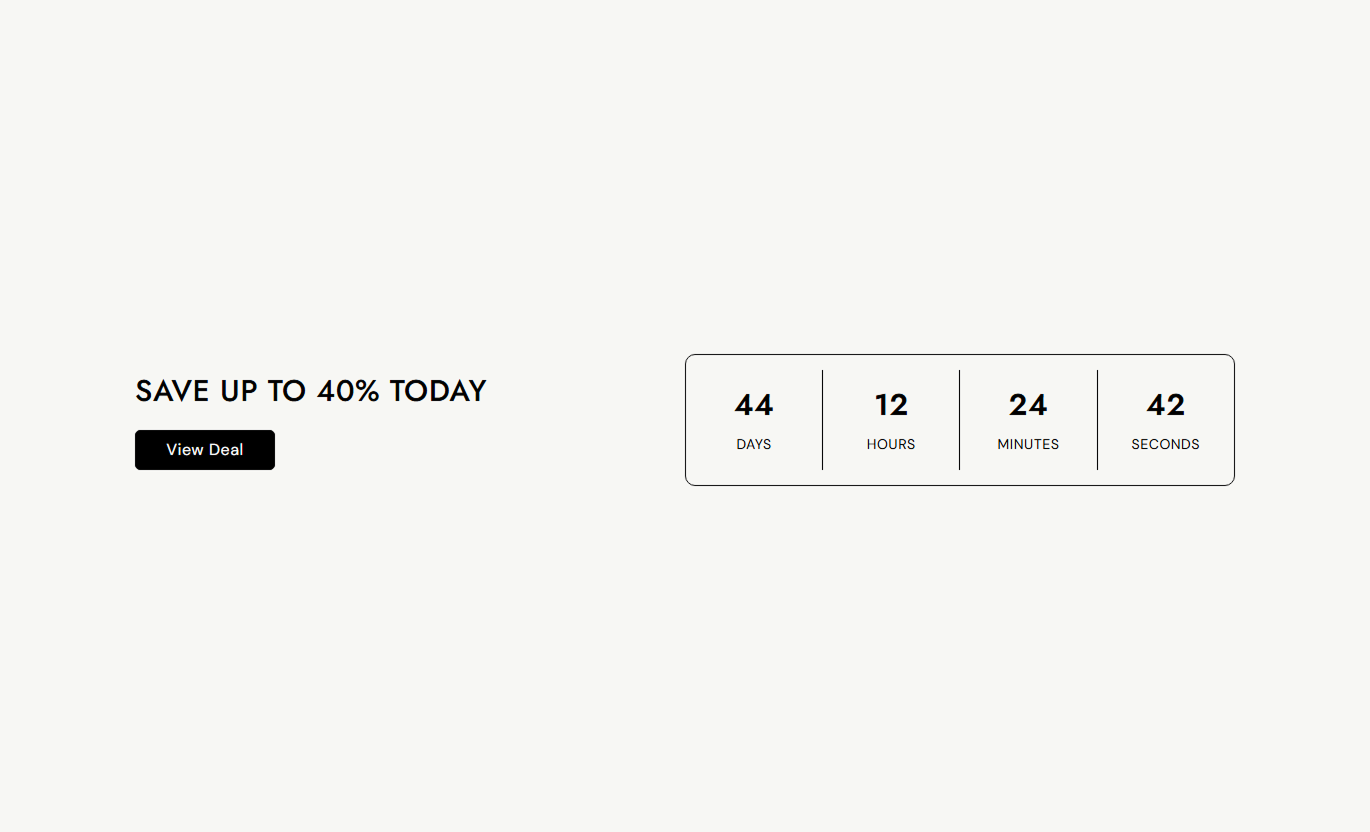


Create attention-grabbing promotional sections with a live countdown, custom messaging, CTA buttons, background images, and flexible layout controls.

Display remaining days, hours, minutes, and seconds for your promotion.

Set the exact date and time when your sale or campaign should end.

Add a custom heading and description to clearly explain your offer.

Add a clickable button to guide shoppers to a product, collection, or promotional page.

Add a background image to create a more visual and engaging promotion section.

Choose whether the promotional content appears before or after the countdown timer.

Adjust timer colors, font sizes, borders, and border radius to match your store design.

Keep the promotional content and countdown easy to view across desktop and mobile devices.
Customize the countdown, promotional content, buttons, colors, and layout for your store.

Applies to the whole section
Add an image behind the countdown section.
Background ImageChoose where the promotional content appears.
Content PositionSet the section background color.
Background ColorSet the countdown border color.
Timer Border ColorAdjust the countdown corner radius.
Timer Border RadiusSet the spacing above the section on the desktop.
Desktop Top PaddingSet the spacing below the section on the desktop.
Desktop Bottom PaddingMake the section span the available page width.
Full WidthSet the maximum width of the section.
Section Width
Applies to each content or timer block
Add the main promotional heading.
HeadingAdd supporting text for the promotion.
ContentSet the CTA button text.
Button LabelChoose the page linked to the button.
Button LinkSet the countdown end minute.
Minute NumberSet the countdown end hour.
Hour NumberSet the countdown end date.
End DateSet the labels for timer values.
Timer LabelsUse a countdown timer to highlight time-sensitive promotions, seasonal campaigns, product launches, and special offers throughout your Shopify store.
Place the countdown on your homepage to highlight important sales, seasonal offers, new launches, or limited-time promotions.
Highlight current promotionsCreate a stronger sense of urgencyPromote seasonal campaignsGuide shoppers to your offerAdd a countdown to collection pages to highlight temporary discounts, seasonal campaigns, clearance events, or collection-wide promotions.
Highlight collection promotionsSupport seasonal campaignsEncourage shoppers to browseCreate urgency around offersUse the countdown to draw attention to limited-time product promotions and encourage shoppers to take action before the offer ends.
Highlight promotional pricingCreate urgency around offersSupport faster purchase decisionsDirect shoppers with a CTAUse a countdown with promotional messaging to create focused campaign experiences for launches, special events, seasonal sales, and limited-time offers.
Capture visitor attentionHighlight campaign deadlinesSupport promotional messagingGuide visitors toward your CTACombine promotional messaging with a live countdown to make important deadlines visible and give shoppers a clear path to your offer.
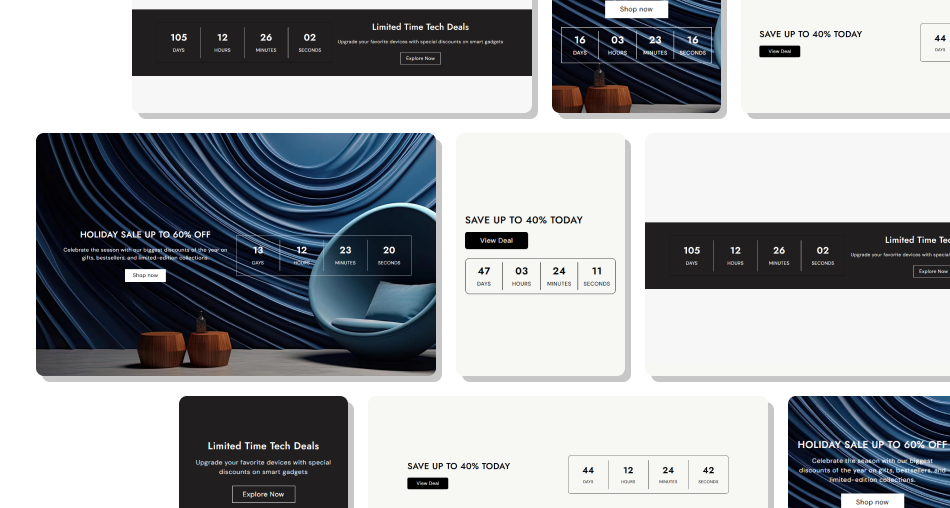
Highlight promotions with a live countdown, compelling content, and a clear CTA that encourages shoppers to act before the offer ends.
Display a live countdown timerSet a specific end date and timeAdd custom promotional messagingInclude a clear CTA buttonAdd a background image for impactCustomize timer colors and stylingChoose your content positioningKeep the section responsive across devices Set a clear and accurate end date
Use short promotional messaging
Make the offer easy to understand
Use a clear CTA button
Choose a relevant background image
Keep timer labels simple
Match the design to your store
Set a clear and accurate end date
Use short promotional messaging
Make the offer easy to understand
Use a clear CTA button
Choose a relevant background image
Keep timer labels simple
Match the design to your store  Use unclear or misleading deadlines
Add too much promotional text
Use unrelated background images
Hide the main CTA
Overcomplicate the timer
Use hard-to-read colors
Promote expired offers
Use unclear or misleading deadlines
Add too much promotional text
Use unrelated background images
Hide the main CTA
Overcomplicate the timer
Use hard-to-read colors
Promote expired offers Yes. Add the Sale Countdown section and set the date and time when your promotion should end.
Yes. You can set the minute, hour, day, month, and year for the countdown end time.
The timer displays remaining days, hours, minutes, and seconds.
Yes. The text block lets you add a heading, description, and CTA button alongside the countdown.
Yes. Add custom button text and link the button to the relevant page in your store.
Yes. You can add a background image to the entire countdown section.
Yes. Use the Content Position setting to choose whether the promotional content appears first or last.
Yes. You can customize the timer number size, label size, content color, border color, and border radius.
Yes. The layout adjusts for smaller screens, keeping the promotional content and countdown remain easy to view.
Yes. Enable Full Width to let the section span the available page width, or use a custom section width for a contained layout.
For Support or any Questions Email Us: [email protected]
Install SectionHub and add the Sale Countdown section to your theme in minutes - no coding required.
