Share Your Brand Story Clearly
Use a focused text section to introduce your brand, explain your values, or share important information with visitors.

Add headings, rich text, and a clear call to action in a focused layout with flexible alignment, spacing, and colors, and responsive settings.
 2.0 Compatible
Flexible Content
No Coding Needed
2.0 Compatible
Flexible Content
No Coding Needed 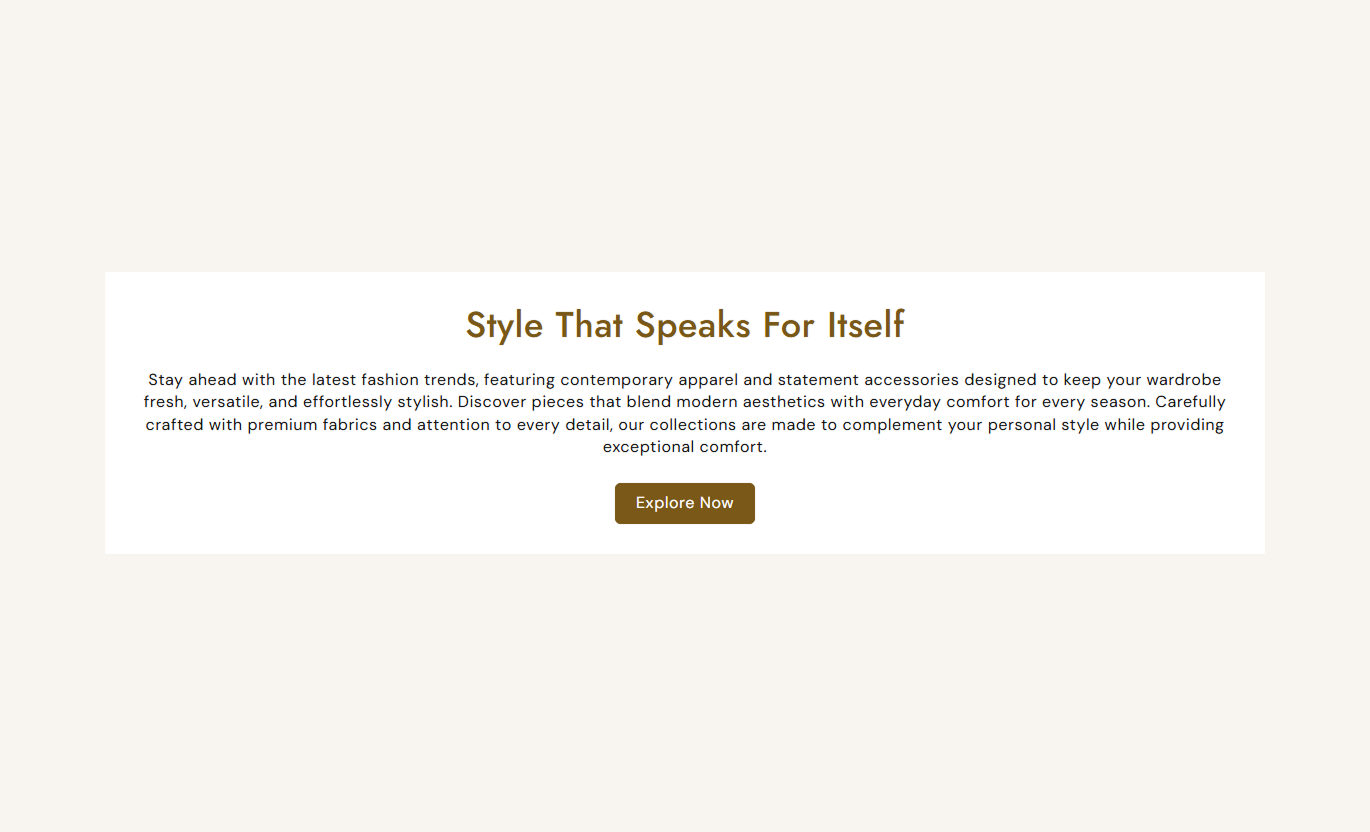
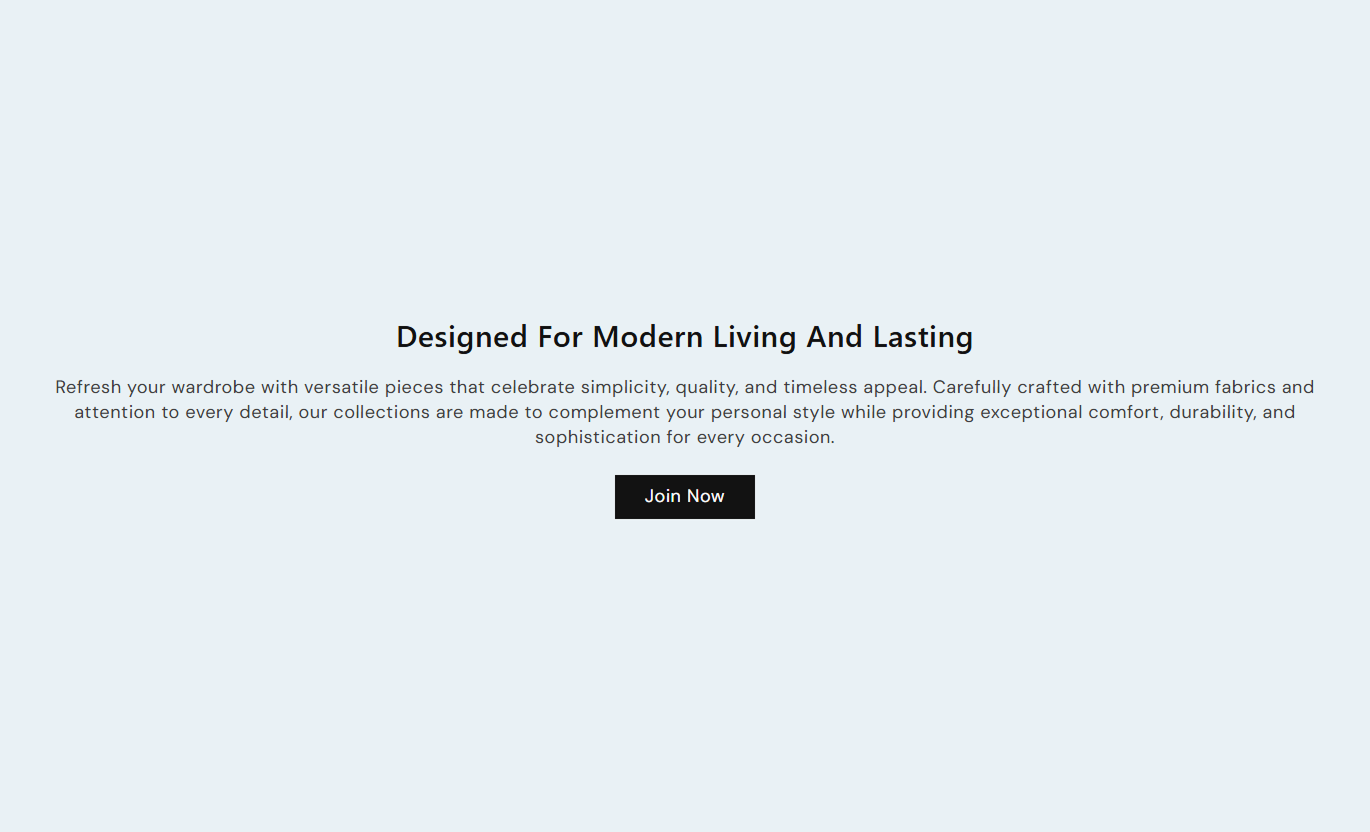


Present important store information with rich text, custom alignment, buttons, spacing, colors, and responsive design controls.

Add formatted text to share important information with shoppers.

Add a button to guide shoppers to another page or store area.

Align your heading and content to the left, center, or right.

Set a maximum width to keep your text easy to read.

Adjust the padding around the content block for better spacing.

Customize button size, colors, borders, radius, and hover styles.

Set background, heading, content, and content block colors.

Adjust top and bottom spacing separately for desktop and mobile.
Control content, alignment, buttons, colors, spacing, and section width from the Shopify theme editor.

Applies to the whole section
Add the main heading for your content section.
HeadingAdd formatted text below the main heading.
ContentSet the text shown on the call-to-action button.
Button LabelChoose the page or URL the button should open.
Button LinkChoose left, center, or right content alignment.
Text AlignmentAdjust the inner spacing around the content block.
Content PaddingSet the maximum width of the content area.
Content Max WidthEnable an outline style for the action button.
Outline ButtonCustomize the section and content background colors.
Background ColorsSet the heading and content font sizes and colors.
Typography & ColorsUse Rich Text to explain your brand, share important details, introduce collections, or guide shoppers to useful store pages.
Use a focused text section to introduce your brand, explain your values, or share important information with visitors.
Introduce your brandShare key informationSupport store navigationAdd a clear call to actionAdd a short introduction above or below your products to explain the collection's theme or what shoppers can expect.
Explain collection themesIntroduce product rangesSupport product discoveryAdd useful contextUse rich text to explain product details, care instructions, materials, shipping information, or other useful content.
Share important detailsExplain product informationAnswer common questionsGuide shoppers to more informationUse rich text for campaign messaging, announcements, brand stories, promotional content, or supporting information on landing pages.
Support campaign messagingHighlight important informationGuide visitors with CTAsCreate focused content areasCreate focused content sections that help you share information, tell your brand story, and guide shoppers with clear calls to action.
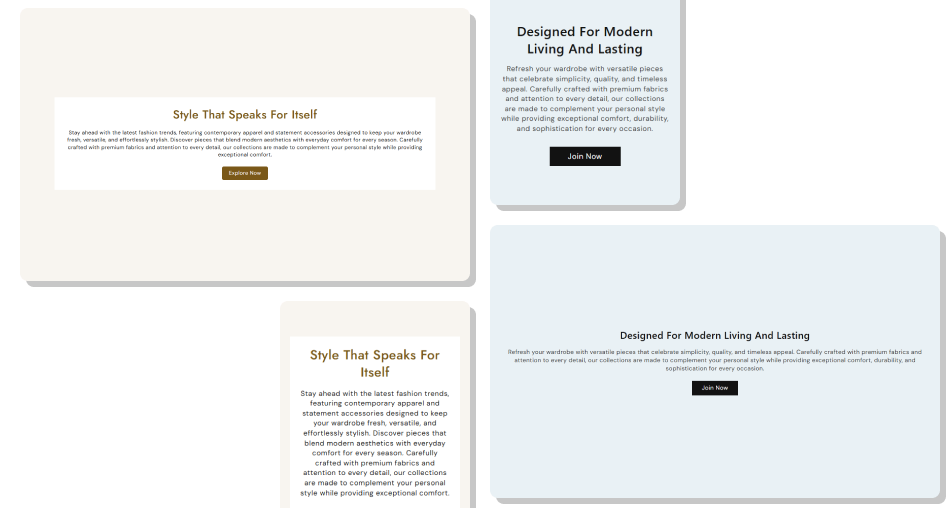
Use a flexible rich text section to organize important messages, supporting content, and CTAs in a clean layout that fits your storefront.
Share important store informationCreate clear and focused content sectionsAdd headings and supporting textInclude focused call-to-action buttonsControl text alignment and section widthMatch content with your store brandingAdjust spacing for different devicesKeep content clean and easy to read Keep content concise
Use clear headings
Focus on one main message
Add relevant CTAs
Keep text easy to scan
Keep content concise
Use clear headings
Focus on one main message
Add relevant CTAs
Keep text easy to scan  Add unnecessary long paragraphs
Use unclear headings
Overload the section with information
Add unrelated CTAs
Use excessive spacing
Add unnecessary long paragraphs
Use unclear headings
Overload the section with information
Add unrelated CTAs
Use excessive spacing Yes. The Content setting uses rich text, allowing you to add formatted store content.
Yes. You can add a button by setting a Button Label and a Button Link.
Yes. You can use an outline button and customize its colors, size, border, radius, and hover appearance.
Yes. Choose left, center, or right alignment from the Text Alignment setting.
Yes. Set the Content Max Width to control how wide the text area appears.
Yes. Use Content Padding to adjust the space inside the content block.
Yes. You can customize the section background, content background, heading color, and content color.
Yes. Separate settings are available for heading and content font sizes.
Yes. The section includes responsive typography and separate mobile spacing settings for smaller screens.
The section provides a maximum width setting rather than a separate full-width toggle. You can control the overall section width using the Section Width setting.
For Support or any Questions Email Us: [email protected]
Install SectionHub and add the Rich Text section to your theme in minutes - no coding required.
