Promote Storewide Offers From the Homepage
Use the banner on your homepage to highlight a storewide discount, seasonal promotion, or welcome offer with a coupon shoppers can copy instantly.

Promote time-sensitive offers with a responsive coupon banner featuring copy-to-clipboard codes, custom backgrounds, flexible layouts, and animated success feedback.
 Copyable Discount Code
Animated Copy Feedback
Flexible Promo Layout
Copyable Discount Code
Animated Copy Feedback
Flexible Promo Layout 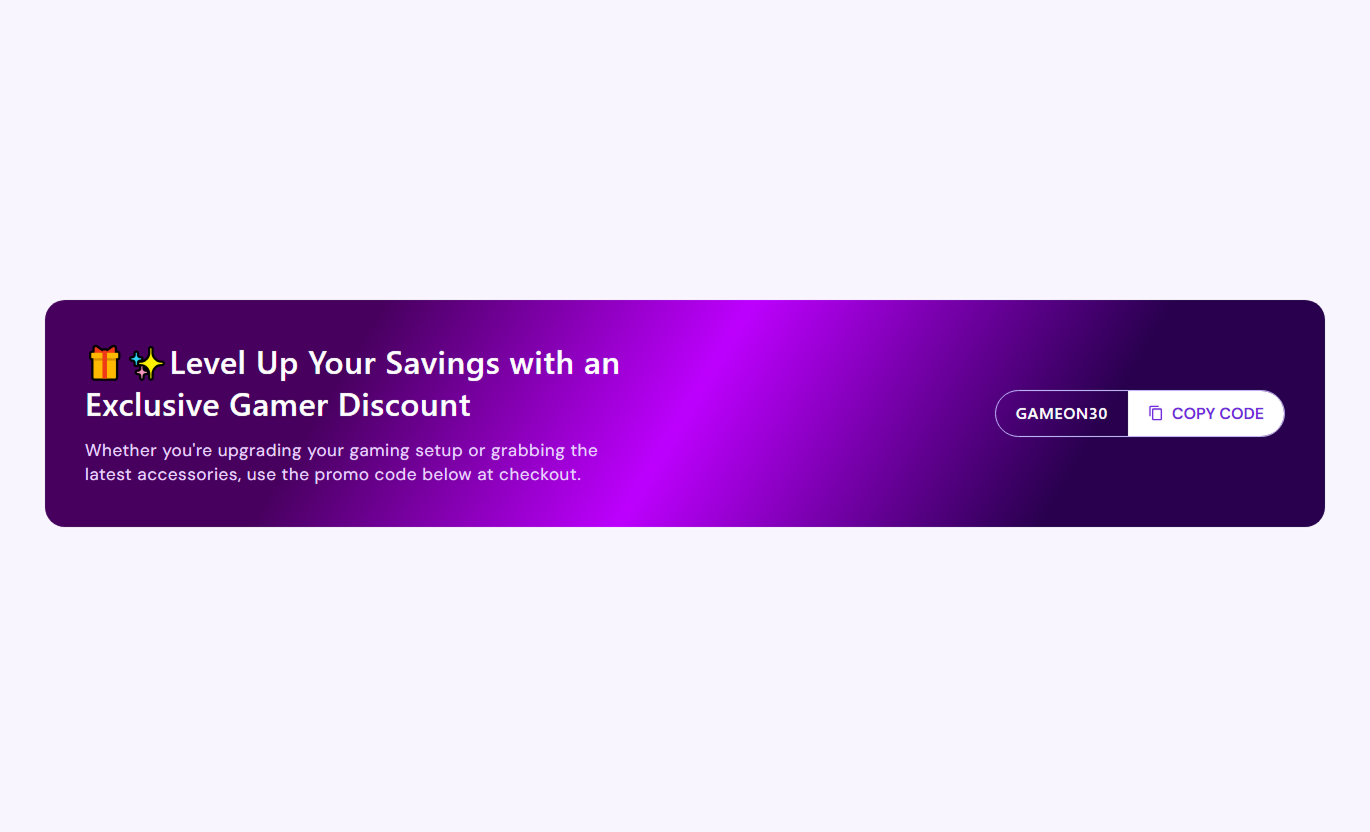
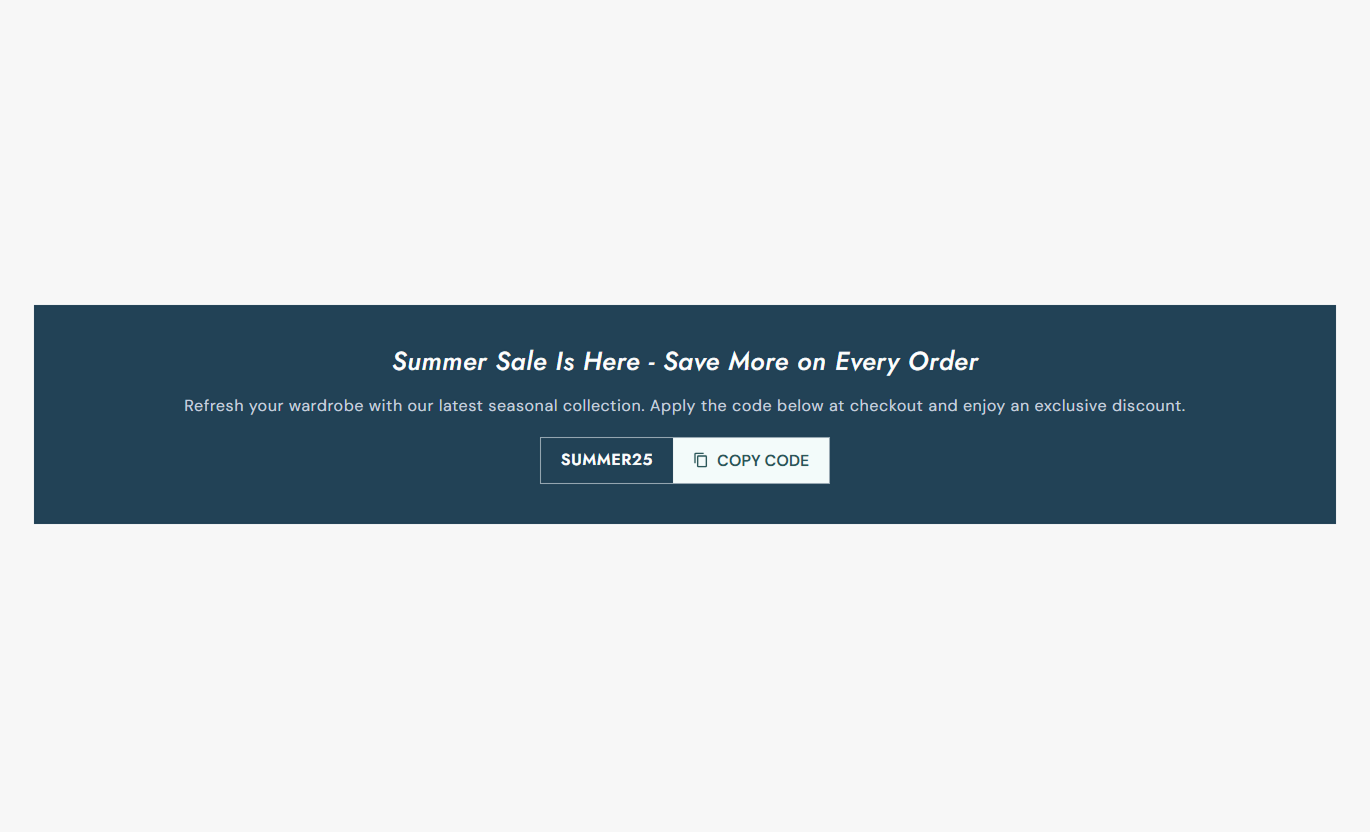
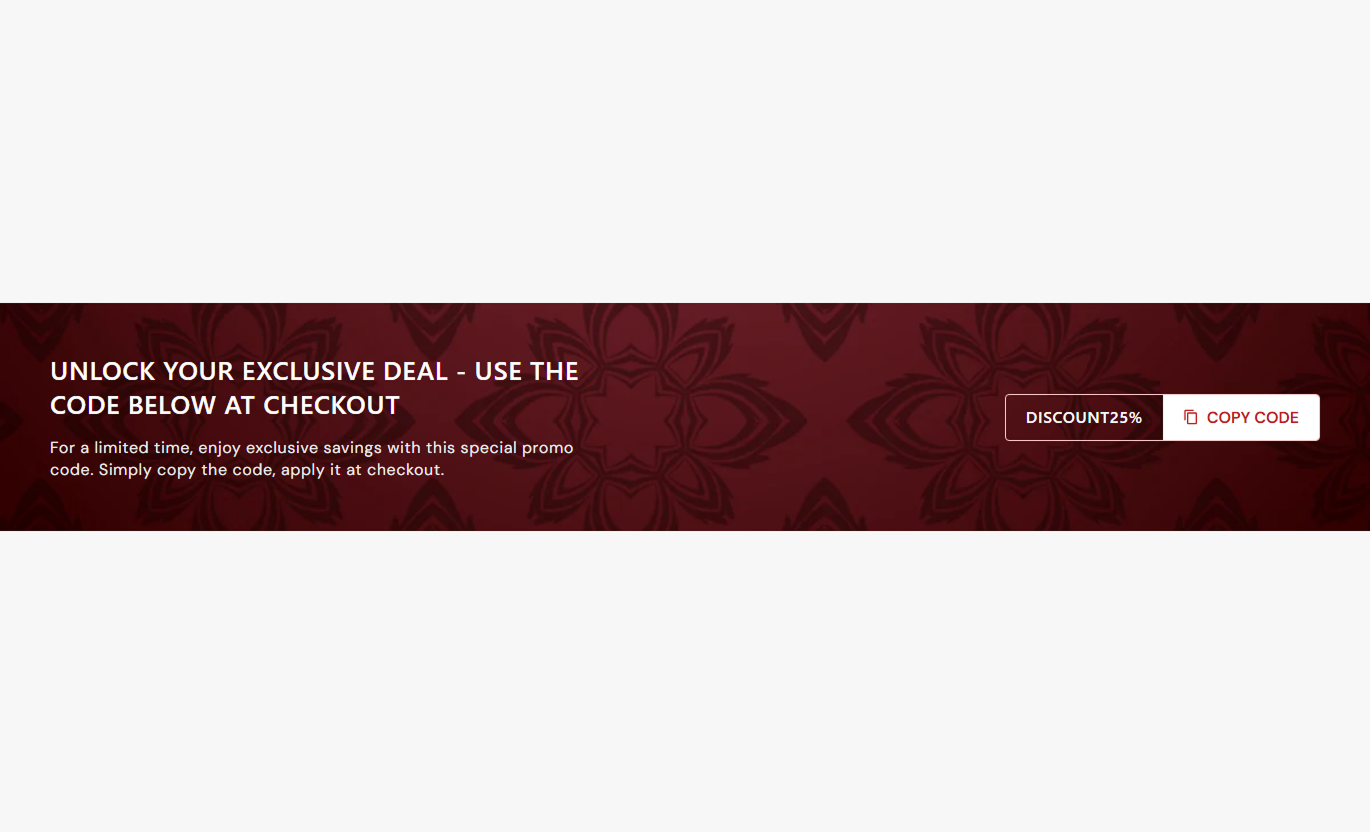


Create a promotional coupon banner with copy-to-clipboard codes, flexible backgrounds, responsive layouts, custom styling, and animated copied-state feedback.

Let shoppers copy the displayed discount code with one click using the Clipboard API plus a fallback copy method for broader support.

After a successful copy, the button changes style, shows custom copied text, and plays pop, ripple, and icon rotation effects.

Choose a row layout for side-by-side content and coupon controls or a centered column layout for a stacked presentation.

Use a background image when provided, otherwise, use an enabled gradient or fall back to a solid content background color.

Add a rich-text heading and supporting rich-text content to explain the offer, urgency, redemption details, or campaign message.

Set both the default copy button label and the temporary copied state message shown after shoppers copy the discount code.

On mobile, the banner stacks vertically with centered copy, fixed compact typography, and reduced internal spacing for smaller screens.

Control typography, colors, borders, radii, click-effect color, section spacing, banner padding, and overall section width.
Control promotional copy, coupon behavior, backgrounds, typography, colors, spacing, layout direction, and width.

Applies to the whole section
Edit the rich-text heading and supporting offer content.
Promo Content SetupSet the discount code plus default and copied button text.
Coupon Copy ContentChoose row or column layout for desktop presentation.
Desktop Layout StyleSet coupon and content corner radius plus inner padding.
Banner Shape & SpaceChoose image, gradient, or solid content background styling.
Background StylingAdjust heading, content, and coupon button text sizes.
Typography ControlsCustomize text, coupon, border, and copied-state colors.
Color Style ControlsSet separate desktop and mobile vertical section spacing.
Responsive PaddingUse full width or define a maximum contained section width.
Section Width SetupUse this coupon banner across key Shopify pages to highlight offers, discount codes, campaign messages, and limited-time incentives in a clear promotional format.
Use the banner on your homepage to highlight a storewide discount, seasonal promotion, or welcome offer with a coupon shoppers can copy instantly.
Put important discount messaging in a focused promo areaGive shoppers a one-click way to copy the coupon codeUse imagery or gradients to match seasonal campaignsChoose row or column layouts to fit homepage structureKeep the offer readable with a stacked mobile layoutPlace the banner near collection content to promote category-specific sales, seasonal offers, or discount codes before shoppers explore the product grid.
Highlight collection-specific offers above or below productsGive shoppers the coupon before they start comparing itemsUse campaign imagery to reinforce the collection themeKeep the discount visible without editing product cardsMatch the banner colors to the collection campaign designUse the banner on product pages to surface a discount code, a limited-time deal, or a campaign message when shoppers are evaluating a purchase.
Show a promotional incentive near product informationLet shoppers copy the code before moving to checkoutUse concise copy to explain redemption or offer termsKeep discount messaging separate from product controlsAdapt the banner cleanly to smaller product-page screensUse Promotional Banner Flexible on landing pages to combine campaign messaging, visual styling, and a copyable discount code inside one focused promotional block.
Create a clear coupon-focused campaign destinationPair campaign copy with image or gradient backgroundsUse copied-state feedback to confirm shopper actionChoose stacked or horizontal layouts for campaign flowKeep the banner responsive across desktop and mobileTurn coupon campaigns into a polished storefront experience with clear messaging, instant code copying, flexible styling, and responsive presentation.
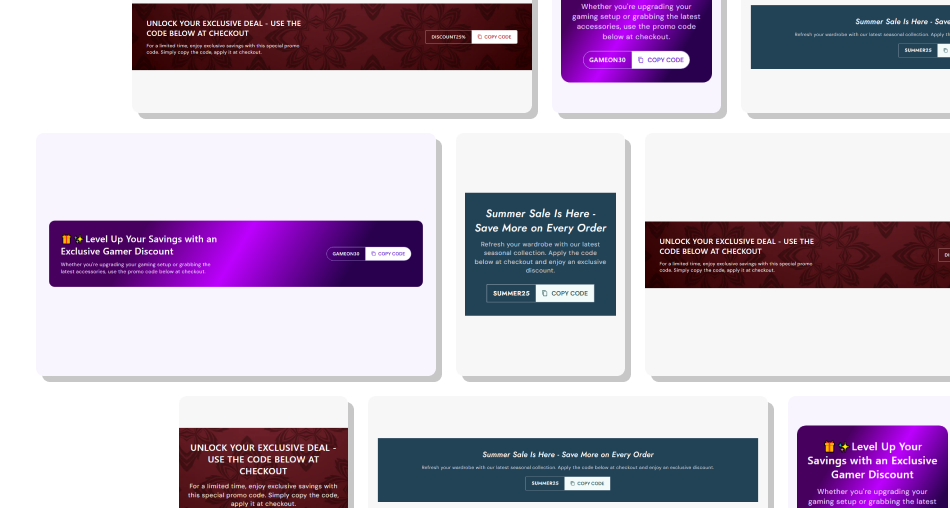
Give shoppers a simple way to copy discount codes while keeping campaign messaging, styling, and feedback inside one focused banner.
Make discount codes easier to copy without manual text selectionShow immediate visual confirmation after a coupon is copiedUse image, gradient, or solid backgrounds for campaign stylingSwitch between horizontal and stacked desktop presentationsCustomize coupon labels, copied text, colors, and effectsKeep mobile presentation compact and easy to understandControl section width and spacing to fit different templates Use a short coupon code that shoppers can recognize quickly
Explain the offer clearly before asking shoppers to copy it
Choose strong contrast between coupon text and background
Test copy behavior on both desktop and mobile browsers
Use campaign imagery that does not reduce text readability
Use a short coupon code that shoppers can recognize quickly
Explain the offer clearly before asking shoppers to copy it
Choose strong contrast between coupon text and background
Test copy behavior on both desktop and mobile browsers
Use campaign imagery that does not reduce text readability  Do not hide important eligibility or redemption conditions
Do not use overly long coupon codes that are hard to scan
Do not place busy imagery behind low-contrast offer text
Do not rely on animation alone to confirm the copied state
Do not overcrowd the banner with unrelated campaign messages
Do not hide important eligibility or redemption conditions
Do not use overly long coupon codes that are hard to scan
Do not place busy imagery behind low-contrast offer text
Do not rely on animation alone to confirm the copied state
Do not overcrowd the banner with unrelated campaign messages The button copies the visible discount code to the clipboard. If the modern Clipboard API fails, the script attempts a textarea-based fallback copy method.
The button receives a copied state, can show your custom copied label, changes to success colors, and returns to its original state after about two seconds.
Yes. A selected background image takes priority. Without an image, the banner uses the enabled gradient or the solid content background color.
Yes. Desktop Content Layout offers Row and Column options, letting you place promotional copy beside the coupon or stack both elements vertically.
Below 768px, the banner stacks vertically, centers its promotional text, uses compact fixed typography, and applies reduced internal padding.
Yes. If Button Text is blank, the text span stays hidden while the copy icon remains available. A copied label can still appear temporarily after copying.
Yes. You can set copied-state background and text colors plus the click-effect color used by the button's temporary ripple animation.
For Support or any Questions Email Us: [email protected]
Install SectionHub and add the Promotional Banner Flexible section to your theme in minutes - no coding required.
