Introduce the People Behind Your Brand
Show founders, team members, or experts on your homepage to help visitors learn more about the people behind your business.

Showcase team members, founders, experts, or staff with profile images, names, roles, and additional information in a clean grid or slider layout.
 2.0 Compatible
Grid & Slider Layout
Responsive Design
2.0 Compatible
Grid & Slider Layout
Responsive Design 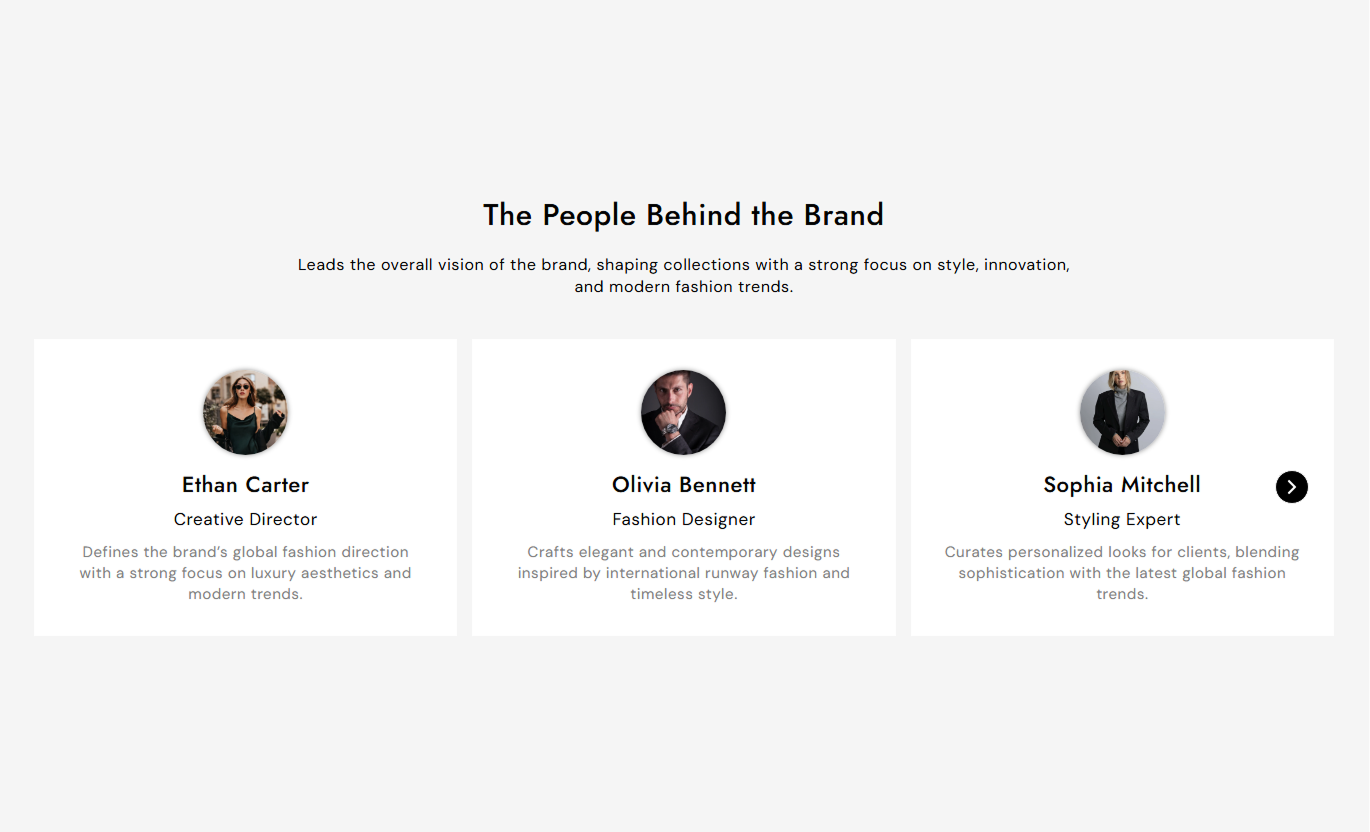
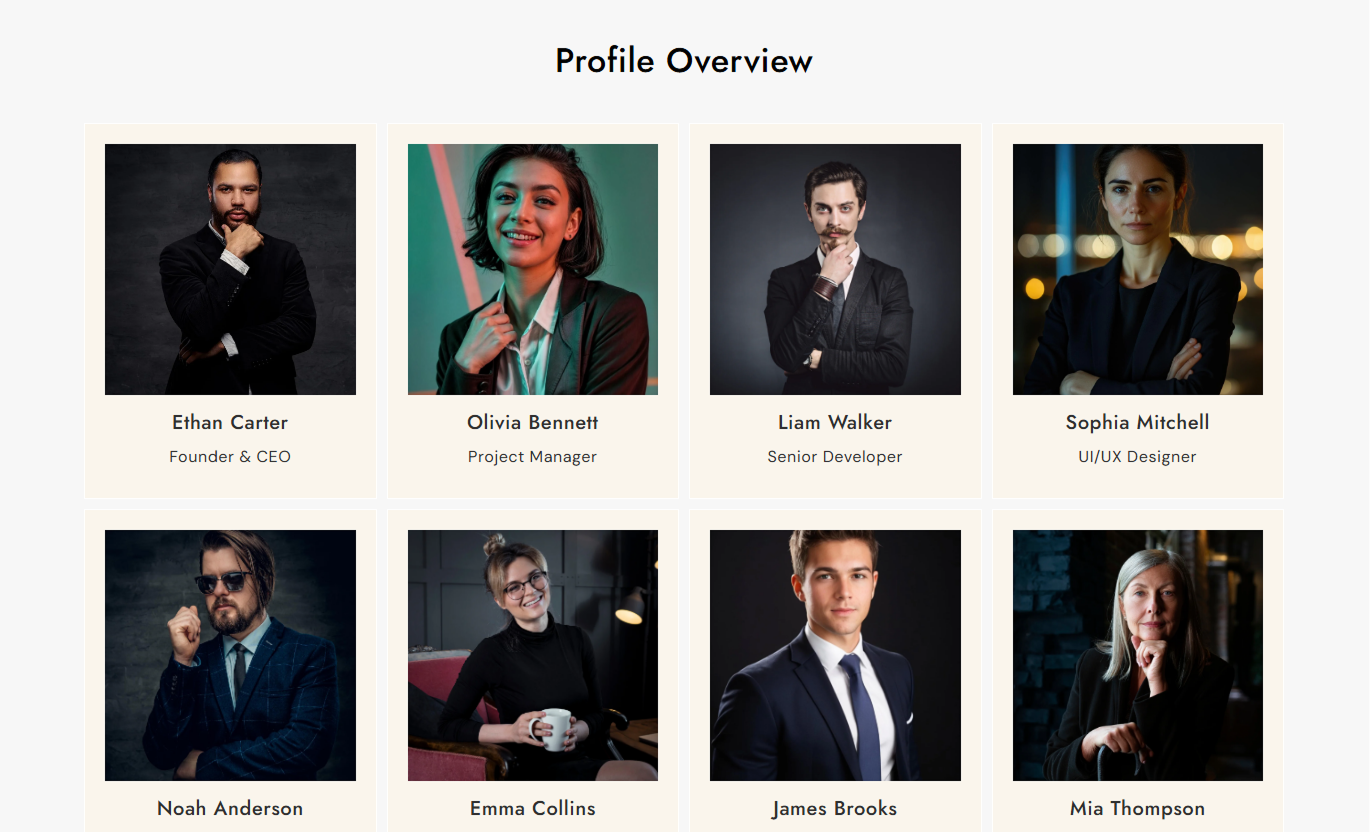


Create professional profile sections with flexible layouts, responsive columns, customizable cards, profile details, and slider controls.

Choose between a structured grid or an interactive slider for displaying profiles.

Add an image for each team member, founder, expert, or staff profile.

Display each person's profile name and role clearly.

Add additional information to provide more context about each profile.

Choose the number of visible profile columns on the desktop.

Choose whether to display one or two profile columns on mobile.

Adjust card padding, border radius, image size, and image shape.

Enable arrows, dots, autoplay, and loop when using the slider layout.
Customize the profile layout, cards, slider, typography, colors, and section width.

Applies to the whole section
Choose how profiles are displayed across the section.
LayoutSet the number of profile columns on the desktop.
Desktop ColumnsSet the number of profile columns on mobile.
Mobile ColumnsSet the space between profile cards.
Space BetweenChoose how card content is aligned.
Card Content AlignmentShow or hide slider navigation arrows.
Show Slider ArrowsEnable automatic profile sliding.
Enable AutoplaySet the section background color.
Background ColorAdjust the spacing around the section.
Section PaddingSet the maximum width of the section content.
Section Width
Applies to each profile card
Add a profile or team member image.
Profile ImageAdd the person's name.
NameAdd the person's role or position.
RoleAdd supporting information about the profile.
Profile InfoAdditional profile information.
InfoUse profile cards to introduce people behind your brand, highlight expertise, or give visitors more context about your team and business.
Show founders, team members, or experts on your homepage to help visitors learn more about the people behind your business.
Introduce your teamBuild brand familiarityHighlight key peopleAdd a personal touchUse profile cards to introduce your team members, founders, or specialists each with their image, role, and supporting information.
Introduce team membersHighlight expertiseShare team rolesBuild brand trustDisplay multiple team members in a structured grid or slider each with their profile image, name, role, and information.
Organize team profilesShow roles clearlyDisplay multiple membersKeep profiles easy to browseHighlight consultants, specialists, or service professionals with profile details that help visitors understand who delivers your services.
Highlight specialistsShow relevant rolesAdd professional contextSupport customer confidenceGive shoppers a simple way to discover your team, founders, experts, or staff with flexible profile cards that fit your Shopify store.
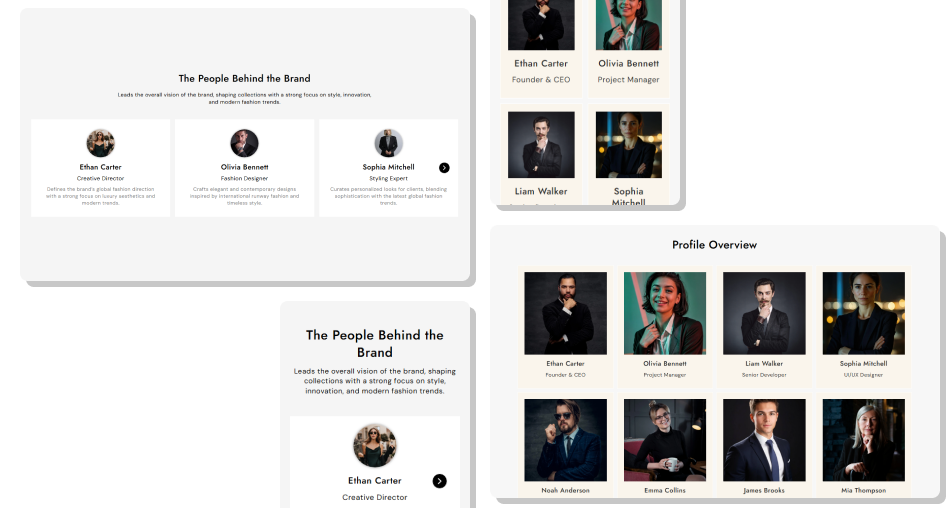
Create organized profile displays with images, names, roles, and supporting details, while controlling layout, styling, and responsiveness.
Showcase team members clearlyDisplay profile images consistentlyHighlight names and rolesAdd useful profile informationChoose grid or slider layoutsAdjust desktop and mobile columnsCustomize profile card stylingAdd slider navigation controlsMatch colors with your store brandingCreate responsive profile sections Use clear and consistent profile images
Keep names and roles easy to scan
Add useful profile information
Keep card content consistent
Use relevant profile details
Use clear and consistent profile images
Keep names and roles easy to scan
Add useful profile information
Keep card content consistent
Use relevant profile details  Use unrelated profile images
Add unclear roles
Overload profiles with long descriptions
Mix inconsistent image styles
Add unnecessary information
Use unrelated profile images
Add unclear roles
Overload profiles with long descriptions
Mix inconsistent image styles
Add unnecessary information Yes. Choose the Grid layout to display profiles in multiple columns.
Yes. Choose the Slider layout to display profiles with navigation controls.
Yes. Each profile block includes an Image setting for adding a profile image.
Yes. Each profile can include a Name, Role, and Info field.
Yes. You can set separate desktop and mobile column options.
Yes. You can adjust card padding, border radius, image size, and image border radius.
Yes. When using the Slider layout, you can enable arrows and dots from the section settings.
Yes. Enable autoplay and set the autoplay speed from the Slider settings.
Yes. You can customize their colors, borders, hover styles, and sizes.
Yes. Separate desktop and mobile column settings help adjust the profile layout for different screen sizes.
Yes. Enable Full Width or set a custom Section Width for a contained layout.
For Support or any Questions Email Us: [email protected]
Install SectionHub and add the Profile Information section to your theme in minutes - no coding required.
