Showcase Featured Products
Use the product slider on your homepage to present selected products in a visually engaging format that encourages visitors to explore your featured offerings.

Showcase selected Shopify products in an engaging product slider with product images, badges, pricing, buttons, navigation arrows, autoplay, and responsive layouts.
 Interactive Product Slider
Product Badges & Pricing
Responsive Slider Layout
Interactive Product Slider
Product Badges & Pricing
Responsive Slider Layout 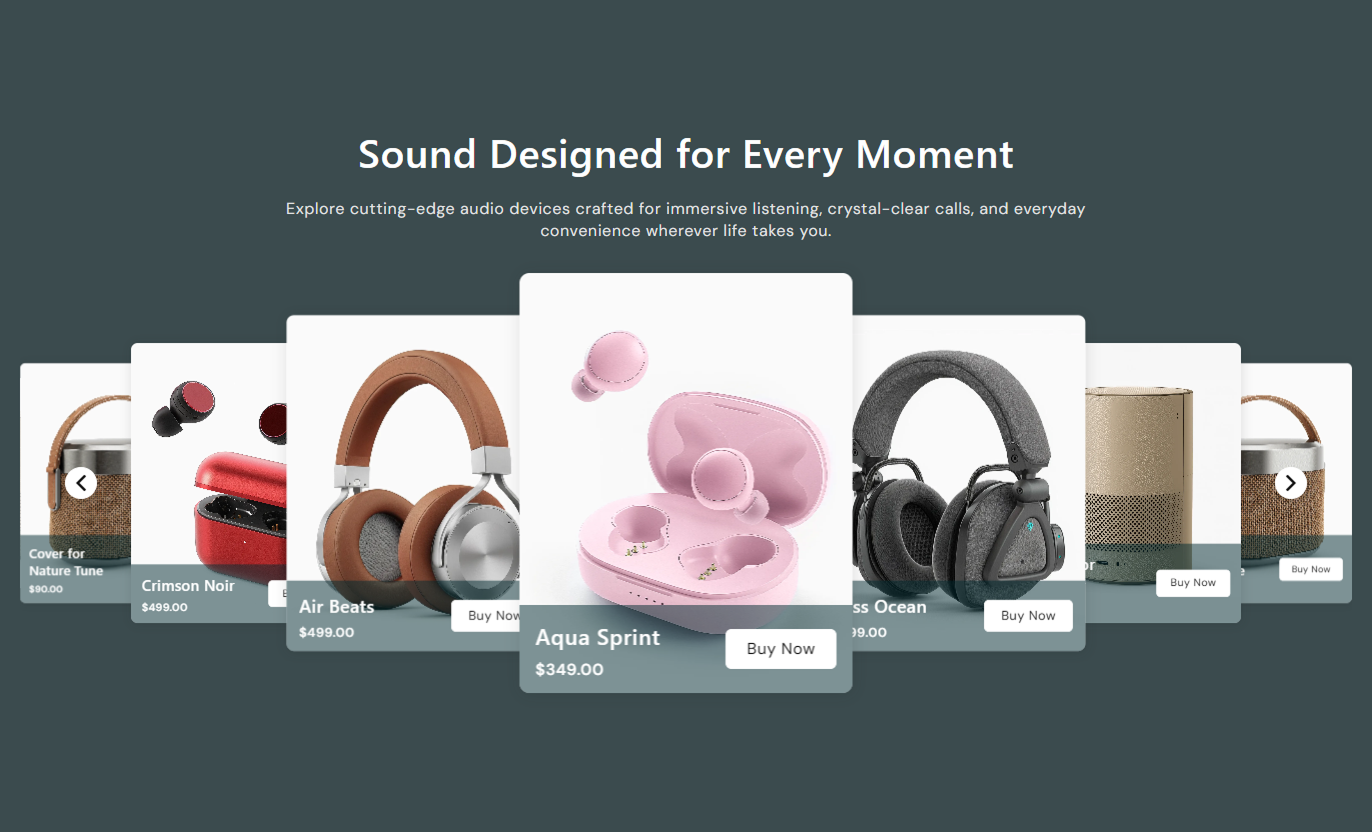
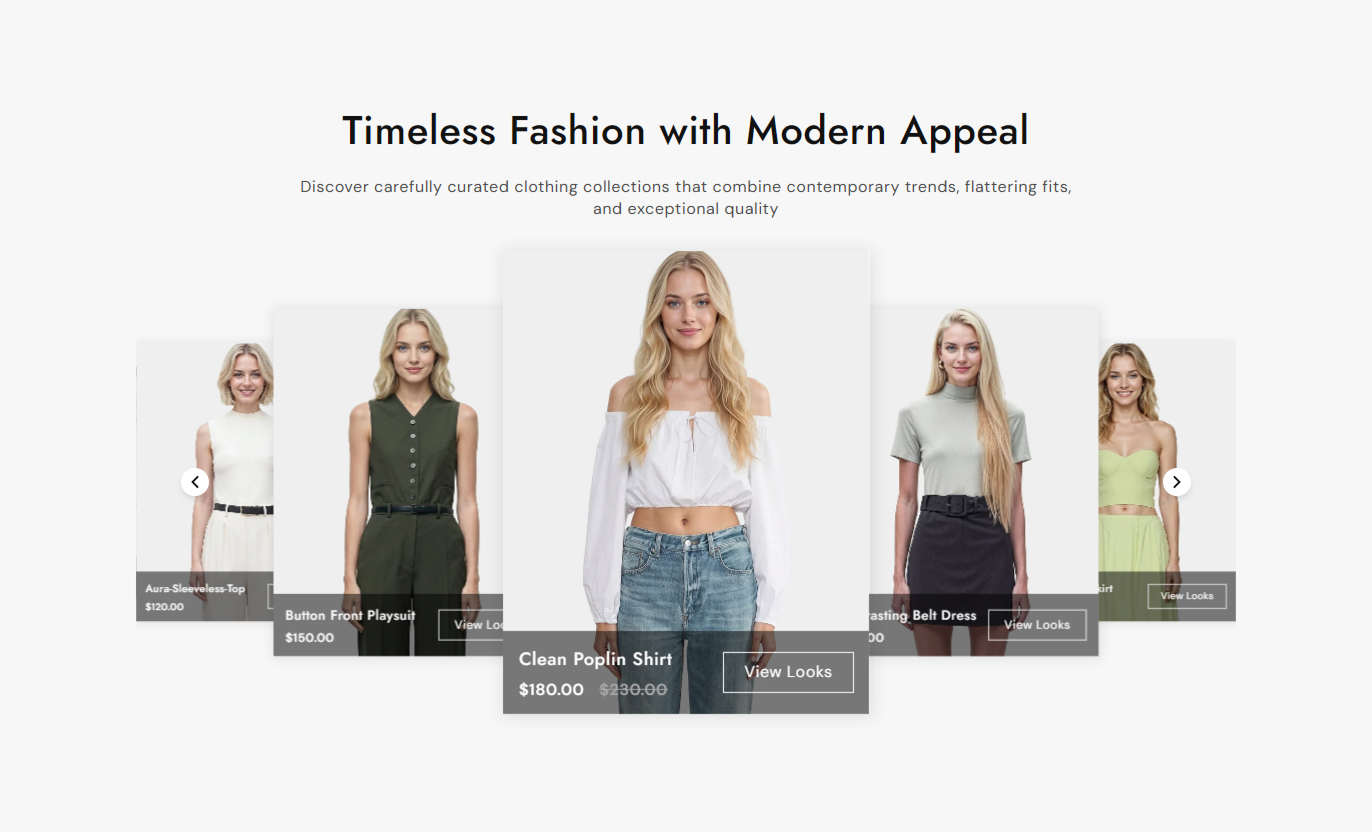


Create a visually focused product slider with selected products, product images, pricing, badges, buttons, navigation controls, autoplay, and responsive display options.

Add multiple Shopify products to create a dynamic product slider that highlights your selected products.

Display the featured image of each selected product for quick visual recognition and product discovery.

Show product titles, sale prices, and compare-at prices directly within each product slide.

Display custom product labels using Shopify product tags to highlight messages such as new arrivals or best sellers.

Connect product images, titles, and buttons directly to their corresponding Shopify product pages.

Use navigation arrows to move between products, making browsing the slider simple and intuitive.

Enable autoplay and set a custom delay to automatically rotate through the product slides.

Adjust the product slider experience on desktop and mobile by varying slide visibility and mobile navigation controls.
Customize products, badges, buttons, slider behavior, typography, colors, navigation arrows, spacing, and section width from the theme editor.

Applies to the whole section
Set the main heading displayed above the product slider.
Section HeadingAdd supporting content displayed below the section heading.
Section ContentChoose the alignment of the heading and supporting content.
Content AlignmentSelect the Shopify products displayed in the slider.
Select ProductsChoose the number of products visible on desktop screens.
Desktop SlidesEnable automatic sliding between the selected products.
Enable AutoplayEnable or disable the product button displayed on slides.
Enable Product ButtonEnable product tags displayed as badges on product slides.
Enable Product TagsChoose whether the slider spans the full available width.
Full WidthSet the top and bottom spacing for desktop and mobile.
Section Spacing
Not applicable
Not applicable this section does not contain any Shopify blocks.
No Block SettingsUse Product Slider Highlights wherever your Shopify store needs an engaging way to showcase selected products, featured collections, new arrivals, promotions, or products shoppers should explore.
Use the product slider on your homepage to present selected products in a visually engaging format that encourages visitors to explore your featured offerings.
Showcase featured productsHighlight new arrivals and best sellersDisplay product pricing clearlyGuide visitors to product pagesCreate an engaging product browsing experienceAdd the product slider to a collection page to highlight selected products and give shoppers another convenient way to browse important products.
Highlight selected productsShow product images and pricingPromote important products within a collectionSupport easier product discoveryEncourage shoppers to explore product pagesUse the product slider below product information to introduce selected products and encourage shoppers to discover additional products from your store.
Showcase additional productsPromote related product optionsDisplay product information at a glanceEncourage further product discoveryGuide shoppers toward other productsUse Product Slider Highlights on a campaign or landing page to display selected products with images, pricing, badges, and direct links to each product.
Present products for a specific campaignHighlight promotional productsShow important product labelsMake product browsing more engagingLead shoppers toward relevant productsGive your Shopify store an engaging product showcase that combines product visuals, pricing, badges, buttons, navigation, and responsive slider behavior in one flexible section.
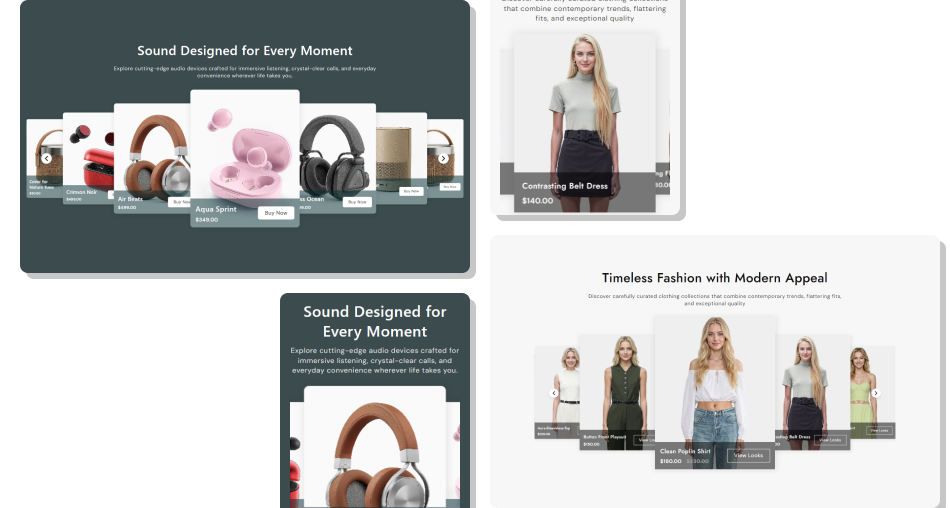
Present selected products in an interactive slider so shoppers can quickly view product visuals, pricing, labels, and links without taking up excessive page space.
Showcase multiple products in one sectionMake product discovery more engagingHighlight important product labelsDisplay pricing clearlyConnect products directly to their pagesPromote selected products effectivelyAdapt the slider experience for mobile shoppers Choose products that are relevant to the page
Use high-quality product images
Keep product labels clear and useful
Display accurate product pricing
Use buttons and links that guide shoppers to relevant products
Choose products that are relevant to the page
Use high-quality product images
Keep product labels clear and useful
Display accurate product pricing
Use buttons and links that guide shoppers to relevant products  Add unrelated products to the slider
Use low-quality or inconsistent product images
Add unnecessary or confusing product labels
Display outdated product pricing
Overload the slider with products that do not support the page purpose
Add unrelated products to the slider
Use low-quality or inconsistent product images
Add unnecessary or confusing product labels
Display outdated product pricing
Overload the slider with products that do not support the page purpose You can select multiple Shopify products for the slider. The section recommends selecting at least 4 products for a proper preview.
Yes. Enable the tag option and add product tags using the supported format to display custom labels on product slides.
Yes. You can enable the product button, customize its label, and choose between a standard or outline button style.
Yes. You can choose between 3 or 4 visible slides on the desktop using the Slides per View setting.
Yes. Enable Autoplay and set the delay to control how frequently the product slides change automatically.
Yes. The section includes an Enable Navigation on Mobile option that lets you choose whether navigation arrows are displayed on smaller screens.
Yes. You can customize the product information background, product title, sale price, compare-at price, badges, buttons, and slider arrows.
Yes. You can adjust the arrow background, icon color, border color, hover colors, and desktop arrow size.
Yes. The section automatically adjusts its slider layout for smaller screens and includes mobile-specific typography, spacing, and navigation controls.
For Support or any Questions Email Us: [email protected]
Install SectionHub and add the Product Slider Highlights section to your theme in minutes - no coding required.
