Turn Visitors Into Email Subscribers
Place the newsletter section on your homepage to invite visitors to join your email list and receive store updates.

Add a simple newsletter signup form with an image, content, social links, and customizable styling to encourage shoppers to stay connected.
 2.0 Compatible
Email Signup Form
Responsive Design
2.0 Compatible
Email Signup Form
Responsive Design 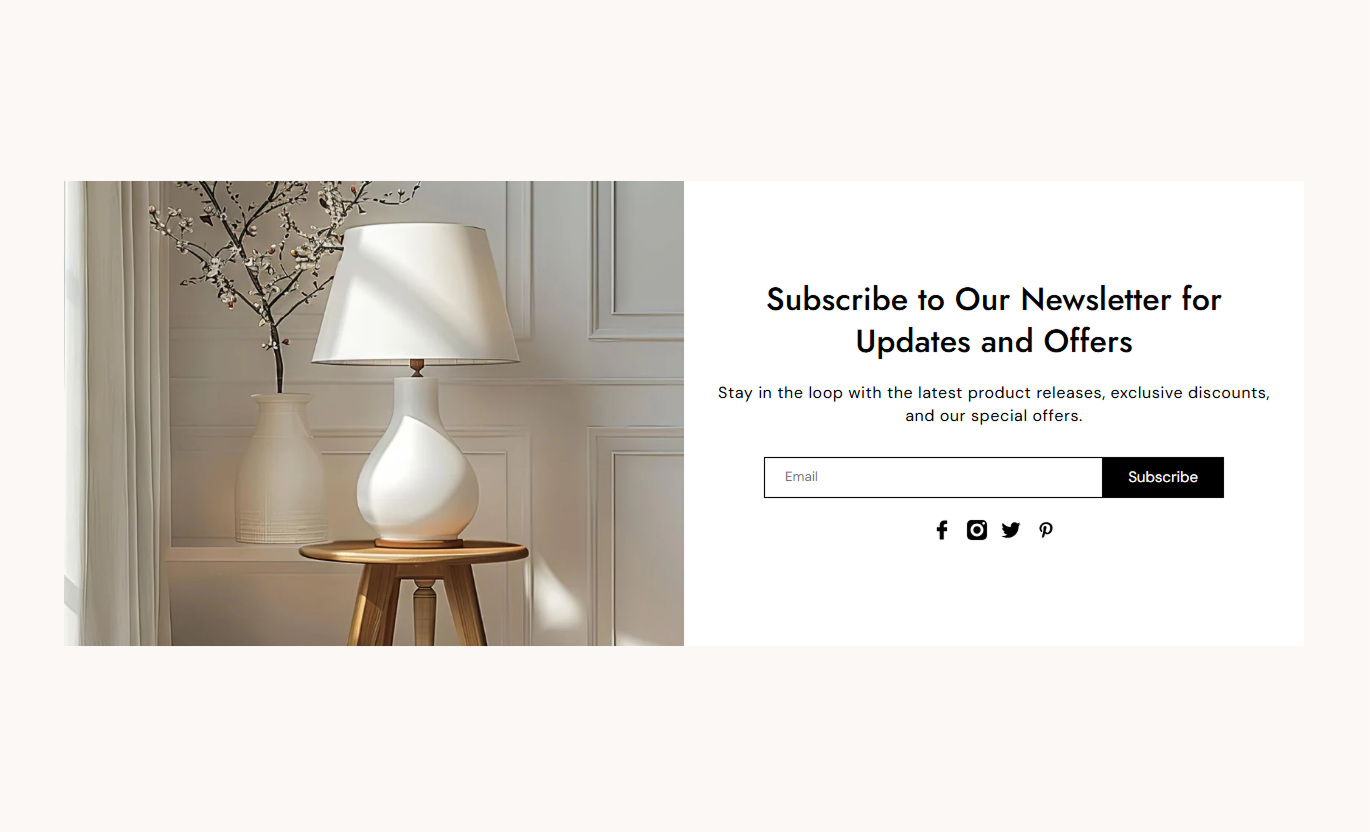
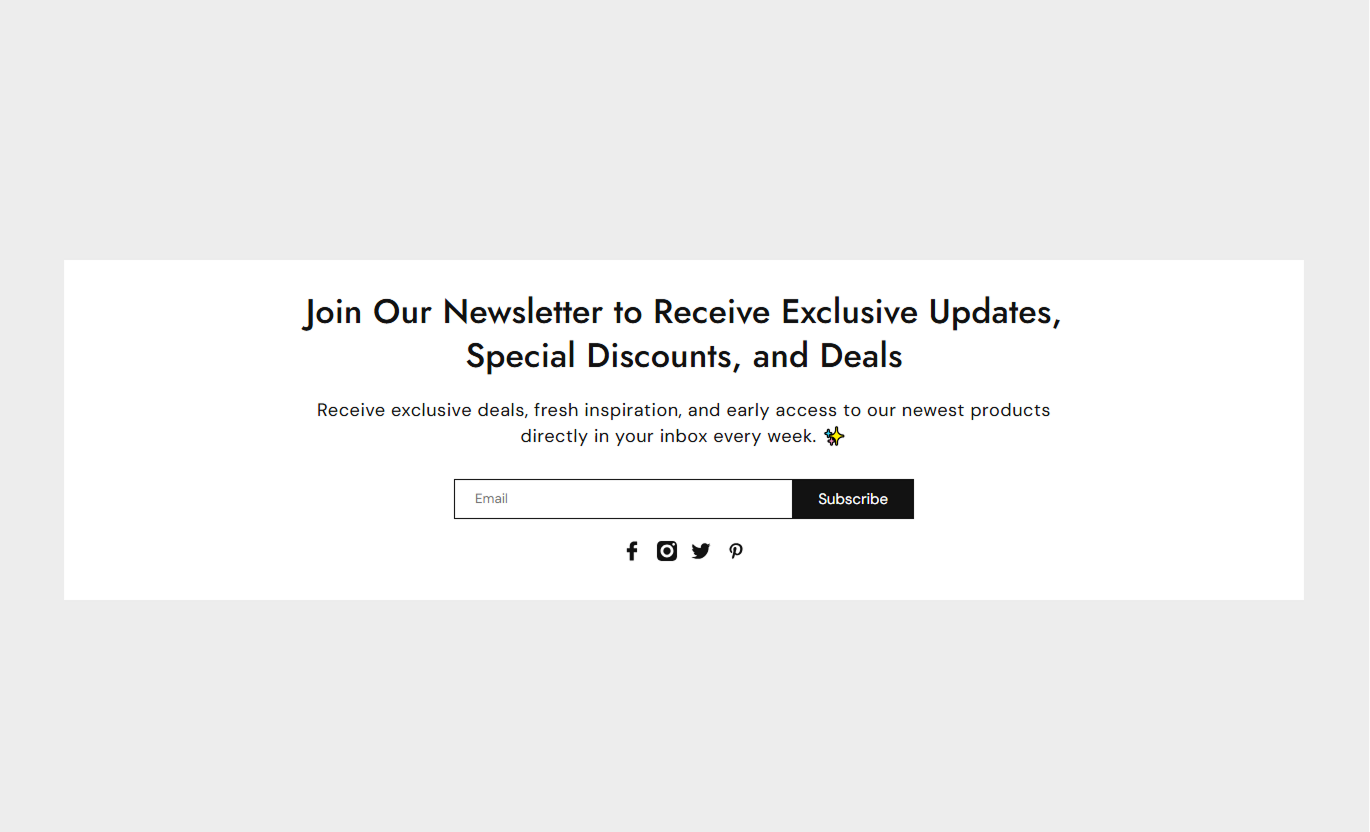


Give shoppers an easy way to subscribe while controlling the form, content, image, social links, and section layout.

Collect customer email addresses directly through the section.

Add a heading and supporting text to explain why shoppers should subscribe.

Add a store image alongside the newsletter signup content.

Choose the text displayed on the newsletter subscription button.

Show a custom message after a successful newsletter signup.

Add links to your Facebook, Instagram, Twitter, and Pinterest profiles.

Position the newsletter image on the left or right side of the content.

The newsletter layout adapts to mobile and desktop screens.
Control the newsletter content, signup form, image, and section styling from the Shopify theme editor.

Applies to the whole section
Add the main heading for your newsletter signup.
HeadingAdd supporting text below the heading.
ContentChoose the image displayed beside the signup form.
ImageSet the image position within the section.
Image AlignmentChoose how the newsletter content is aligned.
Text AlignmentSet the newsletter signup button text.
Button LabelAdd a custom message shown after signup.
Success MessageAdd your social media profile links.
Social LinksChoose the section background color.
Background ColorSet the maximum width of the newsletter section.
Section WidthUse the newsletter signup section to collect subscribers, share updates, and keep shoppers connected with your store.
Place the newsletter section on your homepage to invite visitors to join your email list and receive store updates.
Grow your email subscriber listShare new product updatesPromote upcoming offersKeep shoppers connectedAdd a signup form below collections to give shoppers an easy way to subscribe while browsing your products.
Capture interested shoppersShare collection updatesPromote future launchesBuild customer connectionsUse the newsletter section on landing pages to collect email addresses from visitors interested in your campaign or promotion.
Capture campaign leadsBuild your subscriber baseShare future promotionsKeep visitors engagedAdd newsletter signup below your brand story to encourage interested visitors to receive future news, offers, and updates.
Extend brand engagementGrow your email audienceShare brand updatesBuild ongoing connectionsGive shoppers an easy way to subscribe while keeping your newsletter section visually consistent with the rest of your Shopify storefront.
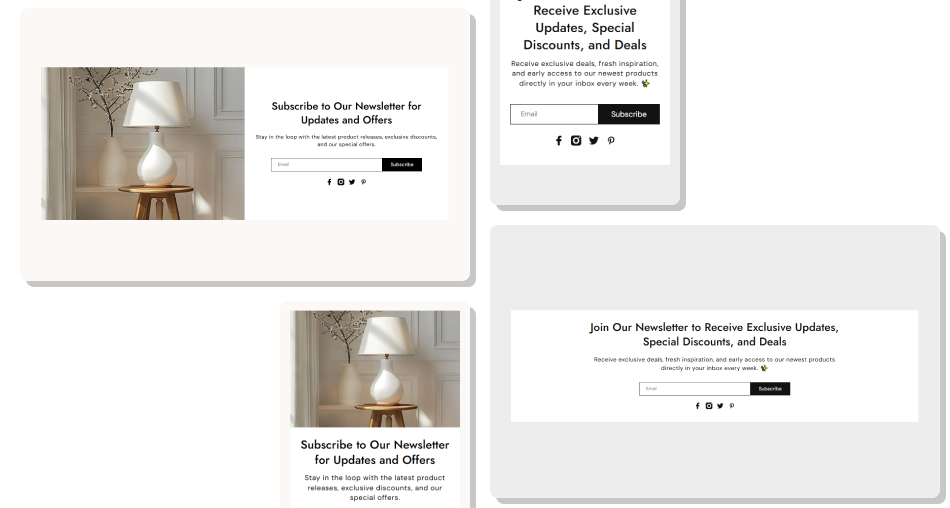
Create a focused sign-up area that helps collect email addresses while giving you control over content, imagery, social links, and styling.
Grow your email subscriber listMake signup quick and simpleAdd supporting newsletter contentInclude a relevant store imageShow a custom success messageConnect your social media profilesMatch the section with your store designCreate responsive layouts across devices Keep your signup message clear
Use a relevant store image
Give shoppers a useful reason to subscribe
Use a clear button label
Add your active social media links
Keep your signup message clear
Use a relevant store image
Give shoppers a useful reason to subscribe
Use a clear button label
Add your active social media links  Use vague signup messaging
Add unrelated images
Overload the section with text
Use unclear button labels
Add inactive social links
Use vague signup messaging
Add unrelated images
Overload the section with text
Use unclear button labels
Add inactive social links Yes. The built-in newsletter form lets shoppers submit their email address directly through the section.
Yes. You can add an image and choose whether it appears on the left or right side.
Yes. You can add your own heading and supporting content from the theme editor.
Yes. You can set a custom button label for the newsletter form.
Yes. Add your preferred message to display after a successful subscription.
Yes. You can add links for Facebook, Instagram, Twitter, and Pinterest.
Yes. The image and newsletter content automatically adjust for smaller screens.
Yes. Enable Full Width to let the newsletter section span the available page width.
For Support or any Questions Email Us: [email protected]
Install SectionHub and add the Newsletter section to your theme in minutes - no coding required.
