Create an Engaging Visual Showcase
Use the Media Scroll section to highlight featured products, collections, lifestyle images, campaigns, or brand videos and capture attention with movement.

Create a smooth scrolling media slider to showcase products, collections, campaigns, lifestyle images, videos, and brand content in an engaging visual layout.
 2.0 Compatible
Image & Video Support
Smooth Scrolling
2.0 Compatible
Image & Video Support
Smooth Scrolling 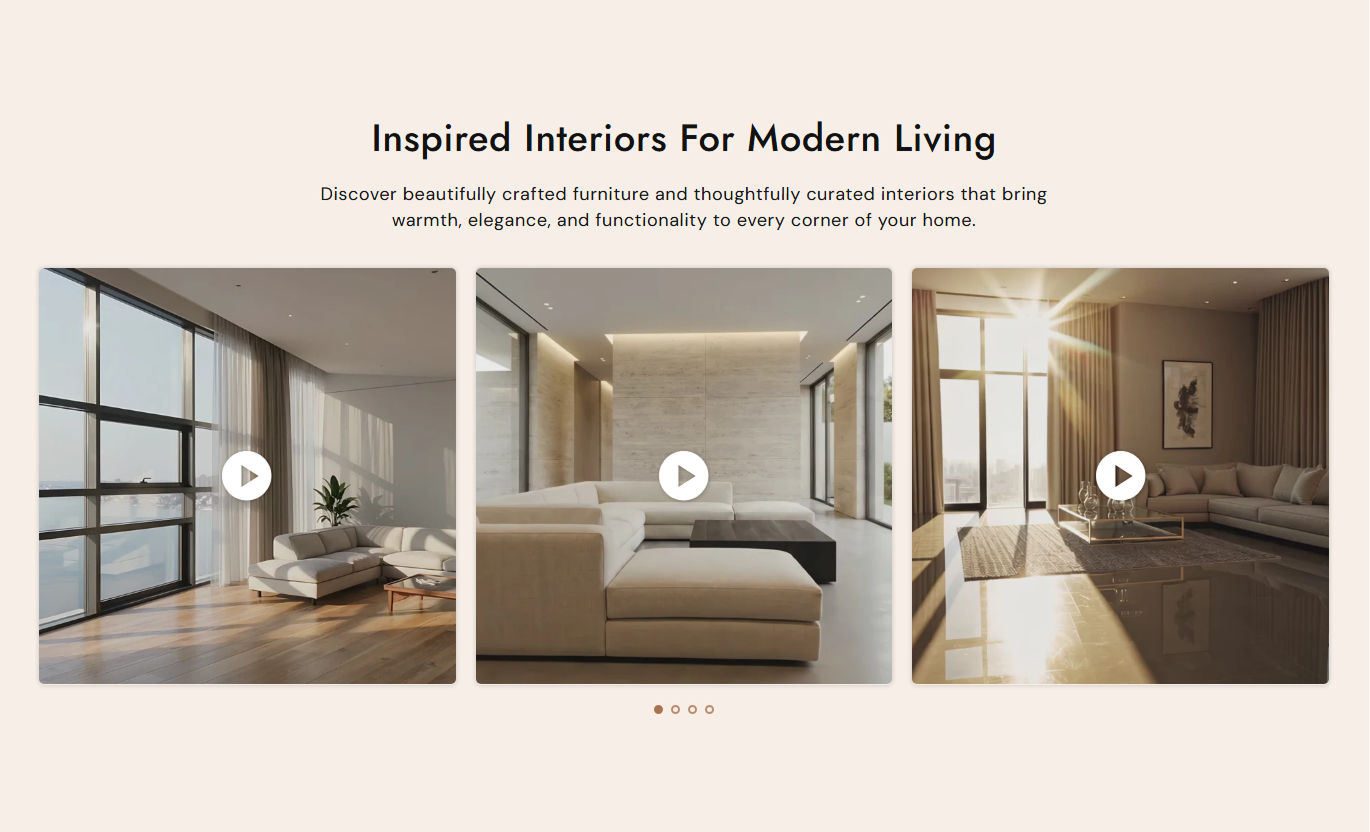
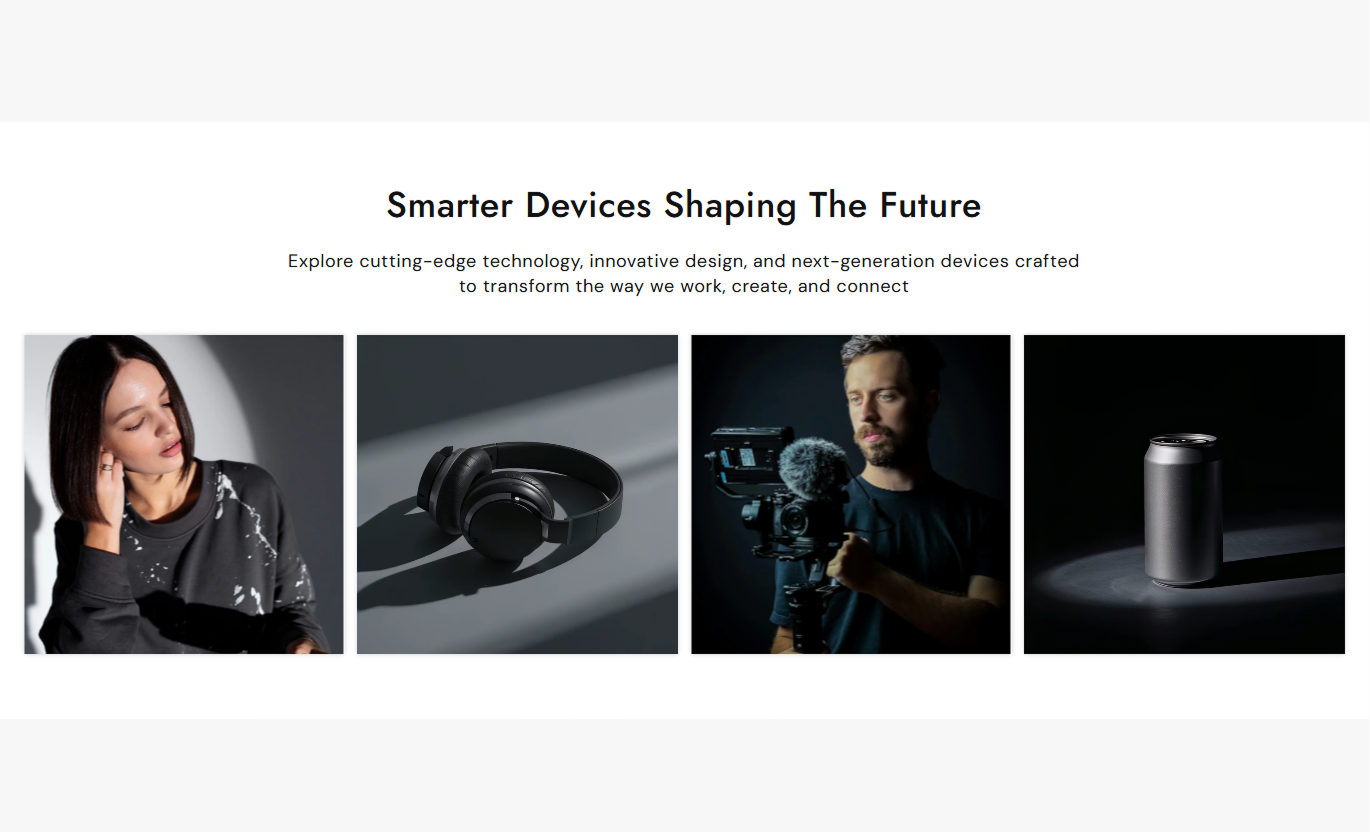
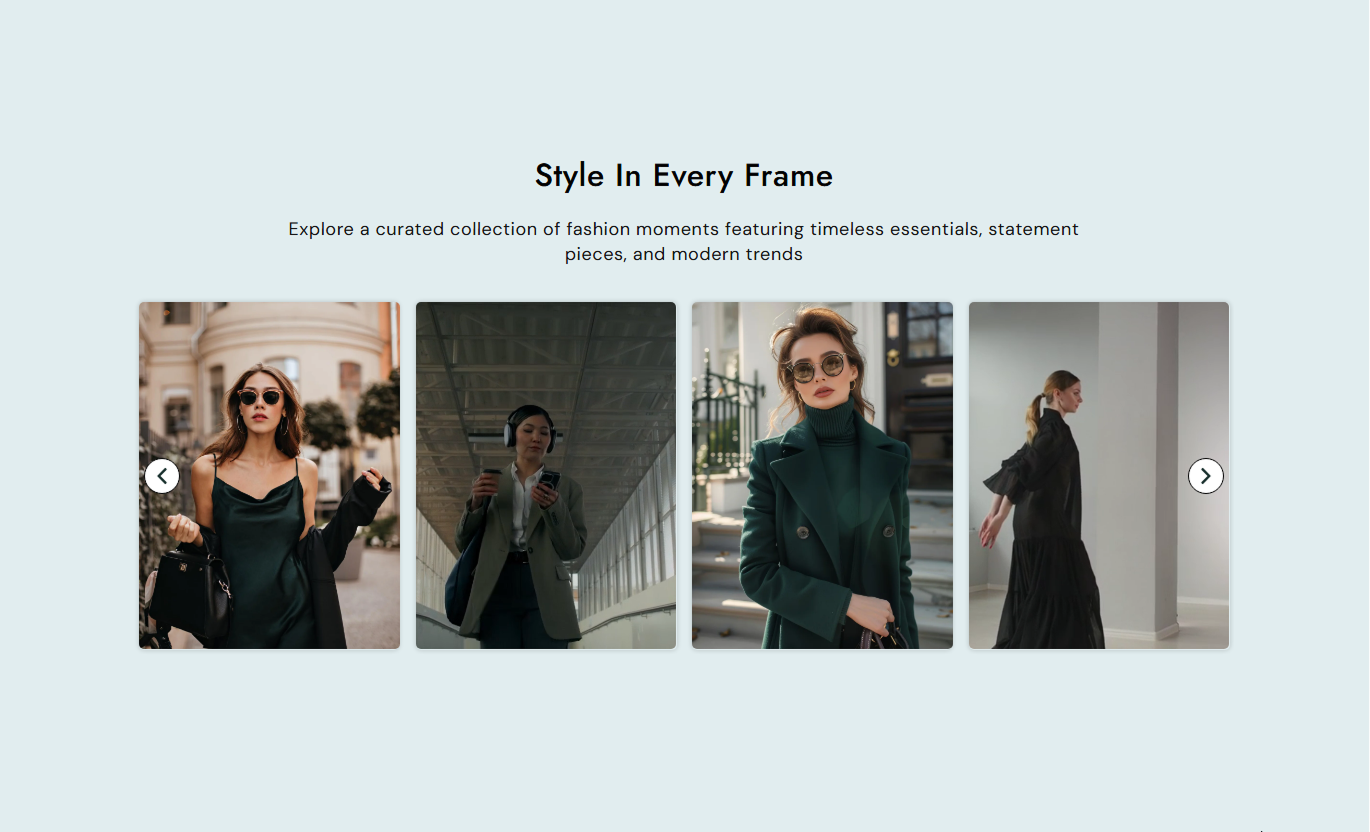


Showcase images and videos with a flexible slider that includes autoplay, navigation controls, responsive layouts, custom media sizing, and video playback options.

Add both images and videos to create a varied and engaging media slider.

Display multiple visuals in a clean horizontal scrolling layout that makes browsing easy.

Automatically move through your media and keep the slider running continuously when enabled.

Choose how many media items appear on desktop and mobile screens.

Control autoplay, looping, mute, inline playback, and video controls for each video.

Choose the media height that best fits your store layout and visual content.

Create a smooth browsing experience across desktop, tablet, and mobile devices.

Customize the slider, media, spacing, colors, and layout directly from the Shopify theme editor.
Customize the section content, slider layout, media display, colors, and spacing from one place.

Applies to the whole section
Main heading displayed above the media slider.
HeadingSupporting text displayed below the main heading.
ContentChoose the alignment of the heading and content.
Text AlignmentChoose the media height and aspect ratio.
Media HeightSet the number of visible slides on the desktop.
Desktop ColumnsControl the spacing between media items.
Media SpacingEnable automatic sliding through the media items.
Enable AutoplaySet the time between automatic slide changes.
Autoplay SpeedChoose whether the slider repeats continuously.
Enable LoopShow navigation arrows for moving between slides.
Show Arrows
Applies to each media item
Upload an image to display in the media slider.
ImageAdd a video to display as a media item.
VideoAdd a custom poster image for the video.
Poster ImageConnect the media item to another store page.
Optional LinkChoose whether the video plays automatically.
Video AutoplayShow controls for the video playback.
Video ControlsMute the video while it is playing.
Mute VideoUse a visual media slider to showcase products, collections, campaigns, lifestyle content, and videos wherever visual browsing can help customers discover more.
Use the Media Scroll section to highlight featured products, collections, lifestyle images, campaigns, or brand videos and capture attention with movement.
Capture attention quicklyShowcase multiple visualsHighlight featured contentAdd movement to the homepageShowcase collection imagery, product highlights, videos, or related visual content to give shoppers more ways to explore your products.
Highlight collection contentSupport product discoveryShowcase product visualsMake collections more engagingDisplay additional product images, videos, usage visuals, or supporting content in a smooth slider that gives shoppers more ways to explore the product.
Show additional product visualsHighlight product detailsAdd product videosSupport product discoveryUse images and videos to showcase launches, promotions, campaigns, or brand stories in a smooth scrolling layout that keeps visitors engaged.
Showcase campaign visualsHighlight new launchesCombine images and videosCreate stronger visual engagementGive shoppers an easy way to explore more images and videos with a responsive media slider designed for modern Shopify stores.
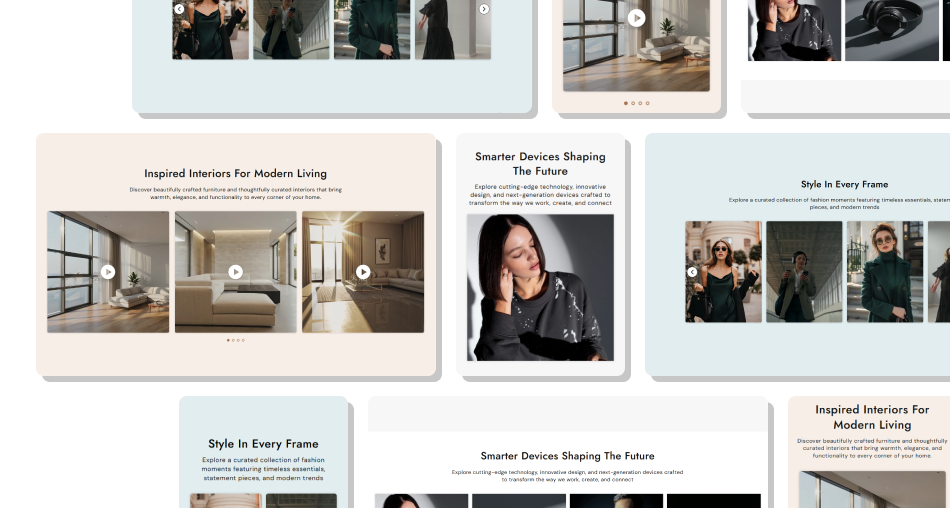
Turn multiple images and videos into an engaging visual experience with flexible slider controls and responsive layouts.
Showcase images and videos togetherDisplay more content in less spaceCreate smooth scrolling experiencesHighlight products and collectionsControl autoplay and slider behaviorCustomize desktop and mobile layoutsMatch the section to your store branding Use high-quality images and videos
Keep media visually consistent
Choose a comfortable autoplay speed
Use relevant visuals together
Keep media properly cropped
Optimize content for mobile
Use high-quality images and videos
Keep media visually consistent
Choose a comfortable autoplay speed
Use relevant visuals together
Keep media properly cropped
Optimize content for mobile  Use blurry or stretched media
Mix unrelated visuals
Make autoplay too fast
Add too many media items
Use inconsistent image ratios
Ignore the mobile layout
Use blurry or stretched media
Mix unrelated visuals
Make autoplay too fast
Add too many media items
Use inconsistent image ratios
Ignore the mobile layout Yes. Add separate Image and Video blocks to combine both media types in the same slider.
Yes. Enable Autoplay and choose the speed at which the media items change.
Yes. Enable Loop to keep the slider repeating continuously.
Yes. You can enable or disable the previous and next navigation arrows.
Yes. Enable Show Dots to display pagination indicators below the slider.
Yes. Each video can be configured with autoplay, inline playback, looping, mute, and video controls.
Yes. You can upload an optional poster image that appears before the video plays.
Yes. Choose the number of visible media items separately for desktop and mobile.
Yes. Use the Media Height setting to choose the visual proportion that best fits your layout.
Yes. The Media Scroll automatically adapts to smaller screens, with separate settings for mobile column.
Yes. You can customize the section, heading, content, play button, arrows, and pagination colors.
Yes. Separate desktop and mobile padding controls let you adjust the section spacing.
For Support or any Questions Email Us: [email protected]
Install SectionHub and add the Media Scroll section to your theme in minutes - no coding required.
