Create an Eye-Catching Visual Showcase
Display product images, lifestyle photography, or videos in a clean grid that gives your homepage more visual interest.

Create a flexible media grid with images and videos, responsive columns, custom spacing, rounded corners, video controls, and mobile-friendly layouts.
 2.0 Compatible
Image & Video Grid
No Coding Needed
2.0 Compatible
Image & Video Grid
No Coding Needed 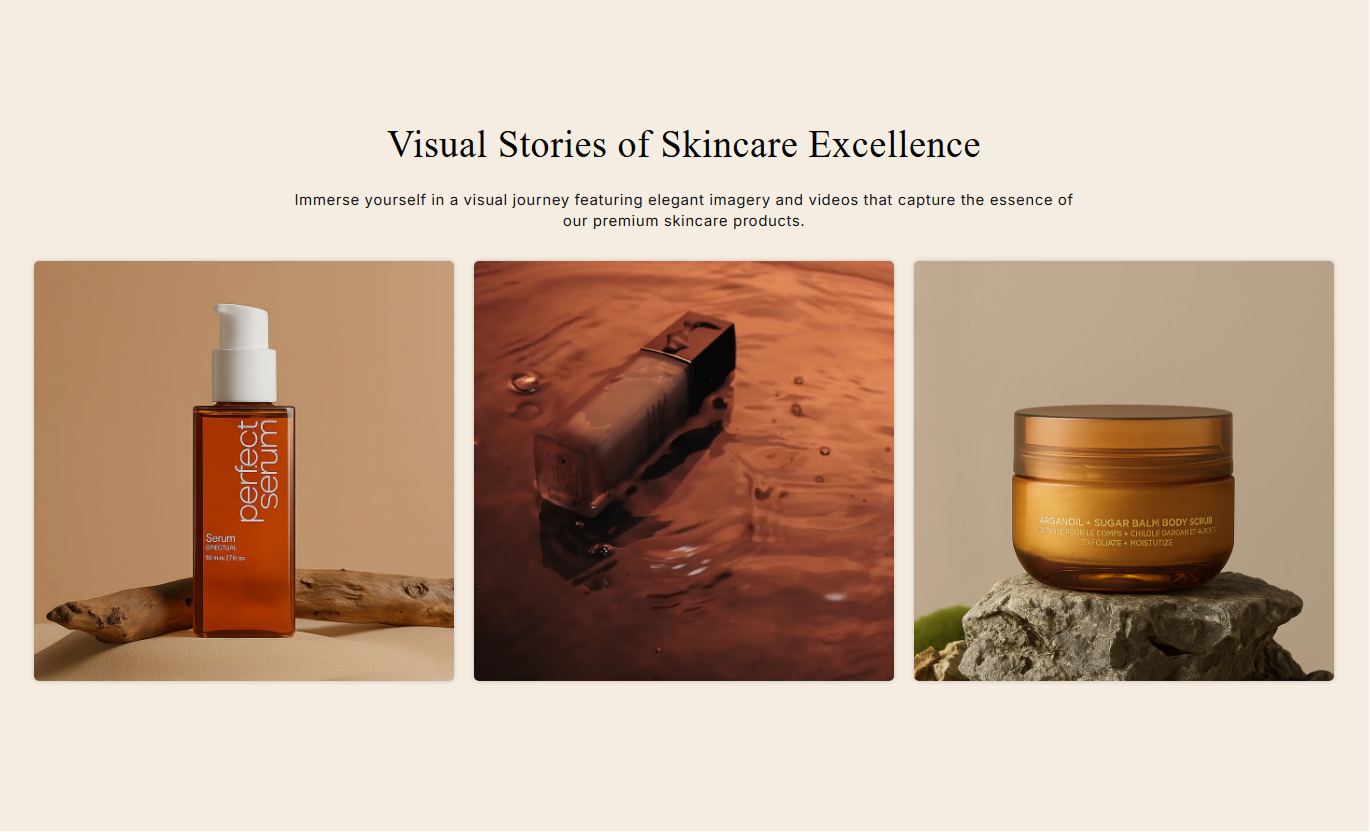
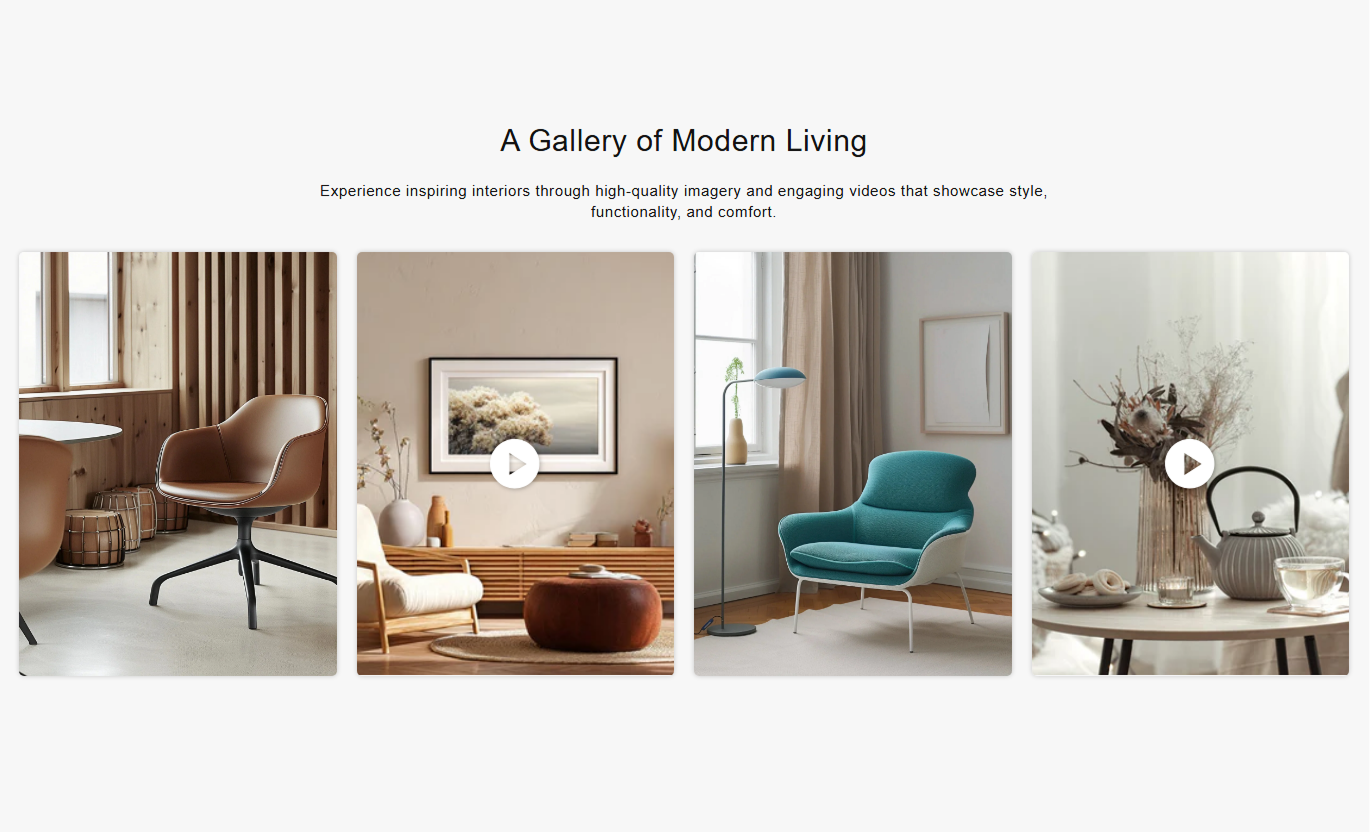
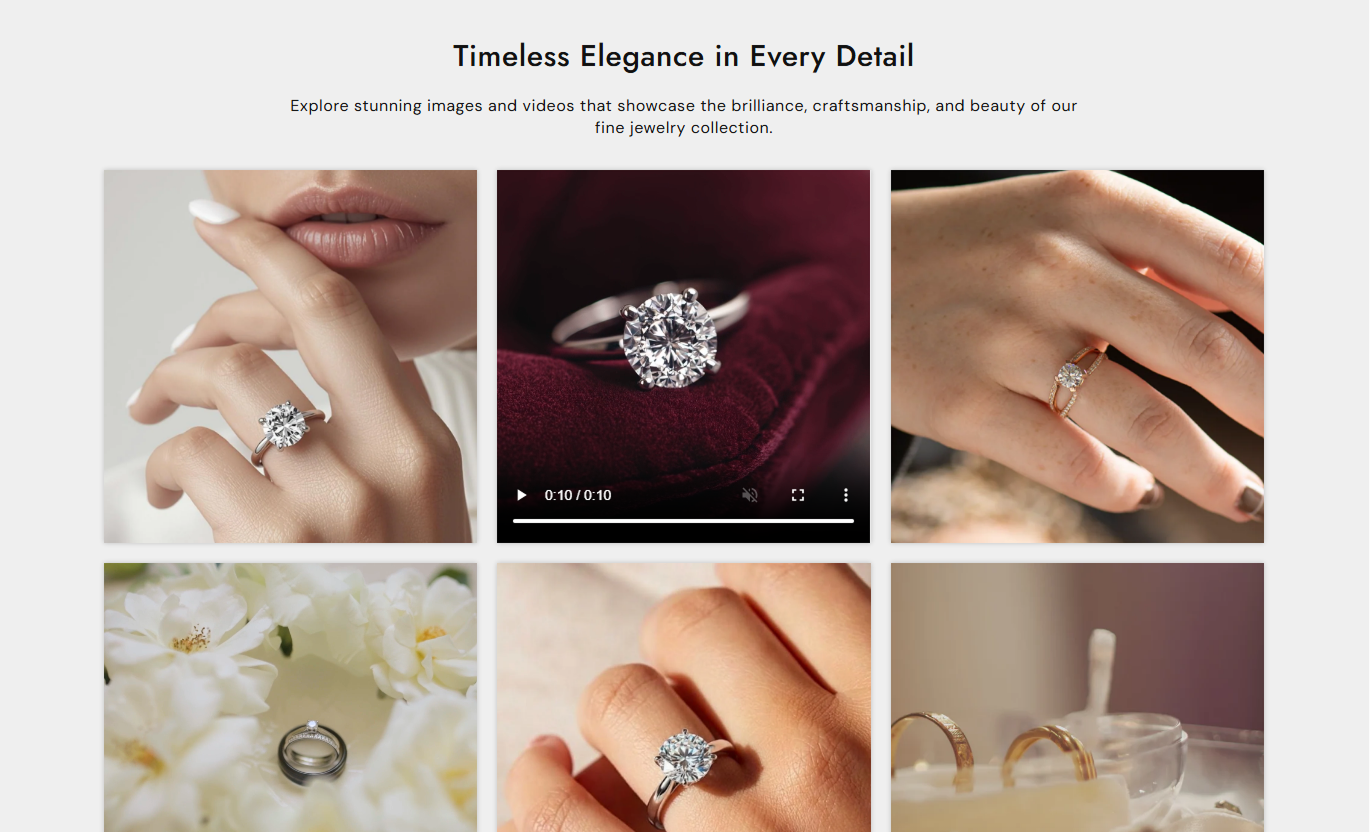


Display images and videos in a clean grid with responsive columns, custom sizing, spacing, colors, and simple video controls.

Combine images and videos in the same media grid.

Choose separate column layouts for desktop and mobile screens.

Set the media aspect ratio to control how images and videos appear.

Adjust the space between media items for a cleaner layout.

Add links to images or videos to guide visitors to other pages.

Set videos to autoplay and loop for continuous playback.

Add a poster image to control the preview shown before a video plays.

Create a better mobile layout with dedicated column and spacing controls.
Control the media layout, spacing, sizing, colors, and responsive settings from the theme editor.

Applies to the whole section
Add the main heading above the media grid.
HeadingAdd supporting text below the section heading.
ContentChoose how the section heading and text are aligned.
Text AlignmentChoose the media aspect ratio for images and videos.
Media HeightSet the number of media columns on desktop screens.
Desktop ColumnsSet the number of media columns on mobile screens.
Mobile ColumnsAdjust the space between media items on the desktop.
Grid SpacingSet the corner radius for images and videos.
Media Border RadiusShow play and pause buttons on video items.
Show Play/Pause ButtonCustomize the section background and text colors.
Background / Text Colors
Applies to each media item
Add an image to display in the media grid.
ImageAdd a video to display in the media grid.
VideoChoose an optional preview image for the video.
Poster ImageAdd a link to make the media item clickable.
Optional LinkPlay the video automatically when supported.
AutoplayRepeat the video continuously after it ends.
Loop VideoShow native video playback controls to customers.
Video ControlsUse Media Grid to present visual content across your store, from brand photography and product visuals to videos and campaign content.
Display product images, lifestyle photography, or videos in a clean grid that gives your homepage more visual interest.
Showcase product visualsHighlight brand imageryFeature promotional videosImprove visual discoveryUse images and videos alongside collection content to create a more engaging browsing experience for shoppers.
Support collection storytellingHighlight featured productsAdd campaign visualsCreate visual varietyDisplay additional product images, demonstrations, or videos to help shoppers explore products from different angles.
Show product detailsFeature demonstration videosSupport product storytellingBuild visual confidenceCreate a curated media layout for product launches, seasonal promotions, brand campaigns, or special landing pages.
Support campaign contentShowcase images and videosCreate visual storytellingHighlight important contentBring images and videos together into a single responsive layout while maintaining control over how your visual content looks across devices.
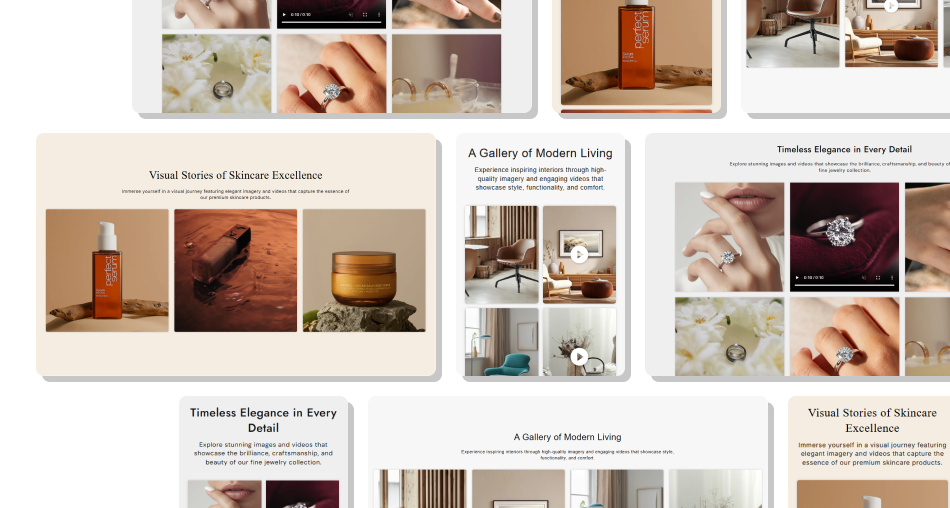
Combine different media types in an organized grid to showcase products, collections, campaigns, or brand content with flexible layout controls.
Showcase images and videos togetherCreate clean and organized visual layoutsControl desktop and mobile columnsAdjust media sizing and spacingAdd clickable links to media contentUse video to strengthen visual storytellingCustomize media styling and appearanceKeep the grid responsive across devices Use high-quality images
Keep media styles consistent
Mix images and videos purposefully
Choose a suitable aspect ratio
Keep spacing visually balanced
Use high-quality images
Keep media styles consistent
Mix images and videos purposefully
Choose a suitable aspect ratio
Keep spacing visually balanced  Use low-quality media
Mix unrelated visuals
Add too many media items
Use inconsistent image proportions
Make videos distracting
Use low-quality media
Mix unrelated visuals
Add too many media items
Use inconsistent image proportions
Make videos distracting Yes. You can combine image and video blocks to create a mixed-media grid.
Yes. You can choose separate column settings for desktop and mobile layouts.
Yes. Choose from different aspect ratio options to control the height and appearance of your media.
Yes. Image and video blocks include an optional link setting to make the media clickable.
Yes. You can enable autoplay for individual video blocks.
Yes. Enable the Loop Video option to repeat a video continuously.
Yes. You can add an optional poster image that appears as the video preview.
Yes. Enable Video Controls to let customers use the native video playback controls.
Yes. Enable the section's Show Play/Pause Button setting to add playback controls to videos.
Yes. The section includes separate mobile column settings and adapts the media grid for smaller screens.
For Support or any Questions Email Us: [email protected]
Install SectionHub and add the Media Grid section to your theme in minutes - no coding required.
