Create a Visual Storefront Introduction
Use the gallery to combine brand photography, product visuals, short videos, and supporting messages into an engaging homepage presentation.

Showcase images, videos, and supporting content in a flexible media gallery designed to make products, collections, campaigns, and brand stories more engaging.
 Image & Video Gallery
Flexible Content Blocks
Responsive Masonry Layout
Image & Video Gallery
Flexible Content Blocks
Responsive Masonry Layout 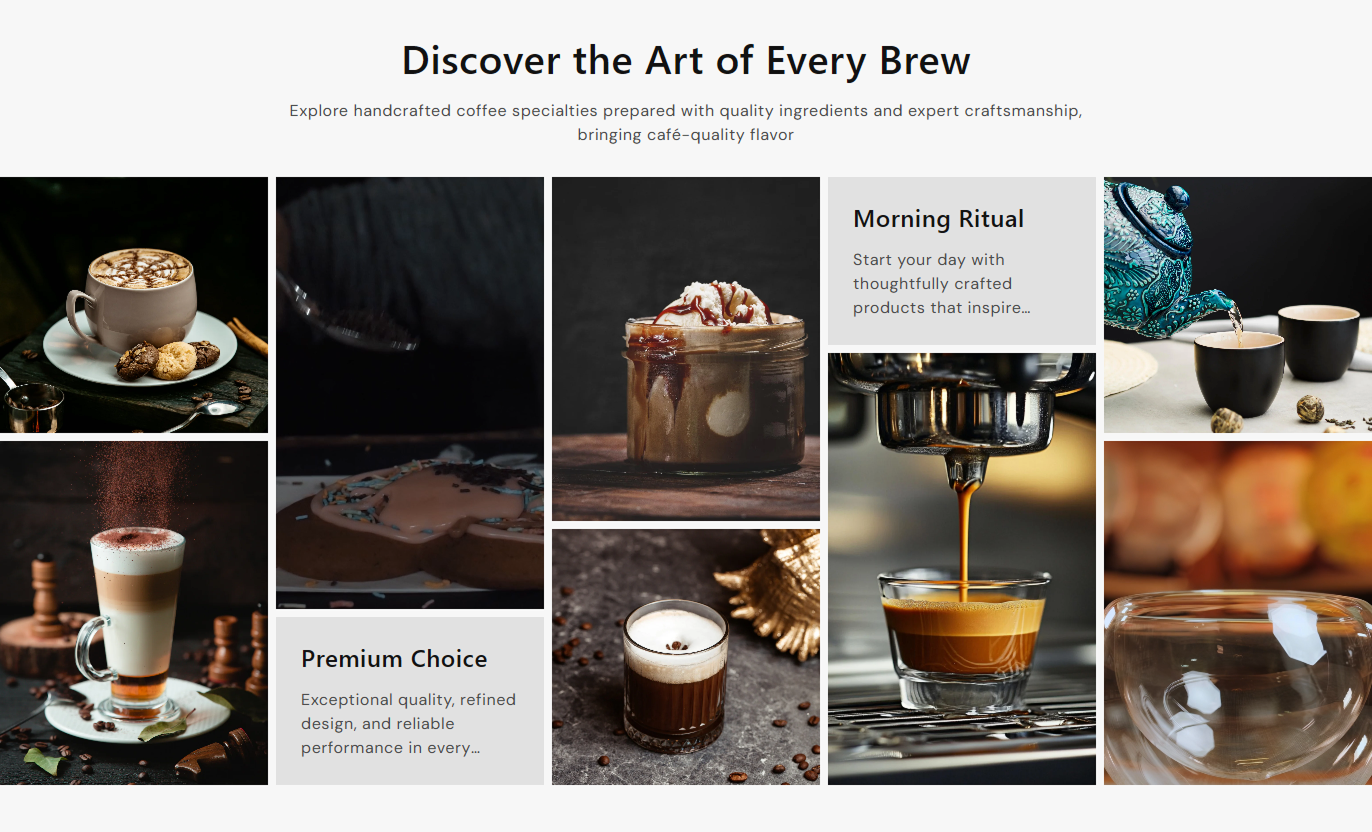
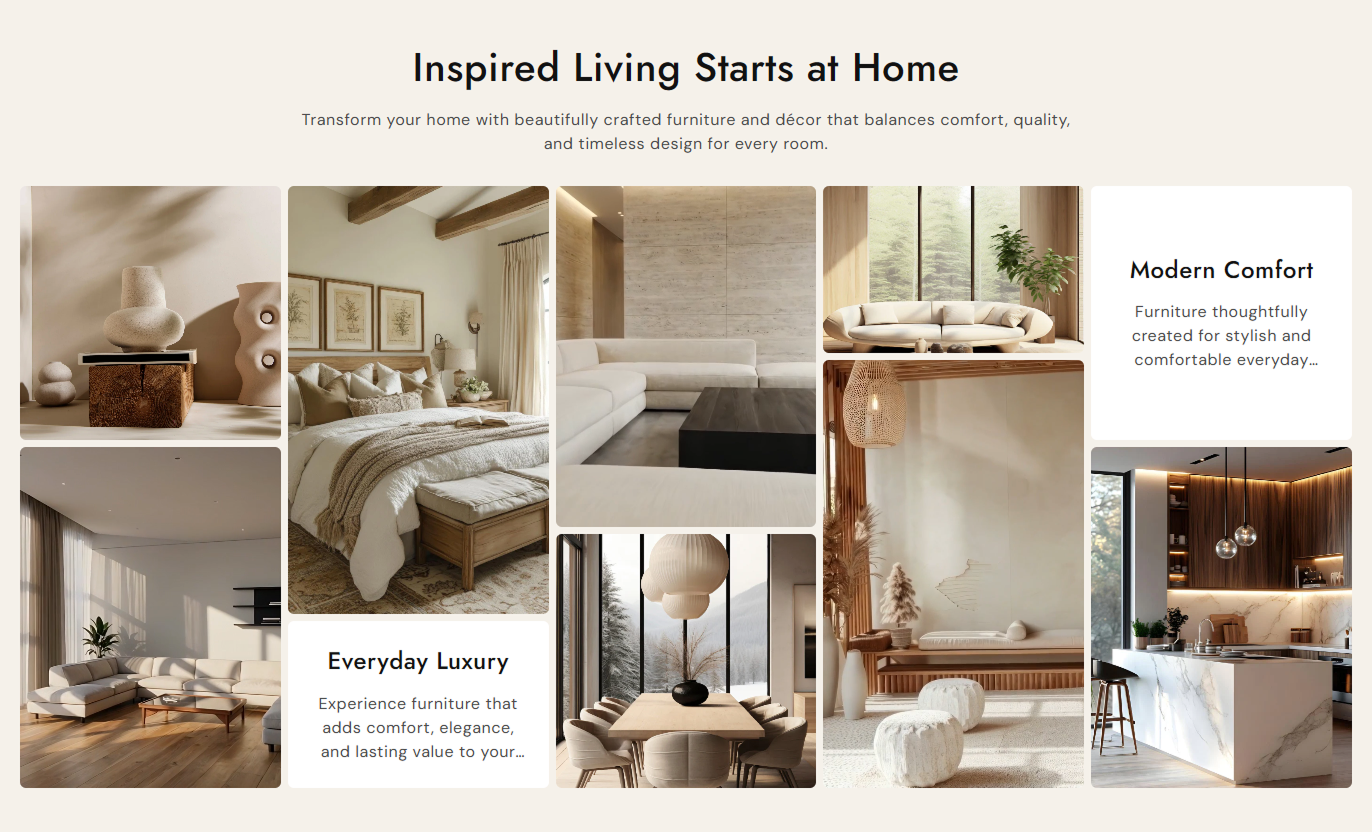


Combine images, videos, and content blocks into a single visual gallery with custom links, responsive layouts, spacing, colors, typography, and alignment controls.

Add images, videos, and content blocks to create a varied visual gallery for your Shopify store.

Add individual images to showcase products, collections, campaigns, or important brand visuals.

Add Shopify-hosted videos that play directly inside the gallery for a more dynamic presentation.

Connect image, video, and content blocks to relevant pages so visitors can explore more.

Add headings and short supporting text between visual items to explain products or highlight key messages.

Choose left, center, or right alignment for text inside individual content blocks.

Use a structured gallery layout that adapts across desktop, tablet, and mobile screen sizes.

Adjust colors, spacing, typography, border radius, section width, and padding to match your storefront.
Customize the gallery layout, media spacing, typography, colors, sizing, and content blocks from the theme editor.
Applies to the whole section
Main heading displayed above the gallery.
HeadingSupporting text displayed below the heading.
ContentChoose how the section heading and text are aligned.
Content AlignmentSet the corner roundness of gallery items.
Border RadiusSet the spacing between gallery media items on the desktop.
Desktop GapSet the spacing between gallery media items on mobile.
Mobile GapControl the main heading font size.
Heading Font SizeControl the section content font size.
Content Font SizeSet the background color for the section.
Background ColorSet the color of the main heading.
Heading ColorSet the color of the section content.
Content ColorSet the top and bottom spacing on the desktop.
Desktop PaddingSet the top and bottom spacing on mobile.
Mobile PaddingMake the gallery span the full available width.
Full WidthSet a maximum width when full width is disabled.
Section Width
Applies to each gallery block
Select the image displayed in an image block.
ImageSelect the Shopify-hosted video for a video block.
VideoAdd a heading to a content block.
HeadingAdd supporting text to a content block.
ContentChoose the text alignment for content blocks.
Content AlignmentSet a page or destination for the block.
LinkSet the block background color.
Background ColorSet the block heading color.
Heading ColorSet the block content color.
Content ColorUse Media Gallery Grid wherever your Shopify store needs a strong visual presentation of products, collections, brand content, campaigns, or supporting information.
Use the gallery to combine brand photography, product visuals, short videos, and supporting messages into an engaging homepage presentation.
Showcase featured products visuallyIntroduce your brand with strong imageryHighlight seasonal campaigns and launchesMix videos with product photographyGuide visitors to important pagesBuild a richer collection experience with product imagery, campaign visuals, videos, and linked gallery items that encourage shoppers to explore further.
Highlight selected products and categoriesAdd visual context to collection themesPromote related shopping destinationsConnect gallery items to useful pagesCreate a stronger collection presentationUse the gallery to support product storytelling with lifestyle images, demonstration videos, feature messages, and links to related store content.
Show products in lifestyle settingsAdd useful product demonstration videosHighlight important product detailsLink shoppers to related contentStrengthen visual product storytellingCreate campaign-focused galleries with promotional images, videos, supporting messages, and links that help visitors understand the offer and take the next step.
Create campaign-specific visual layoutsShow promotional content clearlyCombine video with campaign imageryAdd supporting promotional messagesGuide visitors toward campaign pagesGive your Shopify store a flexible visual section for combining media and content while keeping the presentation organized, responsive, and easy to customize.
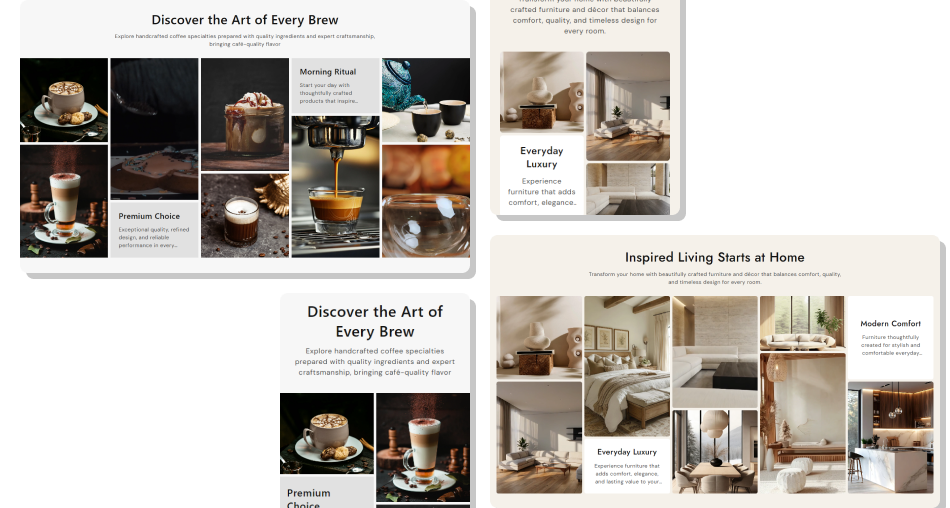
Bring images, videos, and supporting messages together to create richer store experiences without relying on separate gallery sections.
Create richer visual storytellingCombine multiple media typesKeep important content togetherConnect visuals to useful pagesMatch the gallery to your store designAdapt the layout across devicesHighlight campaigns and products clearly Use high-quality images that support the page content
Choose videos that add useful visual context
Keep content block text short and easy to scan
Link media items to relevant store pages
Use consistent visuals across the gallery
Use high-quality images that support the page content
Choose videos that add useful visual context
Keep content block text short and easy to scan
Link media items to relevant store pages
Use consistent visuals across the gallery  Use unrelated images that distract from the page
Add videos that do not support the store message
Fill content blocks with long paragraphs
Send visitors to unrelated destination pages
Mix inconsistent visuals without a clear purpose
Use unrelated images that distract from the page
Add videos that do not support the store message
Fill content blocks with long paragraphs
Send visitors to unrelated destination pages
Mix inconsistent visuals without a clear purpose Yes. Media Gallery Grid supports separate image and video blocks, allowing you to combine both media types in the same gallery.
Yes. Add Content blocks with a heading and supporting rich text to place useful messages alongside your visual content.
Yes. Image, video, and content blocks include a Link setting so you can connect each item to a relevant page.
Yes. You can control the gap between gallery items separately for desktop and mobile layouts.
Yes. The section provides background, heading, and content color controls, while content blocks have their own color settings.
Yes. Set the main section alignment, then choose left, center, or right for individual content blocks.
Yes. The section includes mobile-specific layout, spacing, typography, and padding controls for smaller screens.
For Support or any Questions Email Us: [email protected]
Install SectionHub and add the Media Gallery Grid section to your theme in minutes - no coding required.
