Create an Inspiring Lookbook on Your Homepage
Use a lookbook slider on your homepage to introduce curated styles, featured collections, or product combinations.

Create an engaging lookbook slider with lifestyle images and featured products. Let shoppers explore product details, view prices, and navigate directly to product pages from each slide.
 Interactive Lookbook Slider
Shoppable Product Highlights
Visual Product Discovery
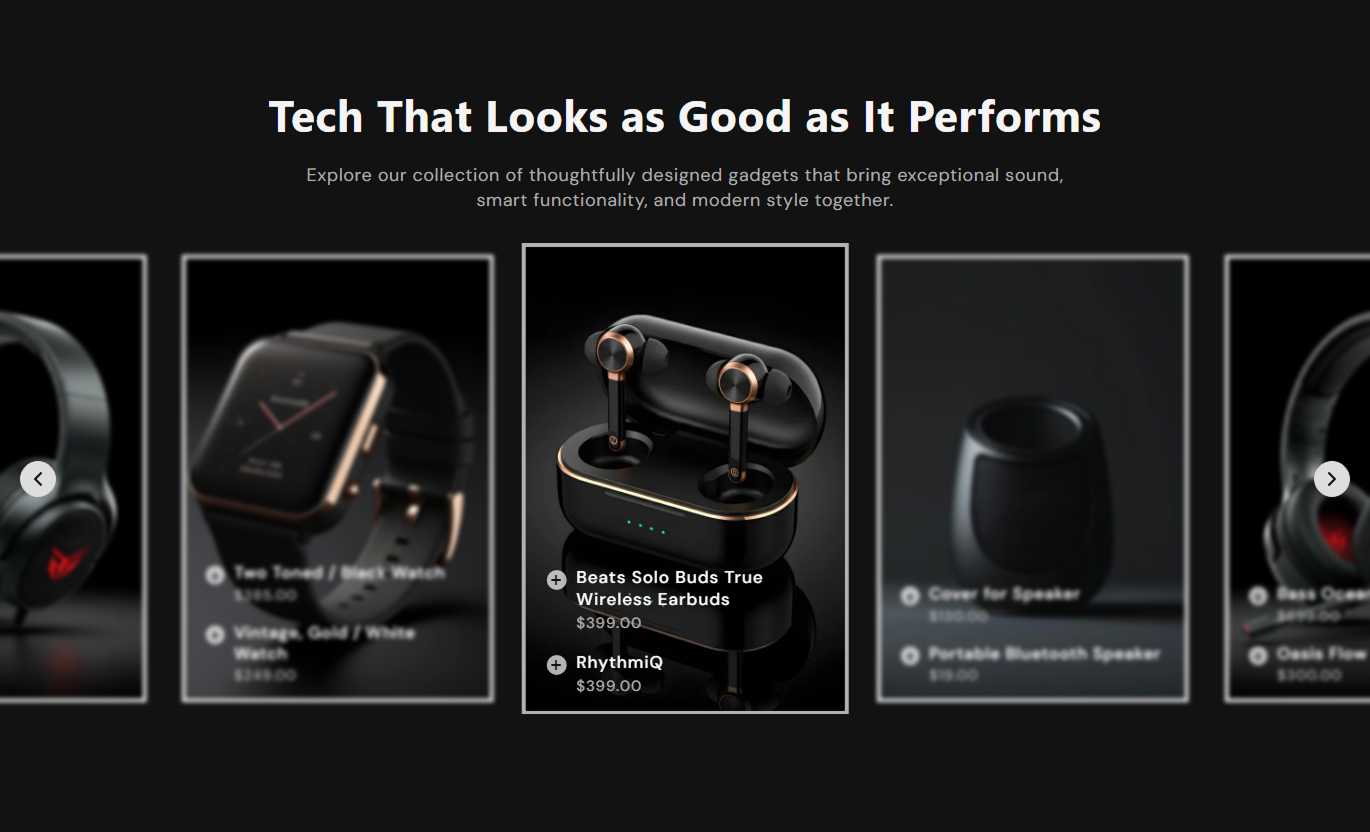
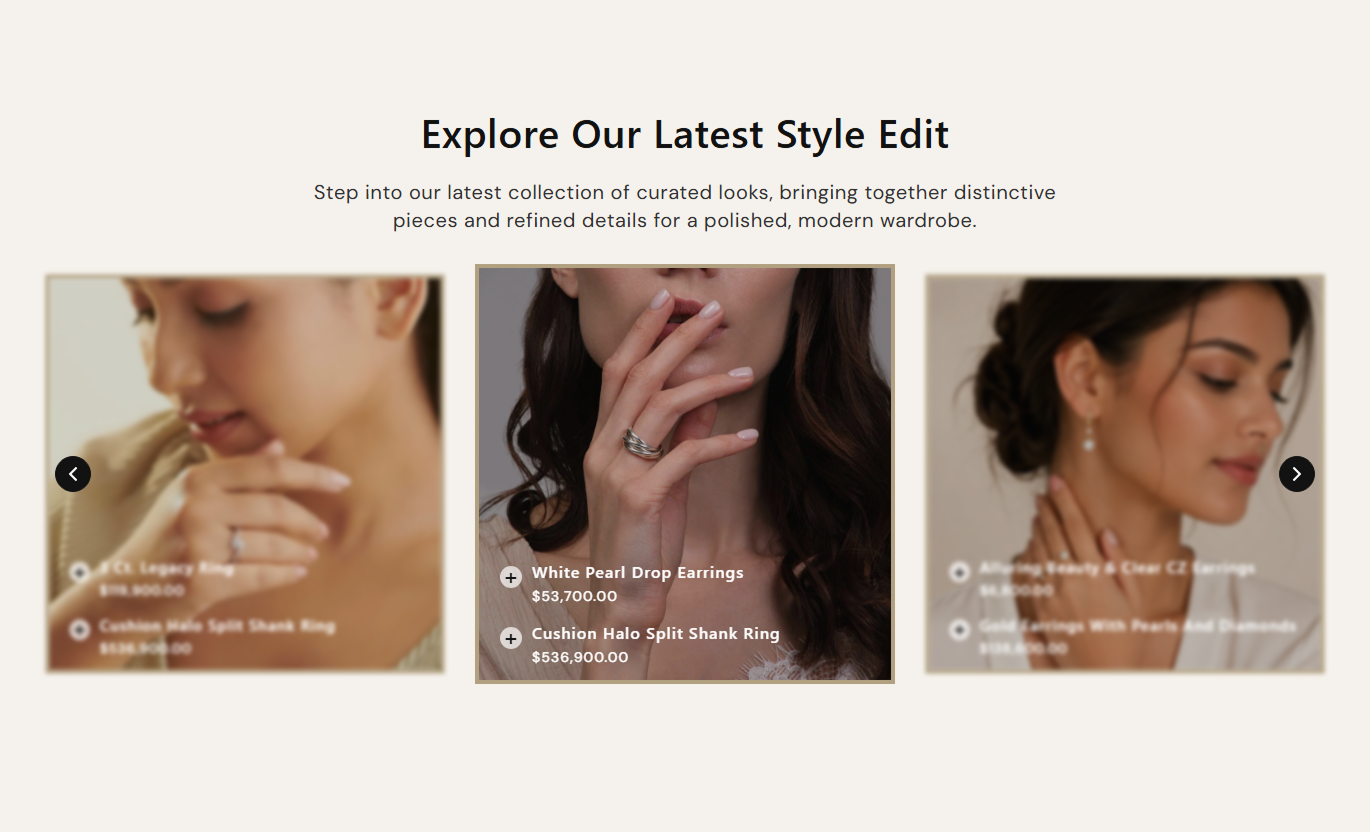


Display curated lifestyle images in a responsive lookbook slider, and link each image to selected products. Shoppers can explore product details, view prices, and discover featured items without leaving the section.

Add clickable product markers to each lookbook slide so shoppers can explore featured products directly from the image.

Select up to three products per slide and display their names and prices in the lookbook experience.

Let shoppers select a featured product to reveal its image and access its page via the linked shopping icon.

Highlight the active slide with a clear border and focused appearance while inactive slides remain visually subtle.

Choose between square and portrait image proportions to present lifestyle photography in a format that suits your store.

Enable autoplay and adjust the slide interval to keep the lookbook moving without requiring shoppers to navigate manually.

Show navigation arrows and let shoppers move between slides using the slider controls.

Adjust visible slides and spacing for desktop and mobile screens to create a comfortable browsing experience.
Control the lookbook layout, slider behavior, product highlights, images, and styling from one place.

Applies to the whole section
Main heading displayed above the lookbook slider.
HeadingSupporting text displayed below the main heading.
ContentChoose the alignment of the section heading and content.
Content AlignmentChoose square or portrait image proportions for slides.
Image HeightSet the corner rounding for lookbook slide images.
Card Border RadiusAutomatically move through the lookbook slides.
Enable AutoplaySet the time interval between automatic slide changes.
Change Slides EveryShow or hide navigation arrows on the slider.
Show Navigation ArrowsSet the number of visible slides on the desktop.
Desktop Number of ColumnsAdjust the spacing between slides on desktop and mobile.
Slide SpacingChoose how many slides are visible on mobile screens.
Mobile Number of ColumnsSet the background color of the section.
Background ColorCustomize the colors of headings, product details, overlays, borders, and slider controls.
Color SettingsAdjust the top and bottom spacing for desktop and mobile.
Section PaddingMake the section full width or set a custom maximum width.
Section Width
Applies to each lookbook slide
Main lifestyle or lookbook image displayed in the slide.
ImageChoose up to three products to feature within the slide.
Select ProductsUse a lookbook slider across your Shopify store to present curated looks, feature selected products, and guide shoppers from lifestyle images to product pages.
Use a lookbook slider on your homepage to introduce curated styles, featured collections, or product combinations.
Make your homepage more visual with curated lifestyle images.Highlight products within styled scenes and product combinations.Help visitors discover featured items through interactive slides.Create an engaging shopping experience above or between sections.Guide shoppers from inspirational images to product pages.Add a lookbook slider to collection pages to show how selected products work together. Use lifestyle images and product highlights to give shoppers more visual context while they browse a specific product category.
Add visual inspiration alongside collection browsing.Highlight selected products from a category or theme.Show product combinations in a lifestyle setting.Help shoppers explore featured products from each slide.Make collection pages more engaging and informative.Use the lookbook slider on product pages to showcase complementary products and styled looks. Let shoppers explore related items through image-based product highlights and follow links to learn more.
Present complementary products in styled lifestyle images.Inspire shoppers with product pairing ideas.Highlight related items through interactive product selections.Provide direct product-page navigation from the lookbook.Encourage shoppers to explore more items as they browse.Add a lookbook slider to campaign and landing pages to present curated product stories. Combine lifestyle imagery with selected products to support seasonal promotions, brand storytelling, and focused shopping experiences.
Create visual stories for campaigns and seasonal themes.Present curated products in a single interactive section.Connect lifestyle images with relevant product pages.Support focused product discovery on campaign pages.Give landing pages a more engaging visual layout.Turn lifestyle images into interactive shopping experiences. Combine product highlights, images, and direct product links to help visitors explore your featured products.
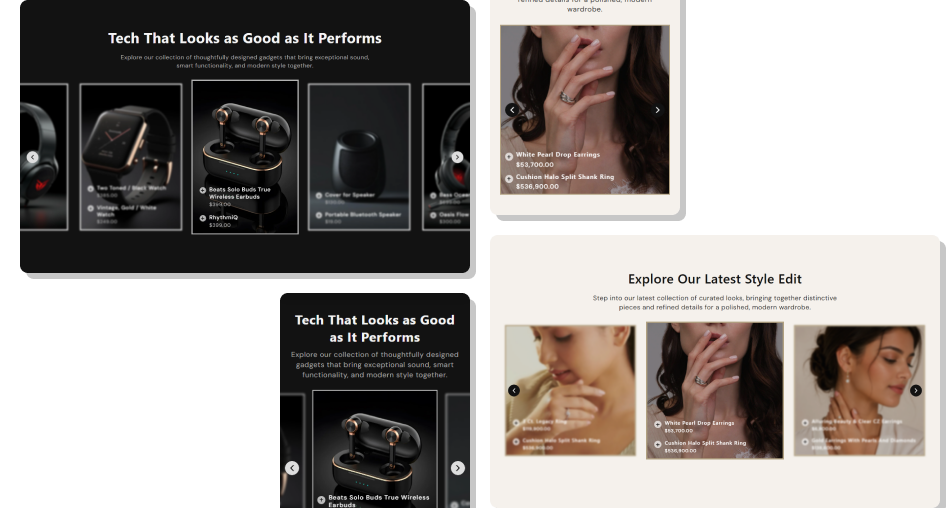
Use a rotating lookbook slider with clickable product highlights to present curated styles, display product details, and make product discovery easier across devices.
Showcase multiple lifestyle images in one interactive sliderFeature up to three selected products within each slideMake product selection interactive with clickable highlightsDisplay featured product names and prices within the slideLet shoppers explore product images through product highlightsLink selected products directly to their respective product pagesCustomize image ratios, colors, borders, overlays, and slider stylingEnable autoplay and adjust the slider navigation for desktop and mobile Use high-quality lifestyle images that clearly showcase your products.
Select relevant products that naturally match each lookbook image.
Keep product selections focused to make browsing easier.
Choose consistent image proportions for a polished slider layout.
Preview the slider on mobile and desktop before publishing.
 Avoid blurry or poorly cropped images that hide important product details.
Don't feature unrelated products together in the same lookbook slide.
Avoid selecting products that are not relevant to the displayed image.
Don't use excessive autoplay speed that makes slides difficult to explore.
Avoid color combinations that reduce the visibility of product details.
It is a visual product showcase section that combines lifestyle images with selected products. Shoppers can explore product highlights and navigate to product pages.
You can select up to three products for each lookbook slide. Their names and prices appear within the slide, allowing shoppers to explore the featured items.
Yes. Each lookbook slide includes a setting image where you can upload your preferred lifestyle or product image to match your store's visual style.
Yes. You can adjust image height, card border radius, colors, typography, overlay, navigation controls, and section spacing using the available settings.
Yes. Enable autoplay to move through slides automatically and set the interval between slide changes using the autoplay speed setting.
Yes. You can choose the number of visible slides and adjust the spacing between them on mobile for a more comfortable browsing experience.
Yes. When shoppers select a featured product, the shopping icon links to that product's page, making it easier to explore product details.
You can add it to supported storefront templates such as homepage, collection, product, and landing pages. The section is disabled for header and footer groups.
For Support or any Questions Email Us: [email protected]
Install SectionHub and add the Lookbook Slider Showcase section to your theme in minutes - no coding required.