Create a Visual Product Showcase
Use lookbook slides to highlight new arrivals, featured products, seasonal items, or campaign products with custom images and interactive product details.

Showcase products through custom lookbook images, selected Shopify products, interactive product popups, pricing details, and responsive slider controls.
 Interactive Lookbook
Product Showcase
Responsive Slider
Interactive Lookbook
Product Showcase
Responsive Slider 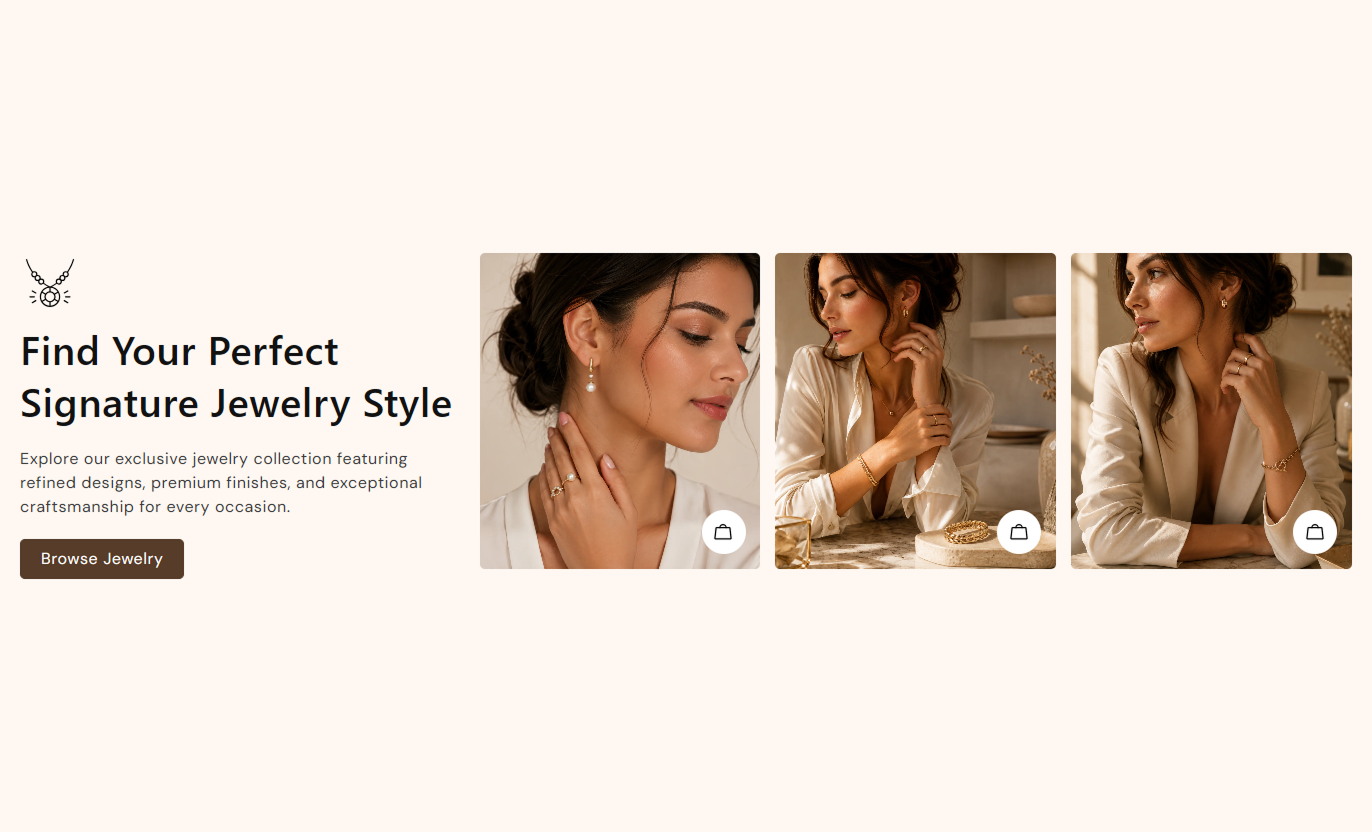
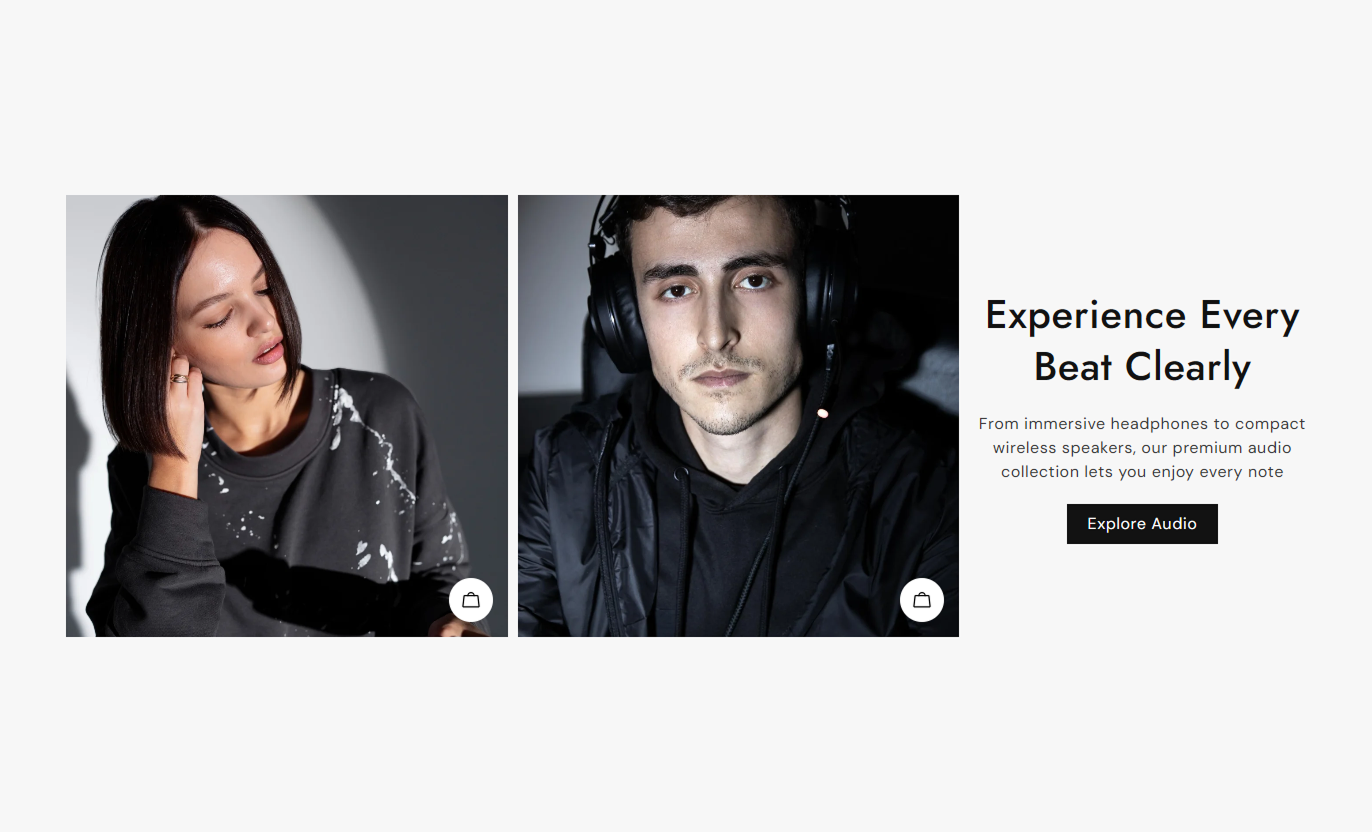


Combine lookbook images with selected products, interactive popups, slider controls, product pricing, buttons, and responsive layouts for Shopify stores.

Add a custom image to each slide to create a visual product showcase for your store.

Choose up to two Shopify products for each lookbook slide, and connect each to the corresponding visual content.

Let shoppers open a product popup from the slide to view selected products and their details.

Show the current product price and compare-at price when a product has a higher regular price.

Add a direct product link inside the popup so shoppers can quickly open the selected product page.

Enable automatic slide movement and looping to create a continuous lookbook browsing experience.

Choose the number of visible slides and spacing for desktop and mobile layouts.

Customize colors, typography, buttons, arrows, image height, spacing, and section width.
Control the lookbook content, products, slider behavior, styling, buttons, and responsive layout from one place.

Applies to the whole section
Optional image displayed above the section heading.
Icon ImageMain heading displayed with the lookbook content.
HeadingSupporting text displayed with the main heading.
ContentChoose the alignment of the section text.
Text AlignmentSet the desktop vertical position of the content.
Vertical Text AlignmentAdd a label for the section call-to-action button.
Button LabelSet the page or destination for the button.
Button LinkMake the section span the available page width.
Full WidthAutomatically move slides at a selected speed.
Enable AutoplayRepeat the lookbook slides continuously.
Enable LoopChoose whether the slider appears left or right.
Slider PositionChoose the lookbook image height.
Image HeightSet the number of visible desktop slides.
Desktop ColumnsSet the number of visible mobile slides.
Mobile ColumnsSet the maximum width when full width is disabled.
Section Width
Applies to each lookbook slide
Image displayed in the lookbook slide.
ImageHeading displayed for the slide products.
HeadingShopify products shown in the slide popup.
Select ProductsUse visual lookbook slides to feature products, support merchandising, and help shoppers discover selected Shopify products across important store pages.
Use lookbook slides to highlight new arrivals, featured products, seasonal items, or campaign products with custom images and interactive product details.
Highlight featured products visuallySupport seasonal merchandisingShow selected products clearlyAdd direct product linksCreate engaging product discoveryAdd a lookbook section to spotlight selected products from a collection while giving shoppers a visual way to explore products and pricing.
Feature priority collection productsAdd visual product storytellingShow selected product pricingConnect images with productsSupport deeper collection browsingUse the lookbook to introduce related products, complementary items, or additional choices with custom visuals and interactive product information.
Highlight related productsShow complementary product choicesAdd visual product contextDisplay product pricingLink directly to productsCreate campaign-focused lookbook sections that combine custom visuals, selected products, supporting content, and direct product links for shoppers.
Support product launch campaignsHighlight promotional productsCreate visual product storiesConnect products with campaignsGuide shoppers to product pagesPresent selected Shopify products through custom lookbook images with interactive product details, pricing, direct links, and responsive slider controls.
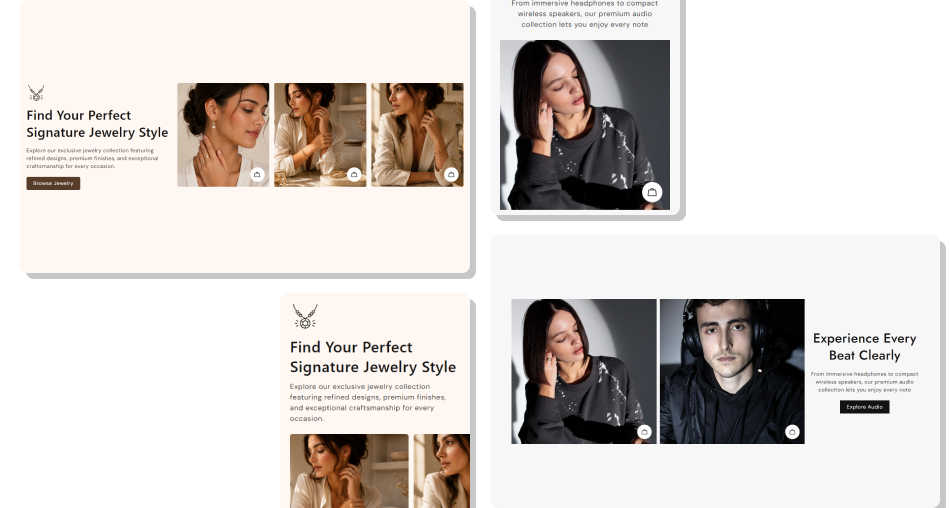
Choose images, products, slider settings, colors, and layouts to create a lookbook that fits your store and merchandising needs.
Showcase products with custom visual contentFeature up to two products per lookbook slideDisplay current and compare-at product pricesGive shoppers direct access to product pagesUse autoplay and loop for continuous browsingAdjust the slider for desktop and mobile screensCustomize the section to match your store design Use high-quality images that clearly present your products
Choose products that match each lookbook image
Keep slide headings short and easy to understand
Use relevant product links for every featured item
Keep the lookbook focused on a clear merchandising goal
Use high-quality images that clearly present your products
Choose products that match each lookbook image
Keep slide headings short and easy to understand
Use relevant product links for every featured item
Keep the lookbook focused on a clear merchandising goal  Use unrelated products with your lookbook images
Use low-quality or inconsistent slide images
Add long headings that are difficult to scan
Link shoppers to pages unrelated to the featured products
Overload each slide with too many product choices
Use unrelated products with your lookbook images
Use low-quality or inconsistent slide images
Add long headings that are difficult to scan
Link shoppers to pages unrelated to the featured products
Overload each slide with too many product choices Yes. Each lookbook block includes an Image setting, allowing you to add a different visual for each slide.
You can select up to two Shopify products for each lookbook block and display them through the product popup.
Yes. The product popup displays the selected product's price and, when applicable, the compare-at price.
Yes. Products shown in the popup include a direct link to the selected product page.
Yes. You can enable Autoplay, choose the autoplay speed, and enable Loop to continuously cycle through the slides.
Yes. You can set the number of visible columns and the spacing between slides separately for desktop and mobile.
Yes. The Slider Position setting lets you place the lookbook slider on either side of the section content.
Yes. You can customize colors, typography, image height, button styling, arrow styling, spacing, padding, and section width.
For Support or any Questions Email Us: [email protected]
Install SectionHub and add the Lookbook Slider Product Popup section to your theme in minutes - no coding required.
