Show Complete Looks on Your Homepage
Create an eye-catching homepage feature that combines a lifestyle image with products customers can explore and shop directly.

Show a featured look with products customers can explore and shop. Combine one lifestyle image with product cards to create a visual shopping experience.
 Shoppable Lookbook
Product Slider
Mobile Friendly
Shoppable Lookbook
Product Slider
Mobile Friendly 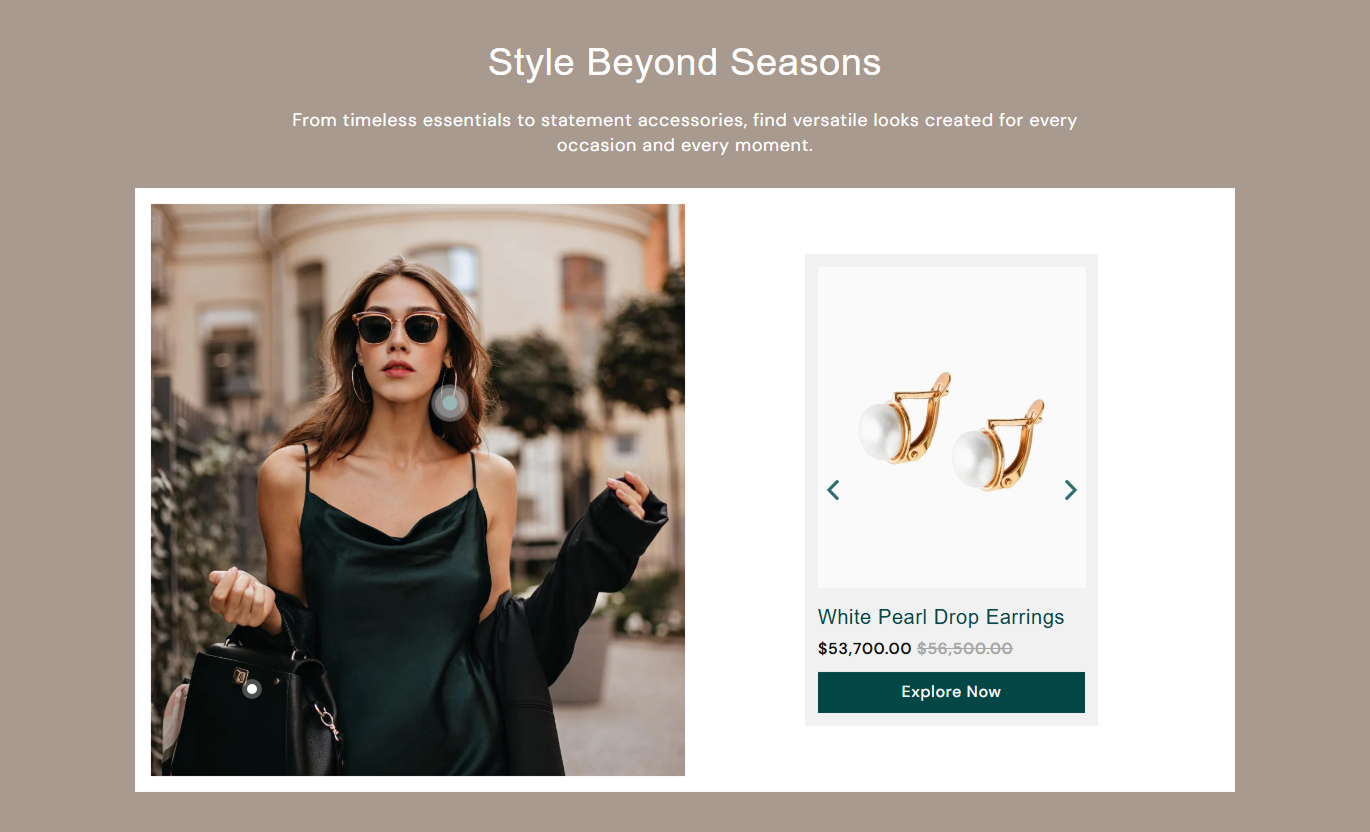
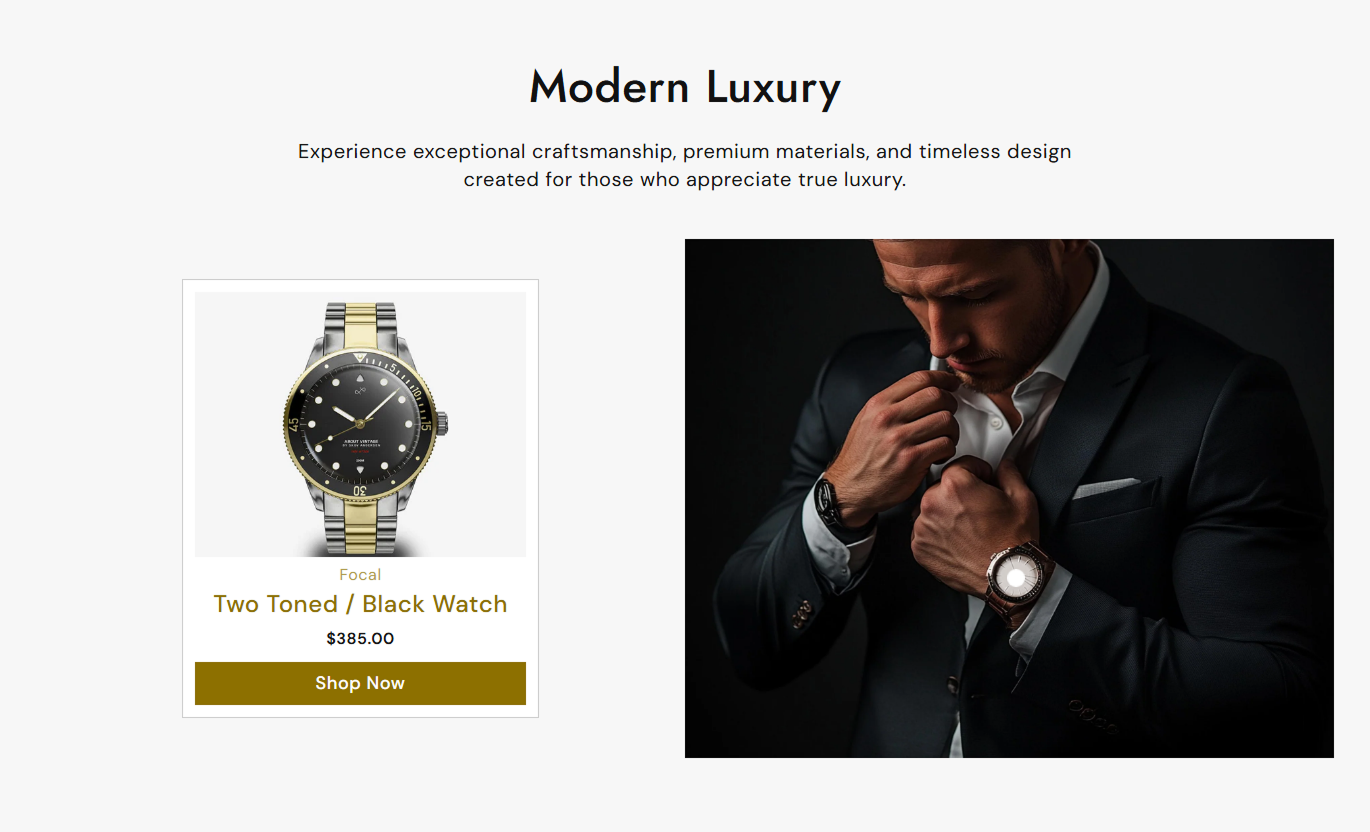
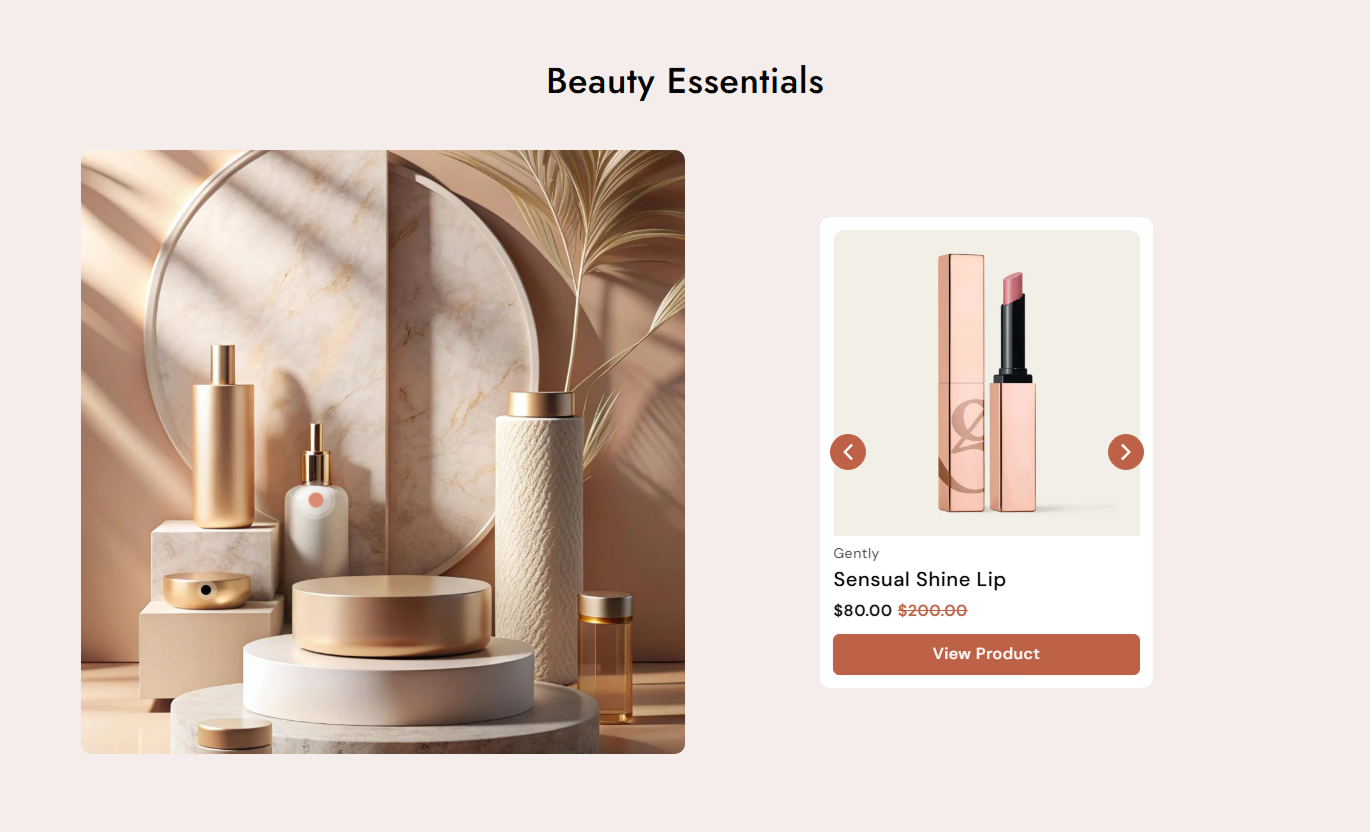


Build engaging lookbook layouts with a featured image, product slider, clickable product points, product details, and flexible styling controls.

Add a main lifestyle image to showcase the complete look or product arrangement.

Place product markers over the featured image to connect products with specific parts of the look.

Show selected products beside the featured image in a simple, browsable slider.

Display product title, vendor, price, sale price, and an optional View Product button.

Show a product's second image when shoppers hover over the product card.

Add navigation arrows so shoppers can easily move between products.

Choose image heights for both the main lookbook image and product cards.

Adapt the lookbook into a mobile-friendly layout with product cards and repositioned product points.
Customize the lookbook image, products, slider, buttons, colors, spacing, and responsive layout from the theme editor.

Applies to the whole section
Add the main heading above the lookbook.
HeadingAdd supporting content below the heading.
ContentChoose the heading and content alignment.
Text AlignmentUpload the main image for your lookbook.
Lookbook ImageChoose the height of the main lookbook image.
Image HeightSet the corner radius of the main image.
Image Border RadiusChoose the product image height.
Product Image HeightShow the second product image on hover.
Show Second ImageDisplay the product vendor on cards.
Show VendorDisplay the View Product button.
Show Product ButtonChoose the product card content alignment.
Card Content AlignmentChoose which side holds the product slider.
Slider PositionShow or hide the product navigation arrows.
Show Slider ArrowsSet the lookbook container corner radius.
Container Border RadiusSet desktop and mobile section spacing.
Section PaddingControl the maximum section width or use full width.
Section Width
Applies to each product point
Select the product connected to the lookbook point.
ProductSet the horizontal desktop position of the point.
Desktop Horizontal PositionSet the vertical desktop position of the point.
Desktop Vertical PositionSet the horizontal mobile position of the point.
Mobile Horizontal PositionSet the vertical mobile position of the point.
Mobile Vertical PositionUse a Lookbook Slider to connect products with lifestyle imagery and help shoppers discover complete looks across your homepage, collections, product pages, and campaigns.
Create an eye-catching homepage feature that combines a lifestyle image with products customers can explore and shop directly.
Showcase the complete product looksInspire shoppers with lifestyle imageryHighlight multiple products togetherCreate a strong visual homepage featureEncourage deeper product explorationUse the lookbook to present products as part of a styled collection, helping shoppers understand how different items work together.
Present related products togetherGive collections a lifestyle contextEncourage shoppers to explore more itemsMake product discovery more visualHighlight curated product combinationsUse a lookbook to show how a featured product works with other items, giving shoppers more styling ideas and additional products to explore.
Show complementary productsCreate useful styling inspirationEncourage additional product discoveryConnect products through one visualSupport cross-shopping naturallyCreate campaign-focused lookbooks that combine strong imagery with selected products to tell a clear visual story and guide shoppers toward products.
Create campaign-ready product displaysTell a stronger visual product storyHighlight selected products togetherSupport focused promotional messagingGuide shoppers toward product pagesConnect products with a featured look so shoppers can discover individual items while seeing how they work together in a complete visual setting.
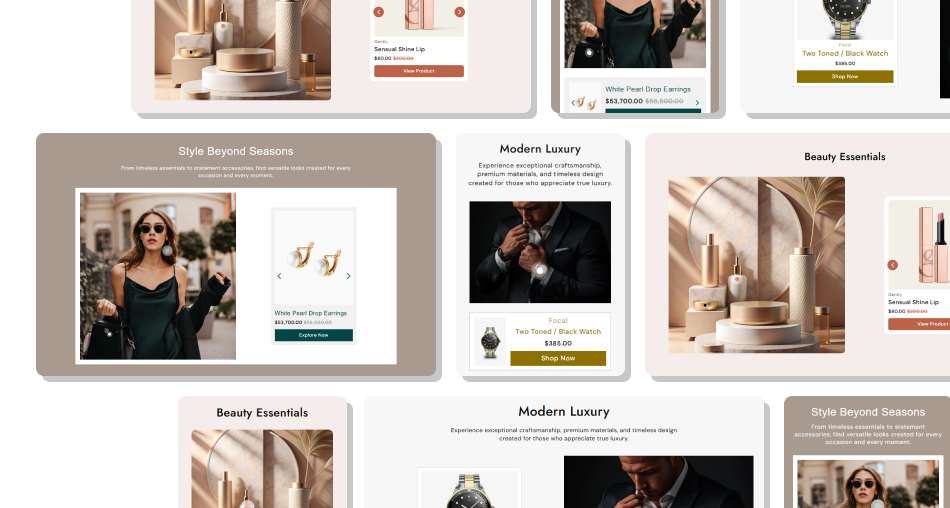
Make product discovery more visual by combining lifestyle imagery, clickable product points, and product cards into a single focused section.
Make lifestyle images more usefulConnect products to specific parts of a lookShowcase multiple products in one sectionGive shoppers styling inspirationEncourage product explorationKeep product discovery visually engaging Use clear lifestyle images with visible products.
Position product points accurately.
Feature products that belong to the look.
Keep product titles easy to scan.
Use consistent product imagery.
Use clear lifestyle images with visible products.
Position product points accurately.
Feature products that belong to the look.
Keep product titles easy to scan.
Use consistent product imagery.  Don't use unclear or unrelated images.
Don't place points over confusing areas.
Don't add products that aren't in the look.
Don't overcrowd the featured image.
Don't use inconsistent product visuals.
Don't use unclear or unrelated images.
Don't place points over confusing areas.
Don't add products that aren't in the look.
Don't overcrowd the featured image.
Don't use inconsistent product visuals. Yes. Each product block can be linked to a Shopify product and positioned horizontally and vertically over the main lookbook image.
Yes. Add multiple product blocks to display several products within the same lookbook and slider.
Yes. Product cards can display the vendor, product title, current price, and compare-at price when available.
Yes. Enable Show Second Image to display the product's second image when shoppers hover over the product image.
Yes. Enable the product button and set your preferred button label, such as View Product.
Yes. The Slider Position setting lets you place the product slider on the left or right on the desktop.
Yes. Each product block includes separate horizontal and vertical position controls for mobile.
Yes. You can customize backgrounds, text, product cards, buttons, arrows, container spacing, and section padding.
For Support or any Questions Email Us: [email protected]
Install SectionHub and add the Lookbook Slider section to your theme in minutes - no coding required.
