Create a Strong Store Visit Hub
Place the map section on your homepage to show where you are located, share opening hours, and help local shoppers reach your store with less effort.

Show your store location, contact details, opening hours, and directions beside an embedded Google Map so shoppers can quickly plan an in-person visit with confidence.
 Easy Store Discovery
Google Maps Ready
Mobile Friendly
Easy Store Discovery
Google Maps Ready
Mobile Friendly 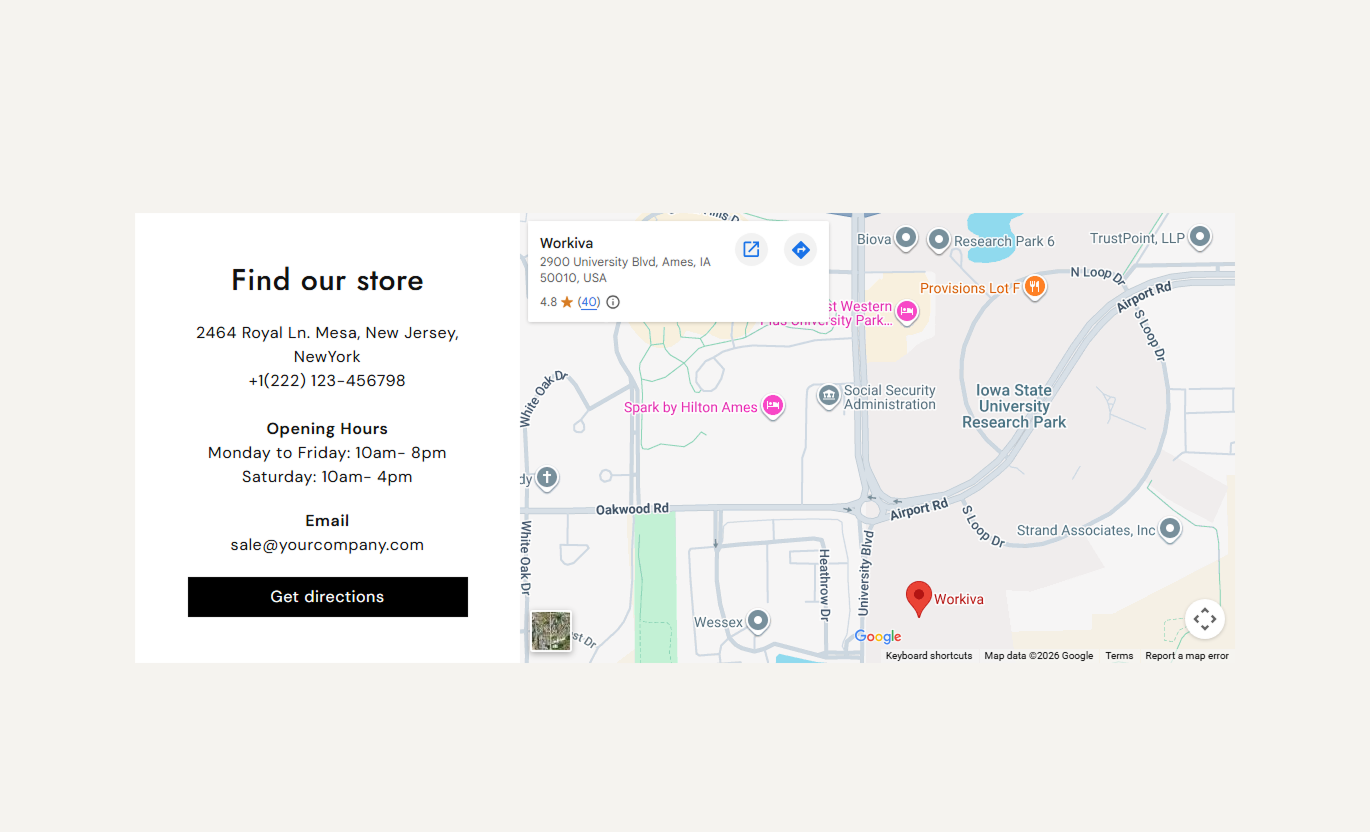


Help shoppers find your physical store with an embedded Google Map, useful contact details, directions, responsive layouts, and flexible styling controls.

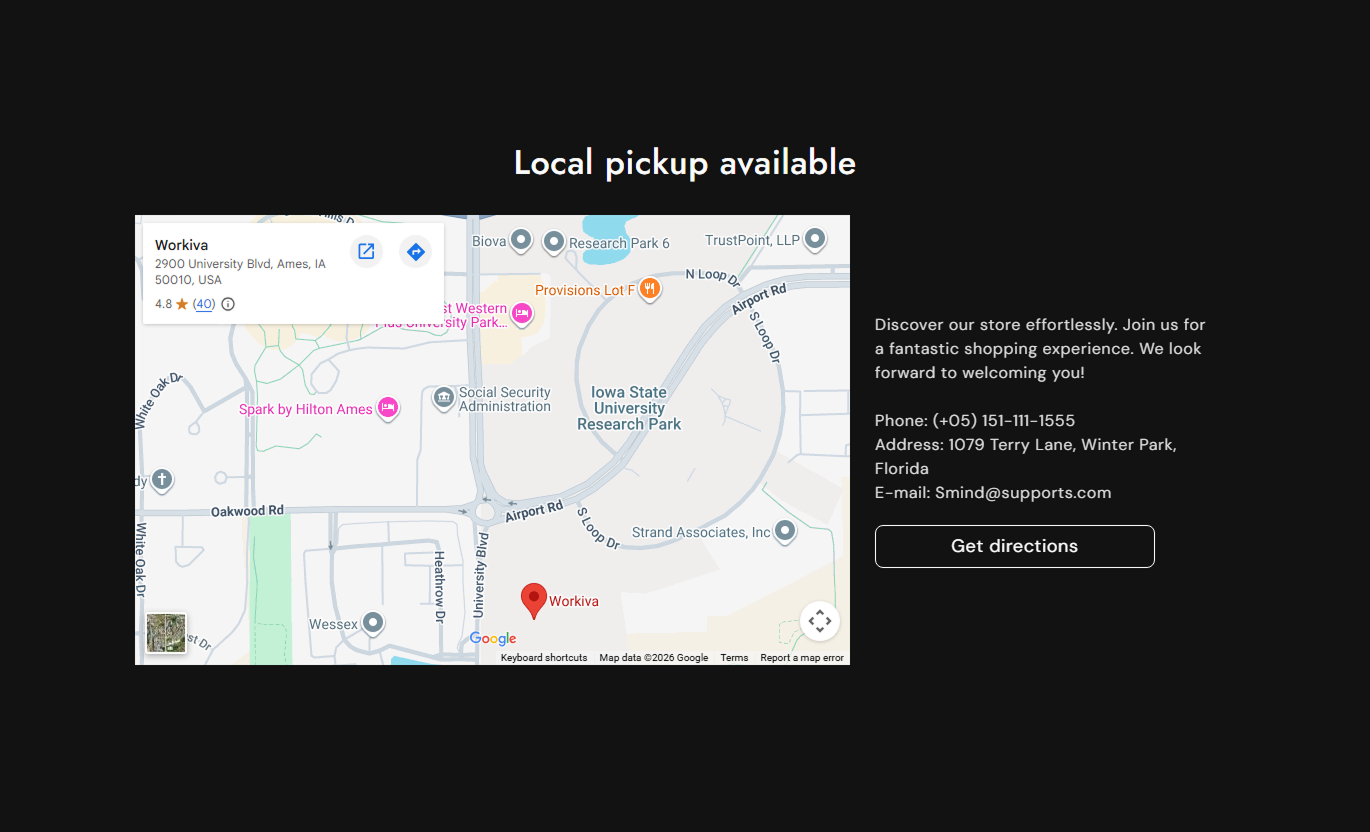
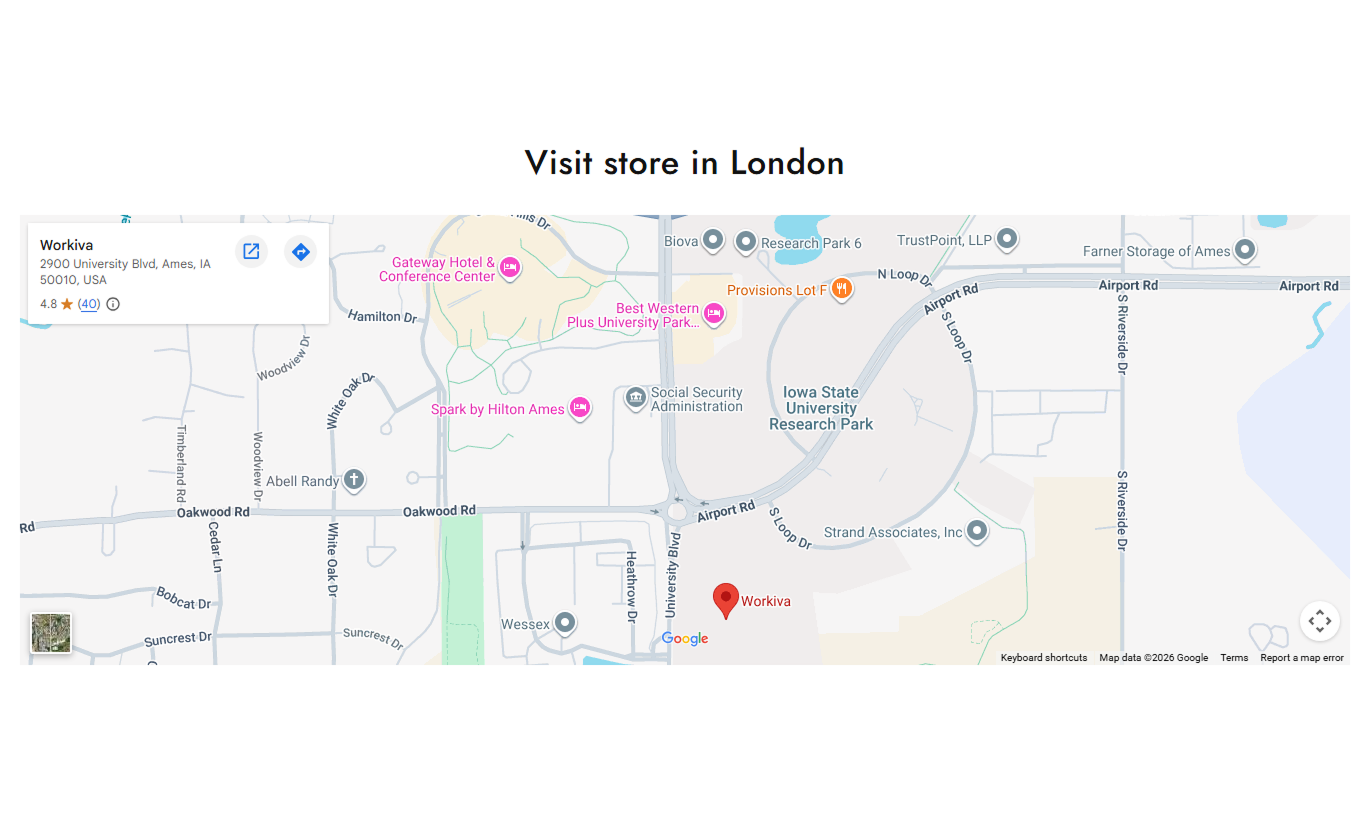
Add a Google Maps iframe to display your store location directly within the Shopify section.

Show your address, phone number, email, and other useful contact details together in one location.

Add opening hours so shoppers can see when your physical store is available for in-person visits.

Add a button that links shoppers to directions or another relevant destination within the section.

Place the location details on the left or right of the map to suit your desktop page layout.

Choose separate text alignment options for desktop and mobile to keep store information easy to read on both.

Use a full-width map layout or set a custom maximum section width for a more contained design.

Adjust colors, button styling, border radius, typography, and section spacing to match your store design.
Customize the map, store details, button, layout, colors, typography, width, and spacing from the Shopify theme editor.

Applies to the whole section
Add the main heading for the section.
Section HeadingAdd supporting text below the main heading.
Supporting ContentChoose the main heading text alignment.
Main Text AlignmentPaste your Google Maps embed code here.
Google Maps EmbedSet where the store content appears on desktop.
Desktop Text PositionChoose a full-width or contained section layout.
Full Width LayoutSet the maximum width for a contained section.
Maximum Section WidthAdjust the space above and below the section.
Desktop Section PaddingAdjust the top and bottom space on mobile.
Mobile Section PaddingChoose the main background color for the section.
Section Background Color
Applies to the location content
Add your store address and location information.
Location ContentAdd email or other contact information.
Contact DetailsSet the text shown on the action button.
Button LabelChoose the page or destination for the button.
Button LinkChoose filled or outline button styling.
Button StyleAdjust the corner radius of the map content area.
Content Border RadiusUse the location map to connect online shoppers with your physical store by displaying it alongside contact details, opening hours, and clear directions.
Place the map section on your homepage to show where you are located, share opening hours, and help local shoppers reach your store with less effort.
Turn homepage visitors into in-store customersShow your store location without extra navigationHighlight opening hours and key contact detailsGive shoppers a clear directions action to useBuild trust with clear and visible store informationAdd the map section to collection pages when shoppers may want to visit your store, browse products online, and plan an in-person shopping trip.
Connect online collection browsing with store visitsShow where local shoppers can find your storeAdd useful store contact information for visitorsShare opening hours before visiting the storeGuide shoppers toward an in-store shopping visitUse the map next to the store information to help shoppers who want to see products in person, ask questions, or visit your physical location.
Support in-store product discovery with location detailsShow the store location near product informationShare opening hours before a planned store visitAdd contact information for product questionsLink shoppers directly to useful store directionsUse the map section on a local campaign or store landing page to combine location details, opening hours, contact information, and a clear action.
Make local campaign pages more useful for visitorsPut store details together in one clear sectionSupport visits for events or store promotionsAdd a direct directions action for campaign visitorsGive visitors key information for planning visitsHelp shoppers find your physical store by combining an embedded map with address details, contact information, opening hours, and directions.
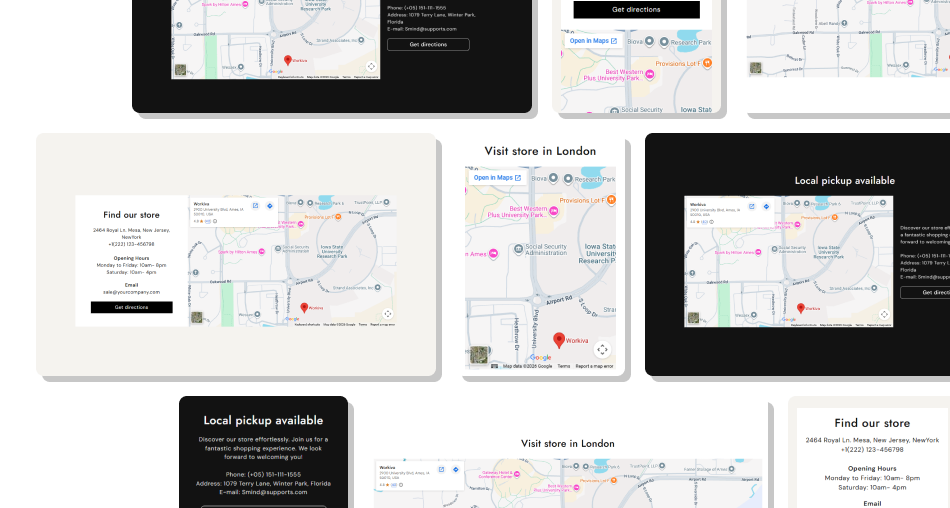
Present key store information in a single convenient section so visitors can locate your store, check opening hours, and plan their visit with ease.
Help shoppers locate your physical store quicklyShow your store address clearlyAdd opening hours and contact detailsMake directions easier to accessSupport a better local shopping experienceCombine map and store details in one sectionCustomize layout, colors, width, and spacingKeep store information easy to find on mobile Use an accurate Google Maps embed for your store location.
Keep your address, phone, email, and hours easy to scan.
Use a clear button label, such as "Get Directions," for visits.
Match map content colors and spacing with your store design.
Check the map and content layout carefully on mobile devices.
Use an accurate Google Maps embed for your store location.
Keep your address, phone, email, and hours easy to scan.
Use a clear button label, such as "Get Directions," for visits.
Match map content colors and spacing with your store design.
Check the map and content layout carefully on mobile devices.  Don't use an outdated map location or incorrect store address.
Don't hide important contact details inside overly long copy.
Don't use a button label that gives shoppers no clear action.
Don't add unnecessary styling that makes store details harder to read.
Don't skip mobile checks when adjusting map and content spacing.
Don't use an outdated map location or incorrect store address.
Don't hide important contact details inside overly long copy.
Don't use a button label that gives shoppers no clear action.
Don't add unnecessary styling that makes store details harder to read.
Don't skip mobile checks when adjusting map and content spacing. Yes. Add your Google Maps iframe source in the section settings to display an embedded map for your store.
Yes. Use the location content field to add your address, phone number, opening hours, or other useful store information.
Yes. Add a button label and link to provide a clear action for shoppers who need directions or to navigate to another relevant page.
Yes. On the desktop, you can position the location content on the left or right of the embedded map.
Yes. You can choose a separate mobile text alignment so the location content fits your mobile layout.
Yes. Enable Full Width to let the section use the available page width, or set a custom maximum width instead.
Yes. You can adjust background colors, text colors, button colors, borders, border radii, and button styles.
Yes. It is designed as a Shopify theme section and can be customized through the Shopify theme editor.
For Support or any Questions Email Us: [email protected]
Install SectionHub and add the Location Map section to your theme in minutes - no coding required.
