Make Your Homepage More Visual and Shoppable
Use product videos to introduce featured products, highlight new arrivals, and give visitors an engaging way to discover products.

Showcase product videos with product details, pricing, sale badges, and shopping options in an interactive feed that helps customers discover products visually.
 2.0 Compatible
Shoppable Video Feed
Mobile Responsive
2.0 Compatible
Shoppable Video Feed
Mobile Responsive 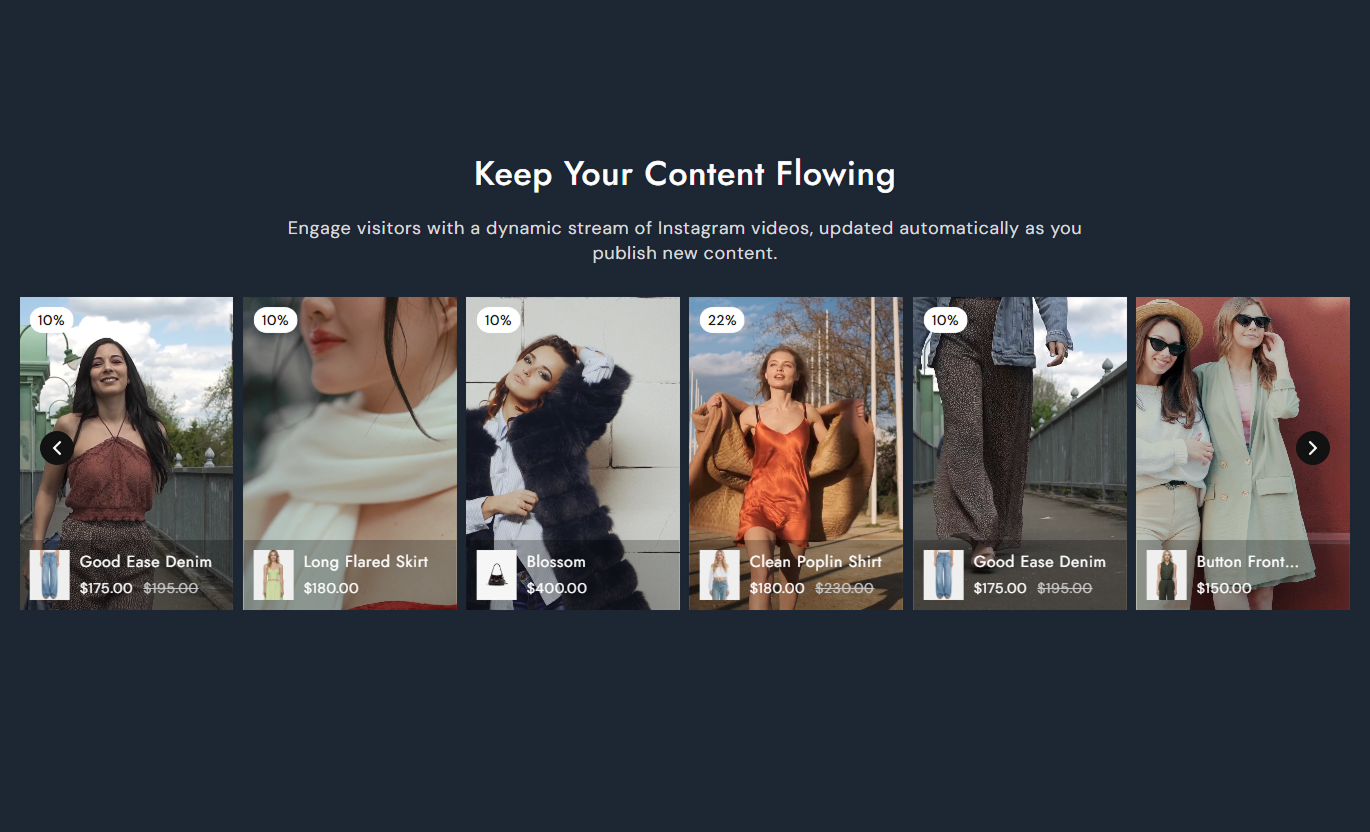
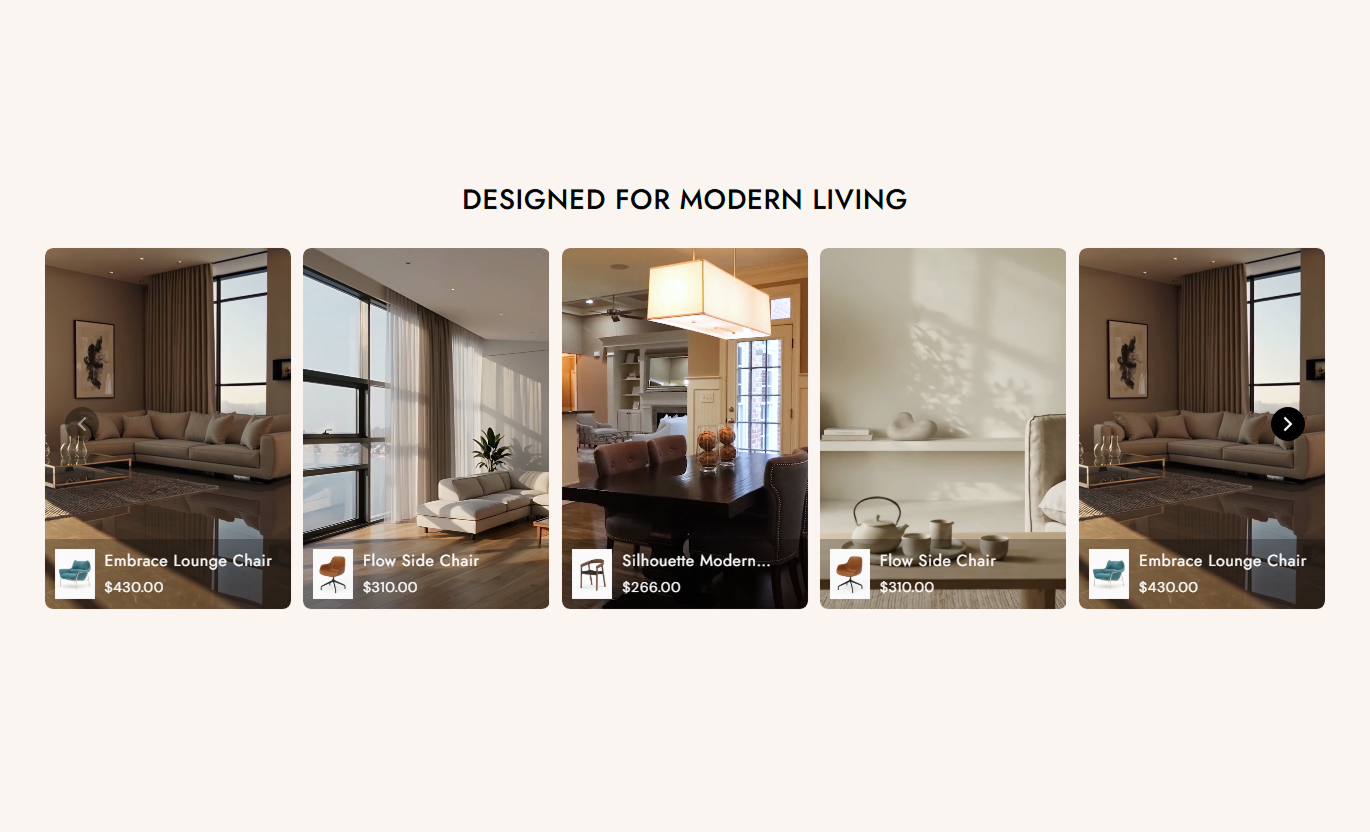
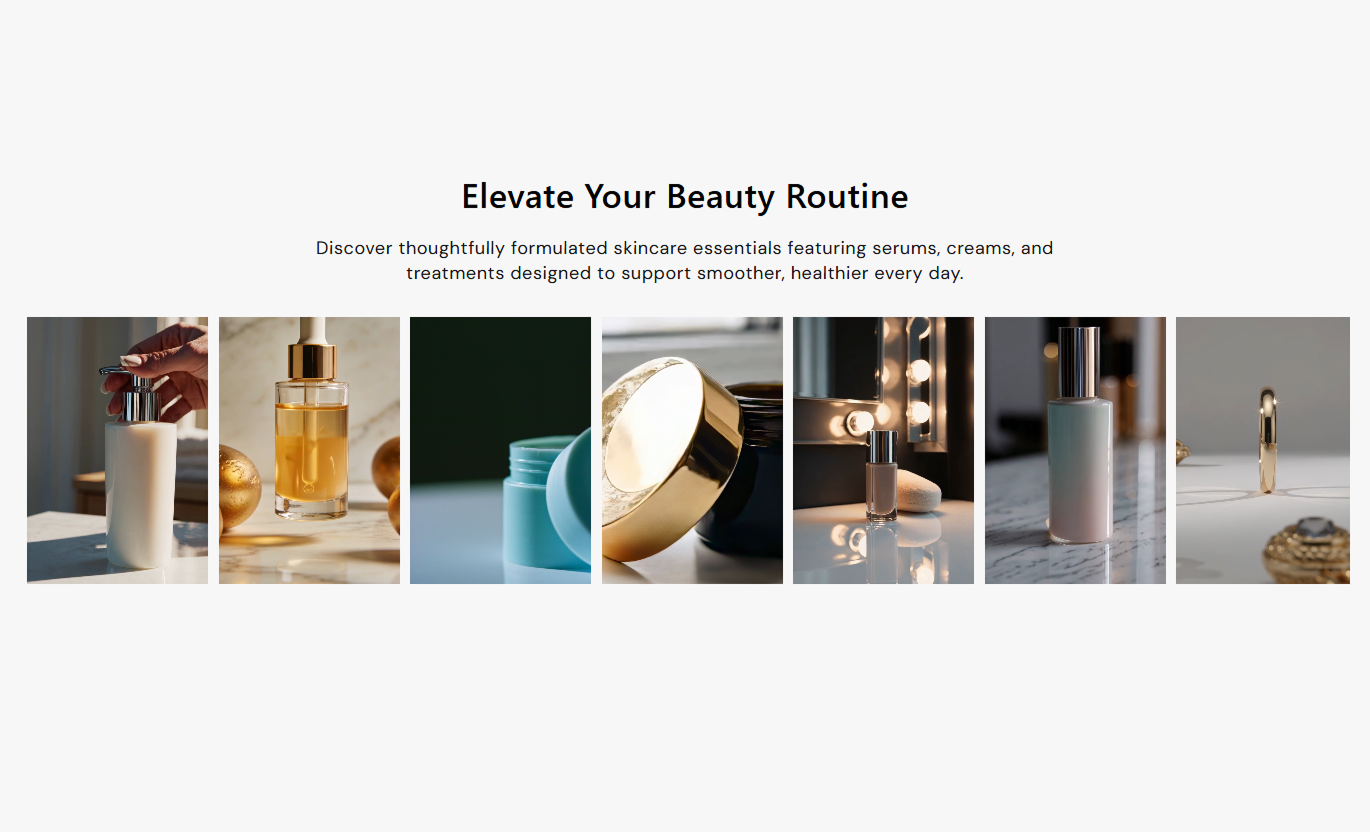


Combine product videos with product details, sale badges, slider navigation, autoplay, and responsive layouts to create a more engaging shopping experience.

Add Shopify-hosted videos to create a visual product browsing experience.

Show product images, titles, and pricing directly over the video.

Connect up to four products with each feed item.

Display a sale discount badge that you want to highlight product discounts.

Let shoppers browse multiple video items with slider navigation.

Enable autoplay, looping, and set the slider movement speed.

Open videos in a larger vertical popup when shoppers click a feed video.

Choose different video columns for desktop and mobile screens.
Control the video layout, product display, slider navigation, buttons, spacing, and section width from the theme editor.

Applies to the whole section
Main heading displayed above the video feed.
HeadingSupporting text displayed below the heading.
ContentChoose the alignment of the section text.
Text AlignmentChoose the video aspect ratio for feed items.
Video Aspect RatioSet the number of visible videos on the desktop.
Desktop ColumnsChoose one or two columns for mobile screens.
Mobile ColumnsShow or hide the sale discount badge.
Show Sale BadgeSet the spacing between video items.
Video SpacingSet the corner radius of video media.
Media RadiusSet the label displayed on the shop button.
Shop Button LabelShow navigation arrows on the video slider.
Show ArrowsShow pagination dots below the video slider.
Show DotsEnable continuous slider looping.
Enable LoopEnable automatic slider movement.
Enable AutoplaySet the automatic slider movement speed.
Autoplay SpeedMake the section span the full available width.
Full WidthSet the maximum width for the section.
Section Width
Applies to each feed item
Video displayed in the feed item.
VideoProducts connected with the feed video.
ProductsUse product videos with shopping details to highlight products, offers, collections, and visual content across important pages of your Shopify store.
Use product videos to introduce featured products, highlight new arrivals, and give visitors an engaging way to discover products.
Showcase featured productsHighlight new arrivalsPromote sale productsCreate visual product discoveryAdd product videos to collection pages to highlight selected products and give shoppers another visual way to explore your catalog.
Highlight collection productsShowcase product videosPromote selected productsEncourage product explorationUse video feed content to showcase the current product or related products with product images, pricing, and shopping options.
Showcase product videosHighlight related productsDisplay product pricingPromote sale offersUse shoppable videos to present products, promotions, launches, or campaign content in an engaging feed designed to encourage product discovery.
Capture visitor attentionShowcase campaign productsHighlight special offersEncourage product explorationCombine product videos with product information, pricing, sale badges, and shopping options to create a more engaging way for customers to discover your products.
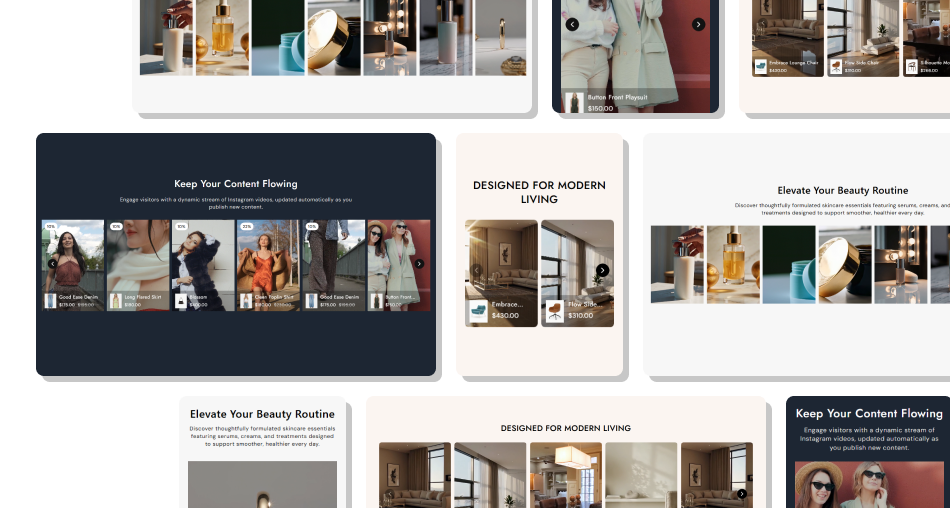
Use video feeds, product overlays, slider controls, and popup viewing to present products in a format that feels natural across desktop and mobile stores.
Showcase products through videoAdd product information to videosDisplay product pricing clearlyHighlight sale discountsConnect up to four products per feedGive shoppers an interactive video experienceAdd slider and popup navigationCreate responsive product feeds Use high-quality product videos
Connect relevant products to each video
Keep product selections focused
Use sale badges for discounted products
Choose layouts that work well on mobile
Use high-quality product videos
Connect relevant products to each video
Keep product selections focused
Use sale badges for discounted products
Choose layouts that work well on mobile  Use unrelated product videos
Add too many products to one feed
Use low-quality or distracting videos
Highlight discounts that are not active
Use too many desktop columns for small screens
Use unrelated product videos
Add too many products to one feed
Use low-quality or distracting videos
Highlight discounts that are not active
Use too many desktop columns for small screens Yes. Each feed block lets you add a Shopify-hosted video for the feed.
Yes. You can select products for each feed block, with a maximum of four products per block.
Yes. Product overlays can display the product title, current price, and compare-at price when applicable.
Yes. You can enable the sale badge to highlight discounts on products.
Yes. You can choose between 3 and 7 visible columns on desktop.
Yes. You can choose either one or two columns for mobile screens.
Yes. You can enable navigation arrows and pagination dots for the main video slider.
Yes. Clicking a feed video opens a vertical popup experience where shoppers can browse the videos and view connected product content.
For Support or any Questions Email Us: [email protected]
Install SectionHub and add the Inline Feed section to your theme in minutes - no coding required.
