Create a Clear Visual Store Introduction
Use an image with supporting content to introduce your brand, highlight products, promote collections, or guide shoppers to important pages.

Combine an image with headings, supporting content, and a call-to-action button to highlight products, collections, brand stories, or important store information.
 2.0 Compatible
Responsive Design
Customizable Layout
2.0 Compatible
Responsive Design
Customizable Layout 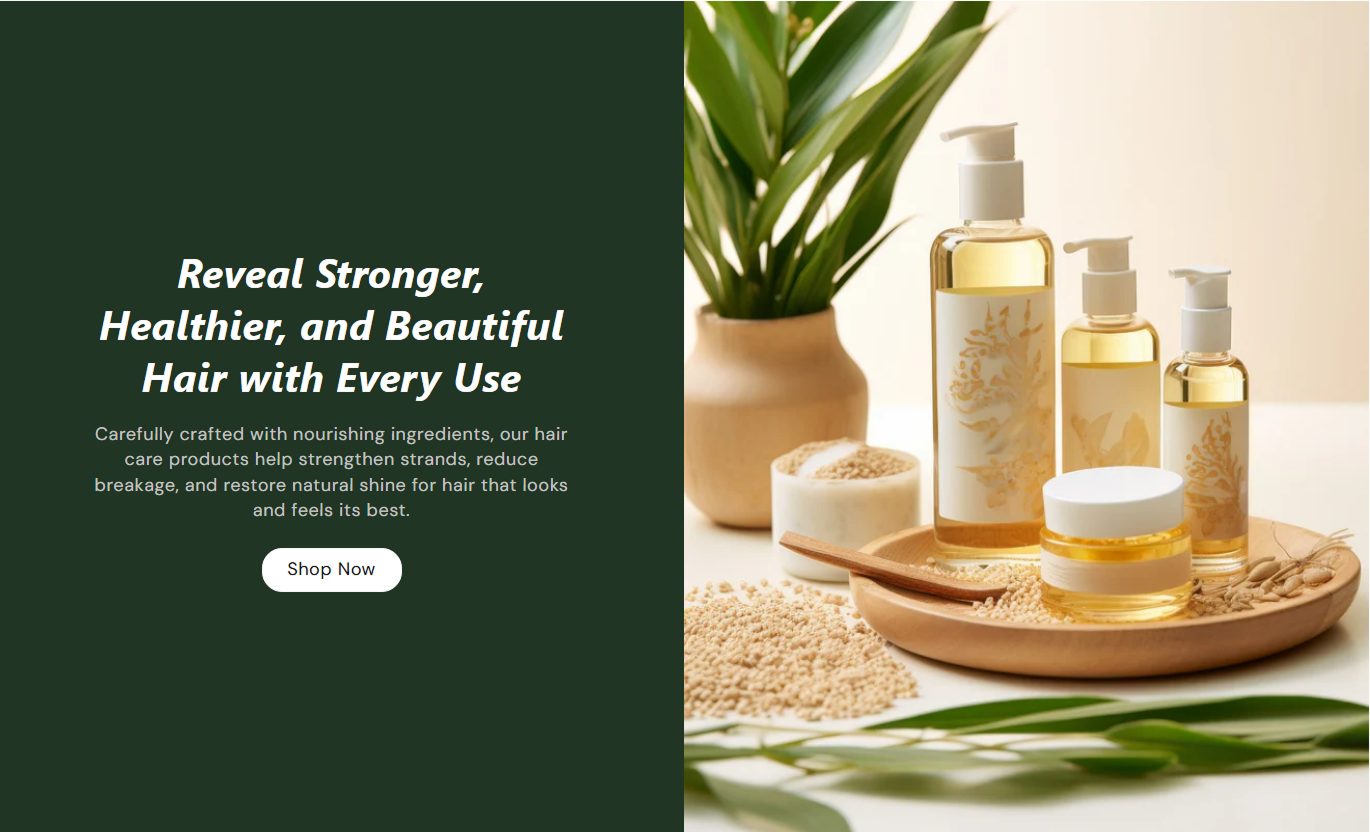
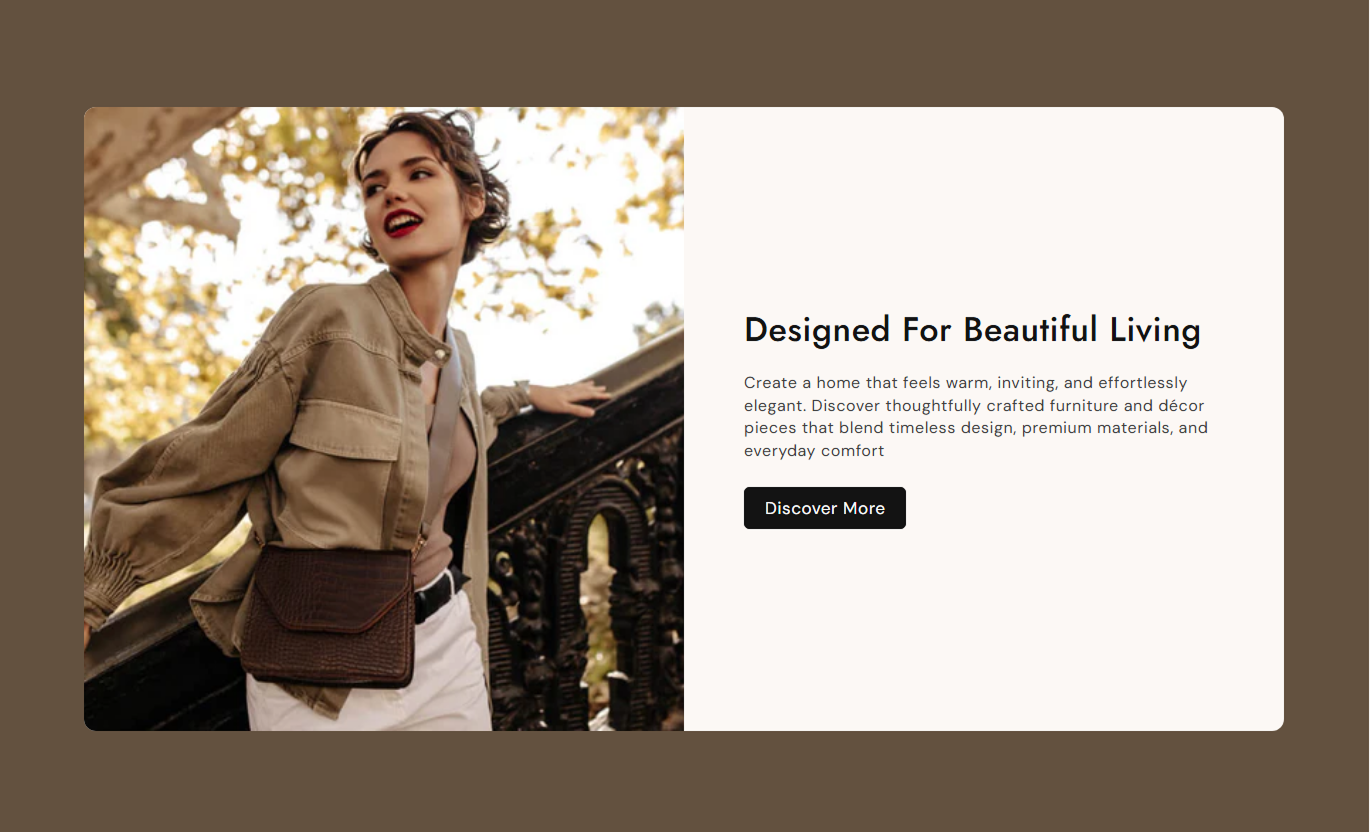
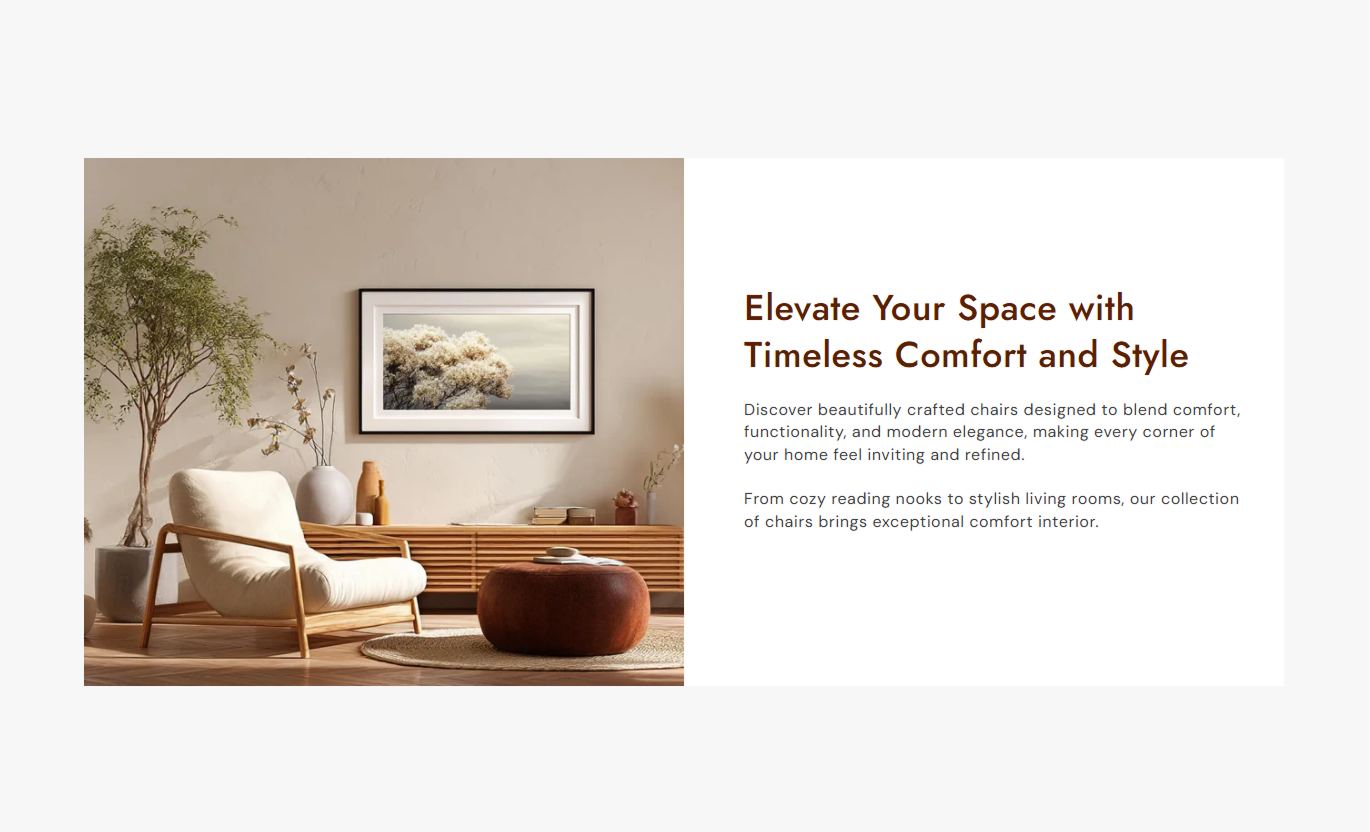


Create balanced content sections with image positioning, adjustable image height, text alignment, buttons, colors, spacing, and responsive controls.

Add a custom image to visually support your message.

Place the image on the left or right side of the content.

Choose small, medium, large, or automatic image sizing.

Add a heading and supporting rich text beside the image.

Add a button with custom text and a destination link.

Align the text content to the left, center, or right.

Automatically stack the image and content for mobile shoppers.

Adjust colors, spacing, borders, and button styling to match your store.
Control the image, content layout, button, spacing, colors, and section width from the Shopify theme editor.

Applies to the whole section
Add the main image for the section.
ImageChoose where the image appears beside the content.
Image PositionSet the image height for different layouts.
Image HeightAdd the main heading for the content area.
HeadingAdd supporting text below the heading.
ContentChoose how the content is aligned.
Text AlignmentAdd a call-to-action button to the section.
Button LabelSet the destination page for the button.
Button LinkSet the section's maximum content width.
Section WidthUse a balanced image-and-content layout to explain products, introduce your brand, highlight collections, or guide shoppers to key store pages.
Use an image with supporting content to introduce your brand, highlight products, promote collections, or guide shoppers to important pages.
Introduce your brand visuallyHighlight featured productsPromote important collectionsAdd clear calls to actionUse the section to explain product benefits, materials, features, or usage details with a supporting image and clear content.
Explain product featuresHighlight product benefitsSupport purchasing decisionsAdd useful product detailsPair collection-focused imagery with helpful text to introduce a category and encourage shoppers to explore its products.
Introduce collectionsHighlight category benefitsGuide shoppers to productsAdd supporting informationCombine strong visuals with focused messaging and a CTA to promote campaigns, offers, services, launches, or other important store content.
Support campaign messagingHighlight key offersCreate focused content areasGuide visitors with CTAsCombine images, useful content, and clear calls to action in a flexible layout that helps shoppers understand your message and explore your store.
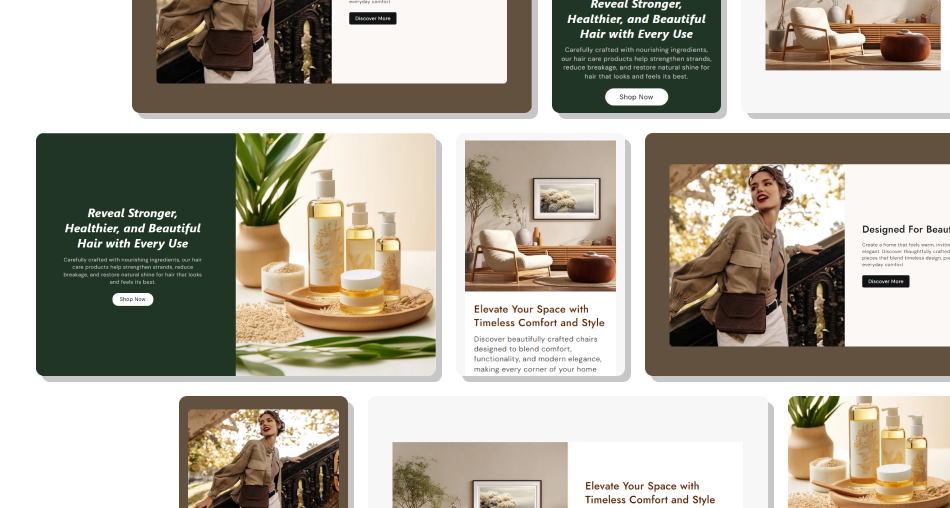
Create clear content sections that balance visuals and information while giving you control over layout, styling, spacing, and responsive presentation.
Combine images with useful contentHighlight products and collectionsExplain features and benefits clearlyAdd focused calls to actionChoose left or right image placementControl image height and content alignmentCustomize colors and spacingCreate responsive mobile layoutsKeep important store information organizedMatch the section with your store branding Use a relevant, high-quality image
Keep the heading clear and focused
Write concise supporting content
Use a relevant CTA
Keep image and text visually balanced
Use a relevant, high-quality image
Keep the heading clear and focused
Write concise supporting content
Use a relevant CTA
Keep image and text visually balanced  Use unrelated images
Add overly long content
Use unclear headings
Link to unrelated pages
Overload the section with too much information
Use unrelated images
Add overly long content
Use unclear headings
Link to unrelated pages
Overload the section with too much information Yes. You can select a custom image from the Shopify theme editor.
Yes. You can place the image on either the left or right side of the content.
Yes. Choose from Small, Medium, Large, or Auto image height options.
Yes. You can add a custom button label and link it to a relevant store page.
Yes. You can align the content to the left, center, or right.
Yes. The image and content automatically adjust for smaller screens.
Yes. You can customize the section background, content background, heading, text, and button colors.
Yes. You can enable Full Width or use a custom section width for a contained layout.
For Support or any Questions Email Us: [email protected]
Install SectionHub and add the Image with Text section to your theme in minutes - no coding required.
