Tell Your Brand Story Through Visual Slides
Use the gallery to highlight products, collections, brand moments, or important store messages with matching visual and text content.

Combine a three-image gallery with matching text slides to showcase products, collections, brand stories, features, or visual content in an interactive layout.
 2.0 Compatible
Interactive Image Gallery
Responsive Design
2.0 Compatible
Interactive Image Gallery
Responsive Design 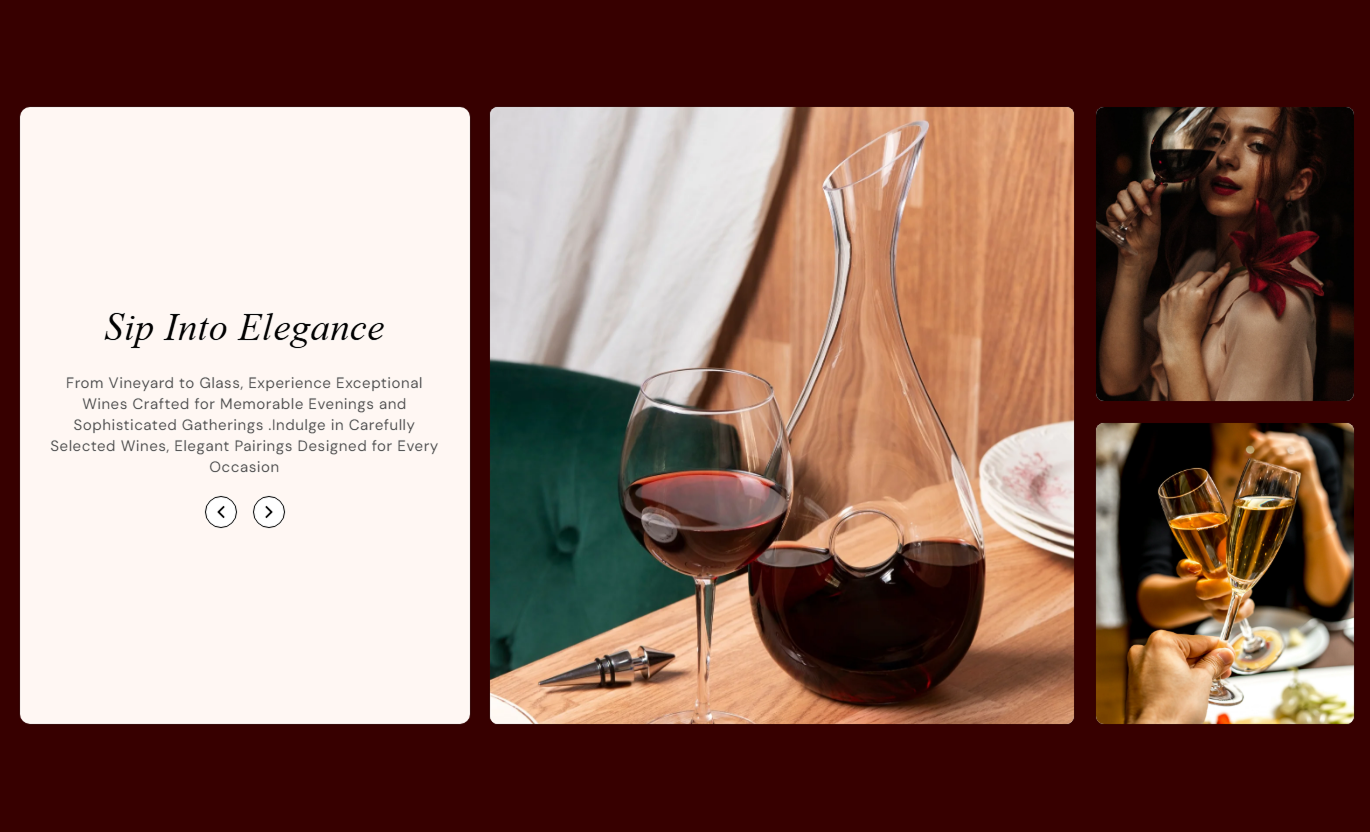
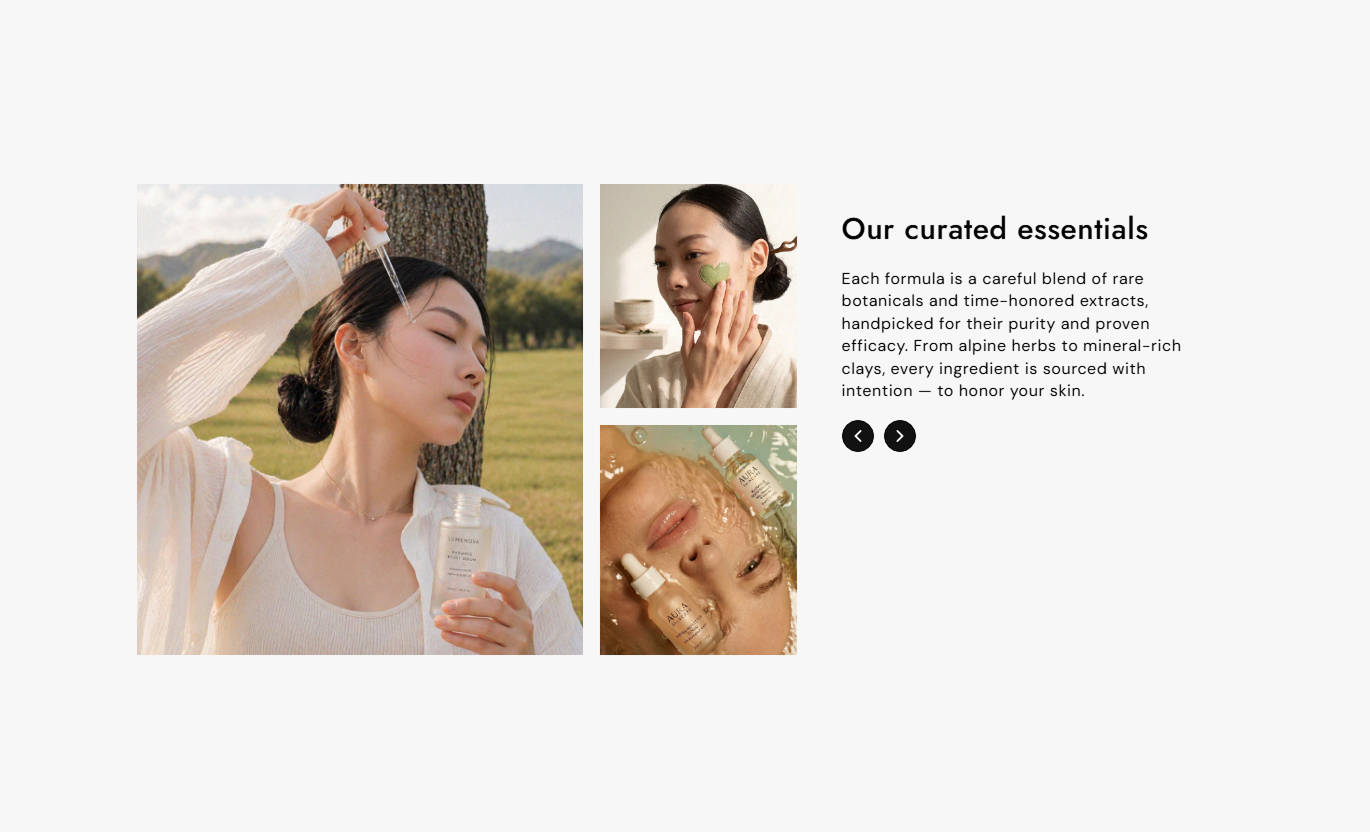
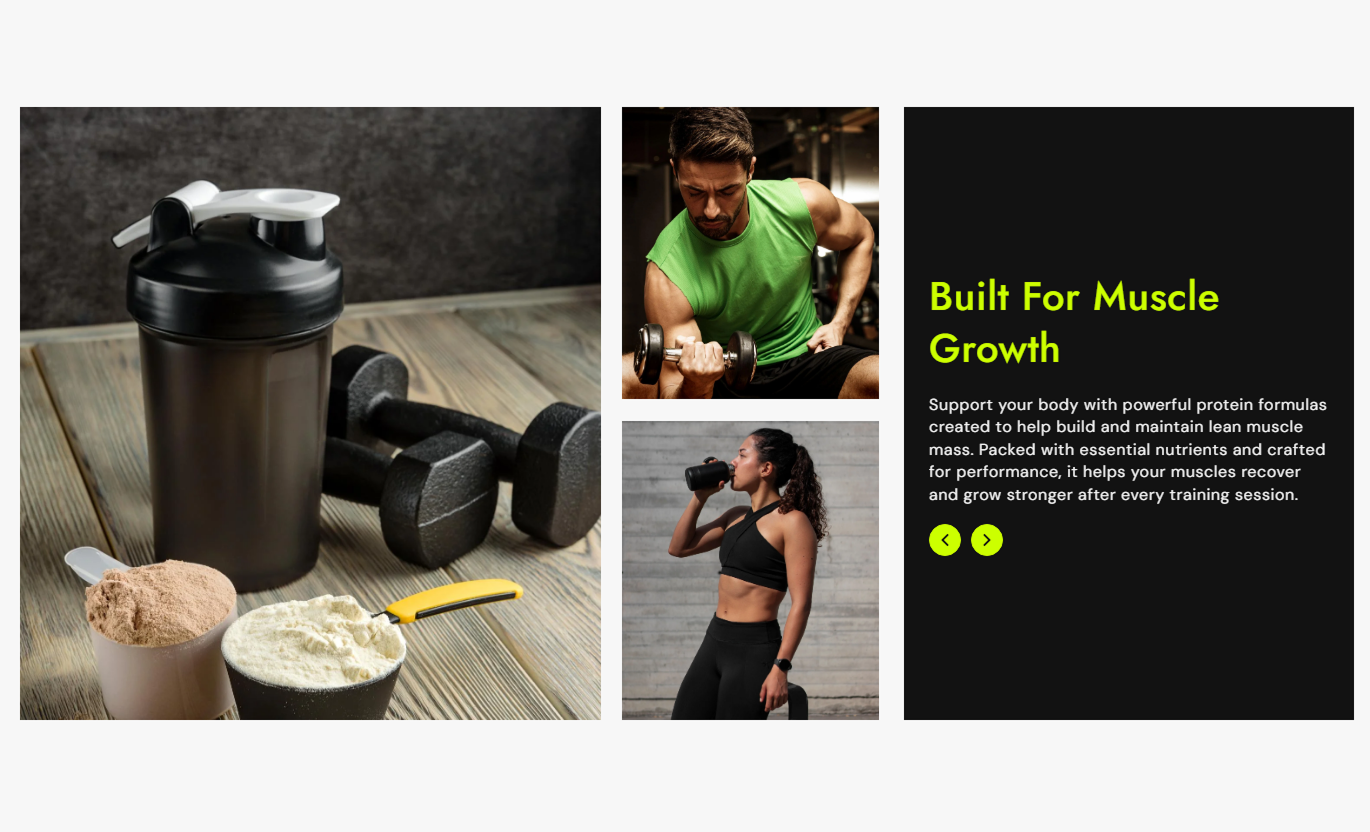


Pair multiple images with matching headings and content using synchronized sliders, custom layouts, navigation arrows, responsive images, and flexible styling.

Add up to 3 images with matching text to create a complete visual story.

Connect the text and image slides so they change together when visitors navigate.

Use separate images for desktop and mobile screens to control the visual experience.

Add a unique heading and rich text content for each of the three slides.

Choose whether the image gallery appears on the left or right side of the content.

Align the slide content to the left, center, or right.

Position the text content at the top, middle, or bottom of its area.

Use navigation arrows with adjustable size, colors, background, and border styling.
Control slide content, images, layout, navigation, colors, spacing, typography, and responsive settings from the Shopify theme editor.

Applies to the whole section
Add the desktop image for the gallery slide.
Desktop ImageAdd the mobile image displayed on smaller screens.
Mobile ImageAdd the heading and content for the gallery slide.
Slide ContentChoose the vertical position of the text content.
Vertical PositionChoose the alignment of the slide text.
Text AlignmentChoose whether the image gallery appears left or right.
Media PositionSet the spacing between the content and image areas.
Desktop GapSet the rounded corners for gallery images.
Image Border RadiusSet the rounded corners for the content area.
Content Border RadiusCustomize the slider arrow appearance and size.
Arrow StylingSet the section background and content colors.
Section ColorsSet desktop and mobile section spacing.
Section PaddingMake the section span the available screen width.
Full WidthSet the maximum width for a contained section.
Section WidthUse synchronized images and text to present products, collections, brand stories, features, or visual highlights across important pages of your Shopify store.
Use the gallery to highlight products, collections, brand moments, or important store messages with matching visual and text content.
Showcase featured productsHighlight collectionsShare brand storiesCreate visual content sectionsUse multiple images and matching text to introduce a collection, highlight its theme, or guide shoppers through selected visual content.
Introduce collection themesHighlight product categoriesShowcase collection visualsSupport product discoveryUse synchronized images and text to explain product features, highlight details, or present different visual aspects of a product.
Highlight product featuresExplain product detailsShowcase product visualsAdd supporting contentCombine images and text slides to present campaigns, product launches, promotions, services, or brand stories in an engaging layout.
Capture visitor attentionPresent campaign storiesHighlight key visualsCreate focused content sectionsPresent three coordinated image and text slides in one interactive section to help shoppers explore your products, collections, features, or brand story.
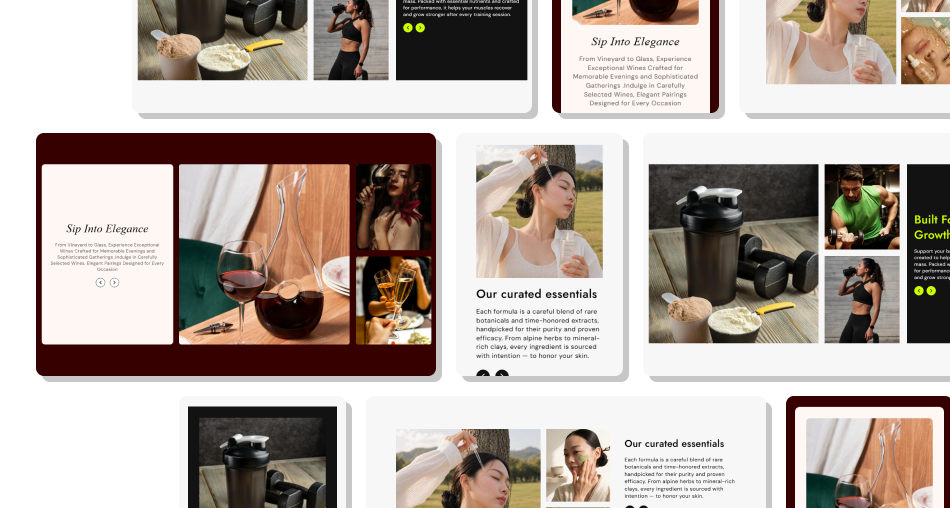
Use synchronized sliders, desktop and mobile images, flexible positioning, custom text alignment, and styled navigation to build a polished gallery.
Showcase up to three visual slidesPair each image with custom contentUse separate desktop and mobile imagesKeep image and text slides synchronizedChoose left or right media placementControl text alignment and positionCustomize slider arrow stylingCreate responsive visual experiences Use high-quality and relevant images
Keep each slide focused on one message
Match text closely with the displayed image
Use separate mobile images when needed
Keep slide content short and easy to scan
Use high-quality and relevant images
Keep each slide focused on one message
Match text closely with the displayed image
Use separate mobile images when needed
Keep slide content short and easy to scan  Use unrelated images and text
Add overly long slide content
Use low-quality or stretched images
Ignore mobile image presentation
Overload each slide with too much information
Use unrelated images and text
Add overly long slide content
Use low-quality or stretched images
Ignore mobile image presentation
Overload each slide with too much information Yes. The section supports up to three image slides, each with its own desktop and mobile image.
Yes. Each of the three slides has its own heading and rich text content.
Yes. You can select a separate mobile image for each slide.
Yes. The image and text sliders are synchronized, so navigation updates the corresponding content.
Yes. The Media Position setting lets you choose between left and right placement.
Yes. You can align the text to the left, center, or right.
Yes. You can position the content at the top, middle, or bottom.
Yes. You can customize the arrow background, color, border, and desktop size.
Yes. The layout changes for mobile screens and supports separate mobile images for each slide.
Yes. Enable Full Width, or set a maximum section width when using a contained layout.
For Support or any Questions Email Us: [email protected]
Install SectionHub and add the Image Gallery Slider section to your theme in minutes - no coding required.
