Create a Strong First Impression
Use the hero slideshow at the top of your homepage to showcase important products, campaigns, collections, or brand messages.

Build an engaging hero slideshow with images or videos, center visuals, slide content, buttons, and smooth navigation to highlight products, campaigns, or brand messages.
 2.0 Compatible
Image & Video Slides
Responsive Hero Layout
2.0 Compatible
Image & Video Slides
Responsive Hero Layout 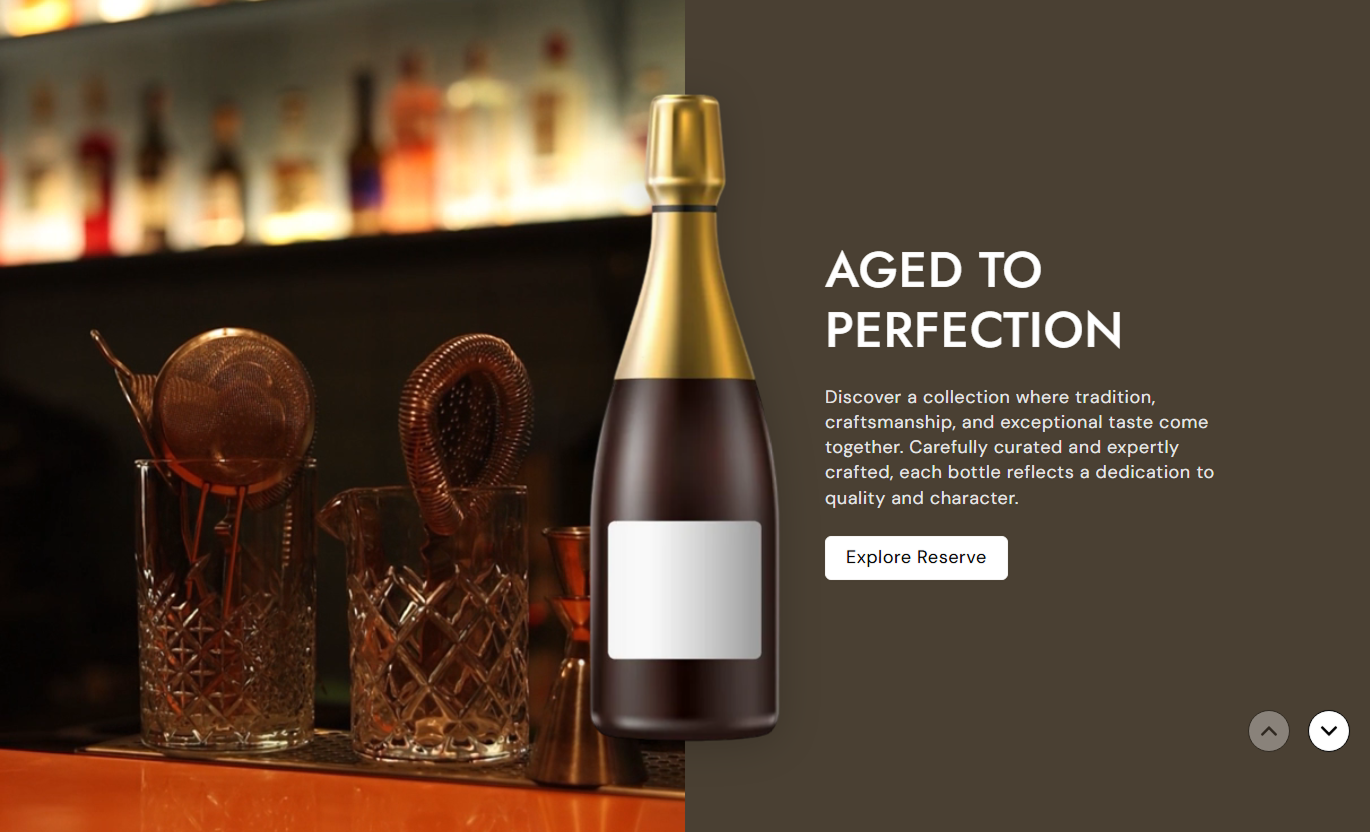
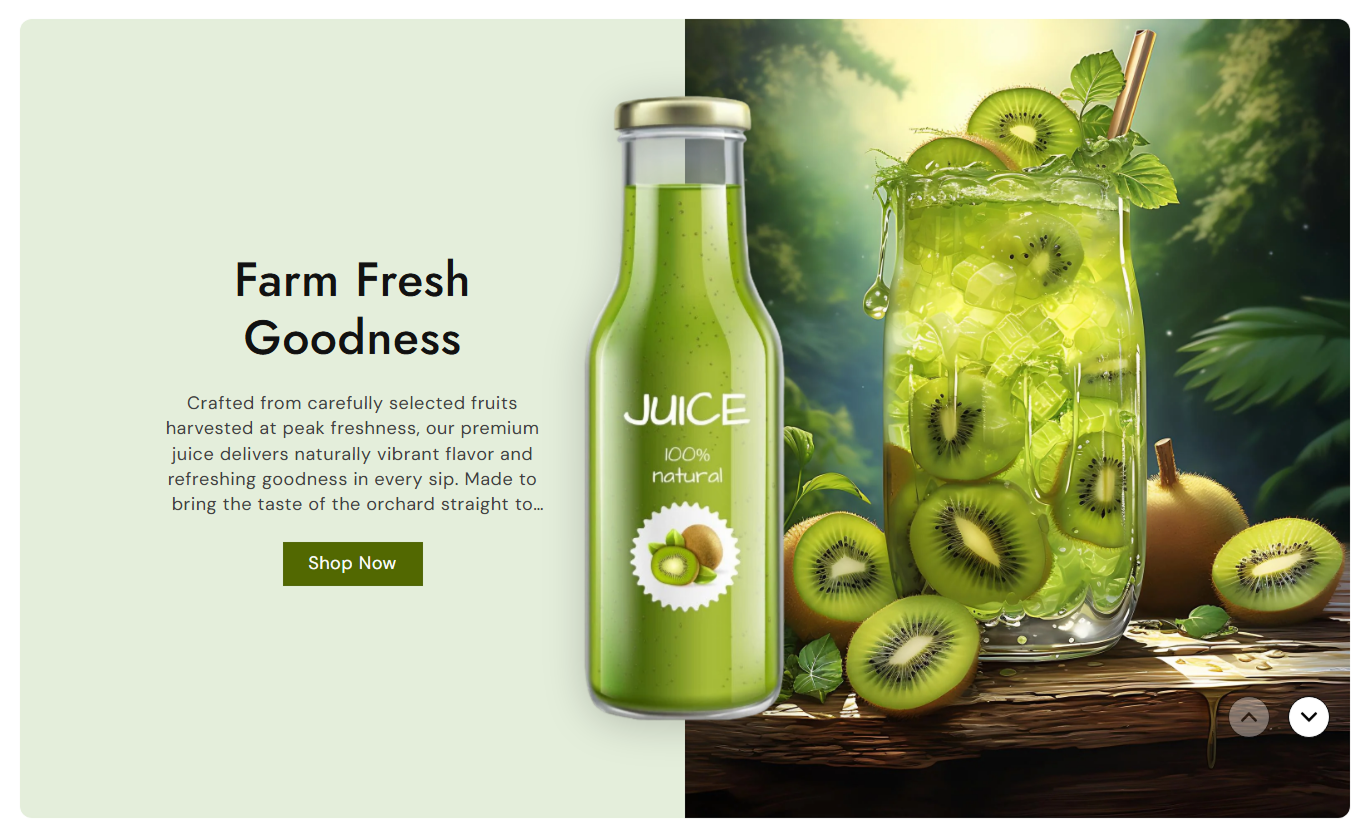


Combine images or videos with text, center visuals, buttons, navigation, flexible positioning, and responsive settings to create an impactful Shopify hero section.

Use an image or Shopify-hosted video as the main visual for each hero slide.

Add a separate center image to create an additional visual layer over the main slide media.

Create multiple slides with unique visuals, content, buttons, and styling for different messages.

Place the main image on the left or right side of the hero content.

Add a heading, rich-text content, and a button to convey your key message.

Control autoplay, looping, mute settings, video controls, and the play/pause button.

Choose outline button styling and customize button colors, borders, hover states, and shadow color.

Use navigation arrows to move between hero slides with a smooth fade transition.
Customize hero layout, video behavior, buttons, typography, colors, spacing, and section width.

Applies to the whole section
Choose how slide text is aligned horizontally.
Text AlignmentChoose the vertical position of slide content.
Content PositionPlace the main image on the left or right.
Image PositionControl video autoplay, looping, controls, and mute behavior.
Video SettingsShow a custom play/pause button for videos.
Play / Pause ButtonChoose outline styling and adjust button shape and size.
Button SettingsAdjust slide heading and content font sizes.
Slide TypographyCustomize navigation arrow colors and size.
Arrow StylingSet desktop and mobile section spacing.
Section PaddingControl full-width display and maximum section width.
Section Width
Applies to each hero slide
Add the main image displayed in the slide.
Main ImageAdd a video when no main image is selected.
Slide VideoAdd a centered visual overlay to the slide.
Center ImageAdd the slide heading and supporting content.
Slide ContentAdd the button label shown on the slide.
Button LabelSet the destination URL for the slide button.
Button LinkCustomize slide background, text, and button colors.
Slide ColorsUse image or video slides to highlight products, campaigns, promotions, collections, and important brand messages across your Shopify store.
Use the hero slideshow at the top of your homepage to showcase important products, campaigns, collections, or brand messages.
Highlight featured productsShowcase current campaignsCombine visuals with key messagesGuide shoppers with slide buttonsUse hero slides to introduce a collection, promote selected products, or communicate important about the collection information.
Introduce collection themesHighlight featured productsPromote collection campaignsAdd focused call-to-action buttonsUse image or video slides to highlight product visuals, supporting messages, or important product-related content.
Highlight product visualsPresent supporting informationUse video for product storytellingDirect shoppers with buttonsCreate a visual hero experience for product launches, promotions, campaigns, or other focused landing page content.
Present campaign messagesShowcase strong visual contentHighlight important offersAdd direct calls to actionCreate a full-height hero experience that combines images or videos with slide content, center visuals, and clear calls to action.
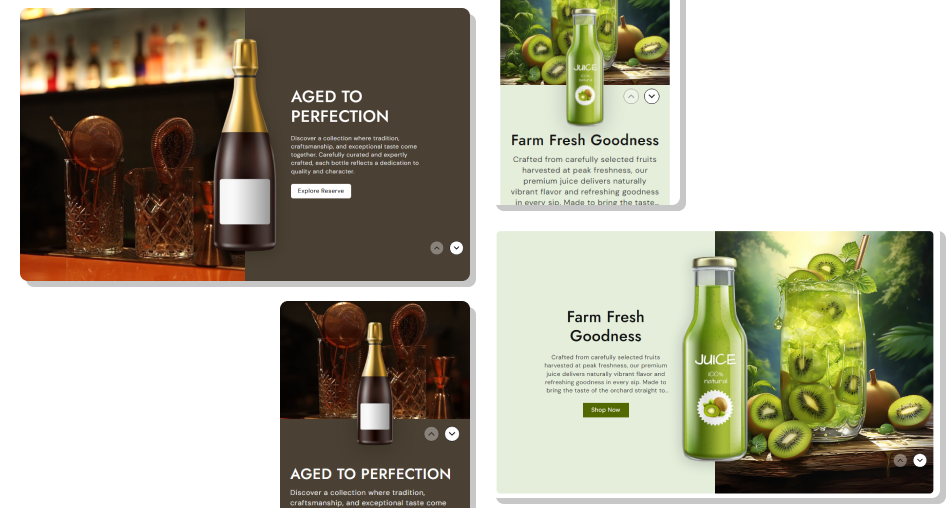
Control slide layouts, video behavior, content positioning, button styling, navigation, and responsive spacing from the Shopify theme editor.
Use images or videos for hero slidesAdd multiple slides with unique contentAdd a separate center image overlayPosition media on the left or rightControl text alignment and positionAdd customizable slide buttonsConfigure video playback behaviorCustomize navigation and responsive spacing Use strong, high-quality hero visuals
Keep each slide focused on one message
Write short and clear slide content
Use relevant button labels and links
Choose video settings that suit the slide content
Use strong, high-quality hero visuals
Keep each slide focused on one message
Write short and clear slide content
Use relevant button labels and links
Choose video settings that suit the slide content  Use low-quality or stretched visuals
Add too much text to one slide
Use unrelated center images
Add buttons without useful destinations
Overload slides with multiple competing messages
Use low-quality or stretched visuals
Add too much text to one slide
Use unrelated center images
Add buttons without useful destinations
Overload slides with multiple competing messages Yes. Each slide supports both an image and a Shopify-hosted video. If an image is added, it is displayed instead of the video.
Yes. The section uses repeatable Slide blocks, so you can create multiple hero slides with different content and visuals.
Yes. Each slide has a Center Image setting for adding an additional visual overlay.
Yes. The Image Position setting lets you place the main image on the left or right side of the slide.
Yes. You can control autoplay, video looping, video controls, and mute settings from the section settings.
Yes. You can enable the play/pause button. It is designed for videos when the standard video controls are disabled.
Yes. Each slide block has its own Button Label and Button Link settings.
Yes. Each slide includes settings for button background, text, border, hover, outline, and shadow colors.
Yes. You can control both horizontal text alignment and vertical content position.
Yes. The layout adapts for smaller screens, with the image and content changing to a stacked layout on mobile.
For Support or any Questions Email Us: [email protected]
Install SectionHub and add the Hero Slideshow Floating Image section to your theme in minutes - no coding required.
