Turn Your Homepage Into a Collection Showcase
Use collection tabs to introduce shoppers to different product groups, while featured images and product sliders give each collection a clear visual presence.

Display multiple Shopify collections with clickable tabs, a featured collection image, product sliders, pricing, and buttons within a single organized shopping section.
 2.0 Compatible
Responsive Layout
Collection Tabs
2.0 Compatible
Responsive Layout
Collection Tabs 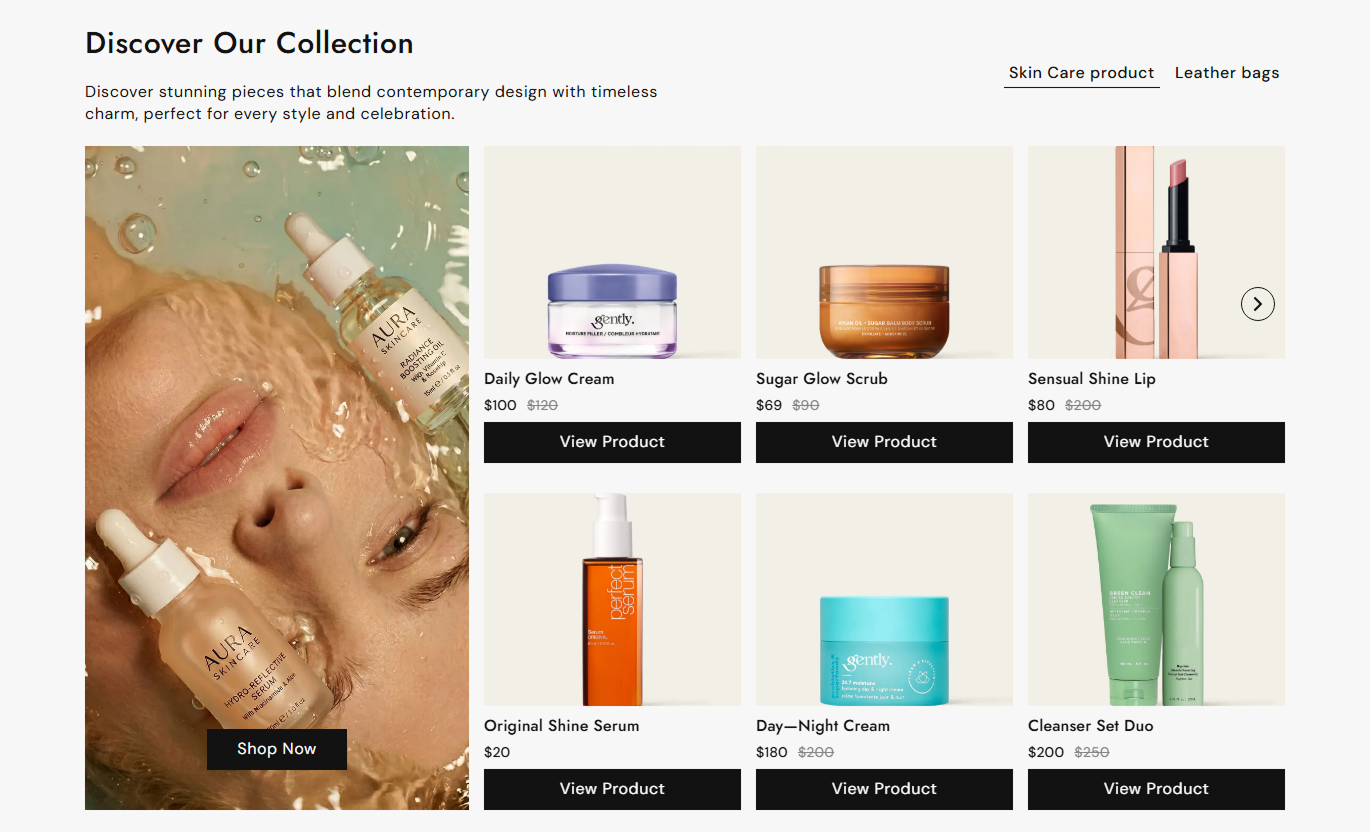
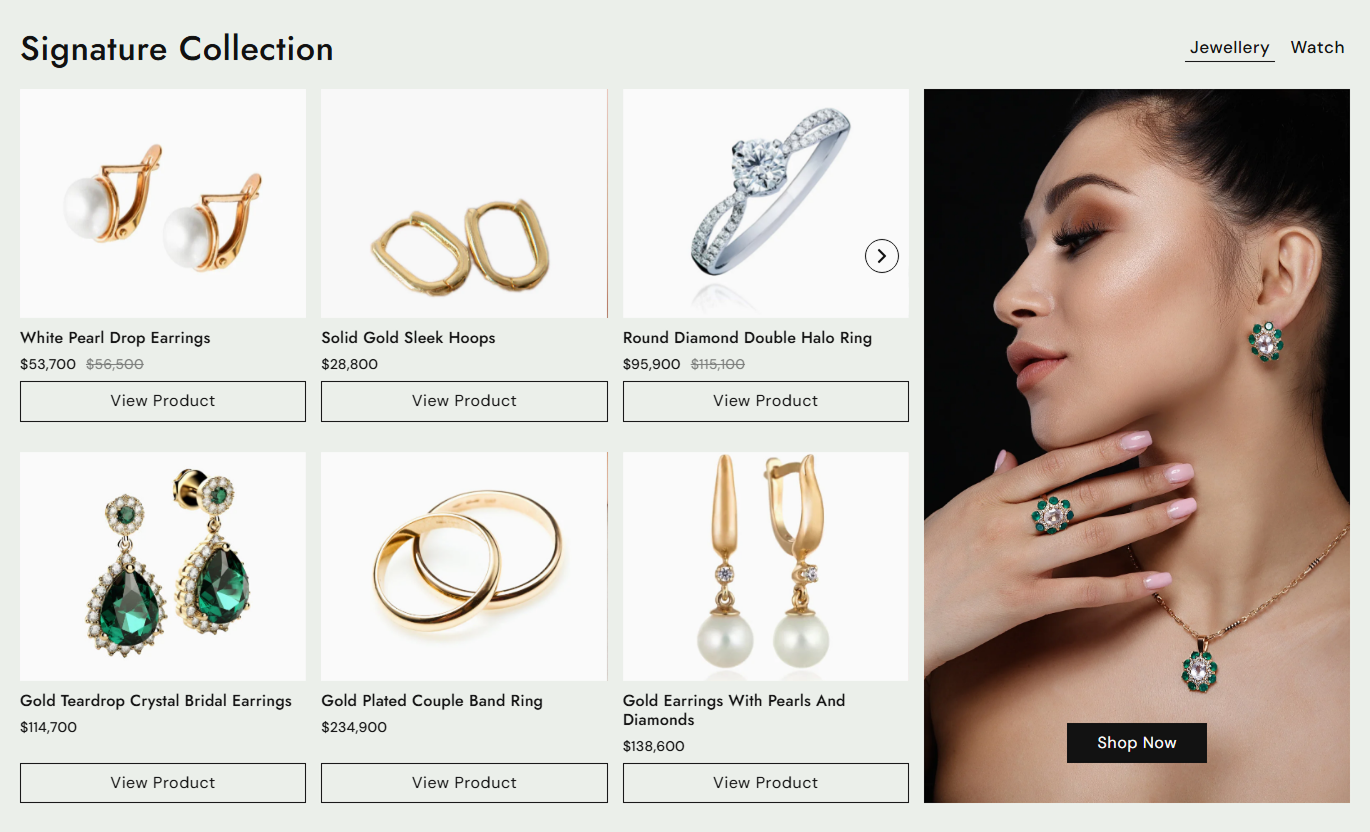


Create a visual collection section with tabs, collection images, product sliders, product details, responsive layouts, buttons, and flexible styling controls.

Let shoppers switch between selected collections using clickable tabs without leaving the current page.

Add a custom image beside each collection's products to create a stronger visual introduction.

Display collection products in one or two slider rows to give shoppers more products to browse.

Let shoppers browse multiple product images directly from product cards using image navigation arrows.

Choose the maximum number of products to show and control spacing between product slides on different screens.

Show product titles, optional vendor names, current prices, compare-at prices, and product links.

Add a button to each collection image and customize its label, style, colors, border, and hover appearance.

Use separate spacing controls for mobile and desktop while keeping collection and product content easy to browse.
Control collection tabs, product displays, buttons, colors, spacing, and section width from the Shopify theme editor.

Applies to the whole section
Main heading displayed above the collection tabs.
HeadingSupporting text displayed below the main heading.
ContentChoose whether the collection image appears on the left or right.
Media PositionSet the maximum number of products shown per collection.
Maximum Products to ShowSet the space between product slides on the desktop.
Desktop Slide SpacingSet the space between product slides on mobile.
Mobile Slide SpacingSet the label for product buttons.
Product Button LabelChoose whether product buttons use an outline style.
Outline Product ButtonShow or hide vendor names on product cards.
Show VendorSet the product button border radius.
Product Button RadiusSet the product button font size.
Product Button SizeSet the section background color.
Background ColorSet the main heading color.
Heading ColorSet the supporting content color.
Content ColorSet the collection tab color.
Tab ColorSet the active collection tab color.
Active Tab ColorSet the product title color.
Product Title ColorSet the product price color.
Product Price ColorSet the compare-at price color.
Compare Price ColorMake the section span the available width.
Full WidthSet the maximum section width.
Section Width
Applies to each collection tab
Set the name displayed on the collection tab.
Tab HeadingSelect the Shopify collection shown in this tab.
CollectionAdd a featured image for the collection.
Collection ImageUse this section throughout your Shopify store to organize multiple collections, visually highlight products, and give shoppers a simple way to explore more of your catalog.
Use collection tabs to introduce shoppers to different product groups, while featured images and product sliders give each collection a clear visual presence.
Highlight several collections without using separate sectionsGive shoppers quick access to popular product groupsFeature products alongside collection imageryCreate a focused product discovery areaEncourage shoppers to explore more collectionsPlace the section on collection pages to feature related collections and selected products that complement the main category shoppers are already browsing.
Promote related collections naturallyShow additional products beyond the main listingHighlight products from complementary categoriesGive shoppers more ways to continue browsingCreate stronger links between related collectionsUse collection tabs below product content to introduce shoppers to related product groups, complementary items, or other collections available in your store.
Introduce complementary product categoriesPromote collections related to the current productKeep shoppers exploring after viewing a productPresent multiple product groups in one areaCreate additional paths to collection pagesUse the section on campaign pages to organize collections around seasonal launches, promotions, product themes, or curated shopping experiences.
Organize campaign products by collectionHighlight seasonal product groupsCreate visual product sections for promotionsGuide shoppers toward relevant collectionsKeep campaign browsing simple and organizedGive shoppers an organized way to explore collections while combining collection imagery, product cards, pricing, product images, tabs, and direct shopping links.
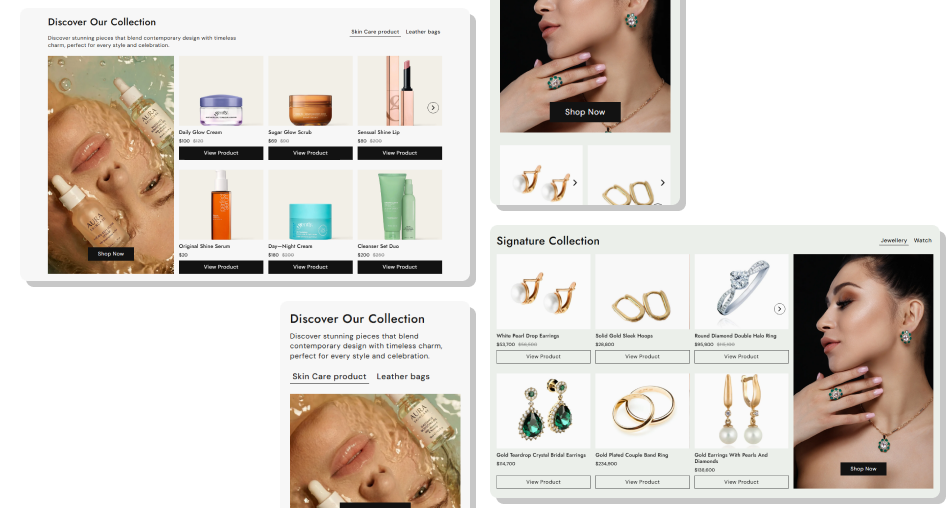
Bring related collections and products together so shoppers can discover more items without moving between multiple sections.
Showcase multiple collections in one compact sectionHelp shoppers switch between collections with simple tabsCombine collection imagery with real product listingsLet shoppers preview multiple product imagesHighlight current and compare-at pricing clearlyGive each collection a direct action buttonAdjust the layout for desktop and mobile shoppers Group collections that make sense for the shopping journey
Use strong collection images that match each product group
Choose products that represent each collection clearly
Keep collection tab names short and easy to understand
Use buttons that clearly explain where shoppers will go
Group collections that make sense for the shopping journey
Use strong collection images that match each product group
Choose products that represent each collection clearly
Keep collection tab names short and easy to understand
Use buttons that clearly explain where shoppers will go  Add unrelated collections just to increase the number of tabs
Use low-quality or inconsistent collection images
Fill sliders with products that do not fit the collection
Use vague tab names that make browsing confusing
Add too many products without a clear reason to explore
Add unrelated collections just to increase the number of tabs
Use low-quality or inconsistent collection images
Fill sliders with products that do not fit the collection
Use vague tab names that make browsing confusing
Add too many products without a clear reason to explore Yes. You can add collection blocks and give each one its own tab heading, collection, image, and collection button.
Yes. Each selected collection appears as a clickable tab, allowing shoppers to switch between collection product displays.
Yes. Each collection block includes an image setting that lets you add a custom visual beside the products.
You can set the maximum number of products to show between 3 and 20. Larger selections can be split across two product rows.
Yes. Collection products are displayed in responsive sliders with navigation arrows for easier browsing.
Yes. When products have multiple images, shoppers can use the image slider arrows to browse them directly on the product card.
Yes. You can enable vendor names, while product cards display current prices and compare-at prices when available.
Yes. Each collection block can have its own button label and link to the selected Shopify collection.
Yes. You can customize the button size, radius, colors, border, hover colors, outline style, and shadow.
For Support or any Questions Email Us: [email protected]
Install SectionHub and add the Featured Collection With Interactive Tabs section to your theme in minutes - no coding required.
