Turn Featured Products Into a Timed Promotion
Place the section on your homepage to combine a featured collection with an active countdown and moving product cards that immediately draw attention.

Show a featured Shopify collection alongside a countdown offer, featuring scrolling product cards, sale pricing, badges, and responsive promotional content.
 Animated Product Sliders
Countdown Offer Timer
Featured Collection Layout
Animated Product Sliders
Countdown Offer Timer
Featured Collection Layout 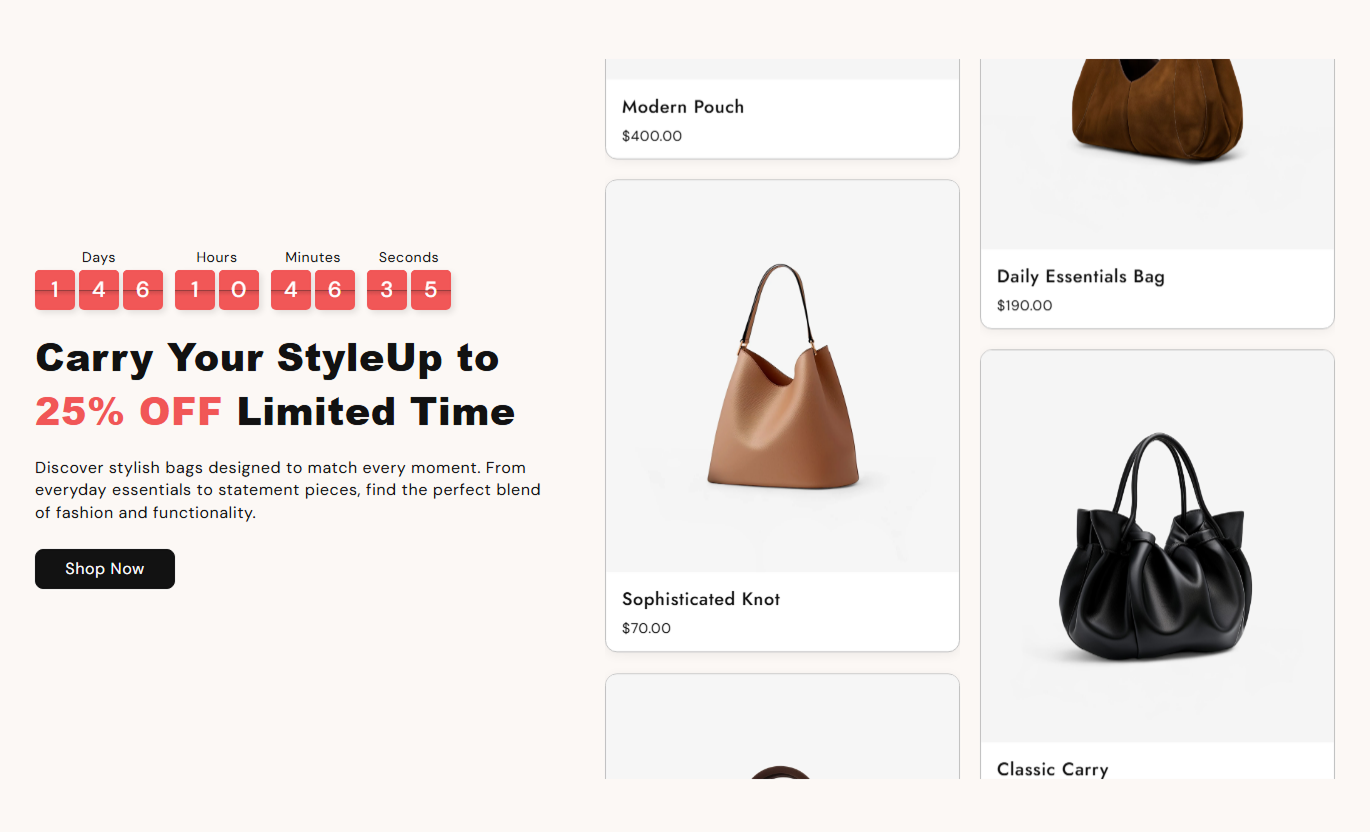
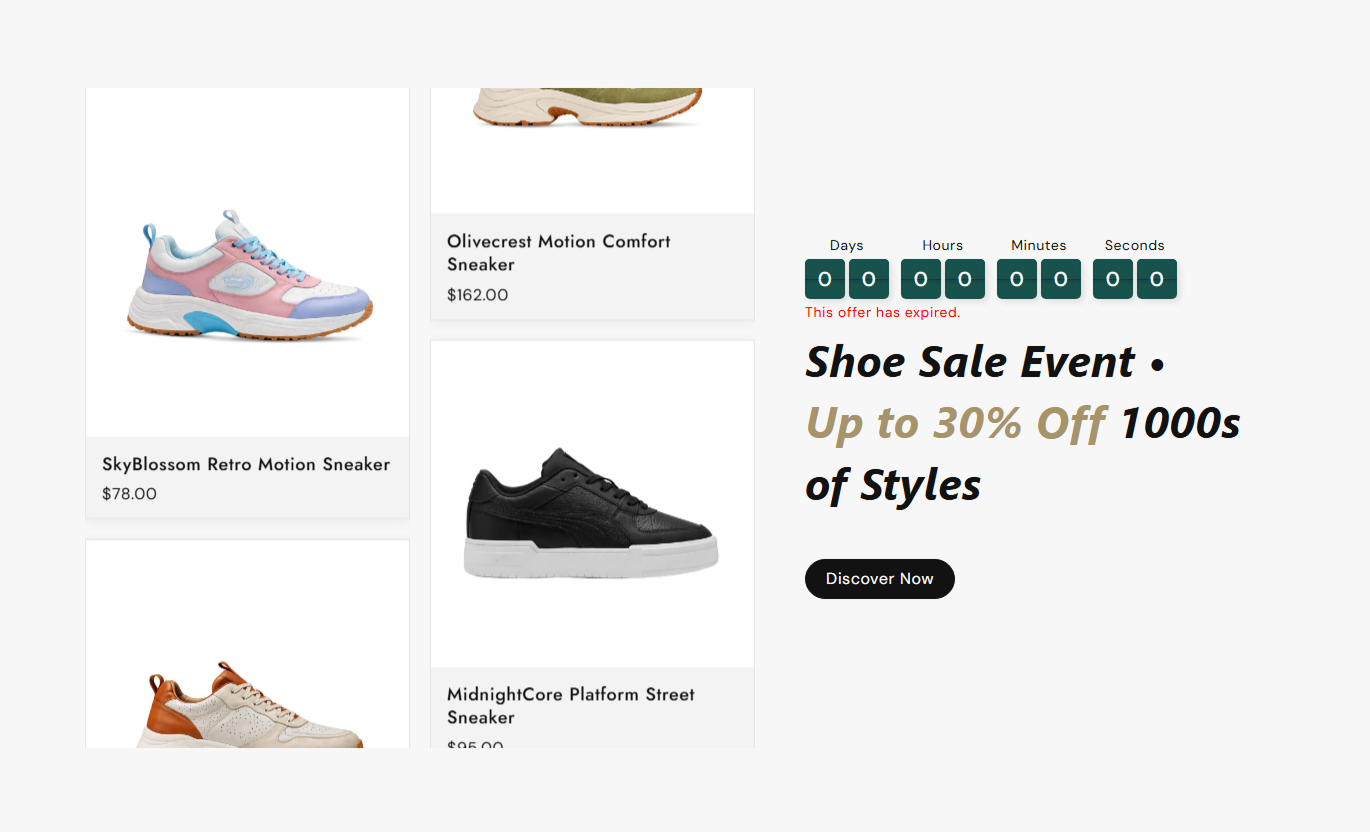
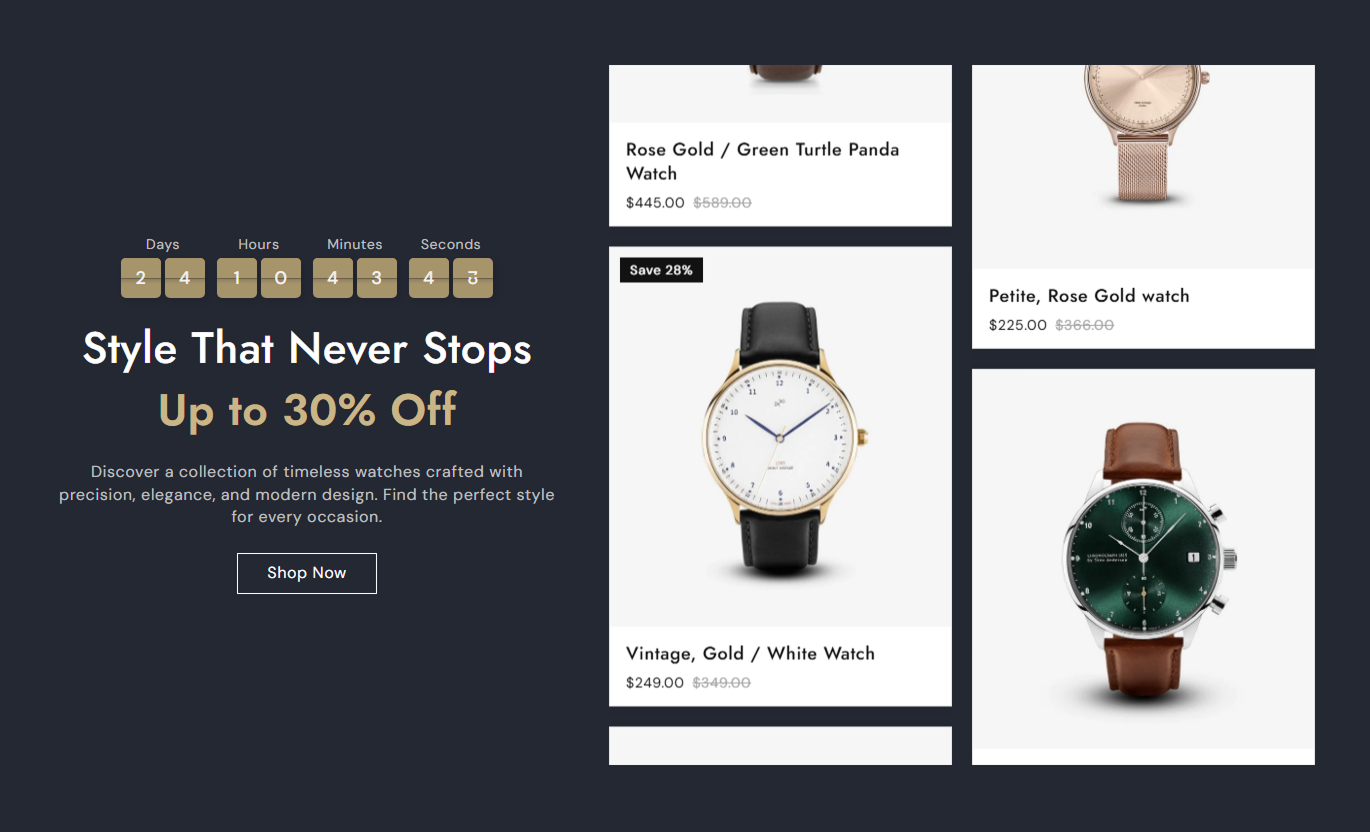


Promote a selected Shopify collection with an animated countdown, scrolling product cards, sale badges, pricing, and flexible campaign content.

Add a live countdown with days, hours, minutes, and seconds to create a clear deadline for a promotional campaign or special offer.

Display collection products inside two continuously moving sliders that automatically scroll in opposite directions on larger screens.

Choose how many collection products to include, with support for an even product count from 4 to 20 items.

Show current Shopify product prices and compare-at prices automatically when products have an active markdown or sale price.

Display sold-out labels, custom sale text, or automatically calculated discount percentages directly on eligible product cards.

Optionally reveal the second product image when shoppers hover over a product card, providing an additional view before they visit the product page.

Add a configurable button that automatically links shoppers to the selected Shopify collection so they can continue browsing products.

Reorganize promotional content and product sliders for smaller screens while keeping pricing, timer details, and products easy to view.
Control collection products, countdown timing, layout, product cards, sale badges, colors, typography, and responsive spacing.

Applies to the whole section
Add promotional rich text with optional highlighted words.
Promotional HeadingAdd supporting copy below the promotional heading.
Description ContentChoose the Shopify collection used for product cards.
Featured CollectionSet how many products appear from the selected collection.
Maximum ProductsAdd a label that links visitors to the selected collection.
Collection ButtonSet the countdown end date, hour, and minute.
Countdown End TimeChoose whether content appears left or right on desktop.
Content PositionSet top, center, or bottom alignment for campaign content.
Vertical AlignmentChoose separate text alignment for desktop and mobile.
Text AlignmentUse full width or set a maximum contained section width.
Section Width
Applies to the featured products
Choose Small, Medium, or Large product media height.
Product Media HeightReveal the second product image when a card is hovered.
Second Image on HoverEnable promotional or availability labels on product cards.
Product Sale BadgeAdd custom badge text or use automatic discount percentages.
Sale Badge ContentAdjust the corner radius applied to each product card.
Product Card RadiusAdjust the corner radius of sale and status badges.
Badge Border RadiusCustomize product title, pricing, and badge font sizes.
Product TypographyUse countdown-led collection showcases on key Shopify pages to promote limited-time campaigns, featured ranges, launches, and seasonal offers.
Place the section on your homepage to combine a featured collection with an active countdown and moving product cards that immediately draw attention.
Give an important collection stronger homepage visibilityCreate urgency around seasonal or limited-time campaignsShow several products without using a large static product gridDisplay sale pricing and promotional badges automaticallyDirect shoppers to the complete collection with one CTAUse the section on collection pages to feature a selected promotional range, sale group, or seasonal edit while keeping its deadline highly visible.
Promote a priority collection within broader category browsingUse countdown timing to support collection-specific campaignsHighlight discounted products with automatic pricing detailsShow additional product images through the hover interactionGive shoppers a direct path into the promoted collectionAdd the section below product information to showcase a related collection with moving product cards and a countdown for a relevant limited-time promotion.
Introduce related products after shoppers view one itemSupport cross-selling with a visually distinct product showcaseCommunicate a promotion deadline beside recommended productsShow current and compare-at pricing directly in the sectionLink every displayed product to its own product detail pageUse Featured Collection Offer Countdown on campaign pages to pair promotional copy and a countdown with a moving collection showcase built around the campaign offer.
Create a central product area for promotional landing pagesKeep the campaign deadline visible beside featured productsUse highlighted heading text to emphasize key offer detailsShow several campaign products in continuously moving rowsGuide shoppers toward the full promotional collectionPresent a featured collection beside a live countdown so shoppers can understand the offer, browse products, see pricing, and continue to the full collection.
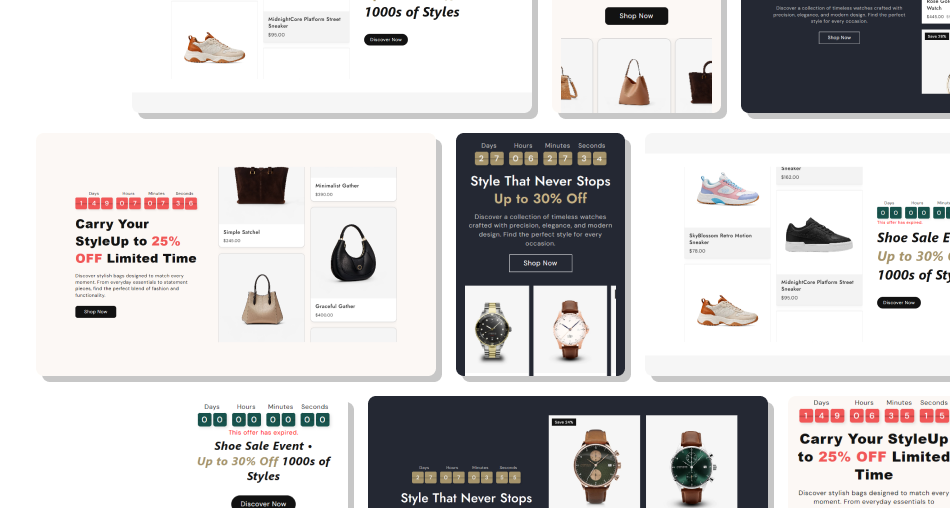
Turn a regular featured collection into a dynamic campaign area with a countdown, moving products, promotional badges, and direct links.
Connect a live countdown directly with featured productsShow multiple products in two animated scrolling slidersPull product pricing directly from your Shopify collectionAutomatically calculate sale percentages when neededDisplay sold-out status for unavailable collection productsAdd second-image hover previews for richer product browsingCustomize campaign content and product styling from one section Set the countdown to the real end time of the promotion
Choose a collection that directly matches the campaign message
Keep the main promotional heading short and easy to scan
Use sale badges only when they communicate useful information
Check product images and mobile alignment before publishing
Set the countdown to the real end time of the promotion
Choose a collection that directly matches the campaign message
Keep the main promotional heading short and easy to scan
Use sale badges only when they communicate useful information
Check product images and mobile alignment before publishing  Do not use an expired date for an active promotional campaign
Do not feature unrelated products just to fill the sliders
Do not use long headings that compete with the countdown timer
Do not add misleading sale text when products are not discounted
Do not rely on hover images as essential product information
Do not use an expired date for an active promotional campaign
Do not feature unrelated products just to fill the sliders
Do not use long headings that compete with the countdown timer
Do not add misleading sale text when products are not discounted
Do not rely on hover images as essential product information You can choose an even number of products from 4 to 20. The selected products are taken from the Shopify collection assigned in the section settings.
Enter the target year, month, day, hour, and minute. The timer then counts down in days, hours, minutes, and seconds until that date.
When the countdown reaches zero, the timer stops and the section displays a message informing visitors that the offer has expired.
Yes. Product cards show the current Shopify price and display the compare-at price when it is higher than the current selling price.
You can enter custom sale badge text. If you leave it blank, eligible sale products automatically receive a calculated percentage-saving label.
Yes. When product badges are enabled, unavailable products automatically display a Sold out badge instead of a promotional discount label.
Yes. When Show Second Image on Hover is enabled, and a product has multiple images, its second image appears on hover.
The main content and product area stack vertically on mobile, while product card dimensions, typography, timer sizing, and alignment are adjusted for smaller screens.
For Support or any Questions Email Us: [email protected]
Install SectionHub and add the Featured Collection Offer Countdown section to your theme in minutes - no coding required.
