Showcase Your Latest Blog Content
Feature recent articles on your homepage to introduce shoppers to helpful guides, brand stories, product updates, and store news.

Display selected blog posts in a clean card layout to share helpful content, product updates, brand stories, and news directly on your Shopify store.
 2.0 Compatible
Blog Content
Responsive Layout
2.0 Compatible
Blog Content
Responsive Layout 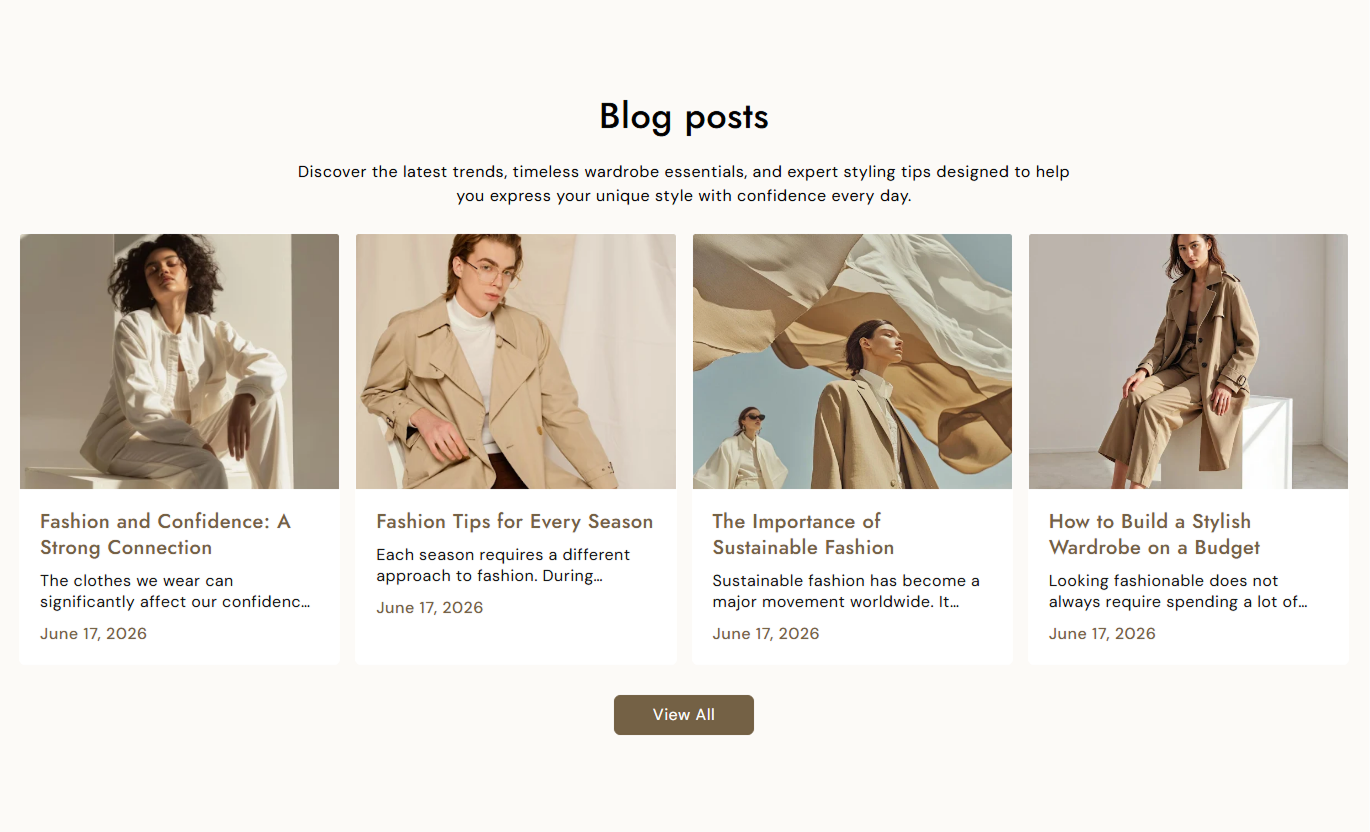
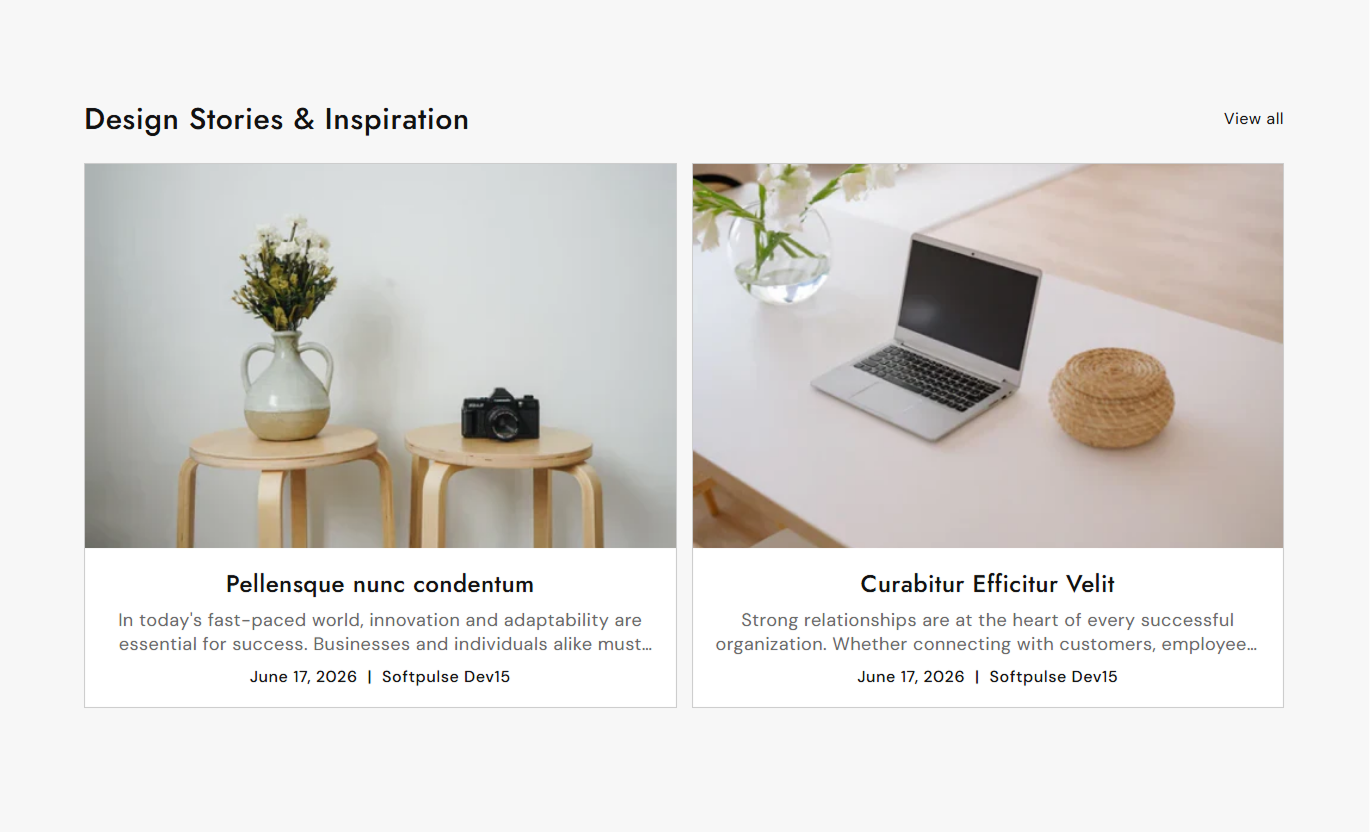


Highlight blog posts with flexible layouts, custom card styling, post details, buttons, and responsive settings for different storefronts.

Select a Shopify blog to display its latest articles in the section.

Choose how many blog posts to show, from 2 to 9 posts.

Display blog posts in 2, 3, or 4 columns on desktop screens.

Show article images in small, medium, or large media heights.

Display blog titles, descriptions, publication dates, and authors.

Add a customizable button to help shoppers open individual blog posts.

Add a link that takes visitors to the selected blog page.

Blog cards automatically adjust for mobile screens and smaller devices.
Control blog selection, layout, content, buttons, colors, spacing, and section width from the Shopify theme editor.

Applies to the whole section
Select the Shopify blog to display in the section.
Blog SelectionChoose how many blog posts should appear.
Post CountSet the number of blog cards shown on the desktop.
Desktop ColumnsChoose the displayed article image height.
Image HeightChoose the alignment of the section heading.
Heading AlignmentChoose the alignment of article content.
Content AlignmentShow or hide the publication date on posts.
Show DateShow or hide the article author name.
Show AuthorEnable a full-width layout for the section.
Full WidthSet the maximum width of the section.
Section WidthUse featured blog posts across your store to share useful content, build brand awareness, support product discovery, and keep shoppers engaged.
Feature recent articles on your homepage to introduce shoppers to helpful guides, brand stories, product updates, and store news.
Highlight recent articlesShare useful contentSupport brand storytellingGuide visitors to your blogDisplay relevant blog posts near collections to provide shoppers with guides, styling ideas, product tips, or category-related information.
Support collection discoveryShare relevant guidesAdd useful shopping informationEncourage deeper browsingUse featured articles to share product guides, tutorials, buying advice, or stories that give shoppers more context before making a purchase.
Support purchase decisionsShare product guidesProvide helpful informationConnect products with contentAdd selected blog posts to campaign or landing pages to support promotions, seasonal content, announcements, and brand storytelling.
Support campaign messagingHighlight seasonal articlesShare important updatesKeep visitors engagedTurn selected blog posts into an organized visual section that helps shoppers discover useful content while exploring your Shopify store.
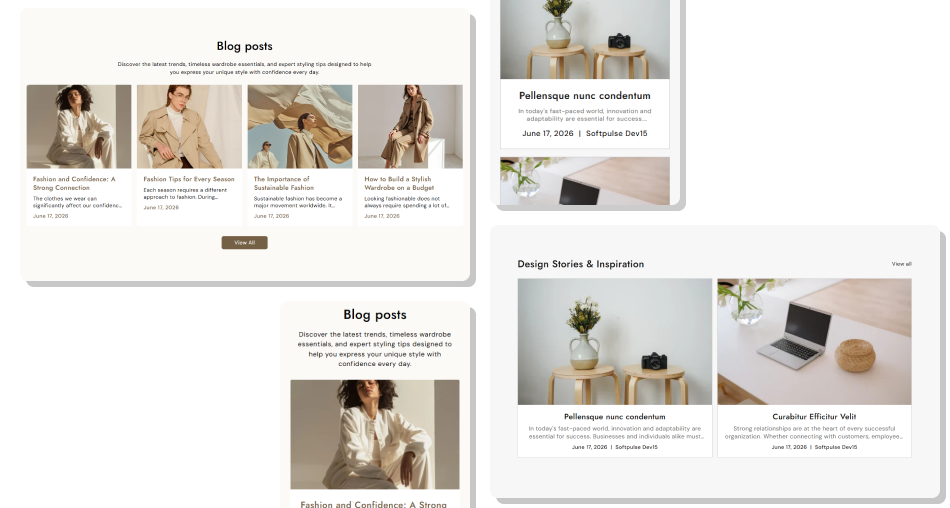
Give important articles a visible place on your storefront with flexible layouts, post details, buttons, and styling controls.
Highlight important blog postsMake recent content easier to findSupport product and collection discoveryShare helpful guides and brand storiesDisplay article images consistentlyAdd dates and author informationLink shoppers directly to blog postsChoose flexible desktop grid layoutsCustomize blog card appearanceCreate responsive content sections Choose blog posts relevant to your store
Use clear and engaging article titles
Keep article images visually consistent
Highlight useful and timely content
Link visitors to relevant articles
Keep the number of posts focused
Choose blog posts relevant to your store
Use clear and engaging article titles
Keep article images visually consistent
Highlight useful and timely content
Link visitors to relevant articles
Keep the number of posts focused  Display unrelated blog content
Use low-quality article images
Add overly long article titles
Feature outdated information unnecessarily
Mix unrelated topics in one section
Overload the page with too many posts
Display unrelated blog content
Use low-quality article images
Add overly long article titles
Feature outdated information unnecessarily
Mix unrelated topics in one section
Overload the page with too many posts Yes. Use the Blog setting to select the Shopify blog whose articles you want to display.
You can choose between 2 and 9 blog posts to display in the section.
Yes. Choose between 2, 3, or 4 blog cards per row on desktop.
Yes. Choose Small, Medium, or Large media height for article images.
Yes. Use the Show Date setting to display or hide the article publication date.
Yes. Enable Show Author to display the author name with each article.
Yes. You can enable the Read More button and customize its label.
Yes. Add a View All button that links visitors to the selected blog page.
Yes. You can adjust card colors, borders, radius, spacing, typography, and button styling.
Yes. The blog layout adapts automatically for smaller screens, with one article card displayed per row on mobile.
For Support or any Questions Email Us: [email protected]
Install SectionHub and add the Featured Blog section to your theme in minutes - no coding required.
