Create a Strong Storefront First Impression
Use the Featured Banner near the top of your homepage to introduce your brand, promote a major collection, or highlight a campaign with rich visual media.

Build a bold Shopify banner with image or video media, promotional copy, CTA buttons, animated marquee text, and flexible responsive positioning.
 Image or Video Media
Animated Marquee Text
Responsive Content Layout
Image or Video Media
Animated Marquee Text
Responsive Content Layout 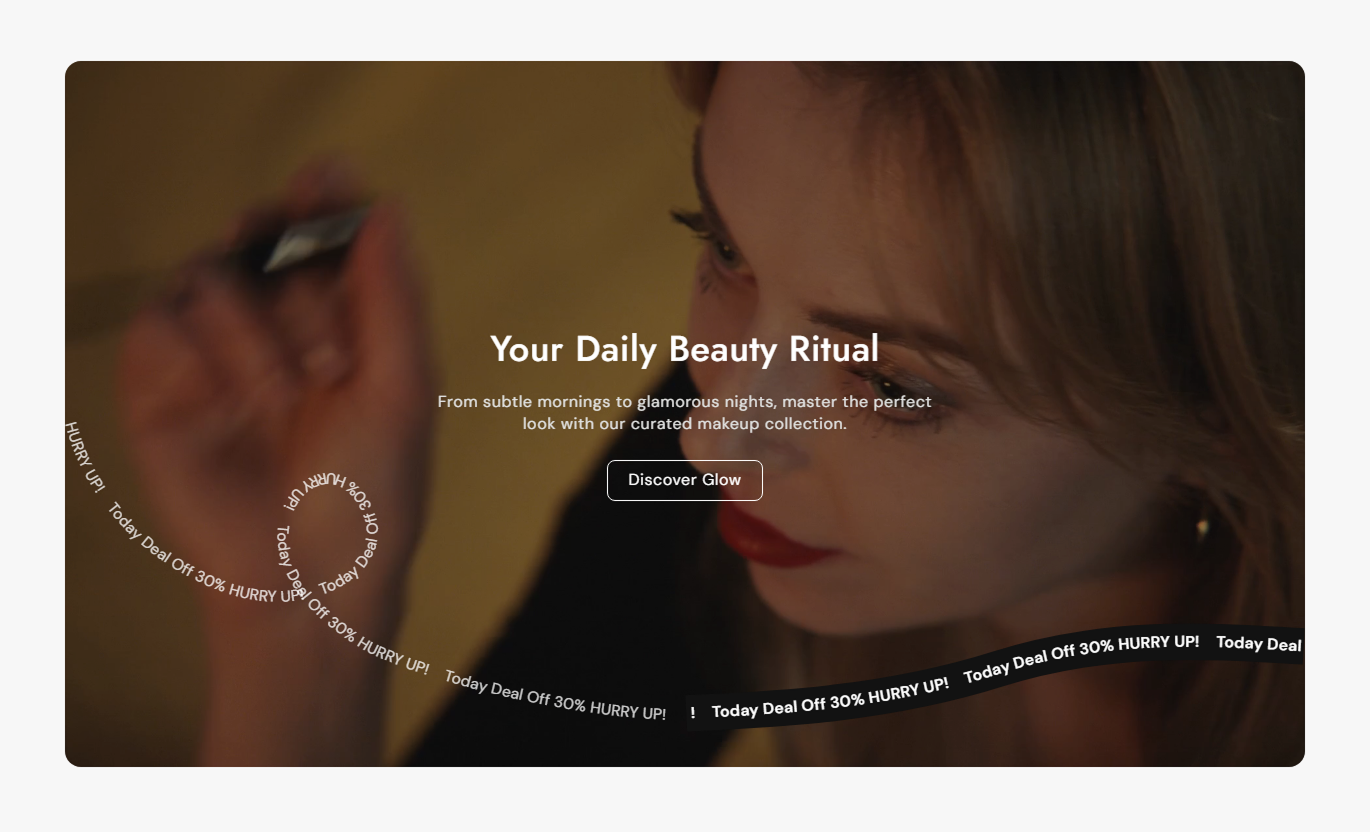
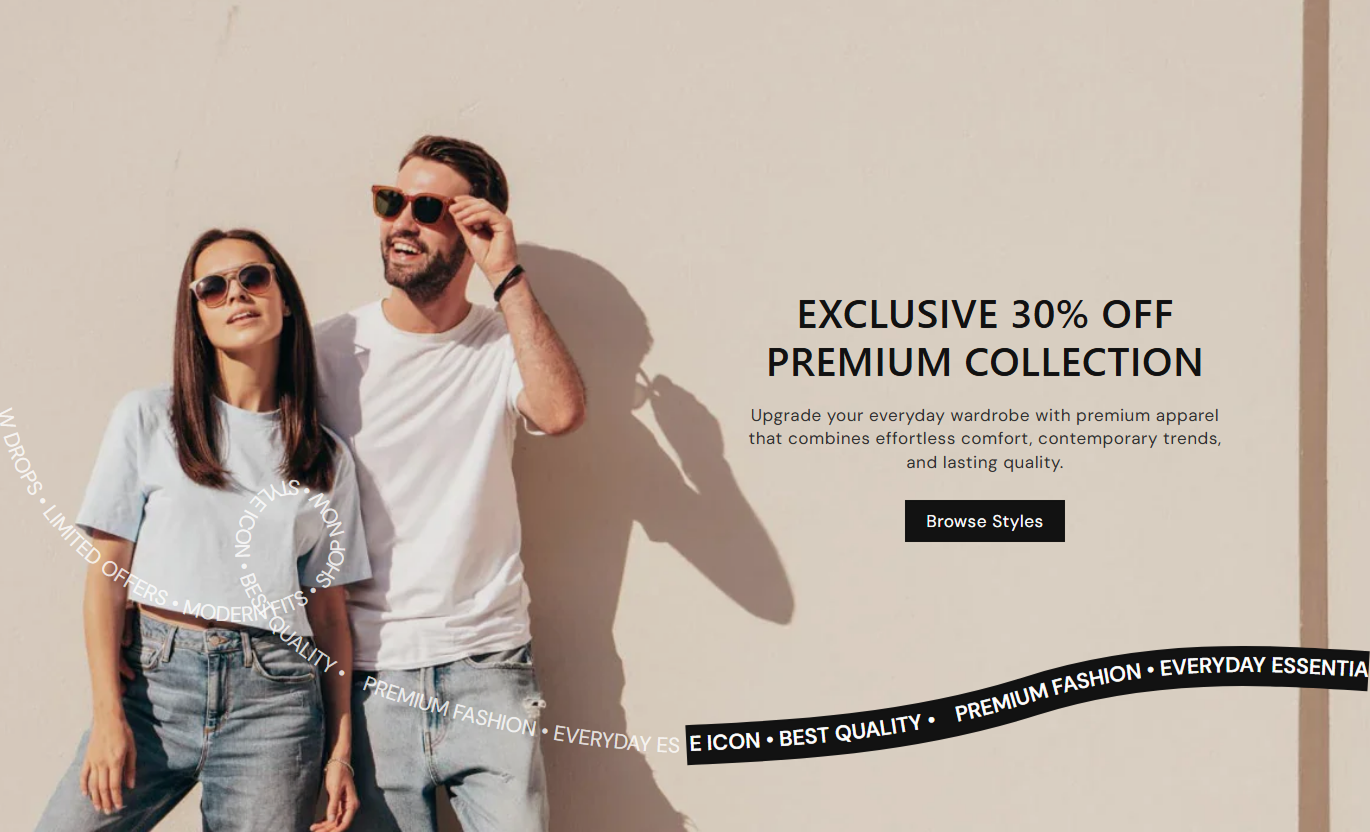
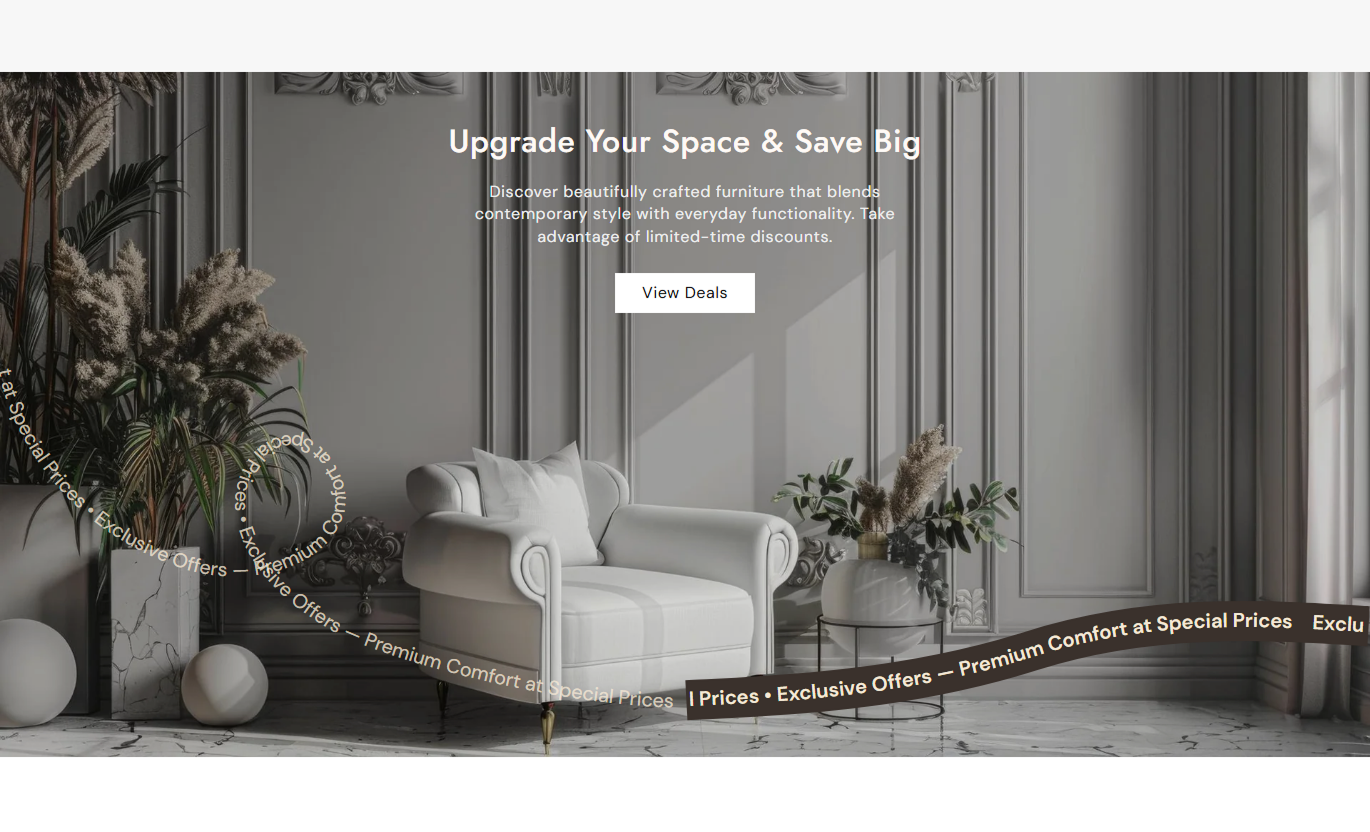


Create flexible promotional banners with image or video media, responsive content positioning, animated text, overlays, and customizable calls to action.

Choose between a promotional image or Shopify-hosted video to create the main visual background for the featured banner.

Upload a dedicated mobile banner image so the main visual can be optimized independently for smaller screen layouts.

Use a Shopify-hosted video that automatically plays, loops, stays muted, and displays inline as the featured banner background.

Place banner content in nine desktop positions and choose top, middle, or bottom positioning separately for mobile screens.

Set text alignment separately for desktop and mobile so that headings, descriptions, and buttons stay balanced across devices.

Add repeating promotional text across animated curved paths and choose whether the movement runs left to right or right to left.

Apply a customizable color overlay with adjustable opacity to improve the readability of headings and descriptions on banner media.

Add a linked button and customize its fill, outline style, colors, hover states, border radius, font size, and shadow.
Control media, content placement, marquee animation, buttons, colors, responsive alignment, spacing, and section width.

Applies to the whole section
Choose whether the banner uses an image or video.
Media SourceUpload the Shopify-hosted video used as banner media.
Banner VideoChoose separate images for desktop and mobile layouts.
Responsive ImagesSelect Small, Medium, or Large banner media height.
Banner HeightControl the corner radius around the complete banner.
Container RadiusSet the overlay color and its visibility over the media.
Media OverlayAdd the banner's main heading and supporting rich text.
Banner ContentSet separate content positions for desktop and mobile.
Content PositionControl text alignment independently on desktop and mobile.
Text AlignmentUse full width or set a custom maximum section width.
Section Width
Applies to banner content and animation
Set the text shown in the banner call-to-action button.
Button LabelChoose the destination opened when the CTA is clicked.
Button LinkSwitch the CTA from filled styling to an outline style.
Button StyleAdd repeating promotional text to the curved animation.
Animated TextChoose left-to-right or right-to-left animation movement.
Animation DirectionAdjust heading, content, button, and animated text sizing.
Typography ControlsCustomize banner text, animation, button, and hover colors.
Color ControlsUse a flexible image or video banner across important Shopify pages to introduce campaigns, collections, products, promotions, or brand messaging.
Use the Featured Banner near the top of your homepage to introduce your brand, promote a major collection, or highlight a campaign with rich visual media.
Create a strong visual focal point near the top of the storeUse image or video media to communicate your brand quicklyGuide visitors toward an important collection or campaign pageAdd animated promotional text for extra visual movementOptimize banner imagery separately for desktop and mobilePlace a Featured Banner around collection content to introduce the range, communicate a seasonal message, or direct shoppers toward another related category.
Introduce the collection with stronger visual merchandisingUse campaign imagery that supports the products shown belowAdd supporting copy that explains the collection clearlyPromote related categories with a direct call-to-action linkAdjust banner height to fit the surrounding collection layoutAdd the banner to product pages to highlight a brand story, a supporting campaign, a related collection, or a visual message for the current product.
Add lifestyle or campaign context beyond product photographyUse video media to support richer brand storytellingDirect shoppers toward a related collection or campaign pageKeep supporting content visually separate from product detailsAdjust mobile positioning independently for smaller screensUse the Featured Banner as the primary campaign visual, with headline copy, animated text, and a focused CTA that directs visitors to the campaign destination.
Create a clear visual entry point for campaign landing pagesUse autoplay video for launches or high-impact promotionsAdd animated marquee text to reinforce campaign messagingControl content position around the main campaign visualSend visitors directly toward the primary conversion destinationCombine rich visual media, clear copy, animation, and a direct CTA in one flexible banner that adapts to different storefront layouts and screen sizes.
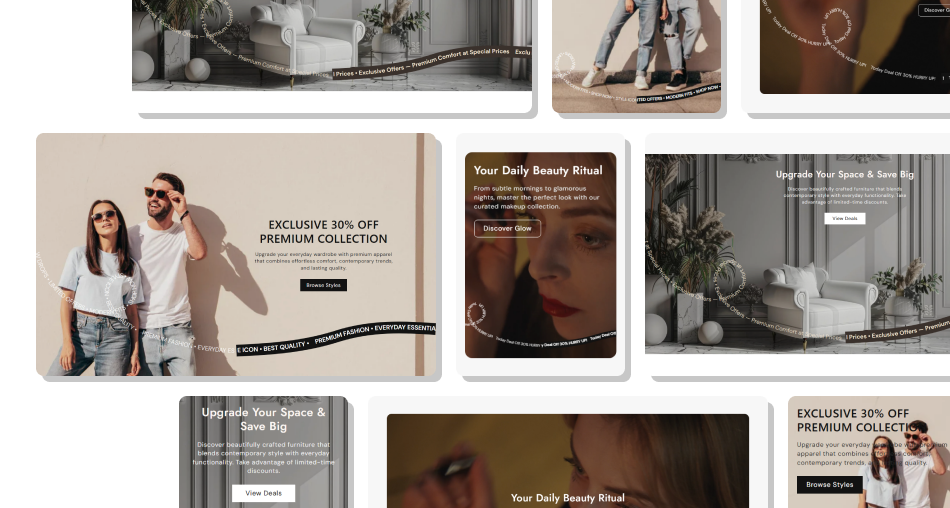
Create a focused image or video banner with responsive content placement, animated messaging, overlays, and a clear destination for shoppers.
Choose between image and autoplay video backgroundsUse a dedicated mobile image for better responsive presentationPosition banner content precisely across desktop layoutsControl mobile content position separately from desktopAdd animated curved promotional text for visual movementCustomize CTA appearance and interactive hover statesMatch banner dimensions, colors, and spacing to your theme Use one clear campaign message for each featured banner
Upload a mobile image when desktop artwork crops poorly
Keep headings short enough to stay readable over the media
Adjust overlay opacity until text remains easy to read
Link the CTA to the most relevant collection or campaign page
Use one clear campaign message for each featured banner
Upload a mobile image when desktop artwork crops poorly
Keep headings short enough to stay readable over the media
Adjust overlay opacity until text remains easy to read
Link the CTA to the most relevant collection or campaign page  Do not use busy media that makes banner text difficult to read
Do not place essential content behind the animated marquee area
Do not use long paragraphs that overwhelm the banner visual
Do not add animated text that competes with the main heading
Do not send the CTA to a page unrelated to the banner message
Do not use busy media that makes banner text difficult to read
Do not place essential content behind the animated marquee area
Do not use long paragraphs that overwhelm the banner visual
Do not add animated text that competes with the main heading
Do not send the CTA to a page unrelated to the banner message Yes. The Source setting lets you choose an image or Shopify-hosted video as the banner's primary background media.
Yes. When an Image is selected as the source, you can upload separate desktop and mobile images for a more suitable responsive presentation.
The selected Shopify-hosted video plays automatically, loops continuously, remains muted, and uses inline playback inside the banner.
Yes. Desktop offers nine content positions across top, middle, and bottom areas, while mobile supports top, middle, or bottom positioning.
Yes. The section includes independent text alignment controls for desktop and mobile, with left, center, and right alignment options.
It displays repeating promotional text along curved paths near the bottom of the banner and can animate from left to right or right to left.
Yes. You can adjust its text, link, outline style, radius, font size, colors, border, hover colors, and shadow color.
Yes. Enable Full Width to let the section use the available width, or disable it and enter a custom maximum width for the section.
For Support or any Questions Email Us: [email protected]
Install SectionHub and add the Featured Banner section to your theme in minutes - no coding required.
