Explain Your Brand or Store More Clearly
Use structured headings and paragraphs to introduce your brand, explain services, share store information, or add useful context between visual homepage sections.

Add structured headings and rich text to explain products, collections, policies, guides, or brand information in a clean, readable section that fits your Shopify theme.
 Rich Text Content
Responsive Spacing
Flexible Backgrounds
Rich Text Content
Responsive Spacing
Flexible Backgrounds 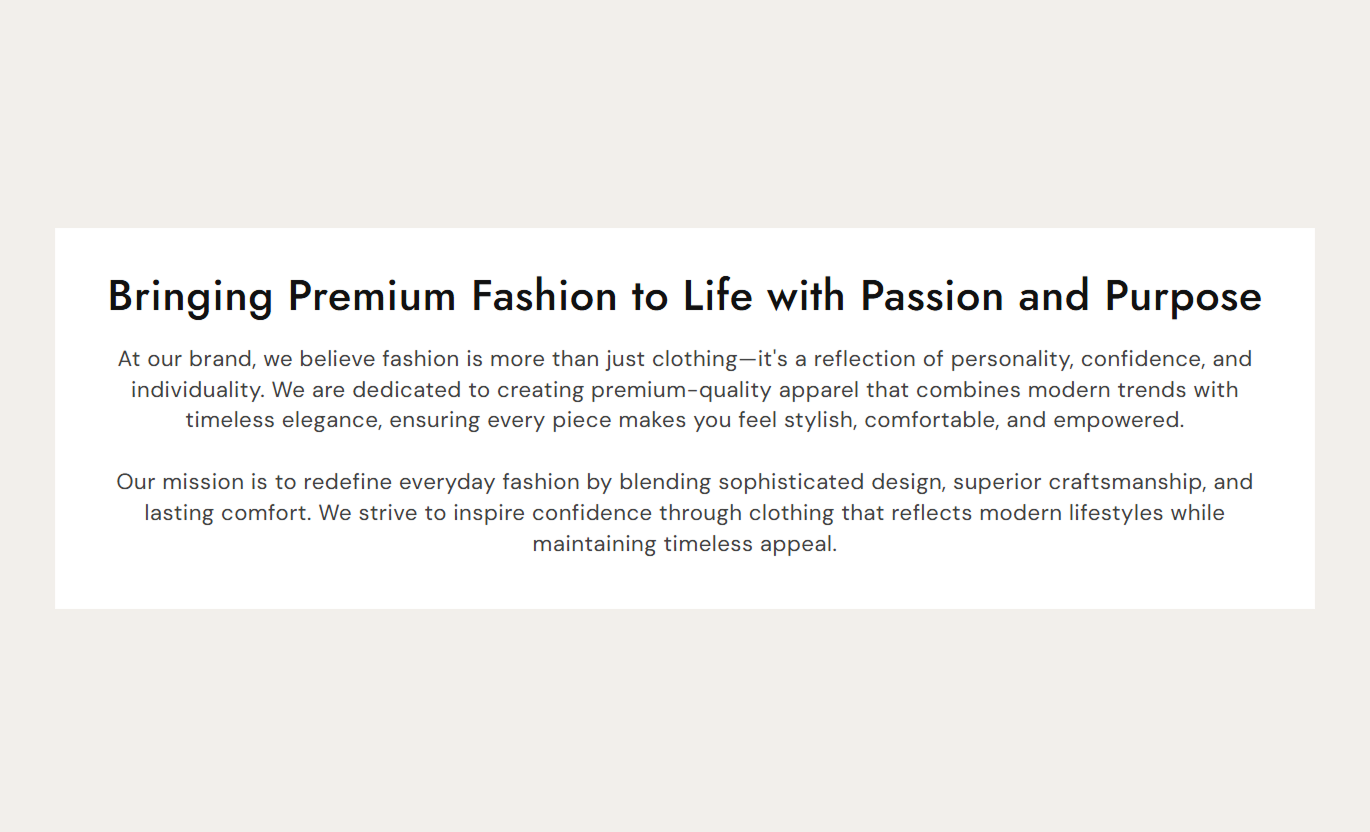
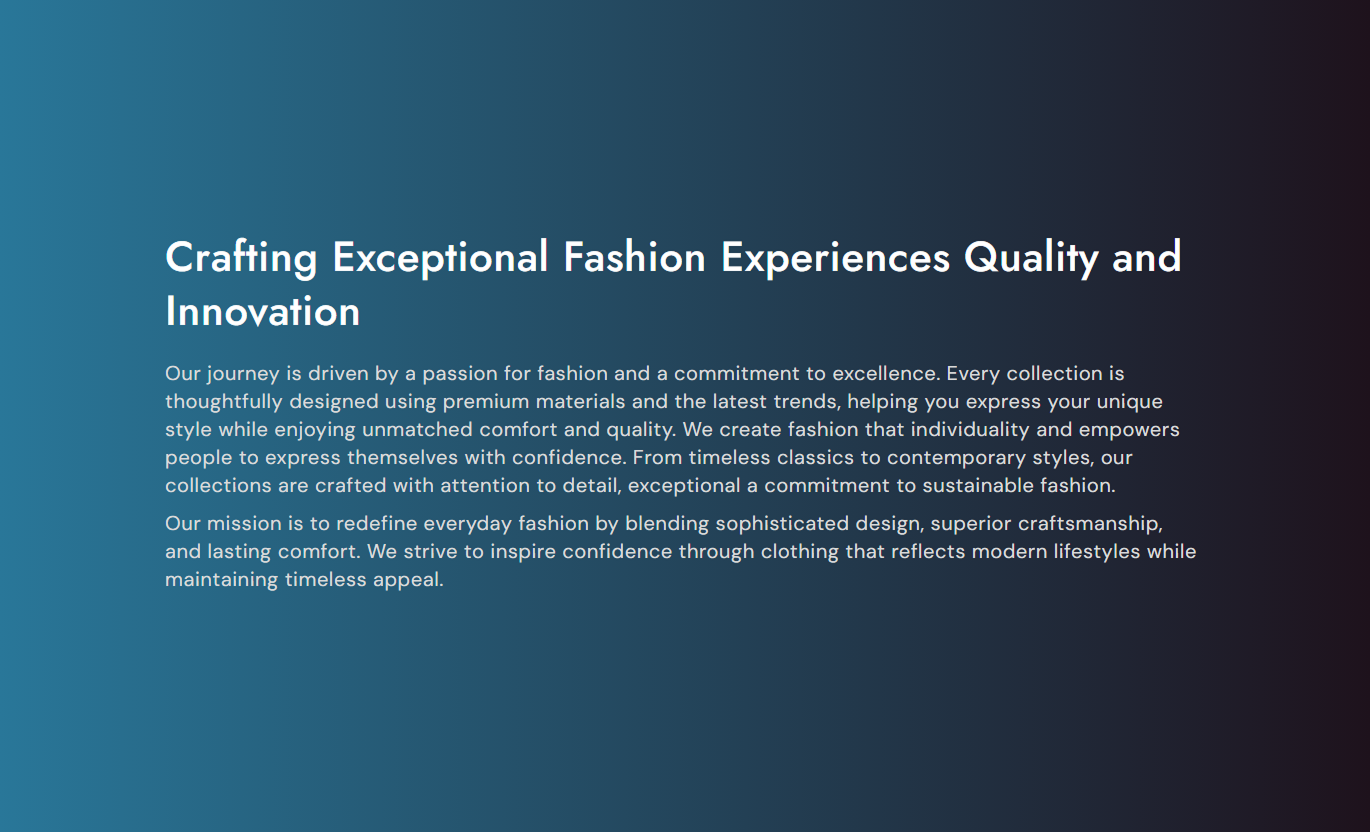


Create readable Shopify content with rich text, responsive spacing, text alignment, typography controls, flexible colors, and custom section width.

Add H2 headings and paragraphs within a single rich text field to organize detailed information into a clear, structured content section.

Control heading and paragraph font sizes separately to create a clear visual hierarchy and improve content readability.

Choose an alignment for rich text content that matches your page layout, brand style, and surrounding Shopify sections.

Set separate inner content spacing for desktop and mobile screens to keep text comfortable and balanced across devices.

Choose a custom gradient or use a solid background color to match the section with your storefront or campaign styling.

Give the inner content area its own background color to visually separate important information from the main section background.

Customize heading and paragraph colors independently to maintain readable contrast and match your store's visual identity.

Set a maximum content width to control line length and keep longer descriptions easier to read across larger screens.
Control rich text, alignment, typography, spacing, colors, backgrounds, and section width directly from the Shopify theme editor.

Applies to the whole section
Add H2 headings and paragraphs using the main rich text editor.
Rich Text ContentChoose how the rich text is aligned inside the content area.
Content AlignmentSet the inner content spacing for desktop screens.
Desktop Content PaddingSet separate inner content spacing for mobile screens.
Mobile Content PaddingControl the font size used for H2 headings.
Heading Font SizeControl the font size used for paragraph content.
Content Font SizeChoose between gradient and solid background styling.
Background StyleSet the colors used for headings, paragraph text, and the inner content area.
Content Color ControlsAdjust the top and bottom spacing around the complete section.
Section PaddingSet the maximum width of the content area in pixels.
Maximum Section Width
This section does not use repeatable content blocks.
All headings, paragraphs, alignment, typography, colors, spacing, backgrounds, and width controls are managed directly through the main section settings.
No Block SettingsUse structured headings and paragraphs to introduce your brand, explain your services, share store information, or add useful context between visual sections on the homepage.
Use structured headings and paragraphs to introduce your brand, explain services, share store information, or add useful context between visual homepage sections.
Introduce your brand with clear supporting informationExplain services without adding a complex content layoutBreak up visual sections with useful written contextOrganize longer homepage copy with clear H2 headingsMatch the content styling with your existing themeUse the section to explain collection themes, materials, fit, care details, buying guidance, or other information that supports the collection browsing experience.
Explain the purpose or theme of a collection clearlyAdd sizing, material, or shopping guidance near productsGive shoppers useful context before or after the product gridOrganize detailed collection information with headingsKeep supporting content readable across desktop and mobileUse rich text to add care instructions, material details, product explanations, usage guidance, or other supporting information around the product content.
Add detailed information without crowding core product detailsExplain materials, care, usage, or product benefits clearlySeparate longer information into easy-to-scan sectionsUse background styling to distinguish supporting contentControl content width to improve readability of longer copyUse the section to explain campaign details, answer important questions, present terms, or add supporting copy between promotional and visual landing page sections.
Explain campaign details in a clean structured formatAdd useful information between promotional sectionsPresent longer supporting copy without cluttering the layoutUse gradients or colors to match campaign stylingAdjust spacing to create clear separation between sectionsGive shoppers clear, structured information in a flexible content area that can match your theme while remaining readable across different screen sizes.
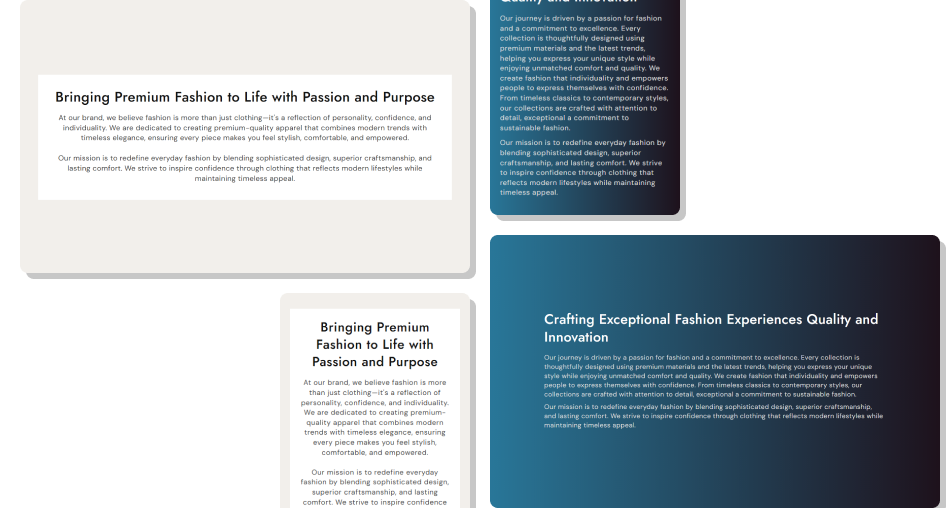
Use headings, paragraphs, spacing, typography, and color controls to present important store information in a clean and easy-to-read format.
Organize longer information with headings and paragraphsGive shoppers more context without adding complex elementsImprove readability by controlling the maximum content widthAdjust spacing independently for desktop and mobile layoutsMatch the section to your Shopify theme with custom colorsSeparate content visually with an independent backgroundUse text alignment controls to suit different page layouts Use H2 headings to divide longer content into clear topics
Keep paragraphs concise so shoppers can scan information quickly
Choose text and background colors with strong readable contrast
Adjust mobile padding so content does not feel cramped
Use a sensible maximum width to keep text lines readable
Use H2 headings to divide longer content into clear topics
Keep paragraphs concise so shoppers can scan information quickly
Choose text and background colors with strong readable contrast
Adjust mobile padding so content does not feel cramped
Use a sensible maximum width to keep text lines readable  Don't place all information in one long paragraph without headings
Don't use background and text colors with weak visual contrast
Don't make heading sizes so large that they dominate the page
Don't add excessive padding that leaves little room for content
Don't repeat information that is already explained elsewhere
Don't place all information in one long paragraph without headings
Don't use background and text colors with weak visual contrast
Don't make heading sizes so large that they dominate the page
Don't add excessive padding that leaves little room for content
Don't repeat information that is already explained elsewhere Yes. The rich text editor supports H2 headings and paragraphs, allowing you to organize longer store information into clear, readable sections.
Yes. Use the Content Alignment setting to position the rich text according to your page layout and presentation style.
Yes. Choose the gradient background option and customize the gradient, or switch to a solid background color when preferred.
Yes. The content background can be customized separately from the main section background, helping the text area stand out visually.
Yes. The section provides separate desktop and mobile controls for inner content padding and responsive section spacing.
Yes. Set a maximum section width in pixels to keep content within bounds and prevent long text lines from becoming difficult to read.
No. The section uses one main rich text content area rather than separate repeatable blocks. Headings and paragraphs are added directly through the rich text editor.
For Support or any Questions Email Us: [email protected]
Install SectionHub and add the Description section to your theme in minutes - no coding required.
