Create a Dedicated Contact Experience
Give customers a clear place to send questions, requests, and general messages directly from your store.

Add a flexible contact form to your Shopify store with custom fields, messages, labels, and a clear submit button.
 2.0 Compatible
Flexible Form Fields
Responsive Design
2.0 Compatible
Flexible Form Fields
Responsive Design 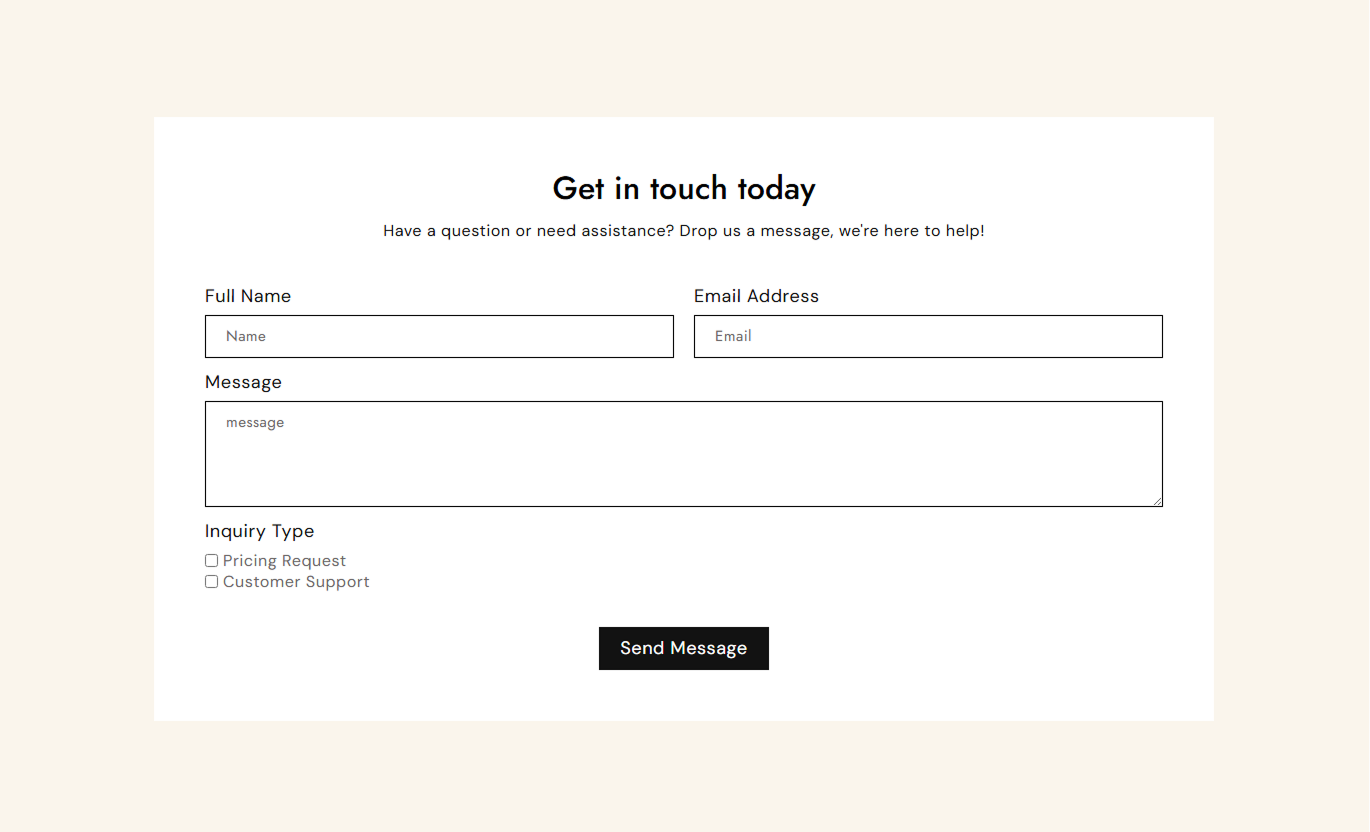
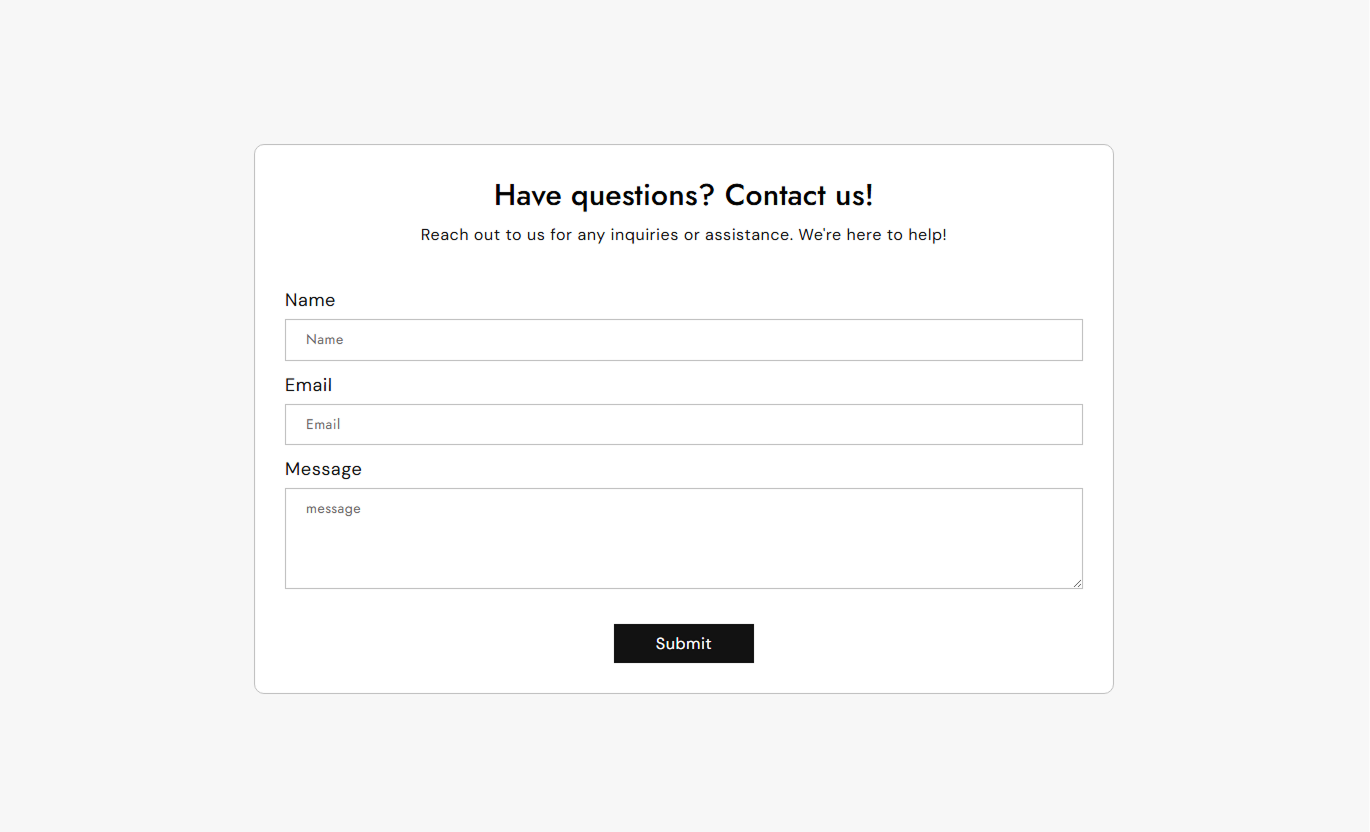
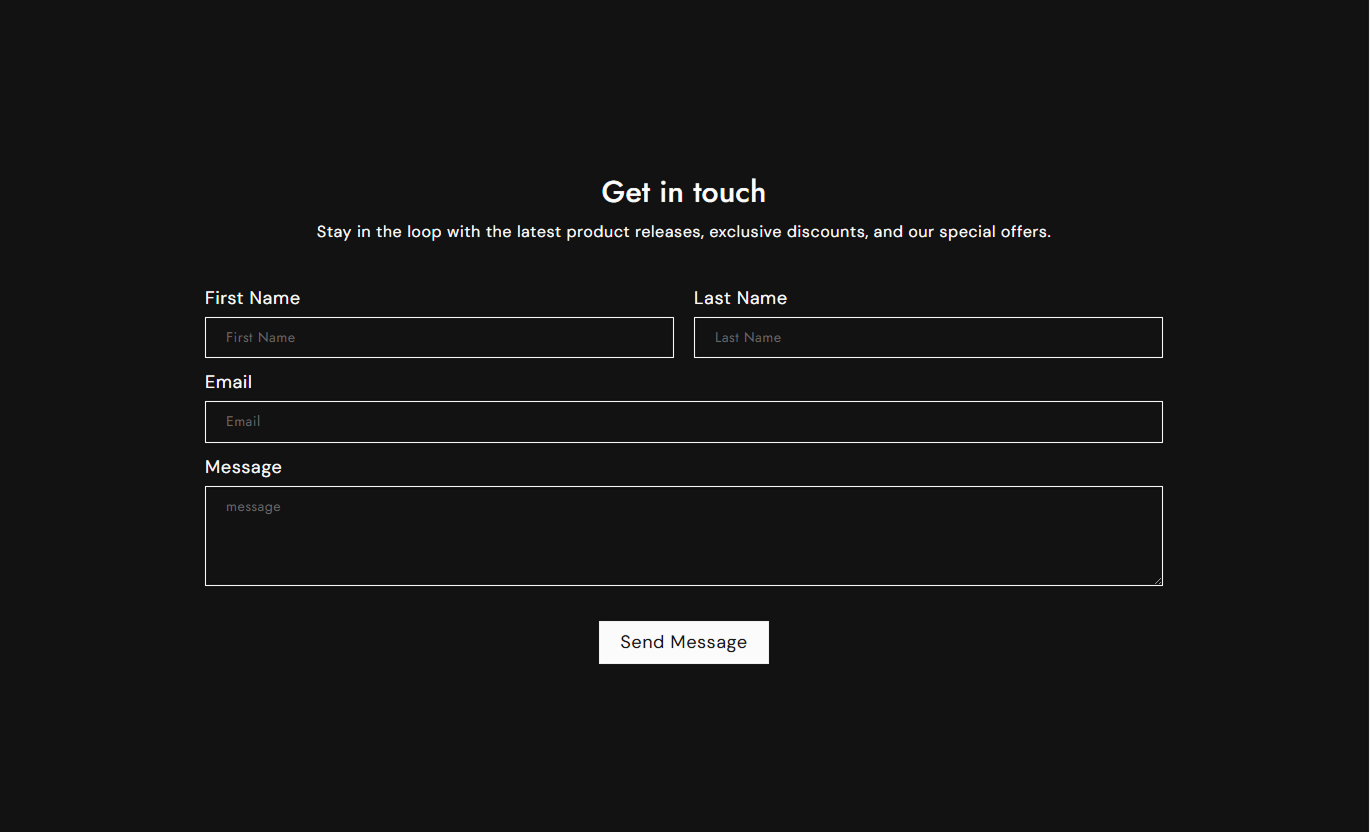


Create a simple contact form with customizable fields, labels, placeholders, selections, button styling, and responsive layouts.

Add name, email, text, and message fields as needed for your store.

Choose which form fields shoppers must complete before submitting.

Collect short responses or detailed customer messages through flexible fields.

Give customers a list of options to select from.

Let customers choose multiple options when more than one answer applies.

Set clear labels and placeholders to guide customers through the form.

Choose whether individual fields use half-width or full-width layouts.

Adjust the button label, styling, colors, size, and alignment.
Control the form content, field options, layout, and styling to fit your Shopify storefront.

Applies to the whole section
Main heading displayed above the form.
HeadingSupporting text displayed below the heading.
ContentChoose the alignment of the section content.
Text AlignmentSet the text shown on the submit button.
Button LabelChoose whether the button uses an outline style.
Outline ButtonSet the spacing inside the form container.
Form PaddingSet the corner radius of the form container.
Form Border RadiusCustomize the section background color.
Background ColorCustomize the form background color.
Form Background ColorSet the maximum width of the section.
Section Width
Applies to each form field
Set the field label shown to customers.
Field LabelAdd placeholder text inside the field.
Placeholder TextMake the field mandatory before submission.
Required FieldHide the field label when needed.
Hide LabelChoose whether the field spans the full width.
Full Width FieldAdd available choices for select fields.
Field OptionsUse a contact form wherever customers need a simple way to send questions, requests, feedback, or other store-related messages.
Give customers a clear place to send questions, requests, and general messages directly from your store.
Collect customer inquiriesMake contacting your store easierAdd relevant form fieldsKeep contact details organizedAdd a compact form for shoppers who need more information about a product before making a purchase.
Collect product questionsCapture customer detailsAdd custom inquiry fieldsSupport purchase decisionsUse a contact form on campaign or landing pages to collect inquiries, requests, or responses from interested visitors.
Capture visitor inquiriesCollect useful customer detailsAdd relevant questionsCreate a clear conversion pathUse custom fields and selection options to collect the information customers need to share when requesting your services.
Collect service requestsAsk specific questionsAdd selection fieldsOrganize customer responsesGive shoppers an easy way to send inquiries while collecting the specific information your store needs through flexible form fields.
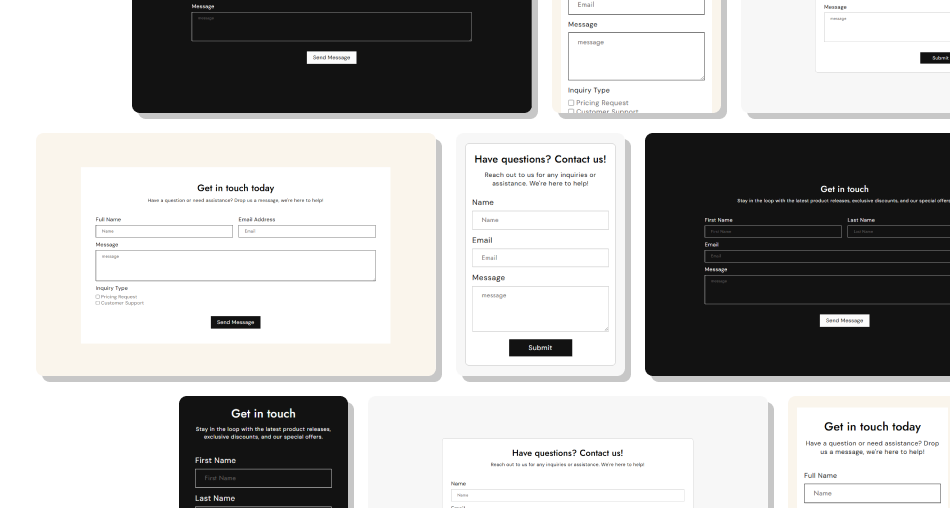
Create a clear contact experience with flexible fields, useful options, and styling controls that fit naturally into your Shopify storefront.
Collect customer inquiries clearlyAdd only the fields you needMake important fields requiredSupport different response typesOrganize fields with flexible layoutsCustomize labels and placeholdersMatch the form with your store design Keep form fields relevant
Use clear field labels
Mark important fields as required
Use helpful placeholder text
Keep the form easy to complete
Keep form fields relevant
Use clear field labels
Mark important fields as required
Use helpful placeholder text
Keep the form easy to complete  Add unnecessary fields
Use unclear field labels
Ask for unrelated information
Overcomplicate the form
Make every field mandatory
Add unnecessary fields
Use unclear field labels
Ask for unrelated information
Overcomplicate the form
Make every field mandatory Yes. You can add name, email, text, message, single-select, and multiple-select fields.
Yes. Enable the required setting for fields that customers must complete.
Yes. Each applicable field can have its own label and placeholder text.
Yes. Single-select fields let you add multiple options for customers to choose from.
Yes. Use the Multiple Select block when customers need to choose more than one option.
Yes. Enable Full Width for a field when it should span the available form width.
Yes. You can change the button label and customize its styling through the section settings.
Yes. The section includes controls for backgrounds, borders, text, button styling, padding, and sizing.
For Support or any Questions Email Us: [email protected]
Install SectionHub and add the Contact Form section to your theme in minutes - no coding required.
