Highlight Important Collections
Showcase new, popular, seasonal, or featured collections directly on your homepage.

Display your Shopify collections in a visual slider with collection images, titles, Shop Now links, autoplay, and responsive controls. Make browsing easier across devices.
 2.0 Compatible
Collection Slider
Responsive Layout
2.0 Compatible
Collection Slider
Responsive Layout 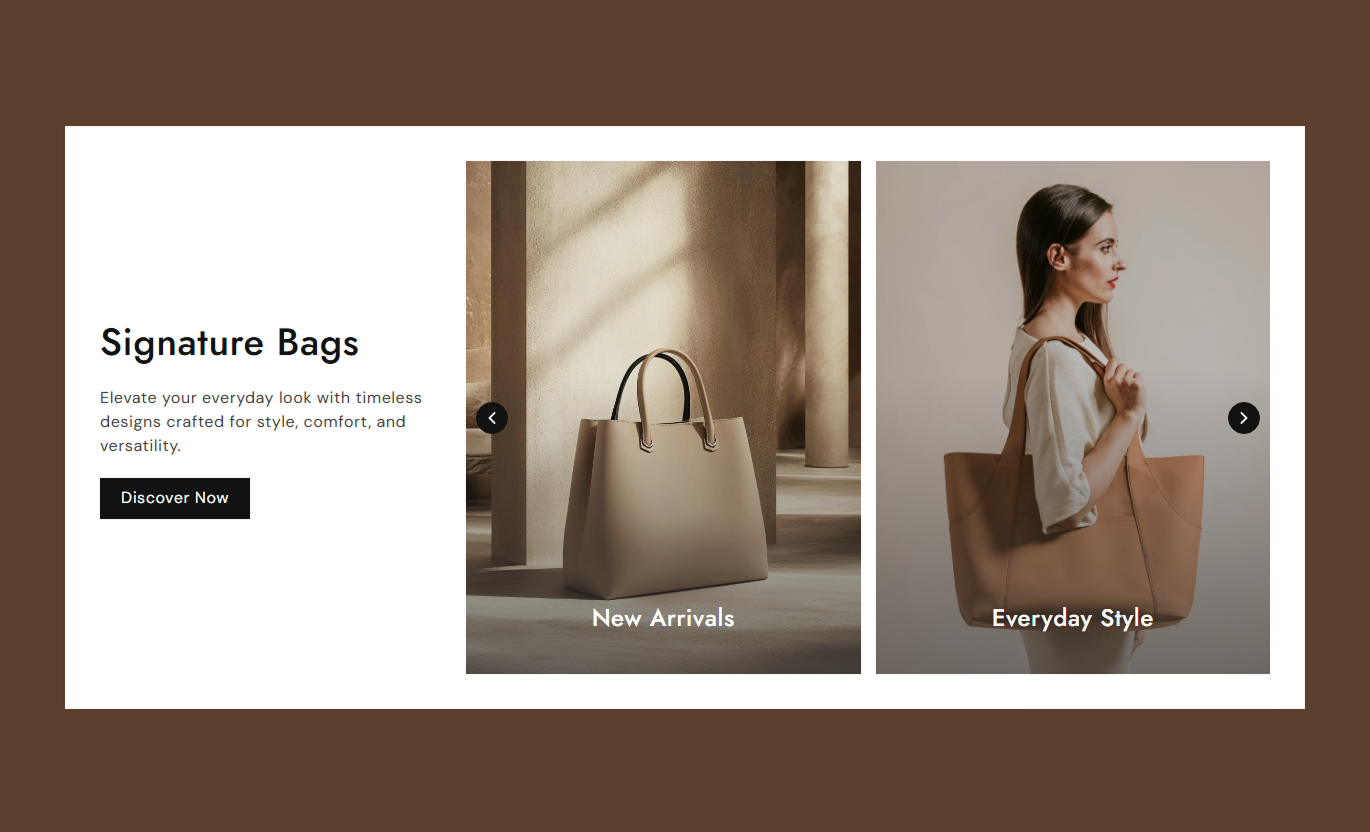
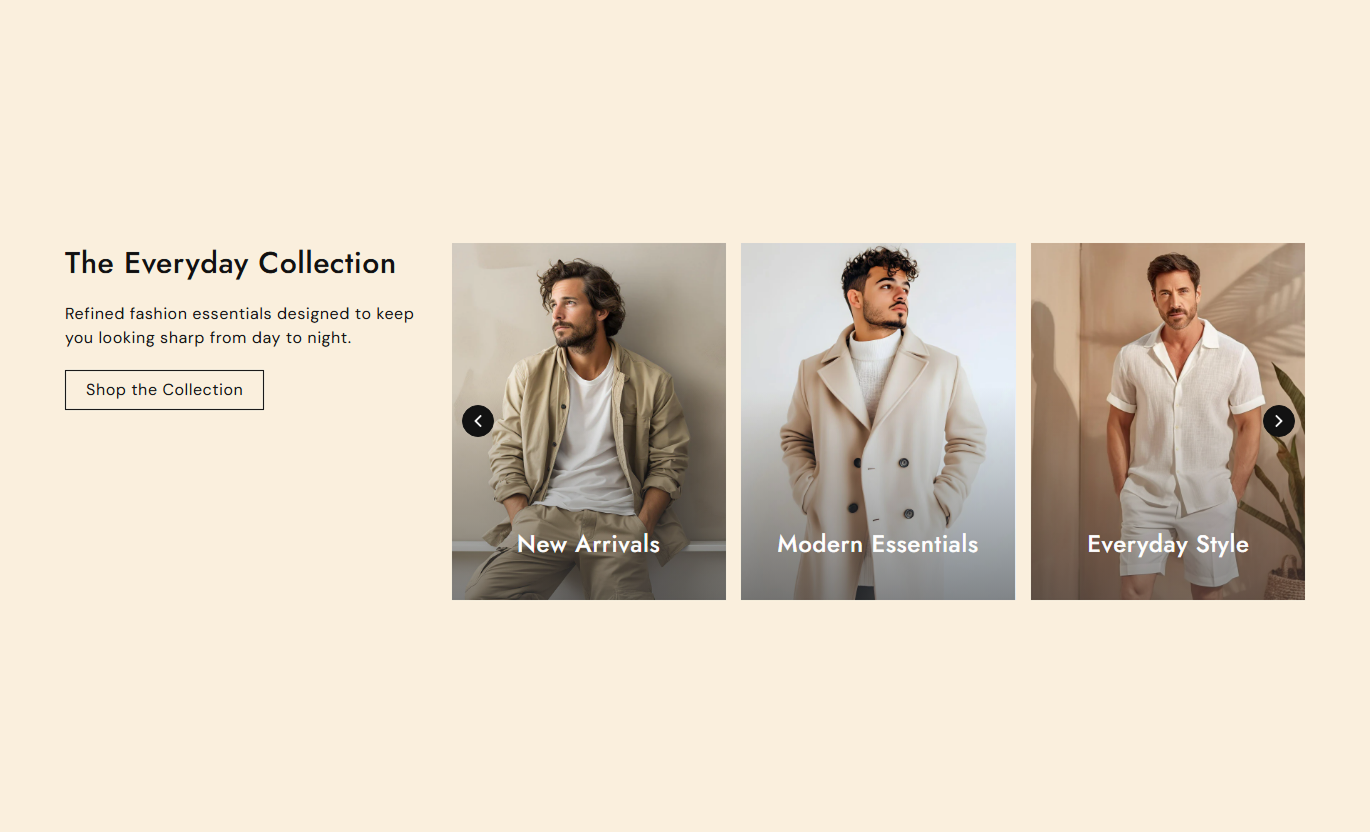
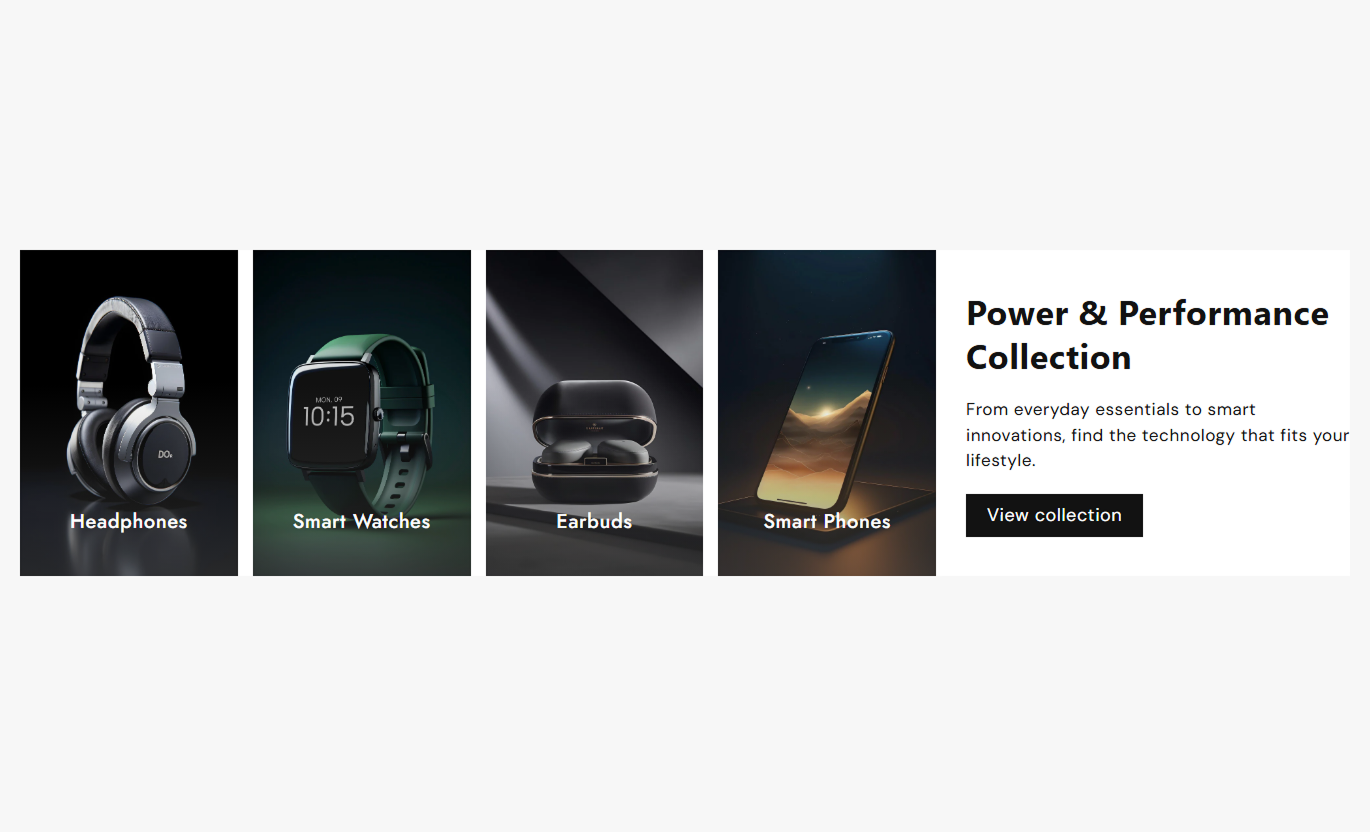


Create a clean collection showcase with flexible layouts, slider controls, custom collection links, and responsive settings that fit your Shopify store.

Showcase multiple collections in an image-based slider that keeps browsing simple and engaging.

Add a unique image to each collection card to create a more visual shopping experience.

Set your own collection title or automatically use the selected Shopify collection name.

Add custom link text, such as Shop Now to guide shoppers directly to each collection.

Enable autoplay and control how often the collection slides change.

Choose how many collections appear at once on desktop and mobile screens.

Select Small, Medium, Large, or Auto image heights to match your store layout.

Give shoppers a smooth collection browsing experience across desktop and mobile devices.
Adjust content, slider behavior, spacing, colors, typography, arrows, and responsive settings to match your store design.

Applies to the whole section
Add heading and supporting text.
Heading & ContentAdd button text and link.
Button Label & LinkChoose filled or outline button style.
Outline ButtonAdjust button corner radius and text size.
Button StylingSet container spacing for desktop and mobile.
Container SpacingChoose slider position and text alignment.
Layout & AlignmentSet collection image height.
Image HeightEnable autoplay and set slide speed.
Autoplay & SpeedChoose visible slides on desktop and mobile.
Slides Per ViewAdjust heading, content, and link font sizes.
Font SizesCustomize section, text, overlay, and button colors.
ColorsStyle slider arrows with custom colors and size.
Arrow StylingAdjust desktop and mobile section spacing.
Section PaddingSet full-width or custom section width.
Section Width
Applies to each collection item
Add a custom collection image.
Collection ImageAdd a custom or collection-based title.
Collection TitleSelect the Shopify collection.
CollectionAdd custom link text.
Link TextUse this collection slider wherever you want shoppers to discover product categories quickly through visual collection cards.
Showcase new, popular, seasonal, or featured collections directly on your homepage.
Introduce key collections visuallyGuide shoppers to product categoriesUse autoplay for continuous browsingAdd a direct CTA for more collection discoveryUse the slider to introduce related collections and help shoppers explore more areas of your store.
Promote related collectionsCreate visual category navigationShow multiple collections in limited spaceKeep browsing simple on mobilePlace the section around product content to help shoppers discover other collections they may want to explore.
Introduce related shopping categoriesEncourage further product discoveryAdd visual collection navigationKeep collection links easy to accessUse selected collections to organize a campaign or promotional landing page by product category.
Present campaign collections clearlyCombine collection cards with supporting contentAdd a focused CTACreate a responsive browsing experienceGive shoppers an easy way to explore your store through visual collection cards, clear titles, and direct collection links.
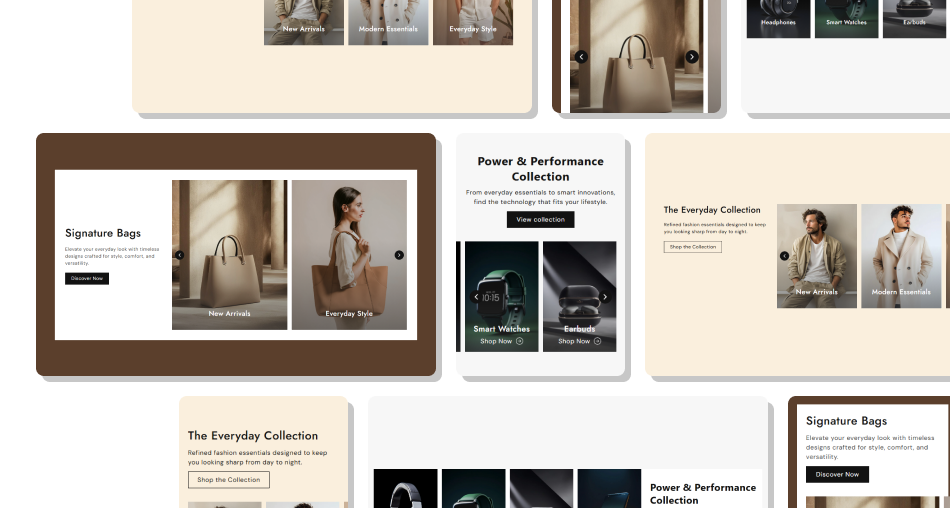
The slider layout lets you present several collections while keeping the section compact and easy to browse.
Showcase multiple Shopify collections in one section.Use custom images to make each collection more visual.Add custom titles that fit your store's content style.Link every collection directly to its Shopify collection page.Let shoppers see more collections through slider navigation.Enable autoplay for an automatic browsing flow.Control desktop and mobile slides per view.Match the section with your store using detailed styling controls. Use clear, high-quality images that represent each collection.
Keep collection titles short and easy to scan.
Use link text such as “Shop Now” or “Explore” consistently.
Choose slides per view that keeps collection images easy to see.
Use autoplay when you want the slider to keep moving automatically.
Use clear, high-quality images that represent each collection.
Keep collection titles short and easy to scan.
Use link text such as “Shop Now” or “Explore” consistently.
Choose slides per view that keeps collection images easy to see.
Use autoplay when you want the slider to keep moving automatically.  Don't use unrelated images that confuse shoppers about the collection.
Don't add overly long collection titles.
Don't show too many collections without a clear browsing purpose.
Don't choose an image height that makes important visuals difficult to view.
Don't rely only on autoplay; keep the slider arrows available for manual browsing.
Don't use unrelated images that confuse shoppers about the collection.
Don't add overly long collection titles.
Don't show too many collections without a clear browsing purpose.
Don't choose an image height that makes important visuals difficult to view.
Don't rely only on autoplay; keep the slider arrows available for manual browsing. Collection List Slider is a visual Shopify collection slider that lets you showcase collection images, titles, and links in a responsive layout.
Yes. Each collection block includes an image setting, so you can use a custom image for each collection card.
Yes. If the custom collection title is left blank, the section uses the title of the selected Shopify collection.
Yes. Select a Shopify collection for each block, and the collection card links to that collection.
Yes. Each collection block has a Link Text setting, so you can use labels such as "Shop Now" or "Explore".
Yes. You can enable or disable autoplay and control how frequently the slides change.
Yes. You can set the number of slides shown per view separately for desktop and mobile.
Yes. Choose Small, Medium, Large, or Auto image height from the section settings.
Yes. You can change the arrow background, icon color, border color, and size.
Yes. The section has separate mobile settings for slides-per-view, text alignment, spacing, and section padding.
For Support or any Questions Email Us: [email protected]
Install SectionHub and add the Collection List Slider section to your theme in minutes - no coding required.
