Answer Common Questions on Your Homepage
Add important FAQs or store information to help shoppers get quick answers while browsing your homepage.

Answer customer questions with clean, expandable rows for FAQs, product details, shipping, returns, policies, and other important store information.
 2.0 Compatible
Expandable Content
No Coding Needed
2.0 Compatible
Expandable Content
No Coding Needed 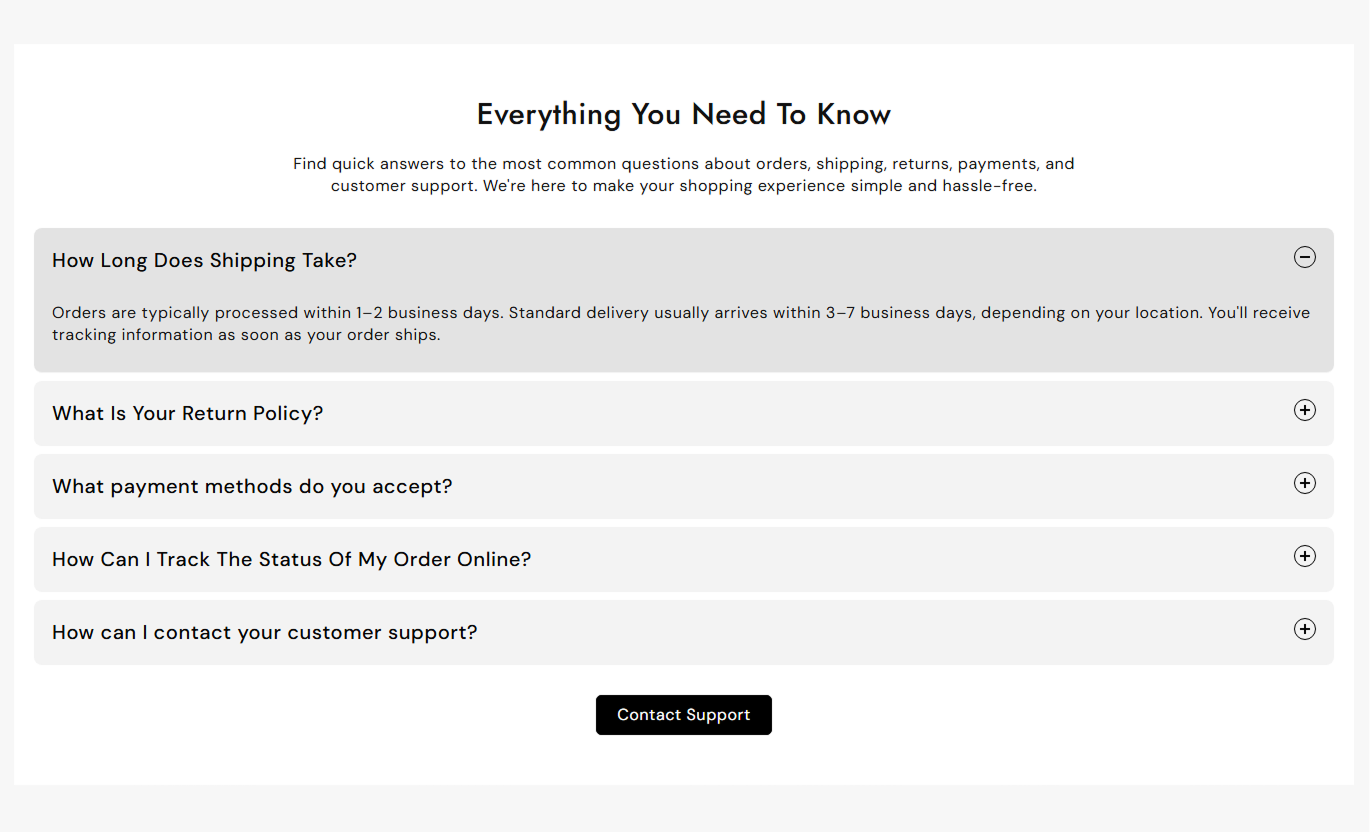
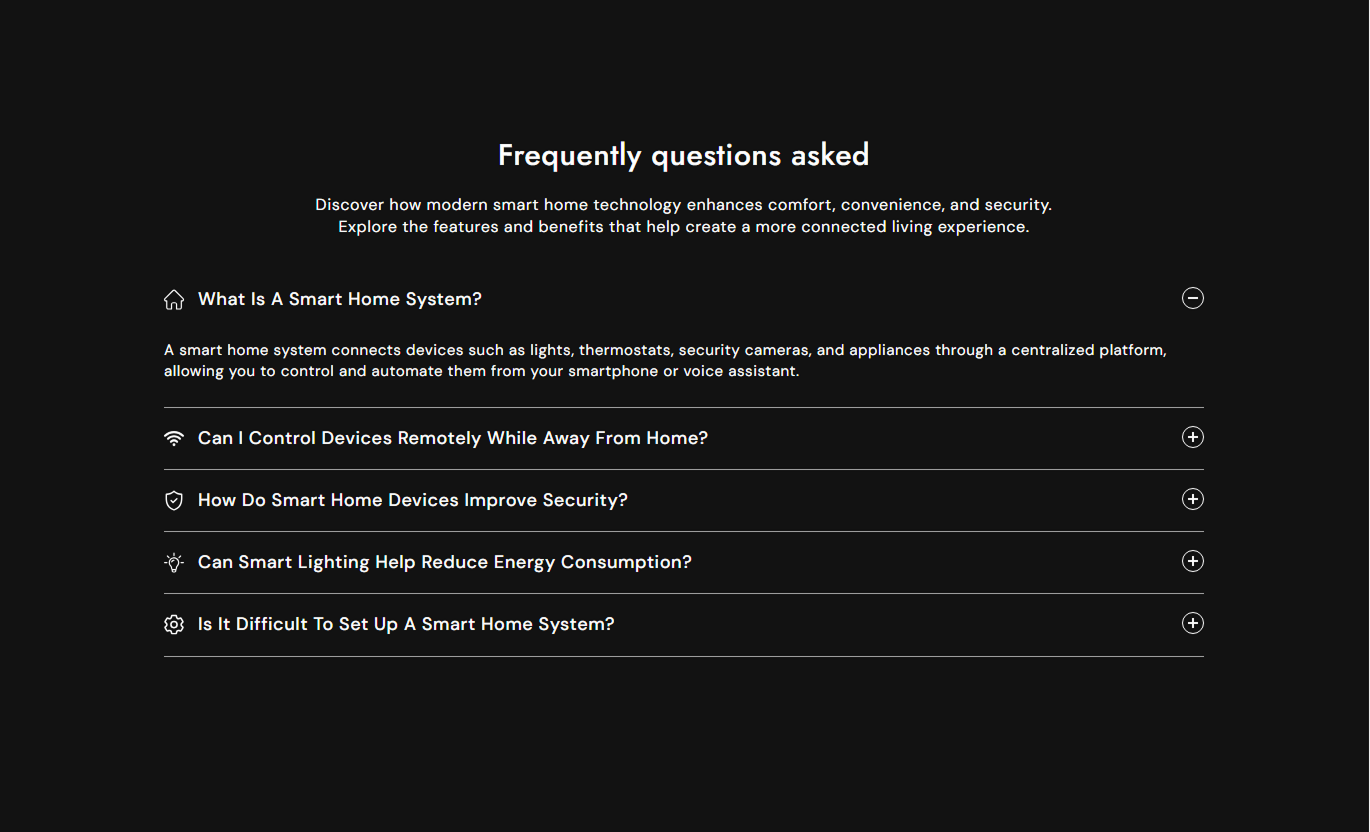


Create an organized information section with expandable rows, custom icons, responsive layouts, styling controls, and optional call-to-action buttons.

Add questions or information in collapsible rows that shoppers can open when needed.

Use the section to display frequently asked questions in a clean, easy-to-browse format.

Add an image or SVG icon to each collapsible row for a more visual presentation.

Keep the layout focused by opening one content row at a time.

Adjust row spacing, border radius, padding, borders, and active or inactive backgrounds.

Add a button below the content to direct shoppers to another page or resource.

Keep your collapsible content easy to read and use across desktop and mobile devices.

Customize the section directly from the Shopify theme editor without editing code.
Control the section heading, collapsible rows, icons, buttons, typography, colors, spacing, and layout from the Shopify theme editor.

Applies to the whole section
Main heading displayed above the collapsible rows.
HeadingSupporting text displayed below the heading.
ContentChoose the alignment of the section content.
Text AlignmentChoose whether the first row opens automatically.
Open First RowSet the spacing between collapsible content rows.
Row SpacingSet the corner radius of each content row.
Border RadiusAdd horizontal padding inside each content row.
Inline PaddingSet the text shown on the section button.
Button LabelChoose the link for the section call-to-action button.
Button LinkCustomize the section background color.
Background Color
Applies to each collapsible row
Set the question or title shown to customers.
HeadingAdd the answer displayed when the row expands.
ContentChoose an image or SVG for the row icon.
Icon TypeUpload an icon image for the collapsible row.
IconAdd custom SVG code for the row icon.
SVG IconUse Collapsible Content wherever shoppers need quick access to FAQs, policies, product information, or other details without creating a long page.
Add important FAQs or store information to help shoppers get quick answers while browsing your homepage.
Answer common questionsReduce information overloadBuild shopper confidenceKeep the homepage organizedUse expandable rows for product information, care instructions, sizing, shipping details, or other useful product content.
Organize product informationKeep product pages cleanAnswer common product questionsMake details easy to accessPlace FAQs, shipping details, buying information, or collection-specific content alongside your product listings.
Support product discoveryAnswer shopper questionsKeep collection pages organizedProvide useful buying informationCreate an organized FAQ section with expandable questions and answers that shoppers can browse without scrolling through long blocks of text.
Organize FAQs clearlyMake answers easy to findReduce page clutterImprove information browsingUse expandable rows for shipping, returns, refunds, payment, privacy, and other store policies.
Organize policies clearlyMake information easier to scanReduce long text sectionsImprove page readabilityPresent important information in compact, expandable rows that keep your Shopify store clean while making answers easy for shoppers to find.
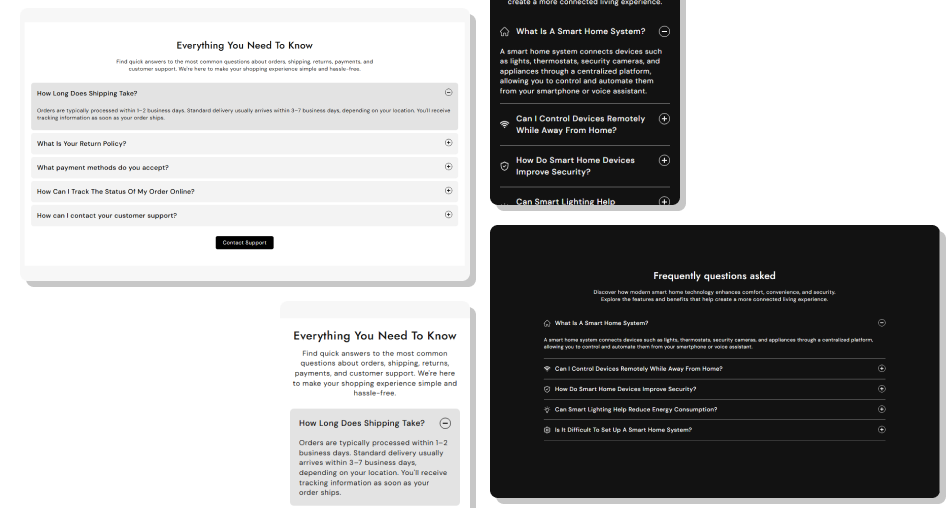
Give shoppers quick access to the information they need without filling your pages with large blocks of text.
Keep pages clean and organizedMake FAQs easier to browseHighlight important store informationReduce unnecessary scrollingSupport better product communicationCustomize rows to match your brandingCreate responsive layouts for all devices Use clear and direct questions
Keep answers short and useful
Group related information together
Use relevant icons
Keep row styling consistent
Use clear and direct questions
Keep answers short and useful
Group related information together
Use relevant icons
Keep row styling consistent  Use vague questions
Add unnecessary long answers
Mix unrelated information
Use confusing icons
Overload the section with content
Use vague questions
Add unnecessary long answers
Mix unrelated information
Use confusing icons
Overload the section with content Yes. The collapsible row layout is ideal for FAQs, allowing shoppers to open questions and view answers without taking up extra page space.
You can add up to 25 collapsible rows to the section.
Yes. Each row can use either an uploaded image or custom SVG code as its icon.
Yes. Enable the first collapsible row to display the first answer automatically when the section loads.
The current section behavior opens one row at a time. Opening another row closes the previously opened row.
Yes. You can adjust row spacing, border radius, padding, background colors, border colors, and text colors.
Yes. You can add a button, choose its link, select an outline style, and control its alignment.
Yes. You can change the heading, supporting content, alignment, font sizes, and colors from the theme editor.
Yes. The section includes mobile-specific styling for spacing, typography, icons, buttons, and content to keep the layout easy to use on smaller screens.
For Support or any Questions Email Us: [email protected]
Install SectionHub and add the Collapsible Content section to your theme in minutes - no coding required.
