Showcase Visual Results on Your Homepage
Highlight transformations, product improvements, renovations, or other visual results on the homepage with an interactive comparison that customers can explore.

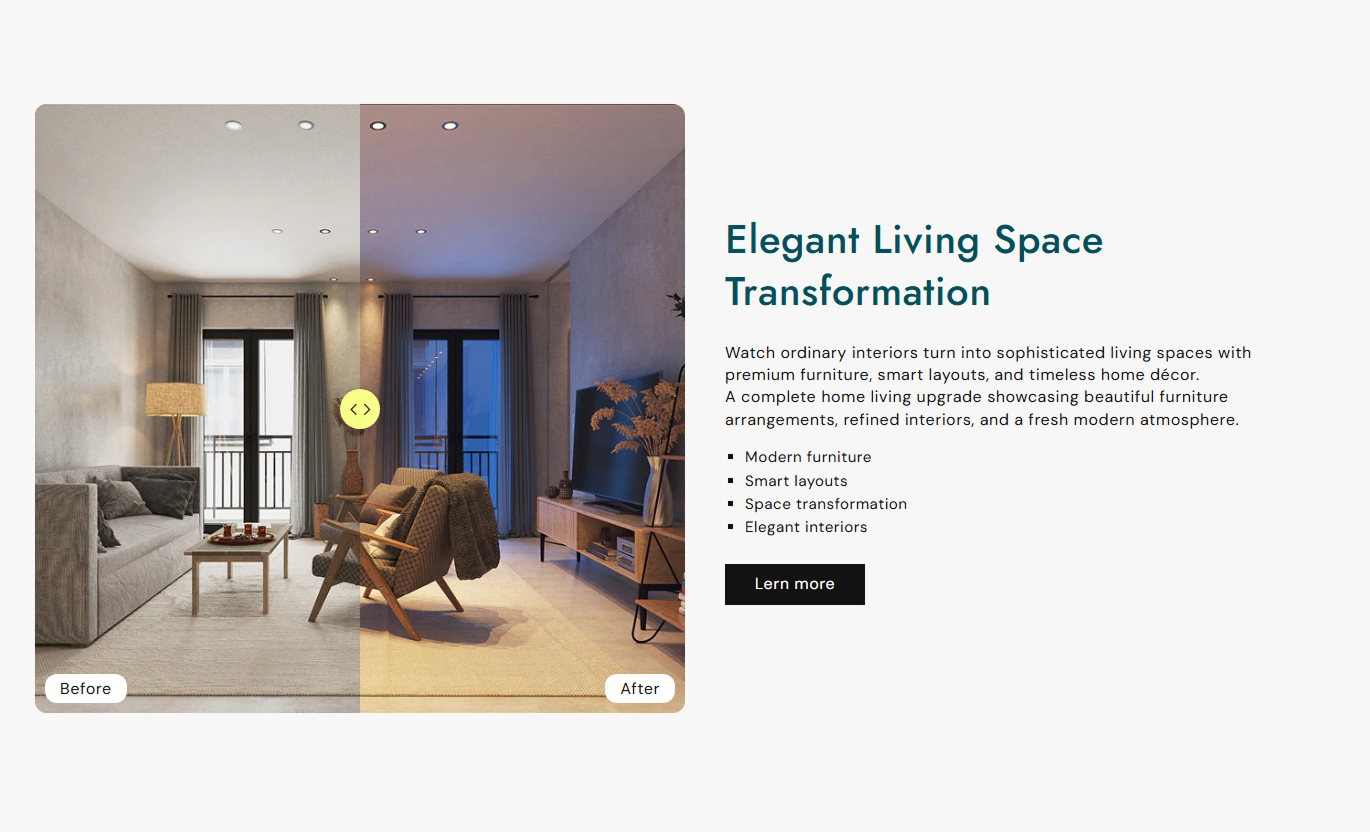
Let customers compare two images using an interactive slider that reveals before-and-after results, and support your message with content and a clear CTA.
 Interactive Image Comparison
Before & After Slider
Responsive Comparison Design
Interactive Image Comparison
Before & After Slider
Responsive Comparison Design 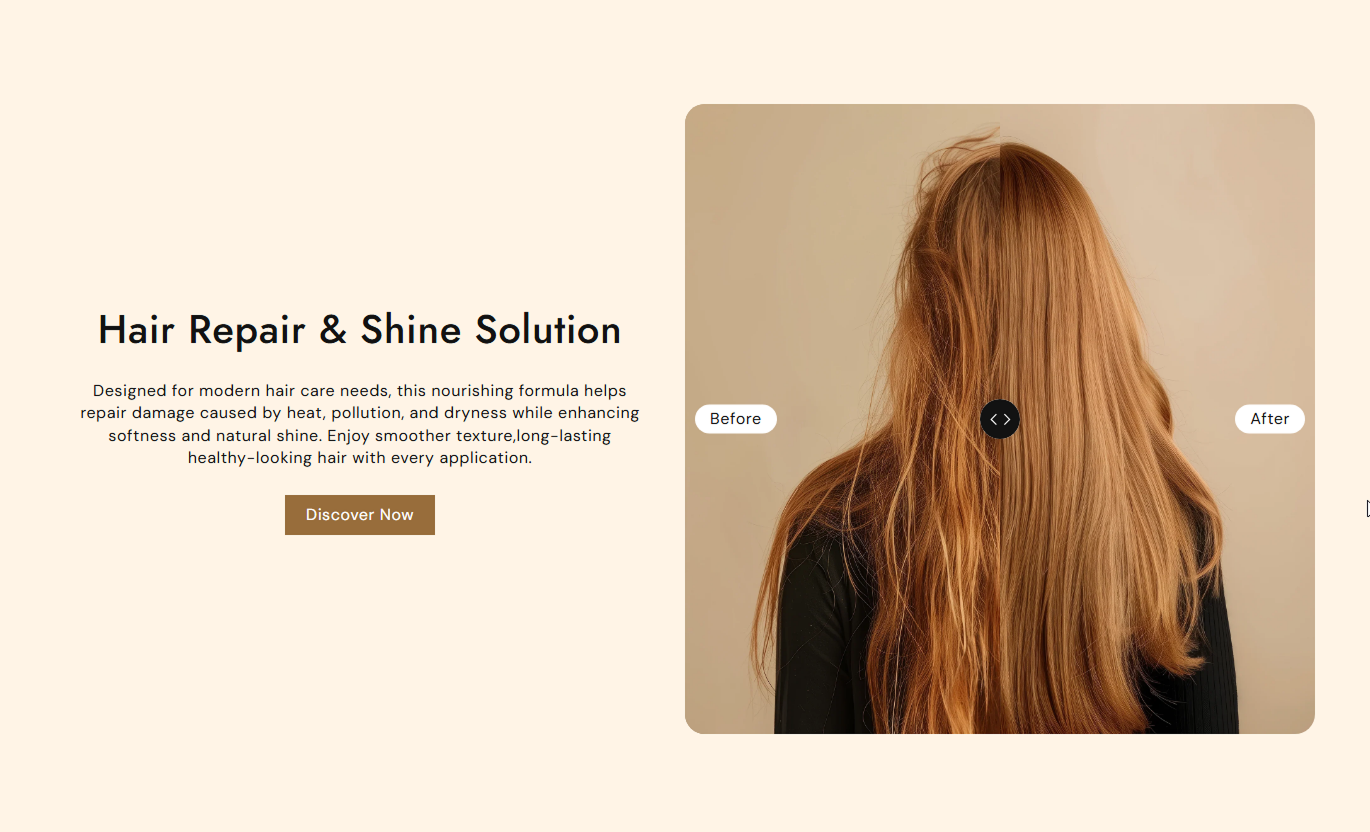


Create engaging visual comparisons with draggable sliders, customizable labels, flexible image sizing, supporting content, CTA buttons, and responsive layouts.

Let visitors drag the slider across the image to interactively compare the before-and-after versions.

Add a dedicated before image to clearly show the original state of your product, service, or visual result.

Add an after-image to showcase the final result and make visual changes easier for customers to understand.

Set the initial slider position to the center while allowing visitors to move the comparison handle freely.

Add your own before and after text labels and position them at the top, middle, or bottom of the image.

Add a heading, rich-text content, and an optional button beside the comparison image to explain the result.
Place the comparison image on the left or right side of the supporting content area.

Adapt the comparison image, content, typography, and controls for a smooth experience on smaller screens.
Control comparison images, labels, content, buttons, colors, typography, spacing, and layout from one place.

Applies to the whole section
Add the main heading displayed beside the comparison.
HeadingAdd supporting rich text for the comparison.
ContentSet horizontal alignment for the text content.
Text alignmentSet vertical alignment for the text content.
Text alignment (Vertical)Choose the comparison image height.
HeightChoose whether the image appears left or right.
PositionSet the position of the Before/After labels.
Before/After text positionSet rounded corners for the comparison image.
Border radiusSet the Before/After label font size.
Before/After textChoose the section background color.
Background colorChoose the Before/After label background color.
Background colorChoose the Before/After label text color.
Text colorChoose the comparison separator color.
Background colorChoose the separator arrow color.
Arrow colorUse the comparison section wherever visual results, transformations, improvements, or product changes need to be clearly presented with supporting information.
Highlight transformations, product improvements, renovations, or other visual results on the homepage with an interactive comparison that customers can explore.
Capture attention with interactive visualsDemonstrate visible product resultsExplain transformations more clearlyEncourage visitors to explore resultsAdd a direct CTA for further actionUse before and after comparisons around collection content to demonstrate product transformations, styling changes, finishes, or visual improvements across your range.
Highlight product transformationsSupport visual collection storytellingShow meaningful differences clearlyAdd context around collection resultsConnect visuals with shopping contentPlace an interactive comparison near the product information to demonstrate results, changes, improvements, finishes, or applications for the featured product.
Demonstrate product results visuallyMake product differences easier to understandSupport purchase decisions with visualsExplain product applications clearlyAdd useful supporting contentUse the comparison on promotional or campaign landing pages to visually demonstrate results while combining the slider with persuasive content and a focused CTA.
Create engaging campaign experiencesHighlight transformation storiesMake visual results easy to compareSupport promotional messagingDrive visitors toward a CTAGive visitors an interactive way to compare two images while combining visual results with supporting content, customizable labels, and direct calls to action.
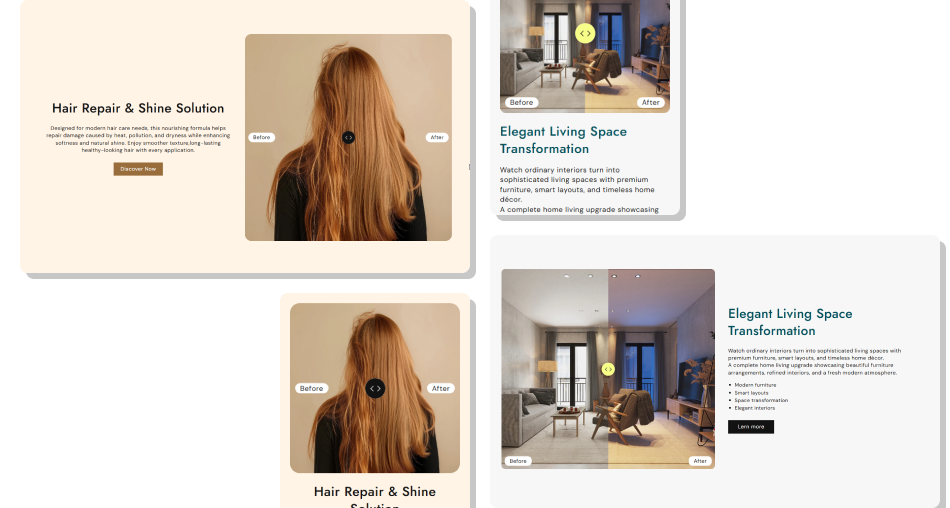
Create a focused comparison experience with draggable image controls, custom labels, flexible positioning, responsive styling, and supporting content.
Make before and after differences instantly clearShowcase transformations with interactive visualsGive customers control over image comparisonAdd context with supporting rich textHighlight results with custom labelsConnect comparisons with useful CTAsMaintain a responsive comparison experience Use matching images for accurate visual comparison.
Keep Before and After labels short and clear.
Choose high-quality images with consistent framing.
Add concise content that explains the result.
Check the comparison slider carefully on mobile.
Use matching images for accurate visual comparison.
Keep Before and After labels short and clear.
Choose high-quality images with consistent framing.
Add concise content that explains the result.
Check the comparison slider carefully on mobile.  Avoid using unrelated Before and After images.
Don't use unclear or overly long labels.
Avoid images with noticeably different framing.
Don't overload the content area with text.
Don't ignore mobile comparison usability.
Avoid using unrelated Before and After images.
Don't use unclear or overly long labels.
Avoid images with noticeably different framing.
Don't overload the content area with text.
Don't ignore mobile comparison usability. The section places two images side by side and provides a draggable slider that lets visitors reveal different portions of the Before and After images.
Yes. The Before and After image settings allow you to select separate images for each side of the comparison.
Yes. You can customize both labels using the Before text and After text settings to match your content.
You can position the labels at the top, middle, or bottom of the comparison image using the Before/After text position setting.
Yes. The Position setting lets you place the comparison image on the left or right side of the supporting content.
Yes. You can add a heading, rich text content, and an optional button to explain the comparison and guide visitors.
Yes. You can customize the separator background and arrow colors used by the draggable comparison control.
Yes. The layout adjusts the image and content areas, typography, button size, and comparison labels for smaller screens.
For Support or any Questions Email Us: [email protected]
Install SectionHub and add the Before After Image With Content section to your theme in minutes - no coding required.
