Make a Strong First Impression
Use the banner to introduce your brand, feature a collection, or highlight an important offer with a strong image and clear message.

Create a bold banner with an image, clear text, and a CTA. Use a floating or inline content box to highlight offers, collections, launches, or brand messages.
 2.0 Compatible
Floating Content Box
No Coding Needed
2.0 Compatible
Floating Content Box
No Coding Needed 
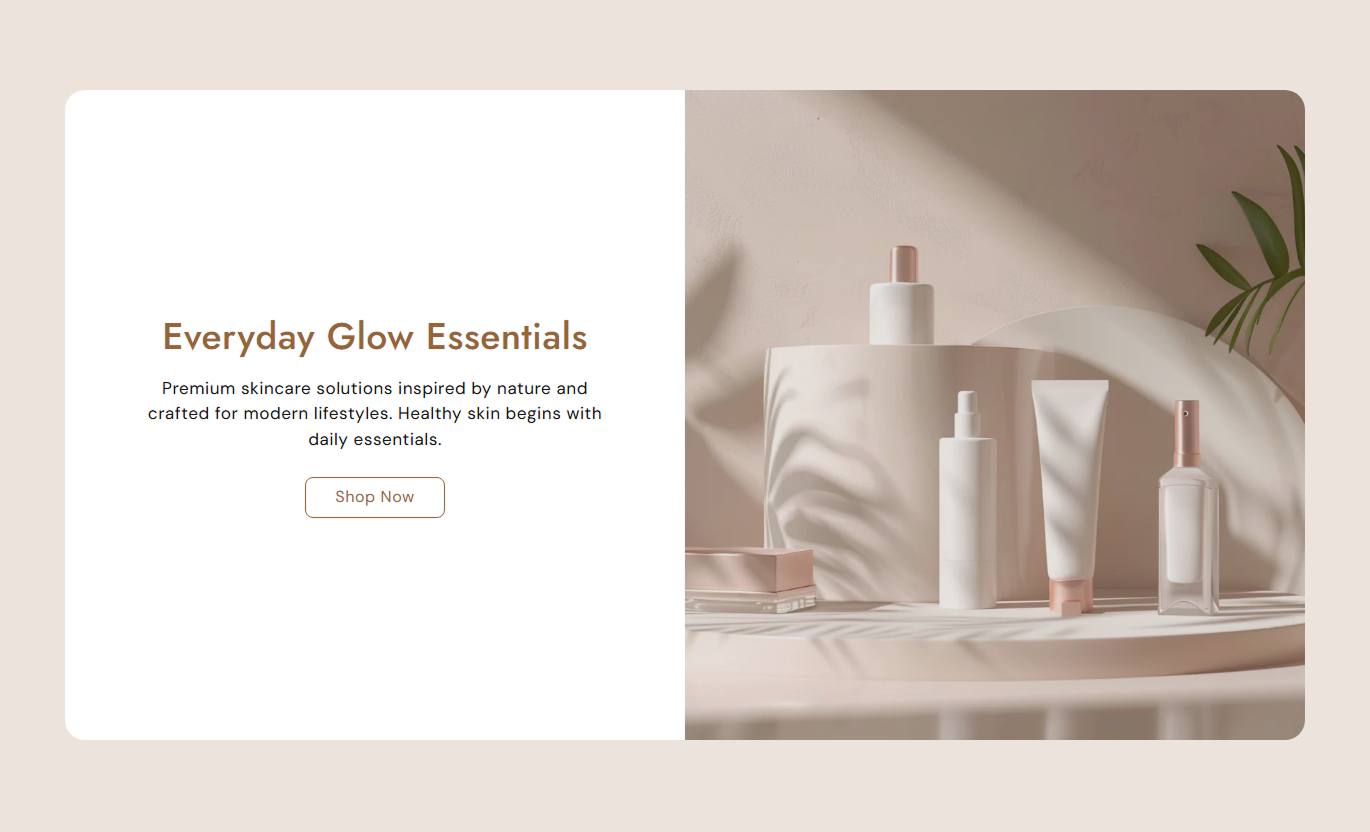


Build a clean, responsive banner with separate images, flexible content placement, overlays, custom buttons, and adjustable image heights.

Upload separate images for desktop and mobile screens.

Place your text over the image or use it as an inline content block.

Choose whether the content appears on the left or right.

Set the width of the content box to suit your layout.

Add a color overlay and adjust its opacity for better text visibility.

Add a solid or outline button with your own label and link.

Choose Small, Medium, or Large banner heights.

Adjust colors, fonts, spacing, and layout without code.
Control the banner content, images, layout, and styling directly from the theme editor.

Applies to the whole section
Main title displayed on the banner.
HeadingSupporting text shown with the main heading.
ContentText displayed on the CTA button.
LabelPage or destination opened by the button.
LinkDisplay the content box over the image.
Floating ContentChoose where the content appears.
PositionImage used on desktop screens.
DesktopImage used on mobile screens.
MobileSet the banner image height.
HeightAdd a color overlay to the banner image.
Overlay ColorControl the overlay transparency.
Overlay OpacitySet the section background color.
Background ColorSet the heading text color.
Heading ColorCustomize button background, text, and border colors.
Btn Bg / Text / Border ColorMake the banner span the full available width.
Full WidthSet the maximum width of the section.
Section Max WidthUse the Banner with Text across your store to introduce your brand, promote products, support campaigns, or add stronger visual messaging to important pages.
Use the banner to introduce your brand, feature a collection, or highlight an important offer with a strong image and clear message.
Highlight key offersIntroduce your brandFeature collectionsGuide visitors to key pagesAdd a strong image and short message at the top of a collection page to help shoppers understand what the collection offers.
Introduce the collectionSet the right contextAdd visual interestEncourage further browsingUse the banner to showcase product benefits, lifestyle imagery, brand stories, or supporting content alongside a clear message.
Highlight product benefitsAdd lifestyle imagerySupport brand storytellingGuide shoppers to the next stepUse the banner for launches, promotions, and seasonal campaigns. Combine a strong visual with a focused message and clear CTA.
Highlight campaign messagesSupport promotional contentCreate a clear visual focusAdd a direct CTACombine strong imagery with useful text and a clear CTA. Choose how the content is positioned and make the banner work across different screen sizes.

Create banners that fit your store with flexible options for images, content placement, sizing, and styling.
Make a stronger visual impactCommunicate key messages clearlyHighlight offers and collectionsAdd clear CTAsKeep the layout responsiveMatch the banner to your brand Use clear, high-quality images
Keep text short and readable
Use overlays when needed
Write clear CTA labels
Check the mobile image
Use clear, high-quality images
Keep text short and readable
Use overlays when needed
Write clear CTA labels
Check the mobile image  Use busy background images
Add long paragraphs
Use unclear button labels
Ignore mobile cropping
Add too many messages
Use busy background images
Add long paragraphs
Use unclear button labels
Ignore mobile cropping
Add too many messages Yes. Upload separate desktop and mobile images to make sure the banner looks right on different screen sizes.
Yes. Enable Floating Content to place the text over the image, or turn it off for an inline layout.
Yes. Choose the left or right position from the theme editor.
Yes. Add an overlay color and adjust its opacity to improve text readability.
Yes. Add your own label and link, then choose a solid or outline button style and customize its colors.
Yes. Choose Small, Medium, or Large height options to fit your design.
Yes. Enable Full Width or set a custom maximum section width from the theme editor.
For Support or any Questions Email Us: [email protected]
Install SectionHub and add the Banner with Text section to your theme in minutes - no coding required.
