Make Long Homepages Easier to Navigate
Add a floating button to help shoppers quickly return to the top after browsing banners, collections, products, or other homepage content.

Add a floating Back to Top button that appears while shoppers scroll. Show reading progress around the button and let visitors smoothly return to the top.
 2.0 Compatible
Scroll Progress
Mobile Friendly
2.0 Compatible
Scroll Progress
Mobile Friendly 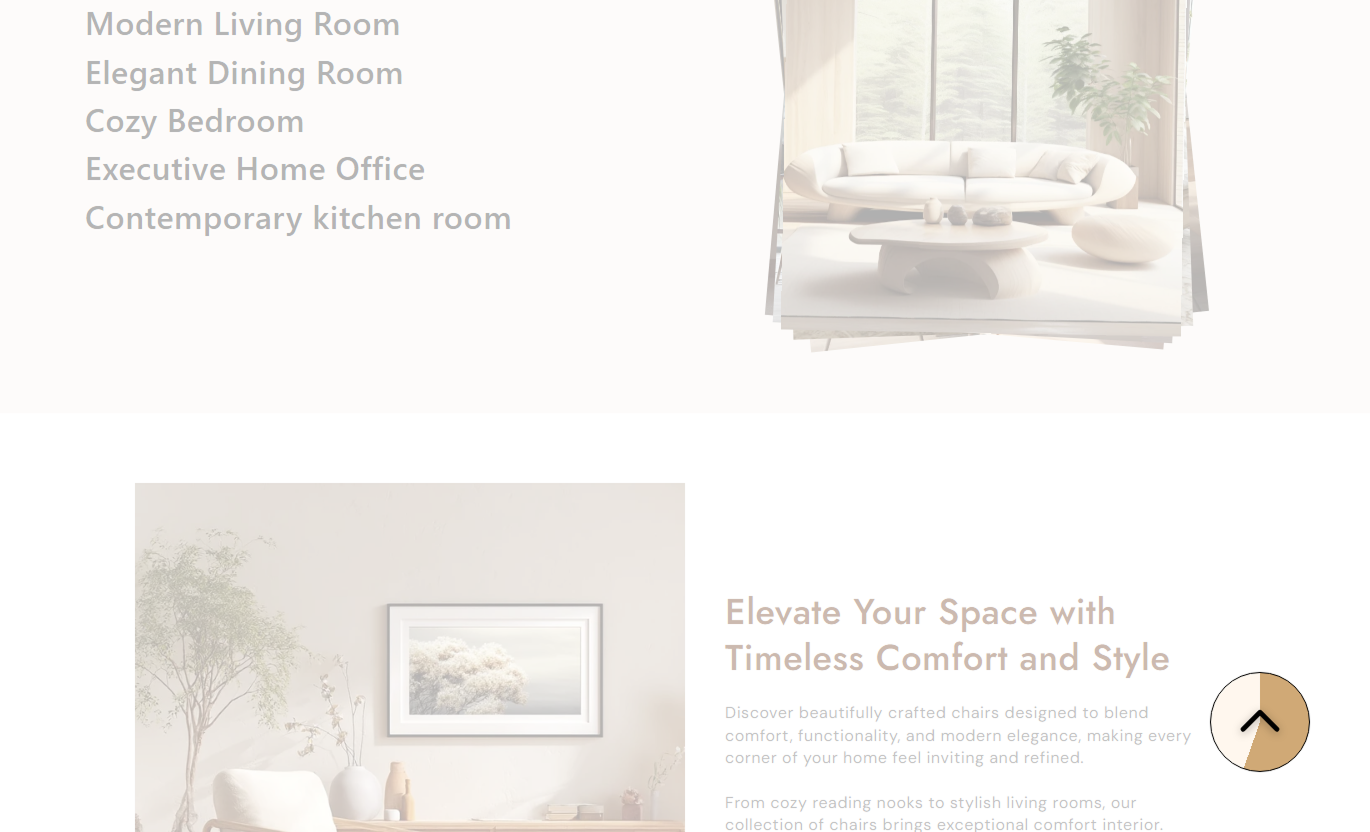


Give shoppers an easy way to return to the top with a floating button, scroll progress indicator, custom icon, responsive positioning, and flexible styling.

Show shoppers their scroll position with a progress ring around the button.

The button appears after shoppers scroll more than 100px down the page.

Clicking the button smoothly takes shoppers back to the top of the page.

Upload your own icon or use the built-in upward arrow icon.

The button uses a compact 44px layout on mobile for a clean experience.

Control the button's bottom and right spacing separately for desktop and mobile.

Adjust the background, progress, border, and default icon colors.

Set the border radius from square to fully circular to match your store style.
Customize the icon, size, position, colors, border radius, and responsive placement of your Back to Top button.

Applies to the whole section
Upload a custom icon for the Back to Top button.
IconAdjust the desktop icon size from 10px to 50px.
Icon SizeSet the button corner shape from 0% to 50%.
Border RadiusControl the button's distance from the bottom on the desktop.
Desktop BottomControl the button's distance from the right on the desktop.
Desktop RightSet the bottom spacing for the mobile button.
Mobile BottomSet the right spacing for the mobile button.
Mobile RightChoose the button's background color.
Background ColorSet the color used for the scroll progress ring.
Progress ColorCustomize the button border color.
Border ColorSet the color of the default arrow icon.
Default Icon ColorUse Back to Top on pages where shoppers may scroll through long content and need a quick way to return to the top.
Add a floating button to help shoppers quickly return to the top after browsing banners, collections, products, or other homepage content.
Make long pages easier to browseProvide quick top navigationShow scroll progressReduce unnecessary scrollingUse the button on collection pages with many products so shoppers can quickly return to the top after exploring the product grid.
Improve long-page navigationMake product browsing more convenientProvide quick access to the topKeep scrolling interactions simpleAdd Back to Top to product pages with detailed descriptions, reviews, information, or other long-form content.
Support long product pagesMake returning to the top easierAdd convenient floating navigationKeep the shopping experience smoothUse the floating button on long landing pages to give visitors a simple way to return to the top after moving through multiple content sections.
Improve long-page usabilityAdd quick navigationShow scroll progress visuallyKeep visitors moving through contentGive shoppers a clear, floating way to return to the top without having to scroll through the entire page.
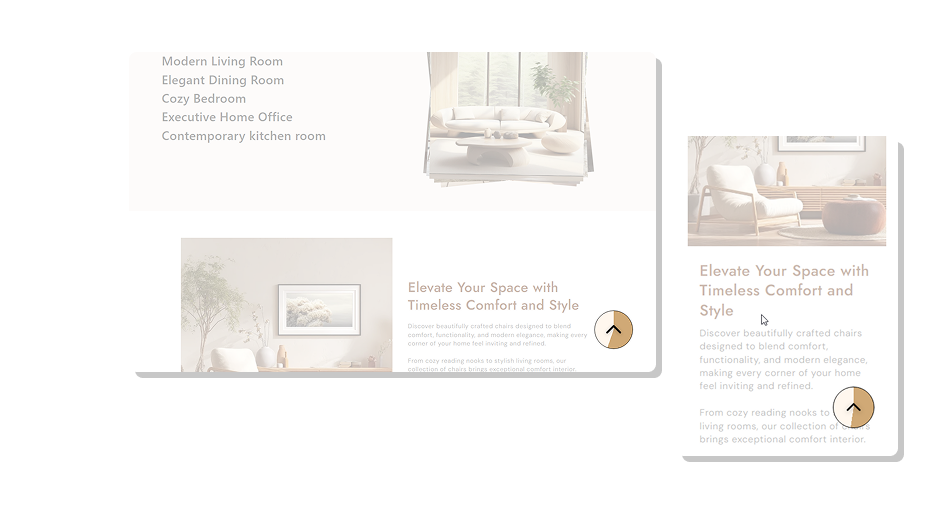
The button combines smooth top navigation with a visual scroll progress ring and flexible styling for your Shopify theme.
Appears automatically after scrollingShows current scroll progressSmoothly returns shoppers to the topSupports custom button iconsOffers separate desktop and mobile positioningWorks with responsive button sizingLets you match your store's colorsFits different designs with adjustable border radius Use an icon that clearly represents moving upward.
Place the button where it stays easy to notice.
Choose a progress color that contrasts with the background.
Keep the button size comfortable for mobile shoppers.
Match the button colors with your store design.
Use an icon that clearly represents moving upward.
Place the button where it stays easy to notice.
Choose a progress color that contrasts with the background.
Keep the button size comfortable for mobile shoppers.
Match the button colors with your store design.  Use an icon that could confuse shoppers.
Place the button too close to the screen edge.
Choose progress and background colors with low contrast.
Make the desktop icon unnecessarily large.
Use styling that clashes with your store's visual design.
Use an icon that could confuse shoppers.
Place the button too close to the screen edge.
Choose progress and background colors with low contrast.
Make the desktop icon unnecessarily large.
Use styling that clashes with your store's visual design. Yes. You can upload a custom image through the Icon setting. If no custom icon is added, the section uses its built-in upward arrow.
The button becomes visible after the shopper scrolls more than 100px down the page.
Yes. A circular progress indicator fills around the button as the shopper scrolls.
Yes. Clicking the button smoothly scrolls the page back to the top.
Yes. The desktop Icon Size setting lets you choose a size from 10px to 50px.
Yes. You can separately control the bottom and right spacing for mobile.
Yes. You can customize the background, progress, border, and default icon colors.
Yes. The Border Radius setting supports values from 0% to 50%, allowing you to create different button shapes, including a circular design.
Yes. The section has separate mobile positioning and uses a 44px button area with a 24px arrow.
For Support or any Questions Email Us: [email protected]
Install SectionHub and add the Back to Top section to your theme in minutes - no coding required.
