Highlight Important Store Messages Immediately
Place the announcement bar near the top of your homepage to communicate shipping offers, promotions, store updates, or other important messages.

Keep important store messages visible with a scrolling announcement bar for shipping offers, promotions, updates, and other timely information.
 Shopify Theme Ready
Customizable Store Bar
Scrolling Store Messages
Shopify Theme Ready
Customizable Store Bar
Scrolling Store Messages 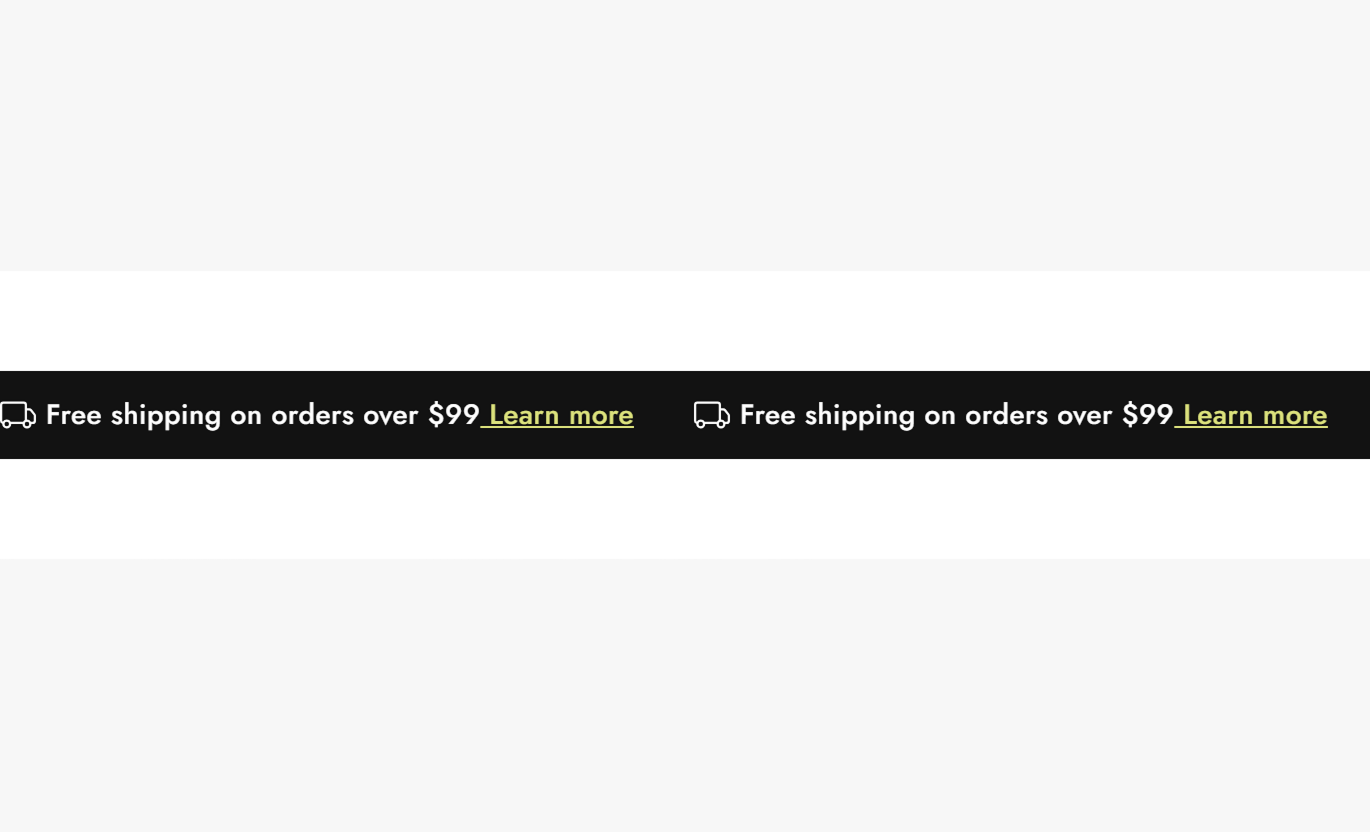
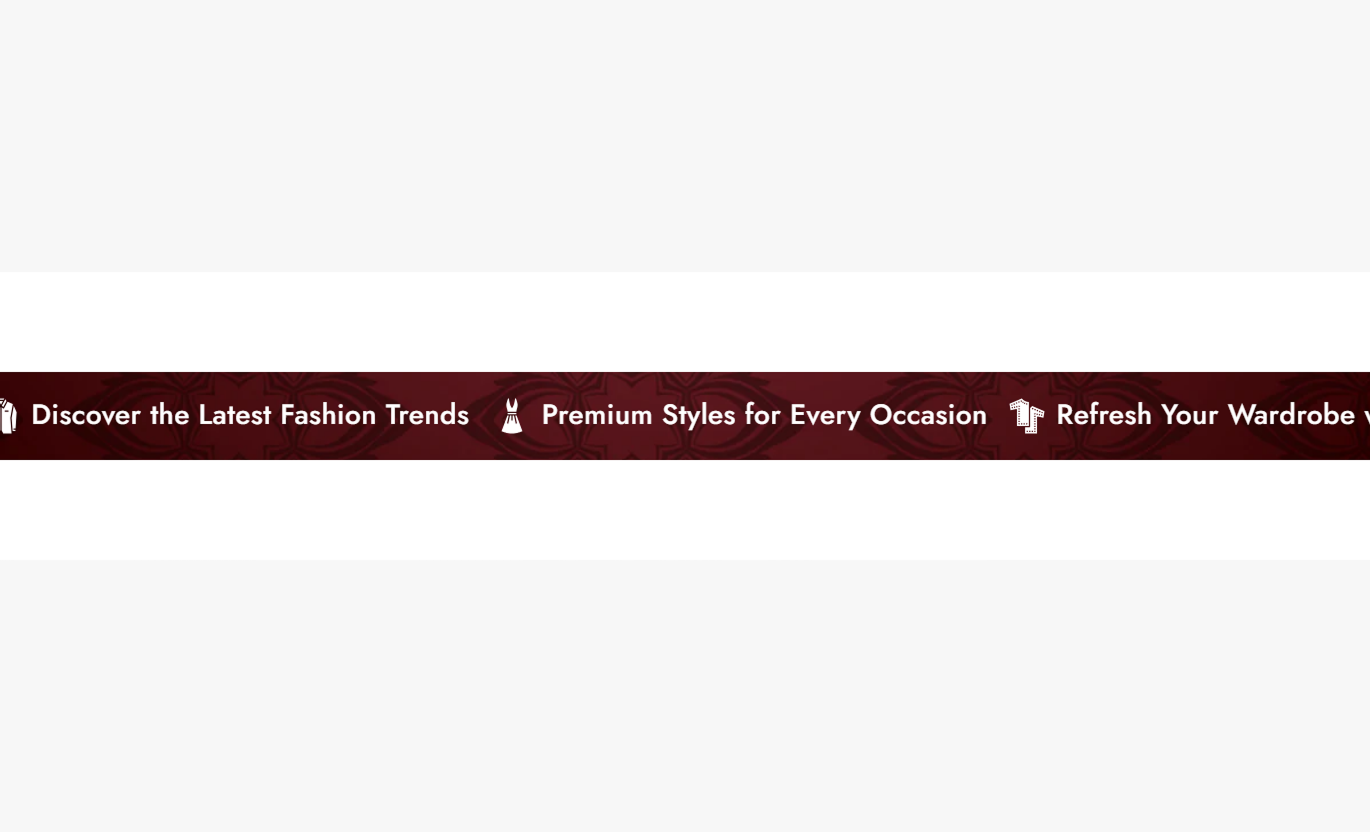
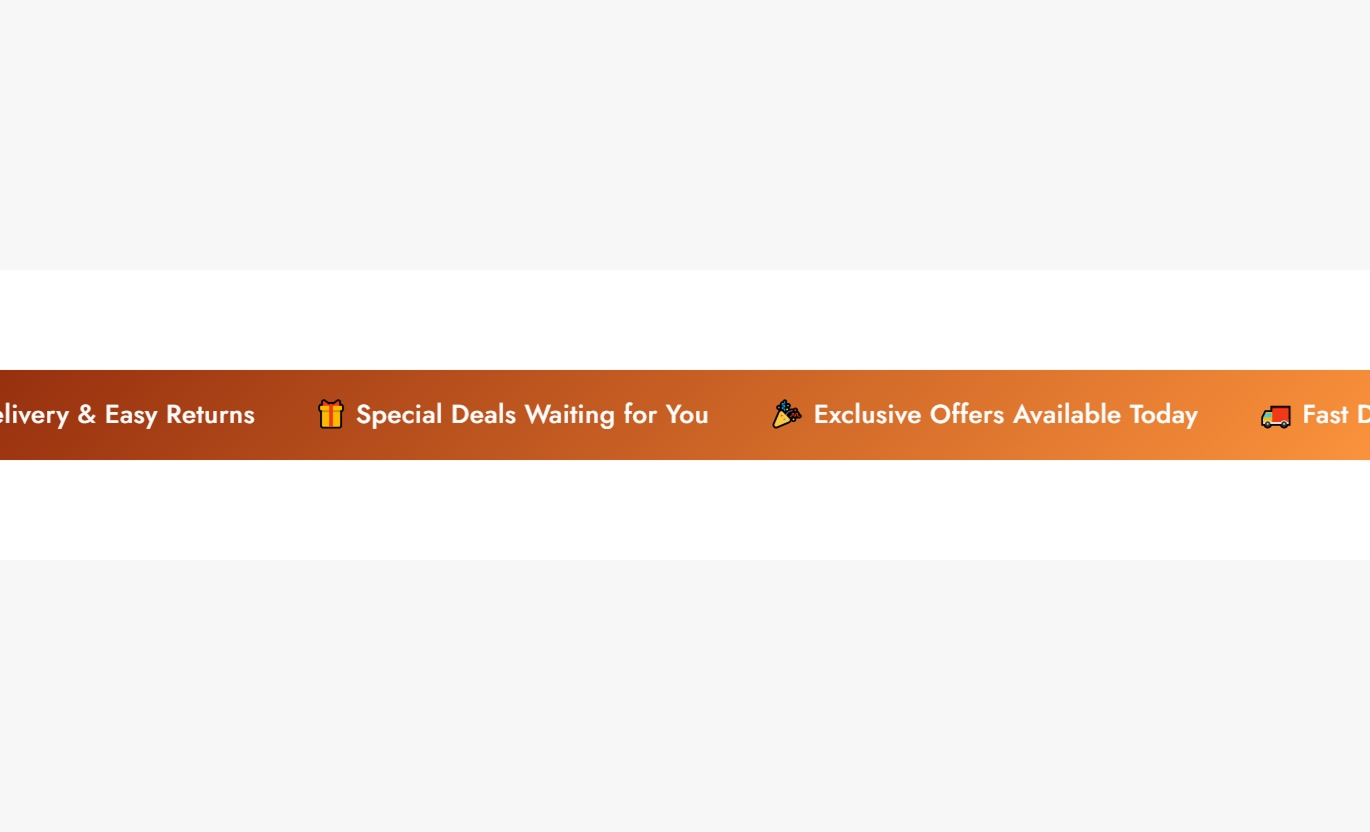
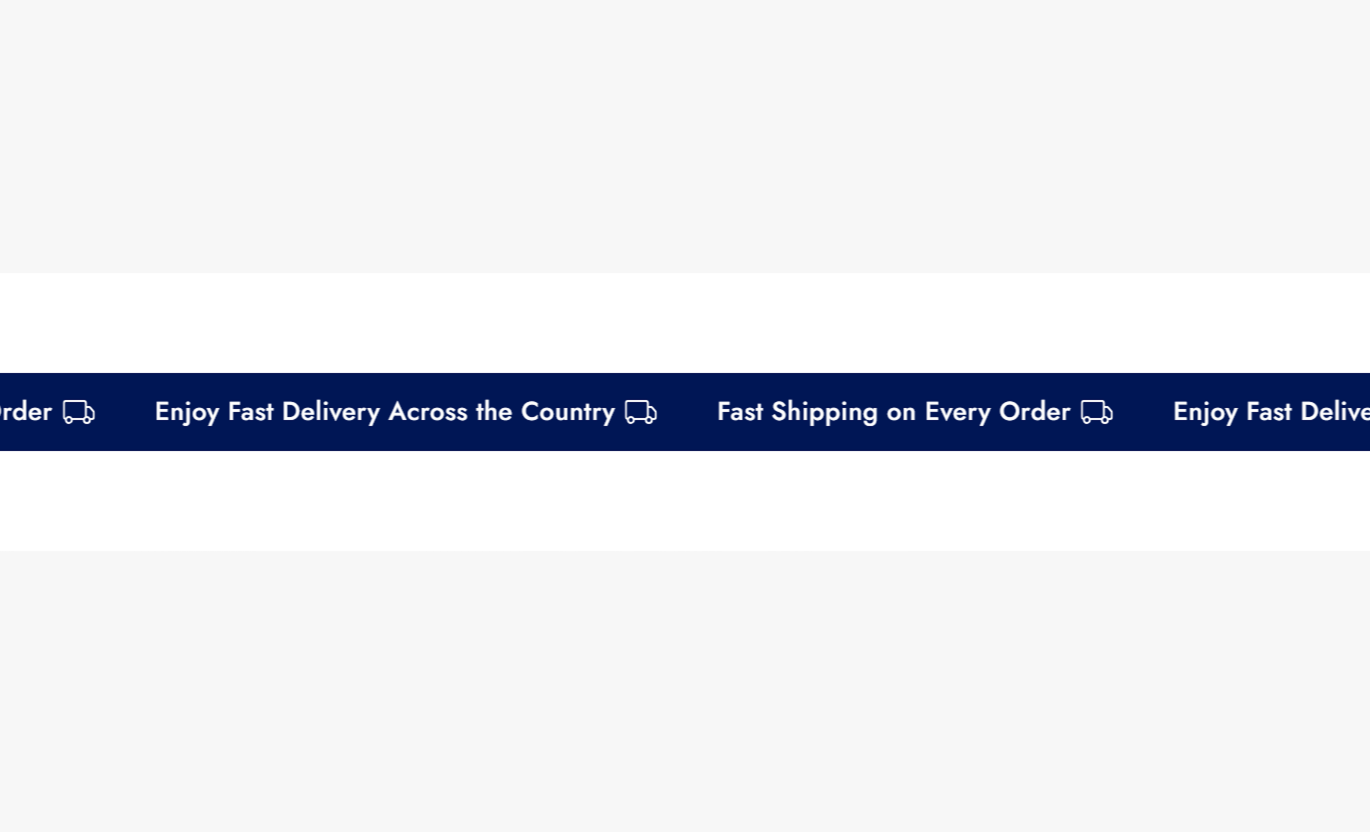


Display multiple announcements in a continuous scrolling bar with controls for speed, direction, icons, colors, spacing, text size, and responsive layouts.

Add several announcement messages and display them together on a single scrolling bar.

Keep announcements continuously moving across the store without requiring manual intervention.

Choose from multiple animation speeds to control how quickly announcements move.

Set the announcement movement to travel from left to right or right to left.

Allow shoppers to pause the scrolling announcements by hovering over the bar.

Add an image to individual announcements for extra visual context beside the message.

Show a default icon automatically when an announcement lacks an image.

Place announcement images or icons before or after the announcement text.
Control scrolling, icons, typography, colors, spacing, and responsive padding from the Shopify theme editor.

Applies to the whole section
Add a background image for the announcement bar.
Background ImageChoose how quickly the announcements scroll.
SpeedChoose the direction of the scrolling animation.
Animation DirectionPause the scrolling animation when hovering over the bar.
Pause on HoverShow a default icon when no image is added.
Show Default IconChoose whether the image or icon appears left or right.
PositionSet the display size of the image or icon.
SizeSet the spacing between the icon and announcement text.
Space Between Icon and TextSet the spacing between separate announcements.
Space Between Two TextSet the announcement text size for the desktop.
Desktop Font SizeSet the announcement text size for mobile.
Mobile Font SizeChoose between a normal or gradient background.
Background Color TypeSet the background color for the announcement bar.
Background ColorSet the gradient background for the announcement bar.
Background GradientSet the main announcement text color.
Text ColorSet the color for links within announcements.
Link Text ColorSet the top and bottom padding for the desktop.
Desktop PaddingSet the top and bottom padding for mobile.
Mobile Padding
Applies to each announcement block
Add an optional image for the announcement.
ImageEnter the announcement message displayed to shoppers.
TextUse the scrolling announcement bar wherever shoppers need quick access to important store messages, offers, shipping information, or timely updates.
Place the announcement bar near the top of your homepage to communicate shipping offers, promotions, store updates, or other important messages.
Promote free shipping offersHighlight current store promotionsShare important store updatesIntroduce limited-time messagesKeep key information highly visibleAdd the announcement bar above product collections to keep shoppers informed about shipping offers, promotions, and other information as they browse.
Promote collection-specific offersHighlight shipping informationShare current promotional messagesSupport ongoing store campaignsKeep shoppers informed while browsingUse the announcement bar around product pages to communicate shipping offers, promotions, or storewide messages while customers consider a purchase.
Highlight shipping benefitsReinforce active promotionsShare storewide announcementsSupport purchase-focused messagingKeep important information easy to findUse a scrolling announcement bar on campaign pages to communicate promotional messages, shipping information, or timely updates without taking over the main content.
Support promotional campaignsHighlight limited-time messagesCommunicate campaign updatesKeep supporting information visibleAdd motion to campaign layoutsA scrolling announcement bar gives merchants a simple way to keep storewide messages visible while controlling how the bar looks and behaves across devices.
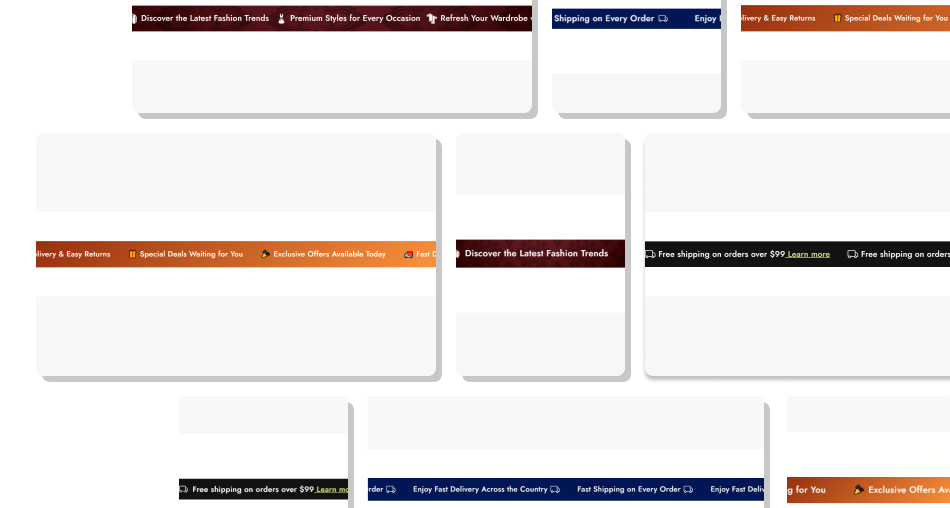
Display important messages continuously without dedicating a large part of the page to announcement content.
Keep important store messages visiblePromote offers without adding large page sectionsShare multiple messages in one compact areaMatch announcement styling to your storefrontAdjust the experience for desktop and mobile Use short messages that shoppers can understand quickly
Prioritize shipping, promotion, and storewide information
Add relevant images when they improve the message
Choose a scrolling speed that keeps text readable
Check text size and spacing on mobile devices
Use short messages that shoppers can understand quickly
Prioritize shipping, promotion, and storewide information
Add relevant images when they improve the message
Choose a scrolling speed that keeps text readable
Check text size and spacing on mobile devices  Add long messages that take too long to read
Fill the bar with unrelated promotional content
Use decorative images that distract from the message
Set scrolling speed so fast that text is difficult to follow
Ignore mobile spacing and text readability
Add long messages that take too long to read
Fill the bar with unrelated promotional content
Use decorative images that distract from the message
Set scrolling speed so fast that text is difficult to follow
Ignore mobile spacing and text readability Yes. Add multiple announcement blocks, each with its own text and optional image. The announcements are displayed together in the scrolling bar.
Yes. The section provides several speed options, ranging from very fast movement to a much slower crawl.
Yes. You can choose whether the announcements move left or right using the Animation Direction setting.
Yes. Enable Pause on Hover to stop the scrolling animation while a shopper hovers over the announcement bar.
Yes. Each announcement block can include its own image. You can also choose the image position relative to the announcement text.
Yes. When an announcement has no image, you can enable the default icon so an icon is shown automatically.
Yes. You can control the background, text, link color, image size, announcement spacing, text spacing, and section padding from the theme editor.
For Support or any Questions Email Us: [email protected]
Install SectionHub and add the Announcement Bar Showcase section to your theme in minutes - no coding required.
