Highlight Important Store Messages
Place the announcement bar near the top of the homepage to communicate shipping offers, promotions, important updates, or store information before visitors begin browsing.

Add a compact announcement bar for shipping offers, promotions, store updates, or important messages with icons, links, custom backgrounds, and responsive spacing.
 Shipping Messages
Custom Icon Support
Responsive Layout
Shipping Messages
Custom Icon Support
Responsive Layout 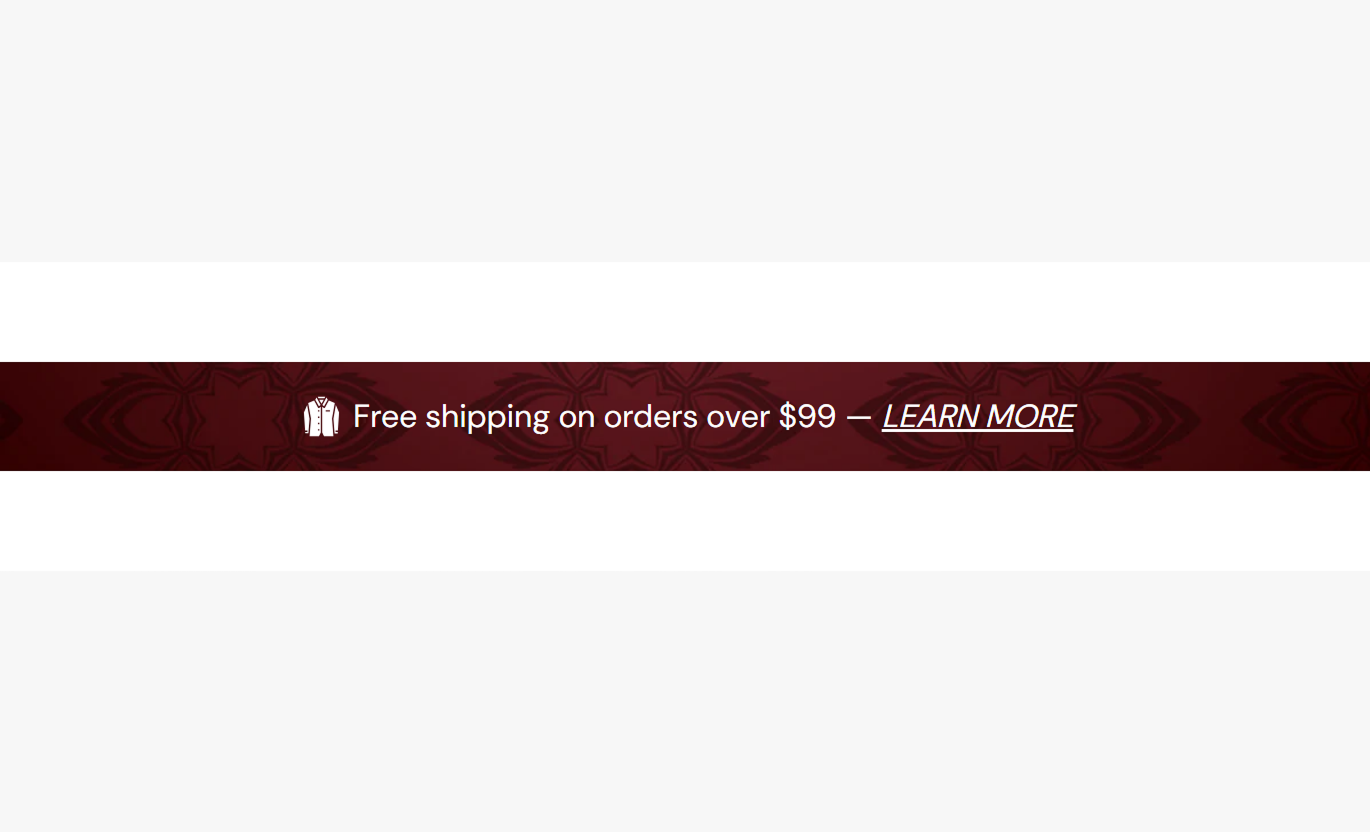
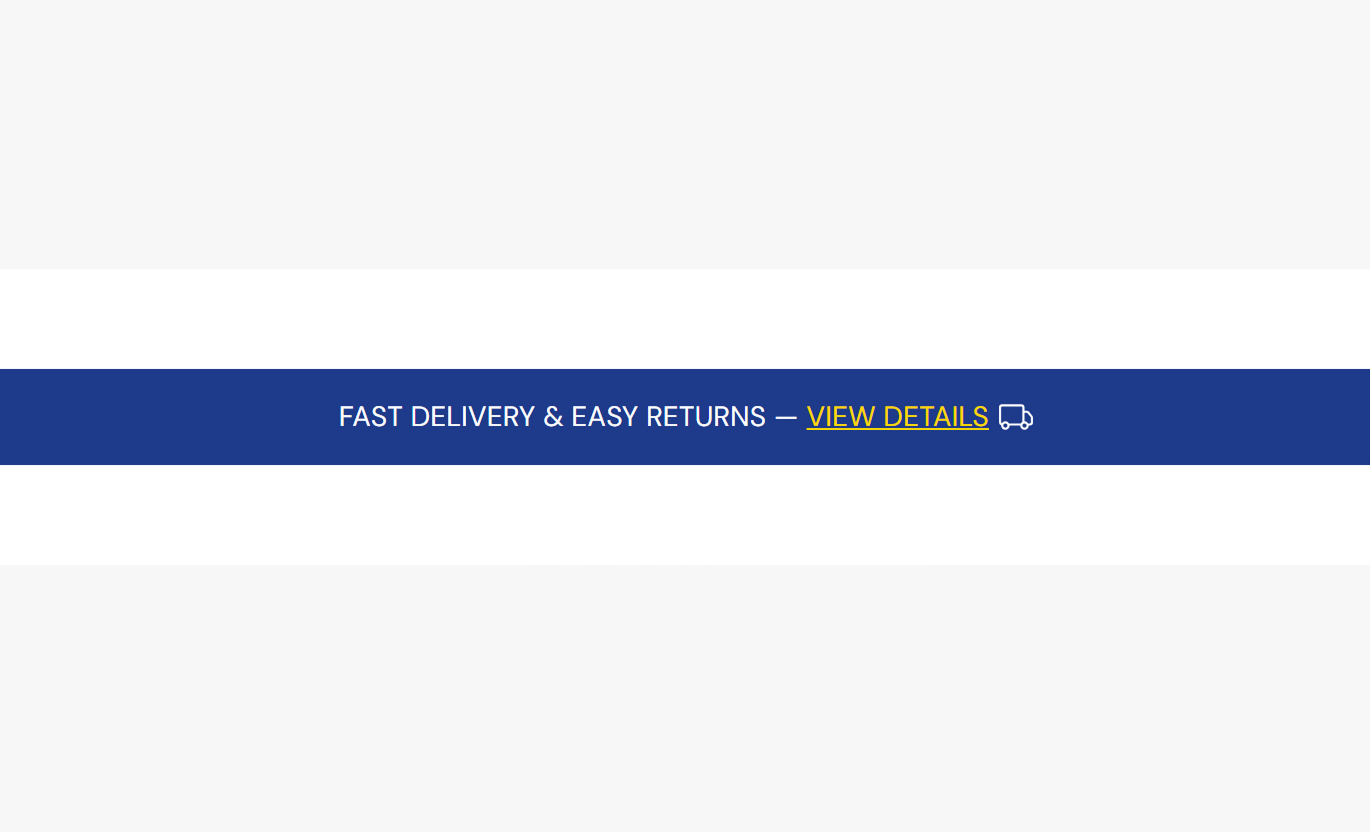
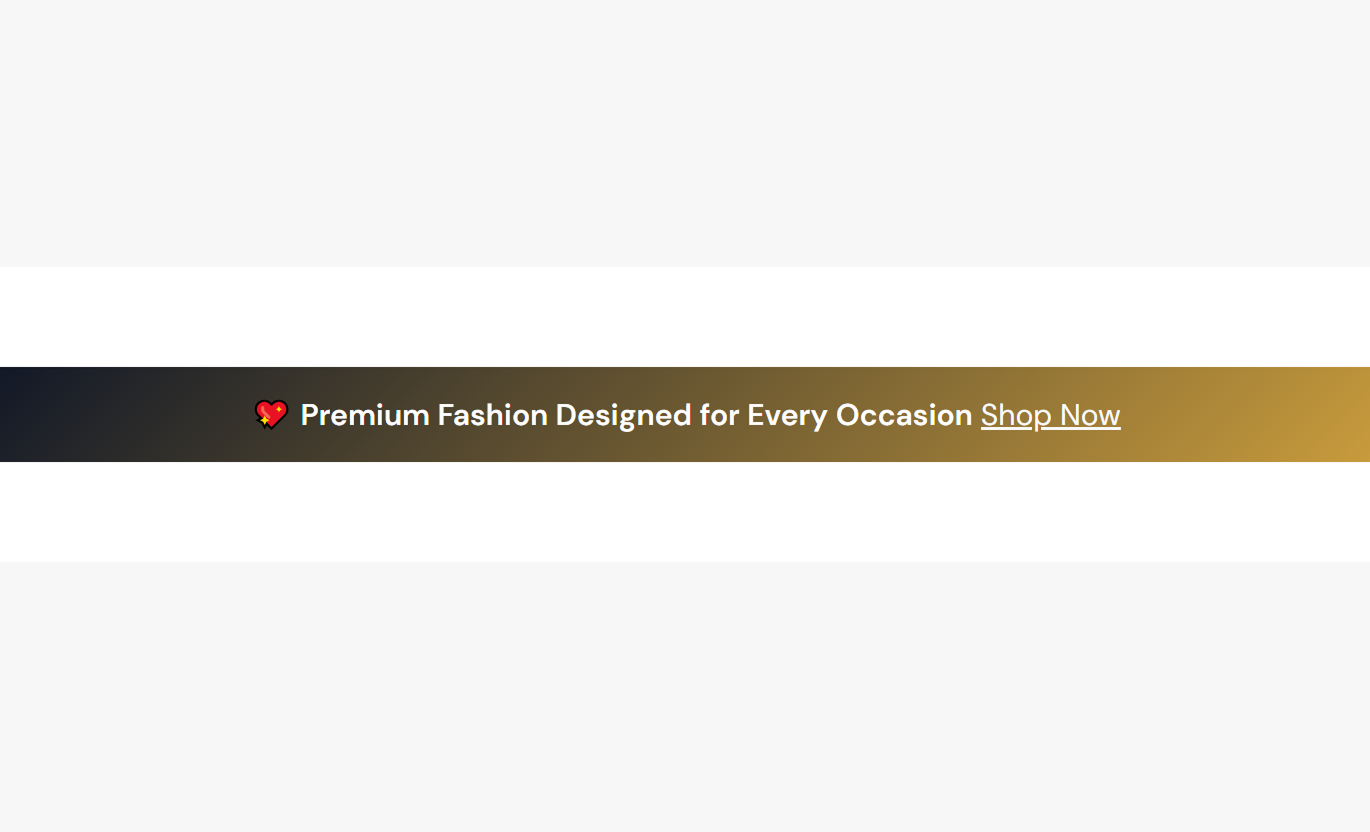


Use a simple announcement bar to highlight important store messages with optional icons, clickable links, custom backgrounds, responsive typography, and flexible width controls.

Add your own announcement message using inline rich text, including formatting and clickable links for additional information.

Upload a custom image beside the announcement text to add a branded visual element to the announcement bar.

Display the built-in truck icon automatically when no custom icon is selected, and the default icon option is enabled.

Choose whether the announcement icon appears before or after the message using the flexible icon position setting.

Add links directly inside the announcement text and customize their color to make important information easier to access.

Use an uploaded background image behind the announcement bar with a cover layout and centered positioning.

Choose between a standard solid background color and a custom gradient when no background image is used.

Set separate mobile text sizing and top and bottom padding so the announcement remains comfortable and readable on smaller screens.
Control the announcement message, icon, background, colors, typography, spacing, section width, and responsive settings for desktop and mobile.

Applies to the whole section
Upload an image to use as the announcement bar background.
Background ImageEnter the announcement message using inline rich text and add clickable links when needed.
Announcement TextUpload a custom image to display beside the announcement message.
Custom IconDisplay the built-in truck icon when no custom icon image has been selected.
Show Default IconPlace the icon on either the left or right side of the announcement text.
Icon PositionControl the desktop icon or custom image size from 5px to 30px.
Icon SizeAdjust the gap between the announcement icon and the message from 5px to 30px.
Icon Text SpacingSet the announcement text size for desktop screens from 6px to 30px.
Desktop Text SizeSet a separate announcement text size for mobile screens from 6px to 30px.
Mobile Text SizeChoose between a solid background color and a gradient background.
Background TypeSet the solid background color when the standard background option is selected.
Background ColorSet a custom gradient when the gradient background option is selected.
Gradient BackgroundChoose the color used for the announcement message.
Text ColorChoose the color used for links inside the announcement text.
Link ColorSet separate top and bottom padding values for desktop screens.
Desktop PaddingSet separate top and bottom padding values for mobile screens.
Mobile PaddingAllow the announcement content container to use the full available page width.
Full WidthSet a maximum content width when Full Width is disabled.
Maximum WidthUse the announcement bar across key Shopify pages to communicate shipping information, promotions, store updates, campaign messages, and other short, important notices.
Place the announcement bar near the top of the homepage to communicate shipping offers, promotions, important updates, or store information before visitors begin browsing.
Share important offers where shoppers can notice them quicklyHighlight shipping and delivery information clearlyAdd a branded icon beside the announcement messageUse clickable links for additional store informationKeep important messaging compact and easy to scanUse the announcement bar on collection pages to remind shoppers about current offers, shipping information, or useful store messages while they browse products.
Keep promotions visible during collection browsingCommunicate shipping information without adding large content blocksLink shoppers to supporting information when neededMatch the announcement styling with the collection pageMaintain a compact and distraction-free layoutUse the announcement bar to display short shipping, promotional, or store-wide messages while customers explore individual product pages.
Reinforce important shipping and delivery informationHighlight store-wide promotions near product contentKeep important messages visible without crowding product detailsAdd links to supporting store informationUse custom colors to maintain visual consistencyUse the announcement bar to convey a concise campaign message, promotional offer, or supporting detail without taking up significant space on the main landing page.
Add a concise message above or around campaign contentSupport promotional landing pages with important informationUse custom backgrounds to match campaign stylingAdd relevant links for additional campaign detailsAdjust spacing to fit the surrounding page designGive shoppers quick access to important store messages while maintaining control over icons, links, backgrounds, typography, spacing, and responsive presentation.
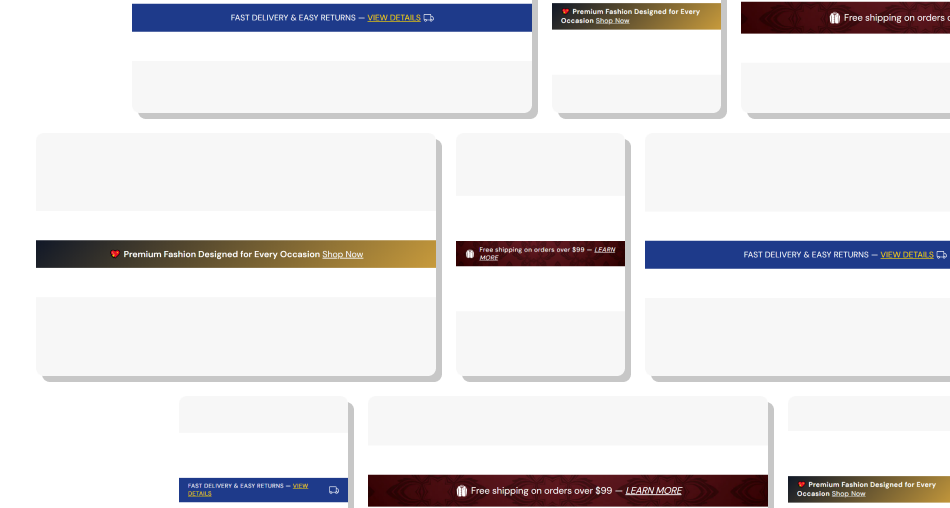
Create a focused announcement bar with optional icons, clickable links, custom backgrounds, responsive typography, and adjustable width controls.
Promote Shipping InformationHighlight Store PromotionsAdd Branded Visual DetailsSupport Clickable InformationControl Desktop and Mobile LayoutsChoose Flexible Background StylesControl Content Width Keep the announcement message short and easy to understand
Use an icon when it adds useful visual context
Add a clear link when shoppers need more information
Set mobile text size and padding for comfortable viewing
Choose background and text colors with strong contrast
Keep the announcement message short and easy to understand
Use an icon when it adds useful visual context
Add a clear link when shoppers need more information
Set mobile text size and padding for comfortable viewing
Choose background and text colors with strong contrast  Don't use long messages that are difficult to scan quickly
Don't use icons that have little connection to the message
Don't add unnecessary links when no extra information is needed
Don't use oversized text or excessive padding that wastes space
Don't use background images that reduce text readability
Don't use long messages that are difficult to scan quickly
Don't use icons that have little connection to the message
Don't add unnecessary links when no extra information is needed
Don't use oversized text or excessive padding that wastes space
Don't use background images that reduce text readability You can use it for short store messages such as shipping offers, promotions, important updates, delivery information, or other notices you want shoppers to see.
Yes. You can upload a custom image using the Custom Icon setting. If no custom image is selected, the built-in truck icon can be displayed when the default icon option is enabled.
Yes. The Icon Position setting lets you place the icon on either the left or right side of the announcement message.
Yes. The Announcement Text setting supports inline rich text, allowing you to add links directly inside the message. You can also customize the link color.
Yes. Upload a Background Image to use as a visual background behind the announcement bar. The image uses a cover layout with centered positioning.
Yes. You can choose the Gradient background type and customize the gradient when no background image is used.
Yes. You can set a separate mobile text size and mobile top and bottom padding to improve readability and spacing on smaller screens.
No. Announcement Bar Promo uses a single announcement message and does not include repeatable Shopify blocks. All content and styling are controlled through the section settings.
For Support or any Questions Email Us: [email protected]
Install SectionHub and add the Announcement Bar Promo section to your theme in minutes - no coding required.
