Create a Dynamic Store Announcement
Use the scrolling bar on the homepage to continuously show shipping messages, offers, promotions, or other short store updates.

Display multiple announcements in a continuously scrolling bar with adjustable speed, direction, spacing, hover pause, colors, typography, and responsive padding.
 Scrolling Announcements
Adjustable Animation Speed
Multiple Messages
Scrolling Announcements
Adjustable Animation Speed
Multiple Messages 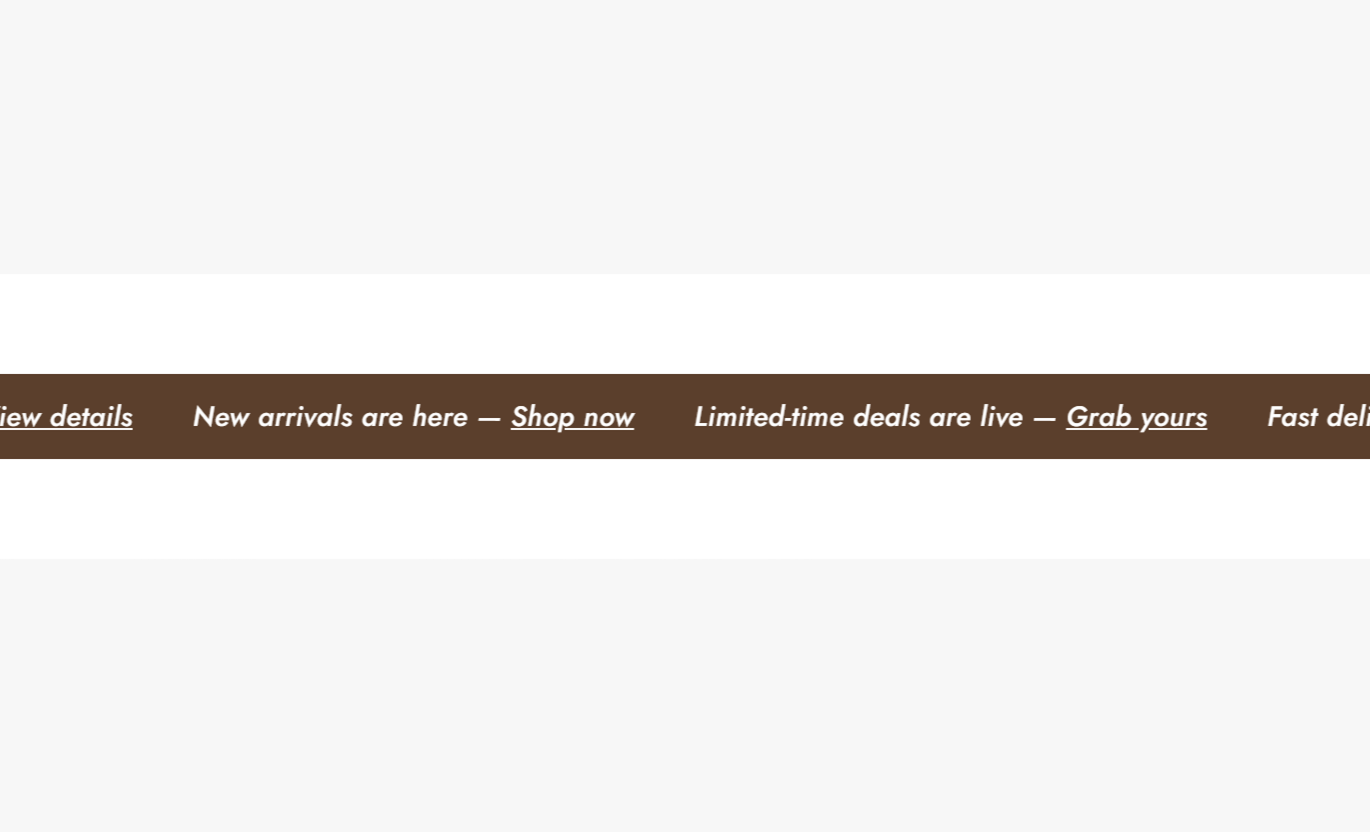
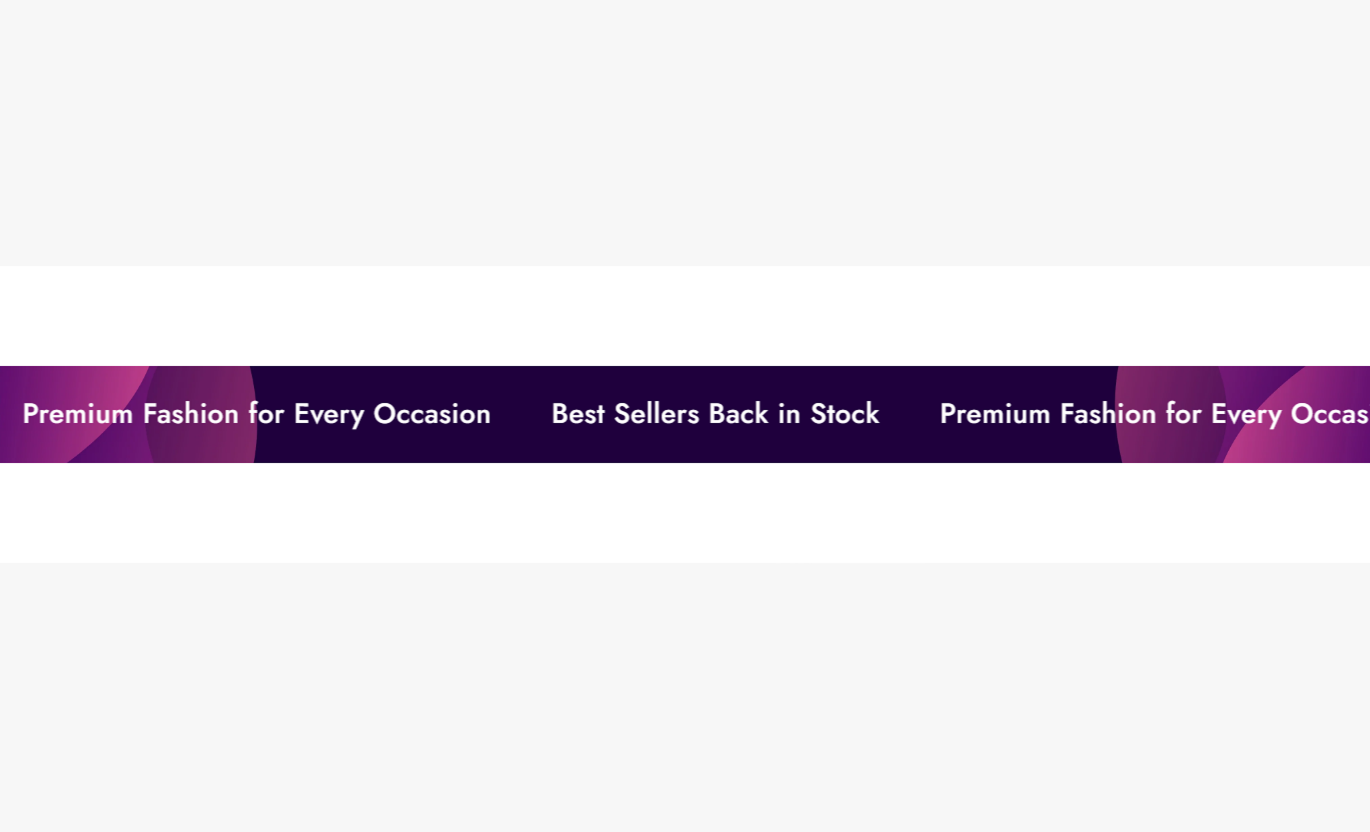
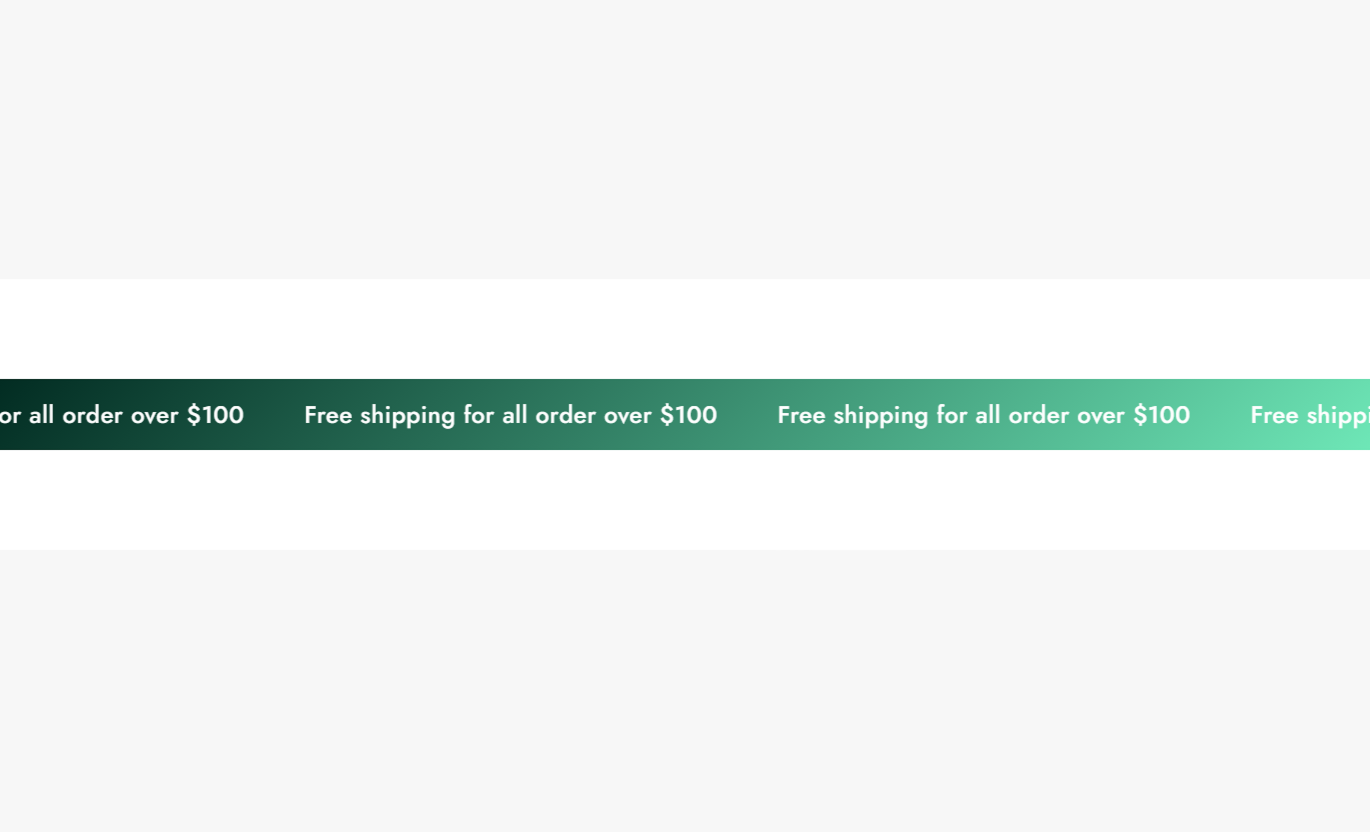
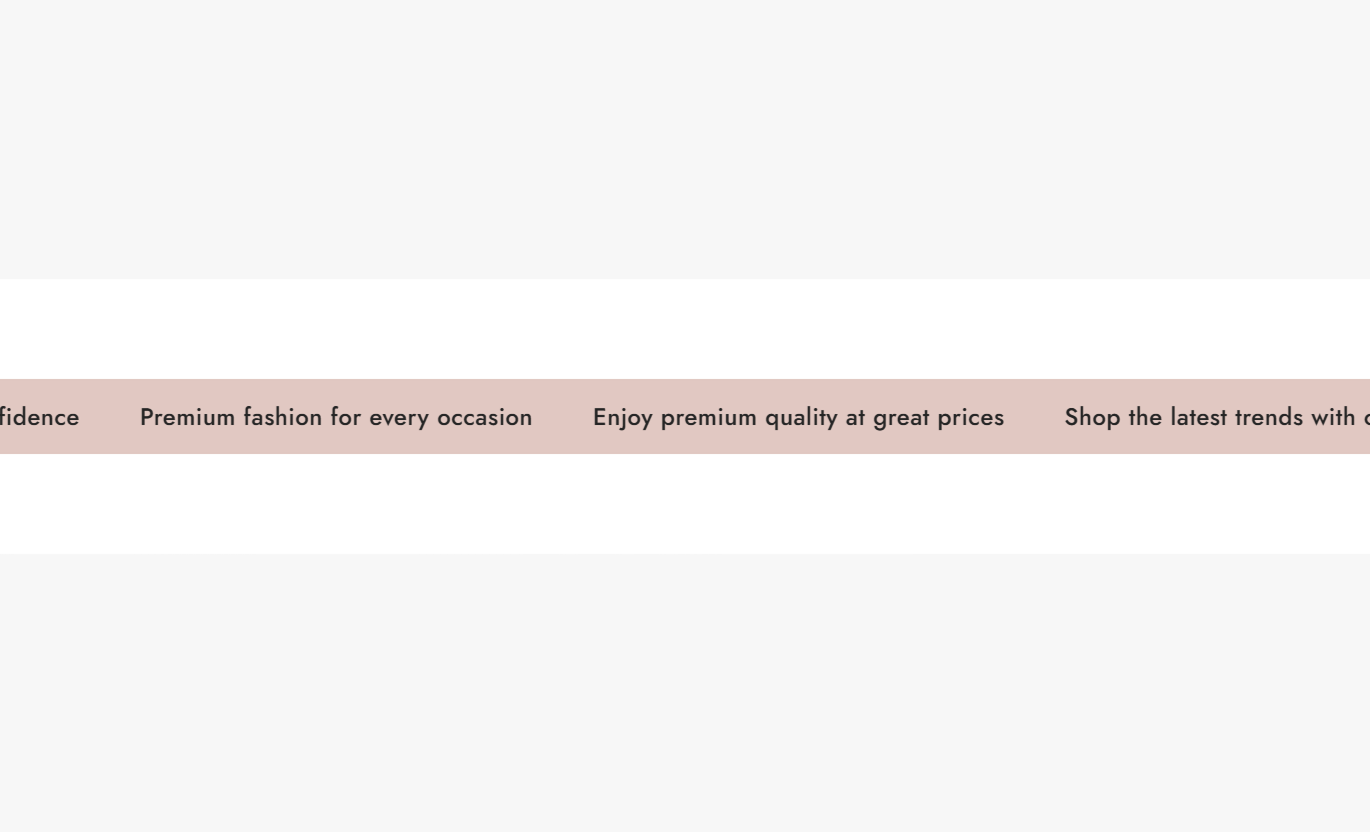


Show multiple store messages in one animated bar with flexible scrolling controls, custom styling, rich text, and separate desktop and mobile settings.

Add multiple announcement blocks so shoppers can see different offers, shipping messages, or store updates in one bar.

Announcements continuously move across the bar using a looping horizontal animation that keeps the messages visible.

Choose from eight animation speeds ranging from the fastest setting to a very slow crawl.

Choose whether the announcement content scrolls toward the left or toward the right across the screen.

Allow shoppers to pause the scrolling animation by hovering over the announcement bar.

Control the horizontal space between individual announcements to create a tighter or more open scrolling layout.

Apply bold formatting to announcement text to create the built-in outlined text treatment for emphasized words.

Set separate desktop and mobile font sizes so scrolling messages can fit different screen widths more comfortably.
Control the scrolling behavior, announcement spacing, typography, background, colors, and padding for desktop and mobile sections.

Applies to the whole section
Upload an image that is used as the announcement bar background.
Background ImageChoose the speed of the continuous scrolling animation from fastest to crawl.
Scroll SpeedChoose whether the announcements move toward the left or right.
Scroll DirectionPause the scrolling animation when the shopper hovers over the announcement bar.
Pause on HoverSet the horizontal space between repeated announcement messages.
Announcement SpacingChoose between a normal solid background and a gradient background.
Background TypeSet the solid background color when the normal background option is selected.
Background ColorSet a custom gradient when the gradient background option is selected.
Gradient BackgroundChoose the main color used for announcement text.
Text ColorChoose the color used for links inside announcement messages.
Link Color
Applies to each announcement block
Add the message for each individual announcement block using inline rich text.
Announcement TextUse bold formatting in the announcement text to apply the section's outlined text style.
Bold Text StyleUse the animated bar to keep multiple short messages visible across important store pages without taking up the space of a large promotional section.
Use the scrolling bar on the homepage to continuously show shipping messages, offers, promotions, or other short store updates.
Display several messages in one compact barKeep important offers continuously visibleAdd visual movement near the top of the pageControl animation speed for your storefrontPause the messages when shoppers hoverPlace the scrolling bar on collection pages to show store-wide promotions, shipping information, or other messages while customers browse products.
Reinforce store-wide promotionsShow several messages without extra sectionsKeep collection pages visually compactAdjust spacing between announcementsMaintain a consistent announcement styleUse the announcement bar to display several short messages while shoppers view products, such as shipping information, promotions, or store updates.
Communicate multiple store messagesReinforce promotional informationKeep the message area compactUse custom text and link colorsAdjust typography for mobile shoppersUse the animated announcement bar to support a focused landing page with rotating visibility across several short campaign or promotional messages.
Add continuous movement to the pagePresent multiple campaign messagesControl animation direction and speedMatch the bar with landing page colorsKeep promotional messaging compactAnnouncement Bar Marquee combines multiple messages into a continuous scroll, giving Shopify merchants control over animation, spacing, typography, colors, and responsive layout.
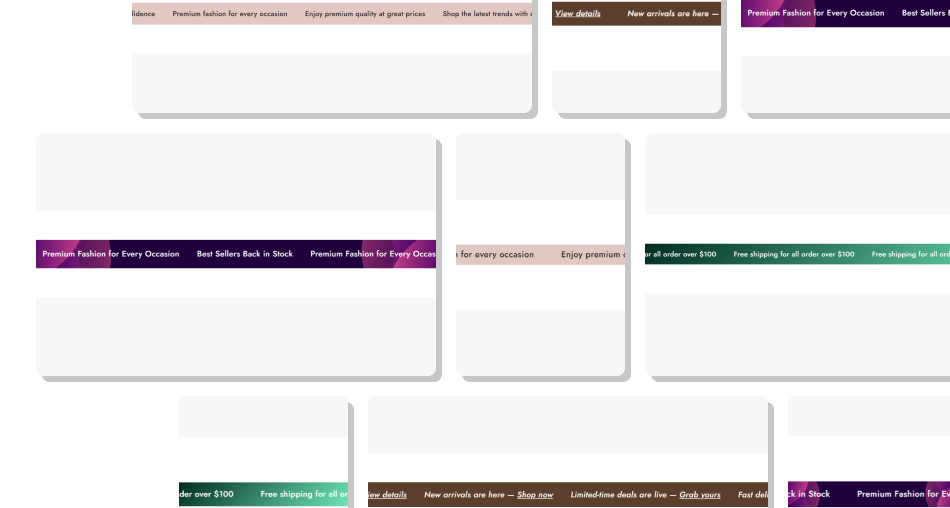
Show several short announcements in a single compact area instead of creating separate sections for each store message.
Display Multiple UpdatesCreate Continuous MovementControl Scrolling BehaviorPause During HoverMatch Your Store DesignImprove Mobile FlexibilityUse Bold Outline Styling Keep each announcement short for easy reading while scrolling.
Add useful messages to communicate different store updates clearly.
Choose a scrolling speed that gives shoppers enough time to read.
Use Pause on Hover for announcements that shoppers may need to read carefully.
Use strong contrast between the background and text for readability.
Keep each announcement short for easy reading while scrolling.
Add useful messages to communicate different store updates clearly.
Choose a scrolling speed that gives shoppers enough time to read.
Use Pause on Hover for announcements that shoppers may need to read carefully.
Use strong contrast between the background and text for readability.  Do not add long paragraphs that are difficult to read while scrolling.
Do not use extremely fast animation when messages need more reading time.
Do not add unrelated announcements just to fill the scrolling space.
Do not use excessive spacing that creates large gaps between messages.
Do not combine busy backgrounds with text colors that reduce readability.
Do not add long paragraphs that are difficult to read while scrolling.
Do not use extremely fast animation when messages need more reading time.
Do not add unrelated announcements just to fill the scrolling space.
Do not use excessive spacing that creates large gaps between messages.
Do not combine busy backgrounds with text colors that reduce readability. The section supports multiple Announcement blocks. The preset starts with three blocks, and the section recommends adding more than three announcements for the scrolling layout.
The section creates repeated copies of the announcement content and continuously moves them horizontally using a looping CSS animation.
Yes. You can choose from eight speed options, ranging from Fastest at 2 seconds to Crawl at 250 seconds.
Yes. The Animation Direction setting lets you choose Left or Right movement for the scrolling announcement content.
Yes. Enable Pause on Hover to stop the scrolling animation while the shopper's pointer is hovering over the announcement bar.
Yes. Text formatted as bold receives the section's built-in outlined text treatment through the announcement styling.
Yes. Desktop and mobile font sizes can be controlled separately, allowing the announcement text to adapt to smaller screens.
The announcement text uses inline rich text, and the section includes a separate Link Color setting for links contained within the announcement content.
For Support or any Questions Email Us: [email protected]
Install SectionHub and add the Announcement Bar Marquee section to your theme in minutes - no coding required.
