Highlight Important Messages at the Top
Place the announcement bar near the top of your homepage to quickly share offers, shipping details, new arrivals, or important store updates.

Share important store updates with a simple announcement slider. Highlight free shipping, new arrivals, promotions, or other messages that shoppers should notice.
 Auto-Rotating Messages
Custom Icons
Shopify Theme Ready
Auto-Rotating Messages
Custom Icons
Shopify Theme Ready 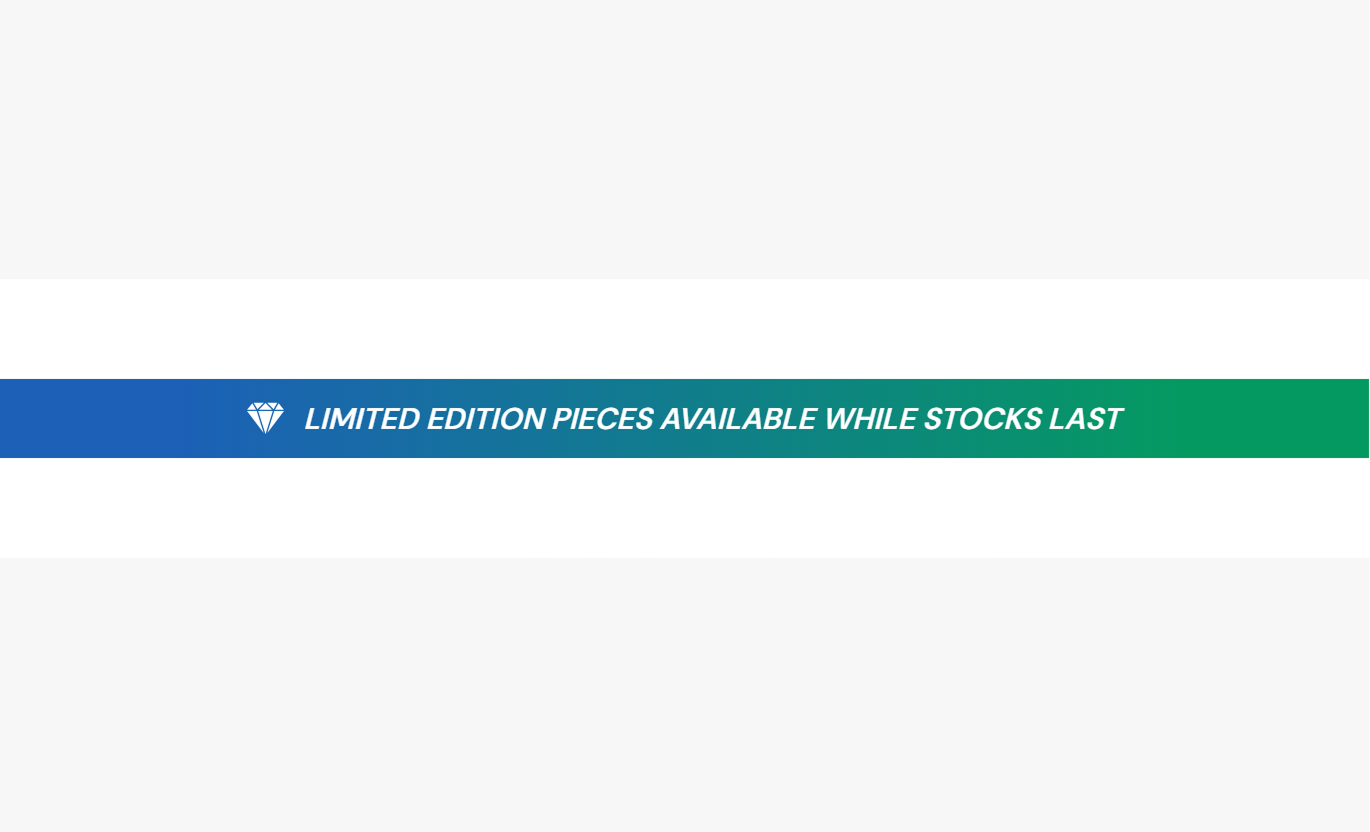


Create a flexible announcement bar with rotating messages, custom icons, autoplay, navigation controls, colors, and responsive spacing.

Display multiple store messages in a single compact announcement bar.

Automatically switch between announcements at your chosen time interval.

Add an image or a custom SVG icon next to each announcement message.

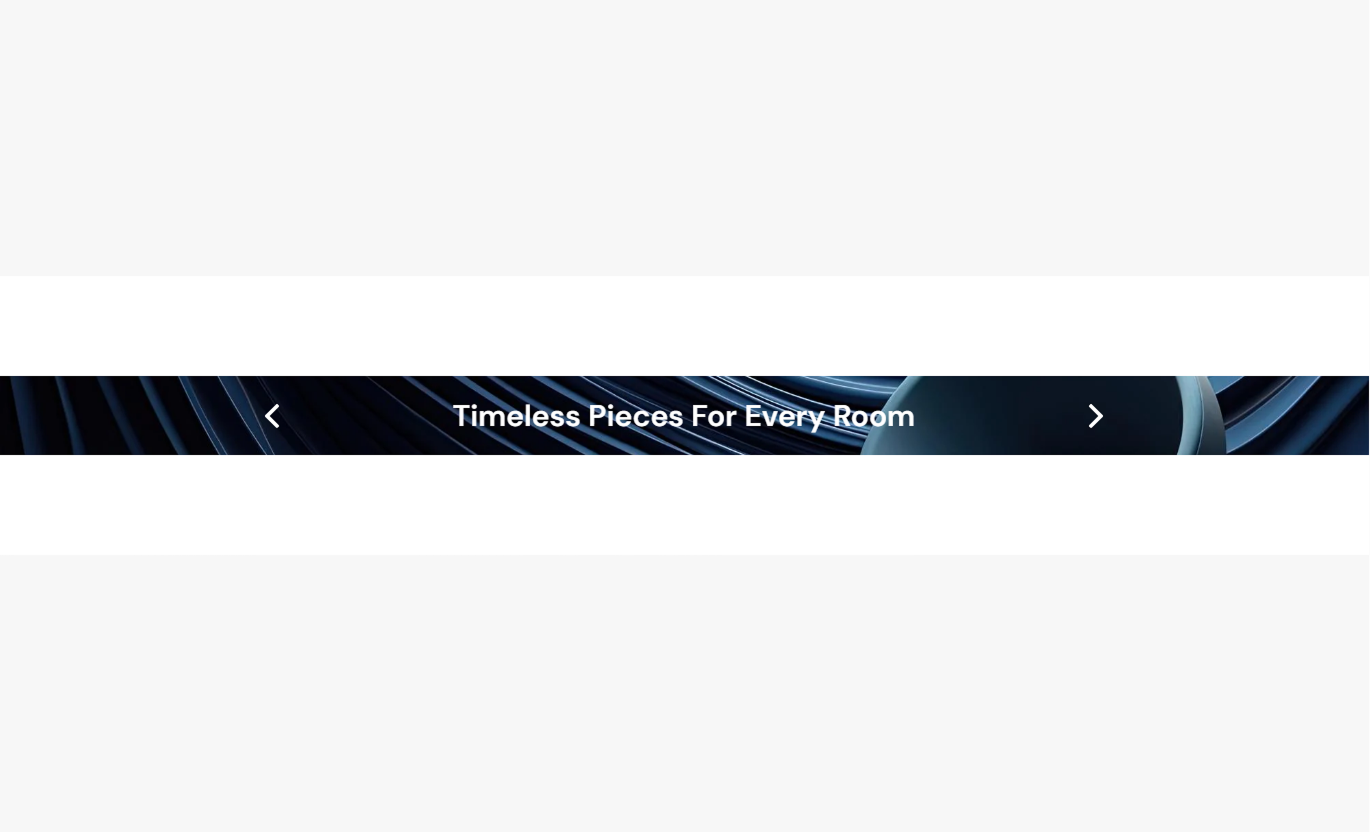
Show the previous and next arrows so shoppers can navigate messages manually.

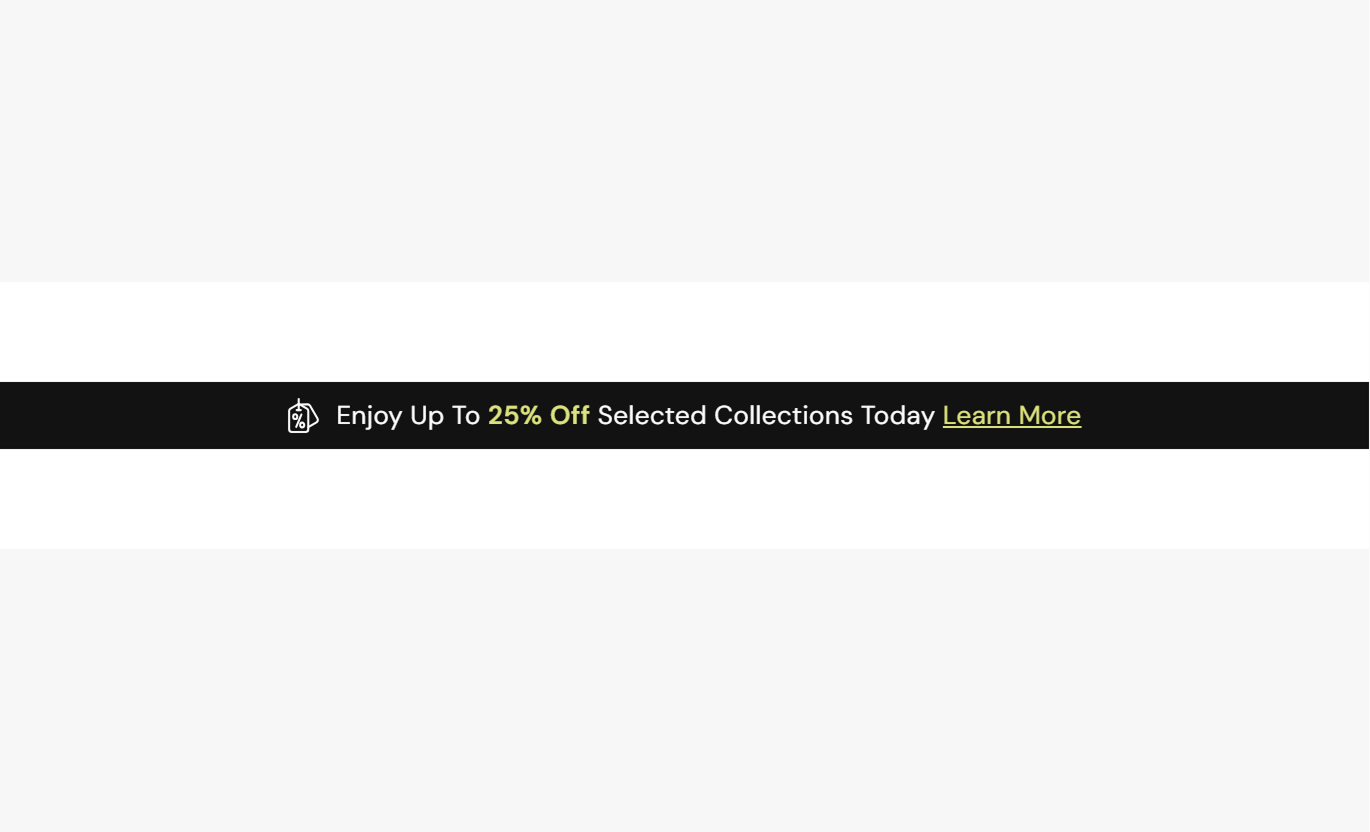
Add formatted announcement text with links and highlighted content when needed.

Choose how often the announcement changes, from 1 to 6 seconds.

Use a solid color, gradient, or background image for the announcement bar.

The announcement bar adapts its spacing, text, icons, and navigation for mobile screens.
Customize announcements, icons, slider behavior, colors, spacing, and section width from the Shopify theme editor.

Applies to the whole section
Add a background image to the announcement bar.
Background ImageChoose the text font weight.
Text Font WeightSet the announcement icon size.
Icon SizeShow or hide slider navigation arrows.
Show ArrowsAutomatically rotate announcement messages.
Enable AutoplayChoose how often slides change.
Slide Change TimeSet the announcement text size.
Text SizeChoose the background color.
Background ColorEnable a gradient background for the bar.
Gradient BackgroundCustomize the announcement and link colors.
Text & Link ColorsCustomize the slider arrow color and size.
Arrow SettingsAdjust desktop and mobile section padding.
Section PaddingChoose full width or a maximum section width.
Section Width
Applies to each announcement
Choose between an image or SVG icon.
Icon TypeUpload an icon image for the message.
IconAdd custom SVG code for the icon.
SVG IconAdd the announcement message content.
Announcement ContentUse the Announcement Bar to keep important offers, updates, shipping messages, and store information visible across key shopping pages.
Place the announcement bar near the top of your homepage to quickly share offers, shipping details, new arrivals, or important store updates.
Highlight your most important store messagePromote offers without using extra page spaceShare shipping information quicklyAnnounce new products or store updatesCapture attention before shoppers browseUse rotating announcements around collection content to share relevant promotions, shipping information, or shopping messages while visitors browse products.
Promote collection-related offersShare useful shopping informationKeep promotions visible while browsingSupport collection discoveryReduce the need for repeated page copyAdd announcements around product content to remind shoppers about shipping, promotions, store benefits, or other information that can support their purchase decision.
Highlight shipping informationReinforce active promotionsShare important store updatesKeep key benefits easy to noticeSupport purchase decisionsUse the announcement bar on focused landing pages to display campaign offers, limited-time messages, launches, or other information visitors should see quickly.
Highlight campaign messagesPromote limited-time offersSupport product launchesKeep key information visibleAdd useful messaging without clutterGive shoppers quick access to important store information with a compact announcement bar that keeps messages visible without taking over your page.
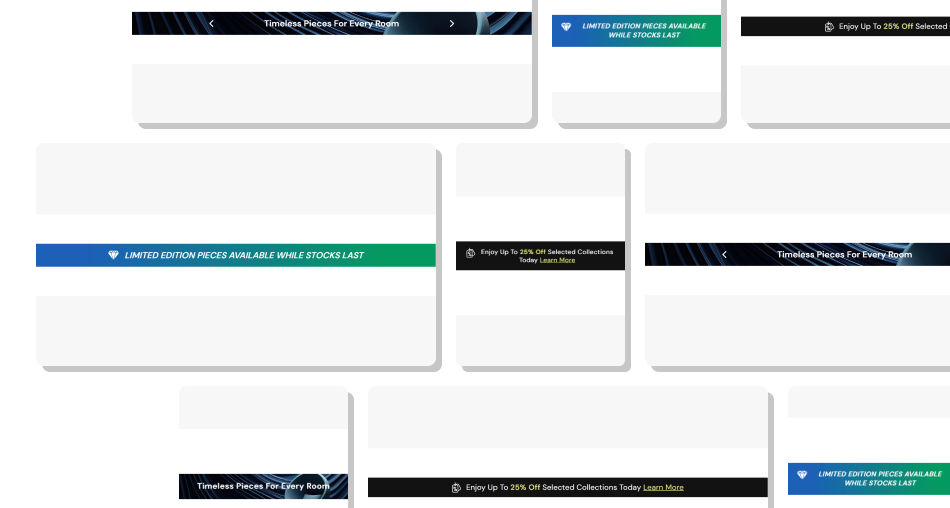
Use short announcements to communicate offers, updates, shipping details, and other information shoppers may need while browsing.
Keep important information easy to noticeShare multiple messages in one compact barRotate announcements automaticallyAdd icons to support each messageMatch the bar with your store brandingAdjust the layout for mobile screens Keep each announcement short and clear.
Highlight one important message at a time.
Use relevant icons for visual support.
Choose a comfortable slide speed.
Keep important offers easy to notice.
Keep each announcement short and clear.
Highlight one important message at a time.
Use relevant icons for visual support.
Choose a comfortable slide speed.
Keep important offers easy to notice.  Don't add long blocks of announcement text.
Don't rotate messages too quickly.
Don't use unrelated icons.
Don't repeat the same message often.
Don't overload the bar with too many details.
Don't add long blocks of announcement text.
Don't rotate messages too quickly.
Don't use unrelated icons.
Don't repeat the same message often.
Don't overload the bar with too many details. Yes. You can add up to four announcement blocks, each with its own icon and message.
Yes. Enable autoplay and choose how often the slides change, from 1 to 6 seconds.
Yes. Each announcement can use an uploaded image or custom SVG code as its icon.
Yes. Enable Show Arrows to let shoppers manually move between your announcement messages.
Yes. The announcement content supports rich text, including links and highlighted text.
Yes. You can use a solid a background color, gradient background, or background image.
Yes. The section adjusts text size, icon size, spacing, and arrow visibility for mobile screens.
Yes. You can enable full-width or set a maximum width, along with separate desktop and mobile padding controls.
For Support or any Questions Email Us: [email protected]
Install SectionHub and add the Announcement Bar section to your theme in minutes - no coding required.
